
Articles
Social planning terminology guide: master group coordination
Learn the key social planning terms that make group coordination faster and easier. From group polls to RSVPs, this guide helps your squad plan smarter.

Social planning terminology guide: master group coordination

TL;DR:
- Modern social planning apps simplify coordination through key concepts like group polls and availability mapping.
- Understanding terminology such as RSVPs and push notifications leads to more efficient, drama-free group plans.
- Using dedicated tools reduces message overload and increases the likelihood of plans actually happening.
Coordinating plans with a group of friends can feel like herding cats. Someone suggests Saturday, three people can't make it, then the chat spirals into a 47-message thread with zero resolution. Over 60% of group planners report endless messaging without the right tools, and the result is often canceled plans or frustrated friends. The good news? A lot of that chaos disappears once you understand the terminology behind modern social planning apps and how to use them. This guide breaks down every key term you need, from group polls to push notifications, so your next hangout actually happens.
Table of Contents
- What is social planning? Essential concepts for group gatherings
- Core digital social planning terms explained
- How group scheduling apps work: Doodle, Partiful, and more
- Common challenges and pro tips: Polls, time zones, and decision stalls
- Why mastering terminology is the hidden shortcut to better plans
- Take your group planning further
- Frequently asked questions
Key Takeaways
| Point | Details |
|---|---|
| Understand key terms | Learning digital social planning language helps coordinate group activities with less hassle. |
| Use group polls | Voting tools like Doodle speed up consensus and work without accounts, perfect for casual groups. |
| Avoid planning pitfalls | Specify time zones, move quickly on stale polls, and know when organizers need to make a call. |
| App features matter | Choosing apps with chat, notification, and check-in options simplifies event management. |
| Master terminology for less stress | Knowing the right words and workflows makes planning events smoother and less stressful. |
What is social planning? Essential concepts for group gatherings
When most people hear "social planning," they picture community organizers or city policy meetings. But for young adults and students, social planning terminology has taken on a totally different meaning. It now refers to the everyday process of scheduling hangouts, coordinating availability, and making group decisions through apps and digital tools. Think dinner plans, study sessions, weekend road trips, or even a casual movie night.
The shift matters because the words we use shape the tools we reach for. If you know what a "group poll" is, you stop sending a dozen "when are you free?" texts and start using a tool that collects everyone's availability in one place. If you understand "event polling," you realize you can let your whole squad vote on a time without anyone needing to download an app or create an account.
Here are the foundational concepts behind casual social planning today:
- Group scheduling: The process of finding a shared time that works for multiple people, usually handled through a digital tool rather than back-and-forth messaging.
- Event polling: Letting group members vote on proposed times or options, with results visible to everyone.
- Availability mapping: Collecting each person's free windows and overlapping them to find the best fit.
- Consensus building: Moving a group toward a single agreed-upon plan without pressure or drama.
"The best social plans aren't the most elaborate ones. They're the ones that actually happen because the logistics were easy enough to get out of the way."
Understanding these ideas is especially useful when you're using group scheduling for social plans, because the apps are literally built around these workflows. Once you recognize the pattern, using any new planning tool becomes intuitive fast.
Modern social planning tools are designed around reducing friction. They assume your group is busy, scattered across different schedules, and not interested in a complicated setup process. The terminology reflects that: everything is built for speed, simplicity, and low commitment.
Core digital social planning terms explained
To make sense of social planning jargon, it's crucial to know the most-used terms and see them in action. Whether you're using Doodle, Partiful, or Grooop, you'll run into the same vocabulary again and again.
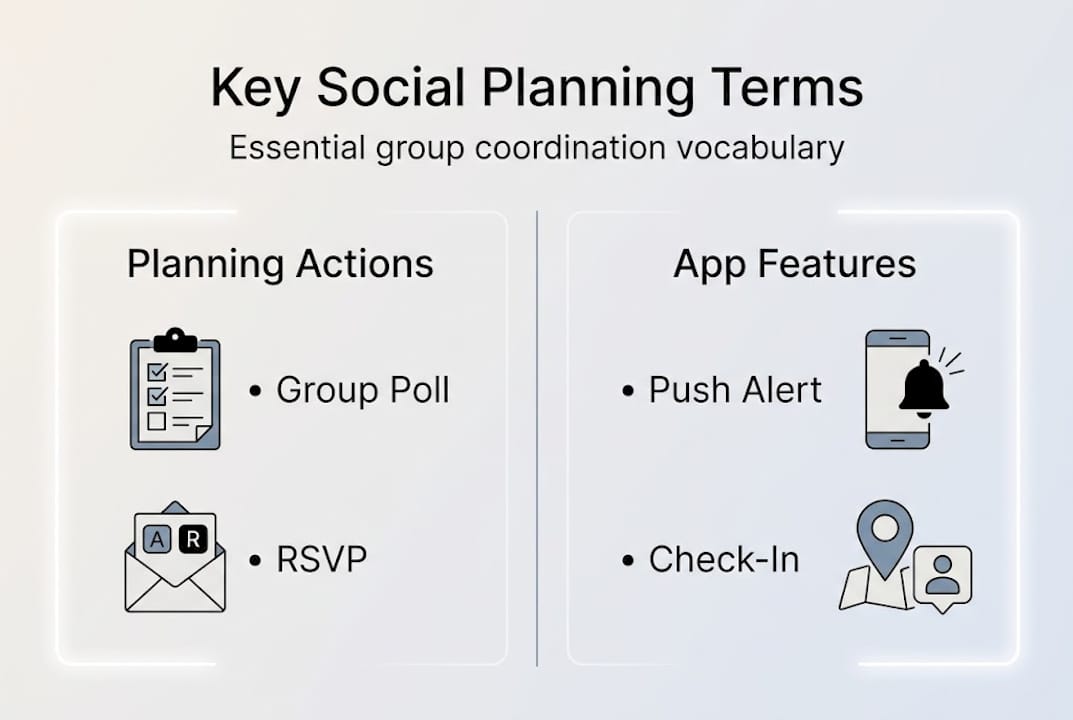
Key mechanics across group planning apps include Group Poll, RSVP, Check-In, and Push Notification. Here's what each one actually means:
| Term | What it means | Example use |
|---|---|---|
| Group Poll | A vote where participants choose from proposed time slots | "Which Saturday works: the 5th or the 12th?" |
| RSVP | Confirmation of attendance (yes, no, or maybe) | "Mark yourself as going to Friday's dinner" |
| Check-In | Real-time confirmation that someone has arrived | Scanning a QR code at the venue |
| Push Notification | An alert sent to your phone from the app | "3 people just voted on your poll!" |
| Agenda | A structured list of activities or times for an event | "Arrive at 6, eat at 7, movie at 9" |
Let's put this into a real scenario. You want to organize a dinner with six friends. You open a planning app, propose three time slots (Friday at 7, Saturday at 6, Sunday at 5), and share the link. Your friends vote without needing to create an account. The app surfaces the winning time automatically. You send one final push notification confirming the plan. Done. No group chat chaos, no repeated "I thought we said Saturday?" confusion.
- Event app: A mobile tool that centralizes event details, chat, check-in, and notifications in one place.
- No-account voting: A feature that lets participants respond to polls without signing up, lowering the barrier for everyone.
- Live consensus: When poll results update in real time as people vote, so the organizer can see trends immediately.
Pro Tip: When you set up a group poll, add a deadline for voting. Even a 24-hour window creates urgency and prevents the poll from going stale while people procrastinate.
If you want to go deeper on how these terms connect to real planning habits, the guide on how to master social scheduling is a great next read.
How group scheduling apps work: Doodle, Partiful, and more
With the basics clear, let's see these core terms in action within today's favorite group planning apps. Each tool takes a slightly different approach, but they all use the same underlying mechanics.

Doodle's group polls are especially strong for casual social coordination because participants can vote without creating an account. That one feature alone removes a huge obstacle. Nobody wants to sign up for yet another platform just to say they're free on Friday. Doodle also has over 30 million monthly users and offers unlimited group polls for free, which makes it genuinely accessible for any squad.
| App | Best for | Key feature | Account required to vote? |
|---|---|---|---|
| Doodle | Time slot polling | No-account voting | No |
| Partiful | Party invites and RSVPs | Event pages with chat | No |
| CoHost | Social event management | Event albums and polls | No |
| Grooop | Casual group hangouts | Lightweight scheduling | No |
Here's a quick breakdown of how these apps eliminate message overload:
- Propose options: The organizer sets up time slots or event details inside the app, not in a group chat.
- Share one link: Everyone gets a single link to click, no app download needed in most cases.
- Collect votes: Participants respond at their own pace, and results update live.
- Confirm the plan: The organizer picks the winning option and sends one notification to close the loop.
- Keep the details in one place: Chat, location, and updates all live inside the event, not scattered across texts.
The peer group scheduling benefits for students are especially real here. When you're juggling classes, part-time work, and social life, having a tool that shows everyone's availability at a glance saves serious time. And if you're curious about options beyond Doodle, there are solid Doodle alternatives worth exploring depending on your group's vibe.
Common challenges and pro tips: Polls, time zones, and decision stalls
Even with top apps, some classic mix-ups still happen. Here's how to handle the most common ones like a pro.
One of the biggest culprits is time zone confusion. Timezone mismatches in polls are surprisingly common, especially when your friend group spans different cities or campuses. The fix is simple: always specify the time zone in your poll title. "Saturday 7pm ET" is clear. "Saturday 7pm" is a recipe for someone showing up an hour late.
Stale votes are another common problem. You create a poll, half the group votes, and then it just... sits there. The other half never responds, and the organizer doesn't want to be annoying by following up. Here's the reality: a gentle reminder is not annoying. It's necessary.
- Set a voting deadline when you create the poll so people know when to respond by.
- Send the invite quickly after creating the poll. The longer you wait, the less urgency people feel.
- Keep your time slot options tight. Three to four options is ideal. Too many choices lead to decision paralysis.
- Use push notifications to nudge non-voters without having to send individual texts.
- Close the poll yourself once you have enough responses. Don't wait for 100% participation.
"A plan with seven people who voted is better than a perfect plan waiting on two more responses that never come."
Split votes are tricky too. When the group is evenly divided between two time slots, don't reopen the poll. Just pick the option that works for the most people and communicate it clearly. Organizer decisiveness is a feature, not a flaw.
Pro Tip: If you're stuck between two equally popular options, check who voted for each. Prioritize the slot that works for the people who are hardest to reschedule (like the friend with the packed calendar).
For a full walkthrough of how to run a smooth scheduling process from start to finish, the step-by-step group scheduling guide covers it well. And if you're looking for budget-friendly options, there are free scheduling tools that handle all of this without costing anything.
Why mastering terminology is the hidden shortcut to better plans
Here's a take you might not expect: learning the vocabulary of social planning is not just about sounding informed. It's about changing how you think about coordination entirely.
When you know what a group poll is, you stop defaulting to the group chat. When you understand push notifications, you stop manually following up with every person. When you recognize RSVP tracking as a feature, you stop guessing who's actually coming. The language shapes the behavior, and the behavior shapes the outcome.
Most people treat planning apps like fancy text threads. They open the app, type a message, and wait. But these tools are built around specific workflows that only work when you use them as intended. Learn the terms, follow the workflow, and the app does the heavy lifting.
The group planning trends among young adults show a clear shift toward structured, low-pressure coordination. The squads that hang out most often aren't the ones with the most free time. They're the ones who figured out how to make planning feel effortless. Terminology is the entry point to that.
Skip the learning curve, and you'll keep recreating the same 47-message group chat disaster. Embrace it, and your next hangout is three taps away.
Take your group planning further
Ready to upgrade your next hangout and apply these terms? Here's how Groop Labs can help.

Groop Labs builds tools specifically for friend groups, siblings, and small squads who want planning to feel easy and natural. The Grooop app takes everything covered in this guide and puts it into a lightweight mobile experience: propose a hangout, line up availability automatically, surface conflicts, and land on a plan without the drama. No endless polls, no chat overload. If you want to go even deeper on the strategies behind smooth group coordination, the master social scheduling guide is the perfect next step. Your group deserves plans that actually come together.
Frequently asked questions
What is a group poll in social planning?
A group poll lets everyone vote on possible times for an event, usually without needing an account. Organizers propose time slots and participants vote freely, with results showing majority availability for quick consensus.
How can you avoid time zone issues in event polls?
Always specify the time zone directly in your poll title or description. Timezone mismatches in polls are one of the most common causes of confusion, and a simple label like "7pm ET" prevents it entirely.
What's the difference between RSVP and Check-In?
RSVP tracks who plans to attend before the event; Check-In records who actually shows up, often through an app or QR code. Both are standard features in event planner tools and serve different stages of coordination.
Why use event planning apps instead of group chats?
Apps like Doodle save hours of indecision by showing everyone's preferred times in one view. Over 60% of group planners report endless messaging without dedicated tools, and the right app cuts that cycle short.
Do you need an account to participate in group polls?
Most group poll apps let you vote or RSVP without creating any account. Participants vote without accounts in tools like Doodle, making it easy for every member of your group to respond quickly.