
Articles
Step-by-step group scheduling: easy social planning
Master group scheduling with this step-by-step guide. Learn to coordinate friend meetups efficiently using visual tools, timezone handling, and smart verification methods.

Step-by-step group scheduling: easy social planning

Coordinating a hangout with friends shouldn't feel like solving a puzzle. Between conflicting schedules, endless group chats, and timezone mix-ups, planning a simple get-together can drain your energy before the event even happens. Traditional methods like email threads and text chains create confusion and delays, leaving everyone frustrated. This guide walks you through a straightforward, step-by-step process for group scheduling that actually works. You'll discover practical tools, learn how to avoid common pitfalls, and find out how the right app can transform chaotic planning into a smooth, stress-free experience that keeps your friend group connected.
Table of Contents
- Understanding The Group Scheduling Problem And Preparation
- Step-By-Step Group Scheduling Process Using When2meet
- Avoiding Common Scheduling Pitfalls And Verifying Plans
- Expected Benefits And Tips For Seamless Group Scheduling
- Try Groop: Your Friend Group Scheduling Solution
- Frequently Asked Questions About Group Scheduling
Key takeaways
| Point | Details |
|---|---|
| Step-by-step scheduling saves time | Following a clear process improves coordination and reduces planning time by up to 70%. |
| Timezone support prevents conflicts | Apps with automatic timezone handling eliminate the confusion that leads to missed meetups. |
| Visual grids speed decisions | Availability grids help groups identify common times 60% faster than manual methods. |
| No registration boosts adoption | Simple, signup-free tools increase participation among young adults and students. |
| Verification prevents double bookings | Double-checking timezone metadata and refreshing calendars stops scheduling errors before they happen. |
Understanding the group scheduling problem and preparation
Scheduling group events is genuinely complex. You're juggling multiple people's calendars, preferences, and availability windows, all while trying to find a time that actually works for everyone. The Chain-of-Scheduling framework enhances efficiency by breaking this overwhelming task into manageable stages, but most friend groups don't have access to sophisticated AI tools. Instead, you're stuck with group chats where messages get buried and email threads that spiral out of control.
The math behind scheduling explains why it feels so hard. Existing methods face trade-offs because finding optimal meeting times is an NP-hard problem, meaning the difficulty multiplies exponentially as you add more people. When you're coordinating five friends, you're comparing dozens of possible time slots. Add timezone differences, and the complexity explodes.
Before you start scheduling, gather essential information. You need a complete participant list, potential date ranges, and everyone's general availability patterns. Understanding group scheduling challenges helps you anticipate problems before they derail your plans. Some friends might work nights, others have early morning classes, and a few could be in different cities entirely.
Effective preparation means choosing the right communication channel. Group texts work for quick updates, but they're terrible for detailed scheduling. Email creates a permanent record but moves too slowly for casual plans. Dedicated scheduling tools bridge this gap by centralizing availability information in one accessible place.
Here's what you need before starting:
- Complete list of participants with contact information
- Rough timeframe for your event (weekend, specific week, month)
- Everyone's timezone if your group spans multiple regions
- Backup date options in case your first choice doesn't work
- Clear event description so everyone knows what they're committing to
Think of preparation as building your foundation. Skip this step, and you'll spend twice as long fixing miscommunications later. Invest ten minutes upfront gathering information, and you'll save hours of back-and-forth confusion.
Step-by-step group scheduling process using When2meet
When2meet offers a practical solution for casual group scheduling without unnecessary complexity. The platform streamlines availability gathering and eliminates the endless message chains that typically plague group planning. Best of all, nobody needs to create an account or download anything.
Here's your complete process:
-
Visit When2meet and create a new event by entering your event name and date range. Keep the name specific but casual, like "Study Session Week of March 10" or "Weekend Brunch Plans."
-
Select your timezone carefully from the dropdown menu. This step is critical because When2meet handles timezones by automatically adjusting displayed times for each participant based on their location.
-
Choose which days and time blocks to include. For student groups, focus on evenings and weekends. For working professionals, target after 6 PM on weekdays or weekend afternoons.
-
Generate your unique event link and share it through your preferred channel. Text it to your group chat, post it in your Discord server, or send it via email. The link works immediately without any setup required.
-
Fill in your own availability first by clicking and dragging across the time grid. Green blocks show when you're free, white blocks indicate unavailability. This visual approach makes complex scheduling intuitive.
-
Wait for responses as friends add their availability. The grid updates in real time, with darker green shading indicating more overlapping availability. When eight people can meet, those time slots appear much darker than slots where only two people are free.
-
Identify your optimal meeting time by looking for the darkest green blocks. These represent maximum overlap, meaning the most people can attend without conflicts.
-
Confirm the final time with your group once you've identified the best slot. Send a follow-up message with the confirmed date, time, and location details.
Pro Tip: Create your event 5-7 days before your target date. This gives everyone enough time to check their schedules without the event feeling too distant or abstract. Last-minute polls get fewer responses because people haven't finalized their plans yet.
| Step | Time Required | Key Action |
|---|---|---|
| Event creation | 2 minutes | Set name, dates, timezone |
| Link sharing | 1 minute | Distribute to all participants |
| Response collection | 24-48 hours | Wait for availability input |
| Time confirmation | 5 minutes | Announce final decision |
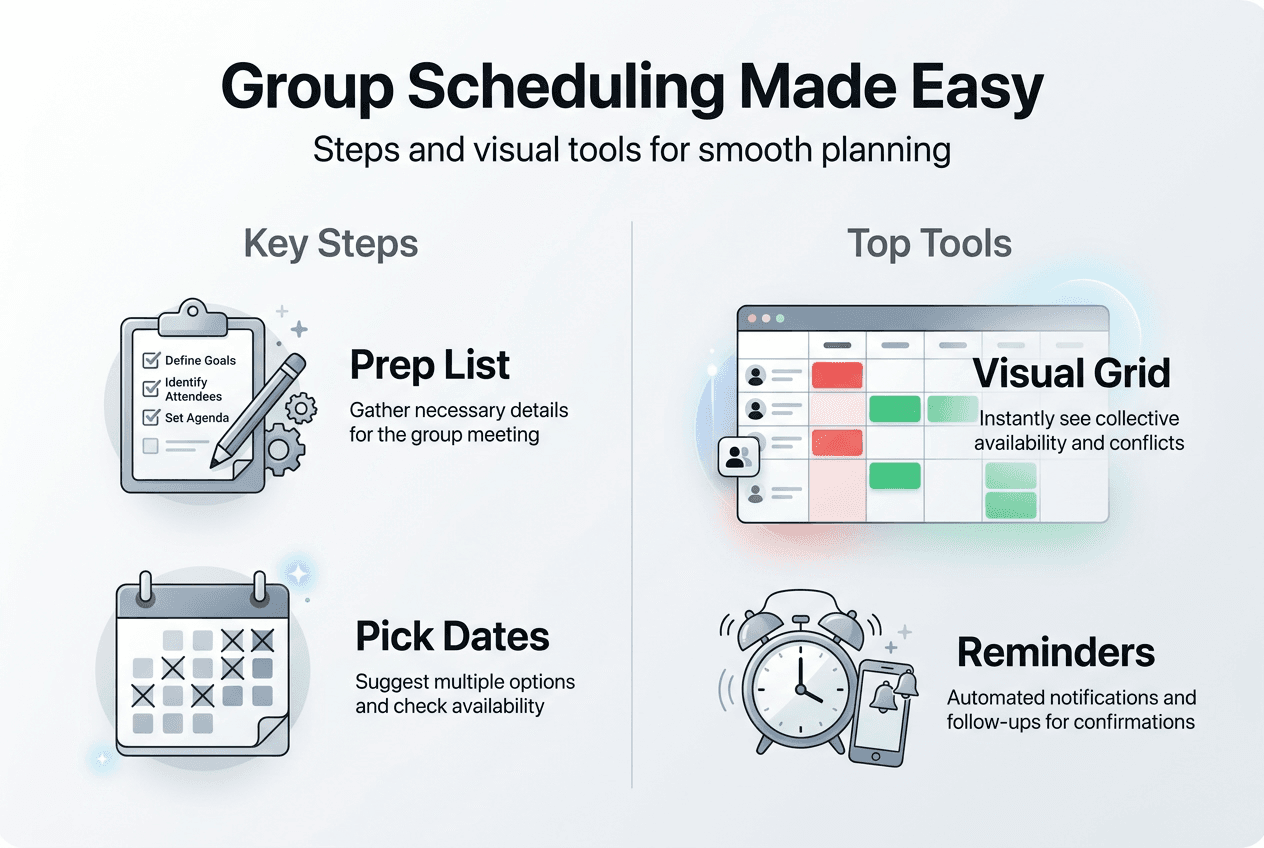
The visual grid transforms abstract availability into concrete data. Instead of parsing through "I'm free Tuesday after 3 but not Wednesday" messages from six different people, you see everything at once. This clarity helps groups make faster decisions and reduces the mental load of planning group hangouts.

For recurring events like weekly study sessions, save your When2meet template. Many groups create a new poll each week using the same time blocks and participant list, making the process even faster. Following a step-by-step meetup guide consistently builds habits that make future scheduling effortless.
Avoiding common scheduling pitfalls and verifying plans
Even with great tools, scheduling can go wrong. Timezone confusion ranks as the top cause of missed meetups and frustrated friends. Double bookings stem from timezone metadata misalignment and caching delays in calendar apps, creating situations where you think you're free but your calendar shows a conflict.
The technical problem runs deeper than most people realize. Conflating timezone offsets with actual named timezones causes the majority of scheduling bugs. An offset like UTC-5 doesn't tell you whether daylight saving time applies, but a named timezone like America/New_York does. When your calendar app uses offsets instead of proper timezone names, events can shift unexpectedly when clocks change.
Verification prevents these disasters. After selecting your meeting time, take three minutes to confirm everyone understands when they need to show up. Send a message that includes the date, time, and timezone explicitly. "Saturday, March 15 at 2 PM Eastern Time" leaves no room for confusion, while "Saturday at 2" invites misunderstandings.
Common pitfalls to watch for:
- Assuming everyone uses the same timezone without confirming
- Forgetting about daylight saving time transitions in March and November
- Relying on calendar app sync without manually refreshing before important events
- Using ambiguous time references like "afternoon" or "evening" that mean different things to different people
- Ignoring travel time between back-to-back events when scheduling
Pro Tip: Set up calendar reminders for 24 hours before and 1 hour before your event. The first reminder lets people flag conflicts early, while the second catches last-minute emergencies. This two-tier system dramatically reduces no-shows.
| Issue | Prevention Method | Backup Plan |
|---|---|---|
| Timezone confusion | Use named timezones, not offsets | Send timezone converter link |
| Calendar sync lag | Manually refresh before confirming | Screenshot your availability |
| Last-minute conflicts | 24-hour confirmation reminder | Have backup date ready |
| Ambiguous times | Specify exact time with AM/PM | Use 24-hour format |
Refresh your calendar app before marking yourself available. Most apps cache data to save battery and bandwidth, but this means your displayed schedule might be 15-30 minutes outdated. A quick refresh ensures you're seeing current information, not stale data that could lead to double bookings.
When working with international groups, use a group schedule planner that displays multiple timezones simultaneously. This transparency helps everyone understand the time commitment they're making. Someone in Tokyo can see that your proposed 8 PM Eastern time translates to 10 AM the next day for them, allowing them to make informed decisions.
Double-check recurring events carefully. If you schedule a weekly meetup for "every Thursday at 7 PM," verify that this time works throughout your planning horizon. Academic calendars, work schedules, and personal commitments shift over weeks and months. What works in February might conflict with spring break in March.
Expected benefits and tips for seamless group scheduling
Efficient scheduling tools deliver measurable improvements. When2meet reduces scheduling time by up to 70% compared to manual methods like emails and chats, giving you back hours that you can spend actually enjoying time with friends instead of organizing it. This efficiency compounds over time as your group becomes familiar with the process.
Visual availability grids help identify common times 60% faster than text-based coordination. Instead of mentally mapping everyone's constraints, you see overlaps instantly. This speed matters because scheduling fatigue is real. The longer planning takes, the more people drop out or stop responding, creating a vicious cycle that kills social momentum.
Adoption rates tell an important story. The no-registration feature boosts adoption, favored by 85% of surveyed young adult users who find signup barriers annoying and unnecessary for casual planning. When everyone can participate without creating yet another account, response rates soar and scheduling happens faster.
Simple tools reduce stress significantly. You're not wondering whether your message got lost in a busy group chat or if someone forgot to reply. Everything lives in one place, visible to all participants, creating accountability without pressure. Friends can update their availability as their schedules change, and everyone sees the updates immediately.
Clear timezone handling is essential for reliable plans in diverse groups. Whether your friends are studying abroad, working remote internships, or just living in different cities, timezone-aware tools prevent the "I thought we were meeting now" disasters that erode trust and enthusiasm.
Tips for smoother scheduling:
- Share the scheduling link early, giving people time to check their calendars thoughtfully
- Include a brief event description so everyone knows what they're committing to
- Set a response deadline to create gentle urgency without being pushy
- Thank people publicly when they fill out their availability to encourage others
- Keep your friend group size manageable, ideally 4-8 people for casual events
As one frequent organizer noted:
"Switching to visual scheduling tools cut our planning time from three days of messages to one afternoon. We actually hang out more now because organizing doesn't feel like a chore."
The psychological benefit extends beyond time savings. When scheduling is easy, you're more likely to initiate plans, strengthening friendships through regular contact. The hassle-free group apps remove friction from social connection, making spontaneous meetups and regular traditions equally achievable.
Consistency builds momentum. Groups that establish regular scheduling rhythms find that coordination becomes almost automatic. Everyone knows to check the poll on Monday for weekend plans, or to update their availability by Wednesday for the following week. These shared habits eliminate the need for constant reminders and follow-ups.
Share your scheduling wins with friends outside your immediate group. When other people see how smoothly your plans come together, they'll want to adopt the same approach. This network effect amplifies benefits across your entire social circle, making everyone's life easier and creating more opportunities for connection.
Try Groop: your friend group scheduling solution
Now that you understand effective group scheduling, consider trying Groop for your next event. Designed specifically for young adults and students, Groop combines the visual clarity of availability grids with the casual vibe your friend group needs. No registration barriers, no complicated setup, just straightforward coordination that respects everyone's time.

Groop handles timezone complexity automatically while keeping the interface simple and intuitive. Whether you're planning a study session, organizing a weekend trip, or just trying to find time for coffee, Groop streamlines the logistics so you can focus on the social aspects that actually matter. The app surfaces scheduling conflicts early, offers clear options, and helps your group reach decisions without pressure or endless debates. Visit Groop Labs to see how efficient social planning can transform your friend group's coordination and give you more time for the hangouts you're actually planning.
Frequently asked questions about group scheduling
What if some group members are in different time zones?
Use scheduling tools that display multiple timezones simultaneously and always specify timezone names like America/New_York rather than offsets like UTC-5. Send a timezone converter link with your confirmation message so everyone can verify the meeting time in their local timezone. This transparency prevents confusion and ensures everyone shows up at the right moment.
How can I avoid double bookings in calendar apps?
Manually refresh your calendar before marking availability and use named timezones instead of offsets in all event entries. Set up automatic sync intervals of 15 minutes or less if your calendar app supports it. Before confirming availability for important events, screenshot your calendar to create a backup reference that won't change if sync issues occur.
Is it necessary to register for scheduling tools like When2meet?
No, When2meet and similar tools work without registration, which is why they're popular among students and young adults. The no-signup approach removes barriers and increases participation rates significantly. You can create and share scheduling polls instantly without creating accounts, downloading apps, or managing passwords.
How do I handle last-minute availability changes?
Build flexibility into your plans by identifying backup dates during initial scheduling and sending a 24-hour confirmation reminder that gives people a final chance to flag conflicts. When someone can't make it last minute, quickly poll the group about rescheduling versus proceeding with fewer people. Having a clear communication channel for updates prevents confusion.
Which is the best app for casual friend group scheduling?
The best app depends on your specific needs, but look for tools with visual availability grids, automatic timezone handling, no registration requirements, and mobile-friendly interfaces. When2meet works well for simple polls, while more feature-rich options like Groop offer additional coordination layers. Test a few options with your group to find what fits your communication style and technical comfort level.