
Articles
Step-by-Step Friend Group Meetup Guide for Easy Planning
Follow this friend group meetup guide for simple, step-by-step planning. Effortlessly schedule, confirm, and enjoy hangouts with streamlined coordination.

Step-by-Step Friend Group Meetup Guide for Easy Planning

Trying to get your friends together for a simple hangout in New York or London can feel tougher than finishing finals. Busy schedules and endless group chats often lead to missed connections. If you want to create a space where friends actually show up and everyone feels included, mastering efficient friend group coordination is your next essential skill. This guide breaks down simple steps for setting up your group, picking the perfect time, and making every meetup truly happen.
Table of Contents
- Step 1: Set Up Your Groop and Add Friends
- Step 2: Start a New Meetup Plan with Key Details
- Step 3: Share Availability and Confirm Best Time
- Step 4: Resolve Conflicts and Finalize the Meetup
- Step 5: Check Details and Celebrate Together
Quick Summary
| Key Insight | Explanation |
|---|---|
| 1. Create an Engaging Group Setup | Begin by establishing an inviting group on Groop to foster connections and trust among friends. |
| 2. Plan with Clear Intentions | Outline the purpose, date, and details of the meetup to ensure all members are informed and excited. |
| 3. Utilize Availability Features | Use Groop's built-in tools to efficiently find overlapping schedules, simplifying the planning process for everyone. |
| 4. Address Conflicts Openly | Be flexible and diplomatic in resolving scheduling conflicts to maintain harmony and group participation. |
| 5. Finalize Details for Excitement | Confirm logistics and encourage group enthusiasm to create a shared anticipation before the meetup. |
Step 1: Set Up Your Groop and Add Friends
Setting up your friend group on Groop is about creating a digital space where coordinating hangouts becomes effortless. This step will walk you through creating your initial group and connecting with friends quickly and smoothly.
Start by downloading the Groop app and creating your personal profile. You'll want to add a clear profile picture that represents you - something fun but recognizable. Profile verification helps your friends feel confident they're connecting with the right person. When adding friends, you have multiple convenient options:
- Search friends by phone number
- Connect through social media contacts
- Use unique friend invite links
- Scan personalized QR codes
The key is making connections simple. Creating your initial community involves building trust and making everyone feel welcome. Consider sending a quick welcome message to friends you invite, explaining why you're using Groop and what kind of hangouts you're hoping to organize.
Pro tip: The easier you make joining, the more likely friends will actually participate.
Once you've added your core group, start exploring Groop's coordination features. Test out availability matching, create your first potential hangout, and see how smoothly the app helps you align schedules.
Pro tip: Invite friends who are most likely to be responsive and enthusiastic about using a new planning tool to get initial momentum.
Step 2: Start a New Meetup Plan with Key Details
Creating a successful group meetup requires thoughtful planning and clear communication. This step will help you design an engaging plan that excites your friends and maximizes participation.
Organizing a group meetup starts with defining your gathering's purpose and selecting the right format. Consider these critical details when launching your plan:
- Choose a specific theme or activity
- Select a convenient date and time
- Determine the meetup location (in-person or virtual)
- Estimate expected group size
- Outline any associated costs
Activity selection is crucial. Pick something that resonates with your friend group's interests and matches everyone's energy level. Whether it's a casual coffee hangout, a weekend hiking trip, or a game night, ensure the activity feels accessible and appealing to most participants.
The best meetups balance structure with spontaneity, giving everyone room to connect naturally.
When drafting your plan, be transparent about expectations. Specify details like dress code, budget, transportation options, and any necessary equipment or preparations. Advance communication prevents last-minute confusion and increases commitment.
Pro tip: Create a flexible plan with multiple participation options to accommodate different schedules and comfort levels.
Step 3: Share Availability and Confirm Best Time
Nailing down a time that works for everyone can feel like solving a complex puzzle. This step will help you streamline the scheduling process and find the perfect meeting window with minimal back-and-forth.
Real-time group scheduling transforms the traditional coordination nightmare into a smooth, collaborative experience. Start by using Groop's built-in availability matching features to simplify the process:
- Request everyone's potential time slots
- Highlight overlapping availability windows
- Allow group members to vote on preferred times
- Set a reasonable response deadline
- Automatically identify the most convenient time
Collective decision making is key to successful scheduling. Approach availability sharing as a team effort, encouraging everyone to be flexible and transparent about their schedules. Consider time zones, work commitments, and personal preferences when finding the optimal meeting time.
The most successful group plans emerge from mutual understanding and compromise.
Utilize digital tools that make sharing availability intuitive. Look for features that allow participants to quickly indicate their open time slots without lengthy explanations or complicated spreadsheets.

Pro tip: Always include a backup option or alternative date to increase the likelihood of group participation.
Step 4: Resolve Conflicts and Finalize the Meetup
Planning a group hangout inevitably involves navigating different preferences and schedules. This step focuses on smoothly resolving potential scheduling conflicts and getting everyone on board with the final plan.
Easy group coordination requires a diplomatic approach that balances individual needs with group harmony. When conflicts arise, consider these strategic resolution strategies:
- Prioritize group members with the most limited availability
- Offer multiple time slot options
- Use anonymous voting to reduce social pressure
- Be transparent about scheduling challenges
- Remain flexible and open to compromise
Conflict management is about finding middle ground. If someone cannot make the primary time slot, explore alternative solutions like shorter meetup durations, hybrid attendance options, or splitting the group into smaller gatherings.
Successful group planning transforms potential obstacles into opportunities for creative problem solving.
Encourage open communication throughout the scheduling process. Use digital tools that allow real-time feedback and make adjusting plans feel low-stakes and collaborative. The goal is creating an inclusive experience where everyone feels heard and valued.
Pro tip: Set a firm but reasonable deadline for final confirmations to prevent endless deliberation and maintain group momentum.
Step 5: Check Details and Celebrate Together
The final stage of group planning is about confirming all the exciting details and building anticipation for your upcoming meetup. This is where your collaborative efforts transform from digital planning into a real-world experience everyone can look forward to.
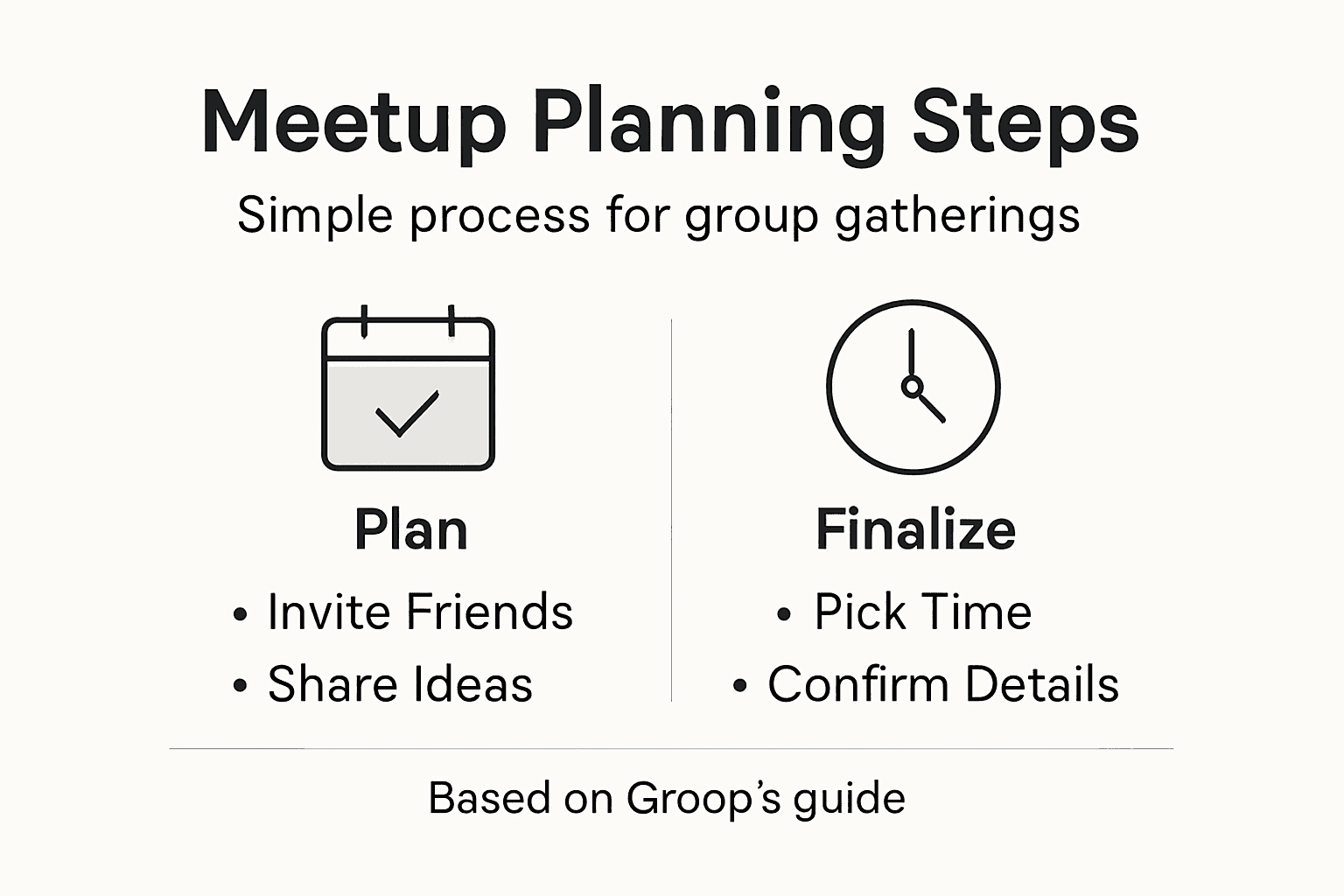
Here's a quick summary of the main steps and their purpose:
| Step Number | Focus Area | Main Goal | Added Benefit |
|---|---|---|---|
| Step 1 | Group Setup | Connect friends easily | Builds initial trust |
| Step 2 | Planning | Organize engaging meetup | Boosts participation |
| Step 3 | Scheduling | Find the best time for all | Reduces time conflicts |
| Step 4 | Conflict Resolution | Address schedule issues | Increases inclusivity |
| Step 5 | Meetup Prep | Confirm logistics and details | Enhances group excitement |
Meetup confirmation requires careful attention to last-minute logistics and creating a sense of shared excitement. Review these critical elements before your gathering:
- Confirm exact meeting location
- Double-check arrival times
- Verify transportation details
- Ensure everyone knows what to bring
- Share emergency contact information
Encourage group members to share their anticipation and expectations. This builds collective energy and helps everyone feel invested in the upcoming experience. Creating a shared group chat or thread where people can express their excitement can boost overall engagement.
Small moments of connection before the meetup can make the actual event feel even more meaningful.
Technology makes final coordination easier than ever. Use group messaging features to send quick reminders, share fun preparatory details, and maintain the momentum you've built through planning.
Compare these digital coordination features to maximize your group planning:
| Feature Name | How It Works | Group Benefit | Example Use |
|---|---|---|---|
| Availability Matching | Users share free times | Finds optimal meeting slot | Scheduling game night |
| Anonymous Voting | Members vote on times privately | Reduces social pressure | Deciding on activity |
| Real-Time Messaging | Live group chat | Enables instant updates | Sharing last-minute changes |
| Poll Creation | Quick opinion surveys | Increases engagement | Picking location |
Pro tip: Create a quick group poll or shared playlist to generate extra excitement and make everyone feel involved in the final preparations.
Simplify Your Friend Group Meetups with Groop Today
Planning a group meetup often feels complicated with conflicting schedules, unclear details, and endless back-and-forth messages. This guide highlights the common challenges of coordinating availability, resolving conflicts, and keeping everyone excited about the plan. You deserve a solution that keeps things effortless and fun while respecting everyone's time and preferences. Groop is designed exactly for groups like yours to streamline this entire process by automatically matching availability, surfacing conflicts early, and offering simple options that help your group reach decisions naturally.

Ready to transform your friend group coordination experience? Discover how Groop's lightweight scheduling tool keeps meetups hassle-free and preserves the group vibe. Start your journey by visiting Groop's landing page and learn more about how you can easily start a plan that gets everyone on the same page without complicated polls or pressure. Don’t wait until scheduling chaos takes over; make your next meetup simple and stress-free with Groop now.
Frequently Asked Questions
How do I set up my friend group on Groop?
To set up your friend group on Groop, start by downloading the app and creating your personal profile. Add a profile picture and use options like searching by phone number or scanning QR codes to invite friends to join your group.
What details should I include when planning a group meetup?
When planning a group meetup, include the theme or activity, date and time, and location. Additionally, outline expected group size and any associated costs to ensure everyone is on the same page.
How can I find a time that works for everyone in my group?
Use Groop's availability matching features to request time slots from everyone in the group. Highlight overlapping times and allow members to vote on their preferred options to simplify scheduling.
What should I do if there are scheduling conflicts?
Address scheduling conflicts by prioritizing those with limited availability and offering multiple time slot options. Encourage open communication, and consider using anonymous voting to make it easier for everyone to express their preferences.
How can I prepare my group for the meetup day?
To prepare your group for the meetup day, confirm all logistics like the exact location, arrival times, and what to bring. Create a shared group message to send reminders and share excitement leading up to the event.
What features can help with group coordination in Groop?
Groop offers features like real-time messaging, availability matching, and anonymous voting to facilitate group coordination. Utilize these tools to streamline planning and keep everyone engaged from start to finish.