
Articles
Easy Group Coordination Process for Stress-Free Plans
Learn an easy group coordination process with Groop. Follow step-by-step actions for seamless social plans, reliable scheduling, and hassle-free group hangouts.

Easy Group Coordination Process for Stress-Free Plans

Trying to organize a hangout can quickly turn into an endless cycle of half-answered group chats and missed messages. When casual plans with friends get buried under countless memes and side conversations, it feels impossible to get everyone on the same page. Setting up a centralized hub for planning in Groop makes it simple to coordinate activities, surface timing conflicts, and lock in plans—so your group actually hangs out instead of just talking about it.
Table of Contents
- Step 1: Set Up Your Groop Planning Space
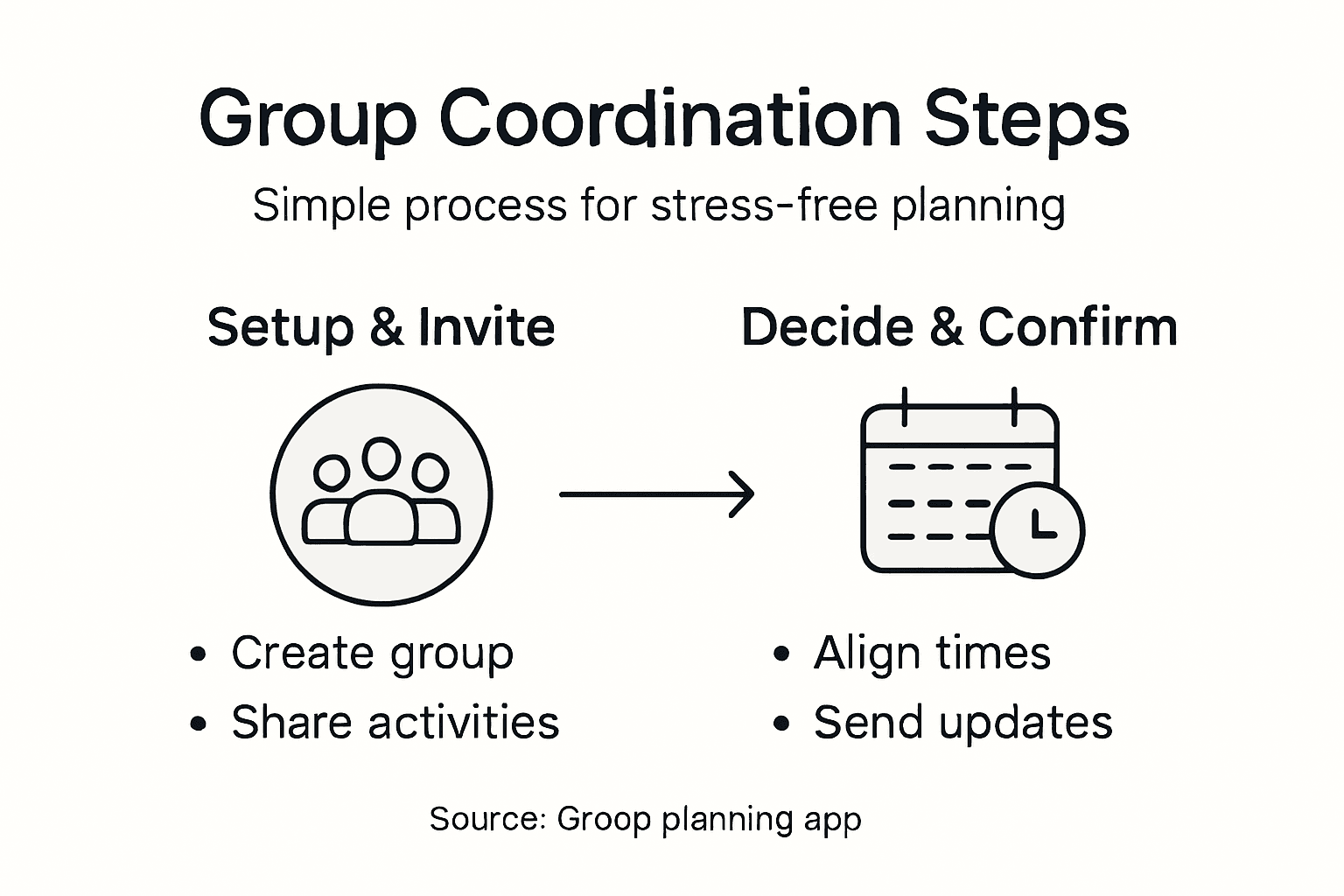
- Step 2: Invite Friends and Share Activity Options
- Step 3: Align Availability and Resolve Timing Conflicts
- Step 4: Present Simple Meeting Choices to the Group
- Step 5: Confirm Plans and Ensure Everyone Is Updated
Quick Summary
| Key Point | Explanation |
|---|---|
| 1. Use Groop for organized planning | Setting up a dedicated planning space in Groop reduces confusion and improves decision-making among group members. |
| 2. Present clear activity options | Share specific activity options with all relevant details to increase participation and commitment from group members. |
| 3. Resolve conflicts early | Allow Groop to automatically surface timing conflicts to streamline the decision-making process and maximize attendance. |
| 4. Confirm plans with clear details | Clearly document and communicate the finalized plans, including time and location, to avoid misunderstandings. |
| 5. Send reminders before events | Provide final confirmations and updates in advance to ensure everyone is aware of what to expect and to build anticipation. |
Step 1: Set up your Groop planning space
Creating a dedicated space for your group's plans means you're establishing a central hub where decisions happen quickly and clearly. Think of it as your group's planning headquarters, not just another scattered conversation buried in countless text threads. When you open Groop, you're setting up an intentional environment designed specifically for making plans together, separate from casual chatting and memes.
Start by creating or joining your group within the app. This is where you'll define who's involved in the planning process. Research shows that effective group setup involves careful planning including deciding group size and intentionally selecting members based on skills and backgrounds for diversity. In your case, this means thinking about who actually needs to be part of each plan. Sometimes your entire friend group shows up to everything, and sometimes it's just a subset. Groop lets you keep those dynamics flexible without creating separate chats or losing people in the conversation.
Once your group space exists, familiarize yourself with how Groop structures the planning flow. You'll see where you propose plans, where the group confirms availability, and where conflicts surface so you can address them head-on. This clarity matters because vague planning kills interest fast. Your group members know exactly what they're looking at and what action they need to take. Unlike traditional group chats where someone posts "Hey anyone free this weekend?" and gets radio silence for three hours, Groop presents concrete options and timeframes. Setting up your space also means understanding how managing hangout logistics reduces planning stress by surfacing conflicts early. When everyone's availability is visible from the start, you skip the frustrating cycle of proposing times, waiting for responses, then having to re-propose when someone says "Actually, I can't make that." Your Groop space handles this automatically.
Before you start creating actual plans, take a moment to familiarize yourself with the interface. Notice where you'll click to start a new plan, how to input potential times and dates, and where group members will see their options to accept or decline. Some apps make this confusing, but Groop keeps the navigation straightforward. If your group prefers certain types of hangouts, you might want to jot down some ideas beforehand so you're ready to create plans quickly when the moment strikes. This prep work means when someone says "We should do something soon," you can create a plan in under a minute instead of spending 20 minutes deciding what to even propose.
Here's a summary comparing group planning in Groop versus traditional group chats:
| Aspect | Groop Planning Space | Traditional Group Chats |
|---|---|---|
| Organization | Centralized hub for planning | Multiple scattered threads |
| Conflict Resolution | Automatic surfacing of conflicts | Manual identification, often delayed |
| Member Availability | Clearly visible to all | Requires repeated outreach |
| Decision Making | Structured options and flows | Open-ended, unstructured |
| Final Plan Sharing | Single reference point | Details lost in message history |
Pro tip: Create a dedicated group description or note within Groop that outlines your group's planning preferences, like whether you usually plan a week in advance or prefer spontaneous same-day hangouts, so new members understand your group's rhythm immediately.
Step 2: Invite friends and share activity options
Now that your Groop space is ready, it's time to bring your friends in and give them actual choices about what to do. This step transforms planning from a solo effort into a collaborative decision where everyone's voice matters. When you invite people and present clear activity options, you're setting the tone for engagement right from the start.
Begin by selecting who you want to invite to this specific plan. You might invite your entire group or just a subset depending on what you're planning. Send out those invitations through Groop, and here's where it gets good. Instead of asking "Hey, what do you guys want to do?" with zero structure, you're presenting clear activity options upfront that spark actual commitment. Maybe you're proposing a movie night, a hiking trip, or a casual dinner. Whatever the activity, make it concrete. Give people two or three specific options to choose from rather than an open-ended question. This matters because open-ended planning kills momentum. When someone sees three clearly defined activities instead of a vague "something," they're much more likely to say yes and show up.
When you share activity options, include enough detail so people can make informed decisions. If it's a movie night, mention whether you're thinking Netflix at someone's place or going to a theater. If it's outdoor stuff, note whether it's a casual park walk or a more strenuous hike. This upfront clarity helps people assess whether they're genuinely interested and able to commit. Early communication about activity purpose and schedules ensures everyone understands what they're signing up for and can contribute to the final decision. Beyond just the activity itself, mention timing details. Are you thinking this weekend or next month? Morning, afternoon, or evening? How long are you expecting it to last? These specifics eliminate confusion and show respect for everyone's schedule.
Key considerations when sharing activity options with your group:
| Factor | Why It Matters | Example Approach |
|---|---|---|
| Specificity | Boosts commitment and clarity | "Movie at 8 PM, Netflix or theater?" |
| Timing Details | Helps align schedules | Specify weekend or weekday |
| Activity Variety | Appeals to different interests | Options: hiking, dinner, game night |
| Transparency | Members understand expectations | Outline type and duration |
Once you've sent invitations with activity options, Groop handles the coordination part. Members see your proposed activities and can express interest or suggest alternatives. The beauty here is that people respond when they want to, at their own pace, without the pressure of a live group chat debate. Some will respond immediately, others might take a few hours, and that's fine. What matters is that you're not stuck in a back-and-forth cycle trying to nail down what everyone wants. The options you've shared give people a clear starting point. As responses come in, you'll see which activities are gaining traction and which ones might not be working for your group right now. This information lets you adjust before finalizing plans, making sure you're proposing something that actually excites people.
Pro tip: Share 2-3 activity options with distinct vibes rather than variations of the same thing, so your group members feel like they have real choices and can self-select into plans that genuinely appeal to them.
Step 3: Align availability and resolve timing conflicts
This is where Groop shines. You've proposed activities and invited people, and now everyone needs to find times that actually work together. Resolving timing conflicts is the messiest part of group planning, but when you handle it right, it becomes surprisingly smooth. The key is letting the app surface conflicts early so you can address them without endless back-and-forth messages.
When members respond to your invitation, they're indicating their availability for the proposed times. Groop automatically collects this information and shows you which time slots work for the most people. This is fundamentally different from traditional group chats where someone posts availability and you're left trying to mentally tally up who can make what time. Iterative negotiation among members helps resolve timing conflicts and ensures maximum participation. The app does the tallying for you, displaying conflicts right at the top so you see immediately if one person can't make any of your proposed times. Maybe Sarah is only free in the morning, but everyone else prefers afternoons. Maybe Marcus is traveling that week. These conflicts surface instantly instead of showing up on the day of your plan.

Once you see which times are working and which ones have conflicts, you have a few options. If most people can make one particular time, that might be your answer right there. If the responses are scattered and no single time has everyone available, you'll need to make a choice. Some groups default to majority rule: the time that works for the most people wins, and a few people either reschedule or sit this one out. Other groups prefer to adapt until everyone can attend. There's no universal right answer here. What matters is knowing your group's style and being transparent about how you'll decide. Some conflict is normal and expected. Not everyone can always make everything, and that's okay. The goal is making planning feel easy, not forcing perfect alignment that never happens anyway.
As you're working through timing conflicts, communicate clearly about what's happening. If you're going to adjust times based on responses, tell people. If you're going to proceed with the time that works for most people, say that upfront. Managing schedules through early planning and clear protocols for response and communication prevents confusion and frustration. When people understand your decision-making process, they're less likely to feel blindsided or annoyed. Maybe you set a deadline like "I'll finalize the time by Friday evening based on who's responded." That gives people a window to get back to you without waiting forever for stragglers.
Pro tip: If a timing conflict is truly blocking progress, offer a compromise time that's slightly less convenient for everyone rather than asking one person to sacrifice their availability entirely, which builds goodwill and shows the group functions as a team.
Step 4: Present simple meeting choices to the group
You've collected availability, resolved conflicts, and now it's time to present your group with the final decision. This step is about clarity and simplicity. Instead of listing every possible option and letting people debate endlessly, you're offering straightforward choices that move planning forward. When people see a clear, simple decision presented to them, they can respond quickly without overthinking.
Before you present anything, decide what you're actually proposing. Are you locking in a specific time and asking people to confirm attendance? Are you giving them two or three final options to vote on? Offering straightforward meeting options like fixed time slots and clear agendas supports better group engagement and reduces scheduling friction. Whatever you choose, make it simple. Don't list fifteen different time combinations and ask people to pick their favorite. That's analysis paralysis. Instead, narrow it down. Maybe you've identified that Saturday afternoon works best, so you're saying "We're meeting Saturday from 2 to 5 p.m. at the park. Are you in?" Or maybe you still have two viable times and you're asking "Which works better for you, Saturday at 2 p.m. or Sunday at 10 a.m.?" That's a real choice. People can decide in seconds instead of spinning through possibilities.
When you present your choices through Groop, include the relevant details right there. The time, the activity, the location, how long you're planning to hang out. Maybe mention what to bring or wear if it's relevant. This upfront clarity prevents the annoying follow-up messages where someone inevitably asks "Wait, where are we going exactly?" or "What time did you say?" These details don't need to be exhaustive. You're not writing a contract. Just enough information so people know what they're committing to. Using clear, simple choices helps avoid confusion and maintain focus while streamlining decision-making. Frame your presentation positively. Instead of "I guess we're doing this," try "I think you're all going to love this activity." Instead of "A few people can't make the first time," try "We found a slot that works for most of us." Your tone matters because it sets the energy for the plan.
Once you've presented the final choices, give people a reasonable deadline to respond. Something like "Let me know by Thursday night if you're in" works better than "I need a response right now" or leaving it open-ended forever. Deadlines create momentum. People know when they need to decide. This also prevents the situation where one person holds up confirmation for days waiting for stragglers who never respond. When the deadline passes, you have your answer. Some people confirmed, some declined, some didn't respond and that's on them. You move forward. This might feel harsh, but it's actually kind to your group because it prevents the planning limbo where nothing ever gets finalized.
Pro tip: Present your final meeting choice as a statement of what's happening rather than a tentative question, which gives people confidence that planning is moving forward and makes saying yes feel natural rather than risky.
Step 5: Confirm plans and ensure everyone is updated
Plans don't actually happen until everyone knows they're happening. This final step is about locking things in and making sure nobody shows up confused or at the wrong time. Confirming plans means documenting what you've decided, sending that information out clearly, and keeping people in the loop as the date approaches. It sounds simple, but this is where many group plans fall apart.
Once people have confirmed they're attending, use Groop to finalize the plan details. This is your moment to document everything in one place where everyone can reference it. The time, location, what to bring, how to get there, who's coming, anything relevant. Regular updates via agreed communication channels keep everyone informed and promote accountability while ensuring the group remains synchronized. When you send out the confirmed plan, be thorough but concise. Nobody needs a ten-paragraph message, but everyone needs to know the essentials. Think of it like this: if someone wakes up the morning of the plan and wants to remember the details, they should be able to find them instantly in Groop without scrolling through old messages. Include the exact time and location. If you're meeting at a specific coffee shop, say the name and maybe the address or a Google Maps link. If you're meeting at someone's house, include their address or at least the neighborhood. If people need to bring anything, say that clearly. Wear comfortable shoes. Bring cash. Whatever it is, state it outright.
As the plan date gets closer, send updates if anything changes. Maybe the weather forecast looks bad and you need to adjust the outdoor plan. Maybe someone drops out and you're reorganizing who's meeting whom. Maybe you need to remind people about parking or special instructions. These updates matter because they keep accountability by tracking progress and sending summaries that maintain clarity and engagement. Nobody likes getting to the meetup location and realizing the plan changed without them knowing. A simple message through Groop saying "Quick update: we're meeting inside the museum instead of on the lawn due to rain" prevents confusion and frustration.
In the days right before the plan, send a final confirmation. Something like "Confirming we're all meeting Saturday at 2 p.m. at the park near the big oak tree. Looking forward to it!" This serves multiple purposes. It reminds people who might have forgotten. It gives anyone who needs to back out a chance to do so before the last minute. It builds anticipation. And it demonstrates that plans are actually happening, which is oddly powerful for group morale. When people know you follow through on confirmations, they're more likely to take future invitations seriously.
One more thing: keep the confirmed plan details accessible even after the event happens. Someone might need to reference that address later, or a new friend might ask where you all went. Having a record of what you planned and who attended helps build group history and makes it easier to plan similar things in the future.
Pro tip: Send your final confirmation message 24 to 48 hours before the plan, not the morning of, so people have time to sort out any logistics issues without scrambling at the last minute.
Simplify Your Group Planning and Say Goodbye to Scheduling Stress
Coordinating plans with friends often feels overwhelming because of conflicting schedules and endless back-and-forth messages. This article highlights how poor visibility into availability and vague options lead to frustration and lost momentum. You want a straightforward way to create clear activity choices, surface timing conflicts early, and confirm plans so everyone stays informed without the usual headache.
That is exactly where Groop steps in. Our app is built to streamline group coordination by offering a dedicated planning space that automatically lines up availability, highlights conflicts, and lets you present simple meeting options that move decisions forward. No more buried conversations or guessing who can make it. With Groop's lightweight scheduling tool you keep your group’s vibe intact while removing the chaos from hangout logistics.
Discover How Groop Works
Start Your First Plan Today

Stop wasting time in confusing group chats and start making stress-free plans that feel natural and easy to say yes to. Visit Groop now and unlock effortless social coordination for your friends or small social squad. Your next hangout is just a few clicks away.
Frequently Asked Questions
How do I set up my group planning space in Groop?
To set up your group planning space in Groop, create or join a group within the app. Make sure to define who will be involved in the planning process to ensure effective collaboration and decision-making.
What should I include when inviting friends to join an activity?
When inviting friends, present clear and specific activity options along with relevant details such as timing and location. Avoid vague prompts; instead, provide two or three concrete choices to facilitate quicker decisions and commitment.
How can I manage timing conflicts when planning with my group?
To manage timing conflicts, use Groop to collect everyone's availability and see which time slots work for most people. This helps you avoid confusing back-and-forth messages, allowing you to easily identify a suitable time that accommodates as many participants as possible.
What information should I present to my group when finalizing plans?
When finalizing plans, present straightforward options along with essential details like time, location, and any items to bring. Keep the information concise to enable quick responses and clear understanding without overwhelming your group with too many choices.
How should I confirm plans with my group to ensure everyone is updated?
Confirm plans by using Groop to document all agreed-upon details in one place and sending reminders as the date approaches. This helps ensure that everyone is on the same page and reduces confusion leading up to the event.
What should I do if someone can’t make it to the confirmed plan?
If someone can’t make it, communicate the changes promptly and check if any adjustments may be needed. Offering a compromise or alternative option can help maintain goodwill and accommodate the group dynamics.