
Articles
How to Avoid Group Chat Chaos for Effortless Social Plans
Discover how to avoid group chat chaos with clear, step-by-step actions for smooth social planning. Streamline group coordination for fast, natural hangouts.

How to Avoid Group Chat Chaos for Effortless Social Plans

Getting a group of friends together in a big city can feel impossible when social plans drown in endless group chat messages. Constant notifications and off-topic threads make it hard to keep track of who is coming and what is happening. Creating a dedicated planning space keeps discussions clear, reduces missed details, and helps everyone feel heard, so plans actually happen without the usual confusion.
Table of Contents
- Step 1: Set Up a Dedicated Planning Space
- Step 2: Define Simple Scheduling Rules
- Step 3: Share Manageable Time Options
- Step 4: Resolve Conflicts Efficiently
- Step 5: Confirm Plans and Follow Up
Quick Summary
| Key Point | Explanation |
|---|---|
| 1. Establish a Planning Space | Create a dedicated platform to organize group activities, reducing chaos and maintaining clarity in planning. |
| 2. Define Scheduling Rules | Set simple guidelines for communication to prevent confusion and streamline the decision-making process among group members. |
| 3. Share Clear Time Options | Present limited and manageable time slots for group activities to facilitate easy decision-making and include everyone's availability. |
| 4. Manage Conflicts with Empathy | Handle disagreements maturely by listening to all perspectives and focusing on collaborative solutions to strengthen relationships. |
| 5. Confirm Plans Effectively | Summarize final details and send reminders to ensure everyone is informed and excited about the upcoming social gathering. |
Step 1: Set Up a Dedicated Planning Space
Creating a dedicated planning space can transform how your friend group coordinates social activities and eliminate the endless scrolling and confusion typical of group chats. The goal is to establish a clear, organized area where everyone can easily track plans, share availability, and make decisions without getting lost in messaging noise.
Start by selecting a centralized communication channel that works for your entire group. While traditional group texts can quickly become chaotic, specialized platforms offer more structure. Organizing conversations by topic helps maintain clarity and keeps important details from getting buried.
Here are some strategies for setting up an effective planning space:
- Choose a platform with clear organization features
- Establish ground rules for communication
- Create specific channels or threads for different types of plans
- Invite all group members and ensure everyone understands the system
Whether you use a dedicated app, a specific group chat, or a shared digital space, the key is consistency. Encourage your friends to use this designated area for all social planning, which helps everyone stay on the same page and reduces communication friction.
Here’s a quick comparison of popular platforms for group social planning:
| Platform | Organization Features | Ease of Use | Ideal Group Type |
|---|---|---|---|
| Slack | Channels, threads, search | Intuitive for tech-savvy | Medium to large groups |
| Simple chat, group lists | Very user-friendly | Small to medium groups | |
| Discord | Topic channels, moderation | Moderate complexity | Gaming or hobby groups |
| Events, group chats | Familiar interface | Mixed-age groups |
Pro tip: Designate a single person initially to set up and manage the planning space to ensure a smooth rollout and consistent structure.
Step 2: Define Simple Scheduling Rules
Creating clear scheduling guidelines helps prevent communication chaos and ensures your group can efficiently coordinate social plans. When everyone understands the basic rules of engagement, planning becomes smoother and less stressful for everyone involved.
Establishing communication rules is crucial for maintaining productive group interactions. These rules help streamline decision-making and keep conversations focused on planning. Your scheduling guidelines should address key aspects of group communication and coordination.
Consider implementing these core scheduling rules:
- Set specific response time expectations
- Establish a maximum response window (e.g., 24 hours)
- Create a clear decision-making process
- Agree on communication platform norms
- Define acceptable messaging frequency
Clear guidelines reduce misunderstandings and prevent planning fatigue.
The most effective scheduling rules are simple, fair, and flexible. Discuss these guidelines as a group and be open to adjusting them based on everyone's needs and communication styles.
Pro tip: Create a brief, shared document outlining your group's scheduling rules to ensure everyone has a consistent reference point.
Step 3: Share Manageable Time Options
Navigating group scheduling requires a strategic approach to presenting time options that make decision-making easy and inclusive. The key is to minimize friction and make it simple for everyone to communicate their availability without overwhelming the group.
Real-time group scheduling transforms how friends coordinate plans by providing clear, efficient communication channels. When sharing time options, focus on creating a straightforward process that allows everyone to quickly indicate their preferences and potential conflicts.
Here are effective strategies for sharing manageable time options:
- Use simple polling tools or shared calendars
- Propose 2-3 specific time windows
- Include flexible alternative dates
- Provide context for each time suggestion
- Allow easy opt-in or opt-out mechanisms
Simplicity is the ultimate sophistication in group scheduling.
Remember that the goal is to make planning feel effortless. By presenting time options thoughtfully, you reduce decision fatigue and increase the likelihood of finding a mutually convenient schedule.
Pro tip: Create a time-sharing template that your group can reuse, standardizing the process and making future planning even smoother.
Step 4: Resolve Conflicts Efficiently
Conflicts are an inevitable part of group planning, but they don't have to derail your social adventures. The key is approaching disagreements with empathy, clear communication, and a shared commitment to maintaining your group's positive dynamic.

Managing group communication effectively requires understanding how to navigate emotional responses and find collaborative solutions. When tensions arise during planning, your goal is to create an environment where everyone feels heard and respected.
Here are strategic approaches to resolving group conflicts:
- Listen actively without interrupting
- Acknowledge each person's perspective
- Keep discussions focused on the current issue
- Separate personal feelings from practical concerns
- Seek compromise instead of winning
Conflicts are opportunities for deeper understanding, not battles to be won.
Remember that the ultimate objective is maintaining your friendship and enjoying time together. By handling disagreements with maturity and compassion, you transform potential roadblocks into moments of group growth.
Pro tip: Develop a group agreement that everyone contributes to, establishing conflict resolution guidelines before tensions emerge.
Step 5: Confirm Plans and Follow Up
Transforming potential group chat chaos into a well-executed social plan requires strategic confirmation and thoughtful follow-up. Your final step is about solidifying commitments and ensuring everyone remains excited and informed about the upcoming gathering.
Effective chat follow-up processes involve clear communication, personalized details, and proactive check-ins. By establishing a consistent confirmation routine, you minimize last-minute dropouts and build anticipation for your shared experience.
Here are key strategies for confirming plans and following up:
- Summarize final details explicitly
- Send individual confirmation requests
- Create a shared event reminder
- Establish a pre-event communication timeline
- Include logistical specifics like location and timing
The best plans are those where everyone feels invested and informed.
Remember that successful follow-up is about maintaining enthusiasm and making each group member feel valued. Your goal is to transform a potential planning headache into an exciting social moment everyone looks forward to.
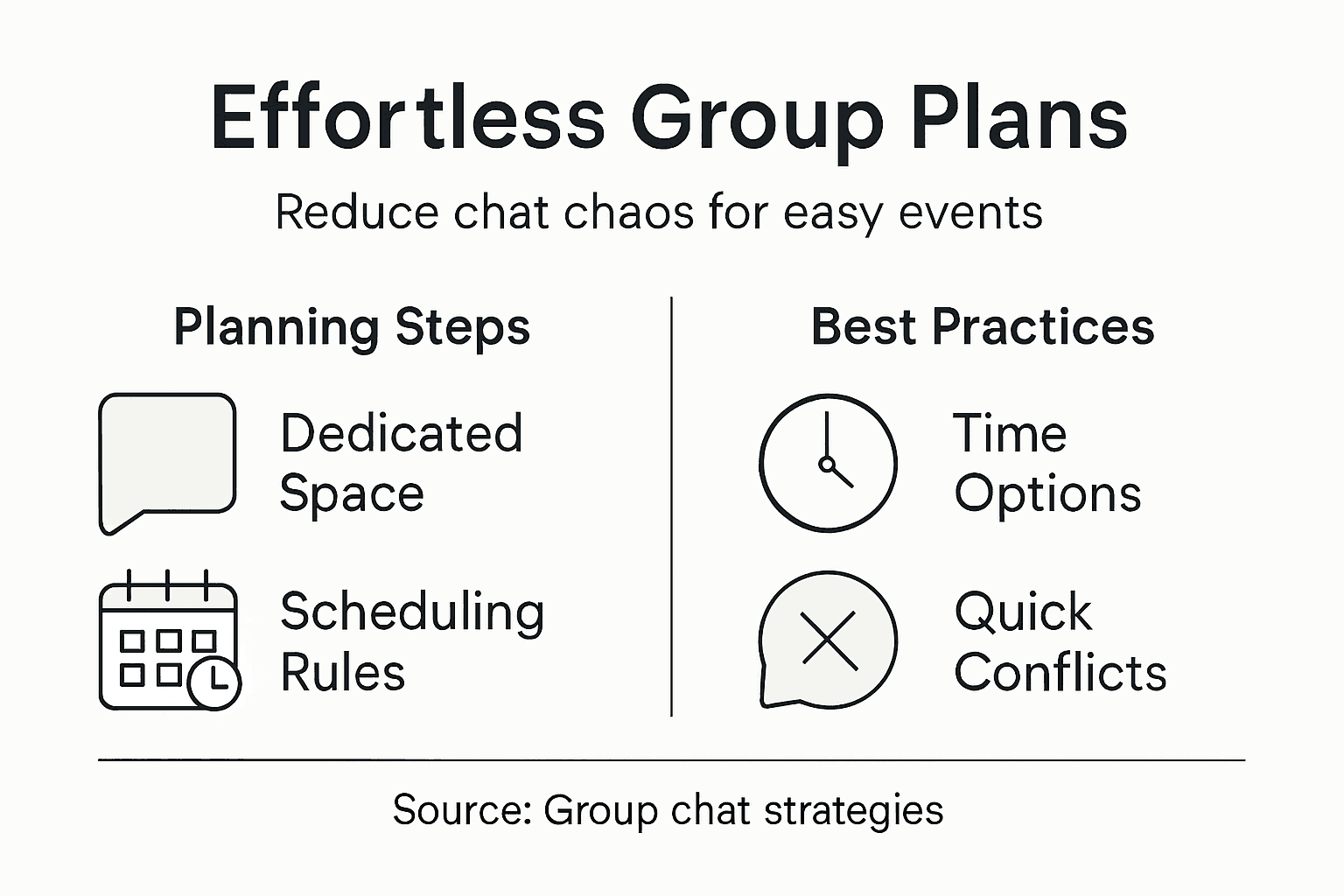
This summary highlights how each planning step increases group effectiveness:
| Step | Main Benefit | Impact on Group Dynamics |
|---|---|---|
| Dedicated Planning Space | Clarity and organization | Less confusion, better tracking |
| Simple Scheduling Rules | Reduced chaos and stress | More reliable commitments |
| Manageable Time Options | Effortless decision-making | Inclusive, less decision fatigue |
| Conflict Resolution | Stronger relationships | More trust, fewer arguments |
| Plan Confirmation & Follow-Up | Higher attendance, excitement | Anticipation, improved morale |
Pro tip: Create a standardized follow-up template that you can quickly customize for different types of group events.
End Group Chat Chaos and Simplify Your Social Plans Today
Planning with friends often turns into endless messages, missed details, and decision fatigue. This article highlights the common challenges of group chat chaos such as confusing communication, lack of clear scheduling rules, and difficulty managing availability. If you want to move beyond complicated chats and bring clarity, ease, and fairness to your social planning, Grooop offers the perfect solution. Our mobile app is designed to streamline coordination by providing manageable time options, surfacing conflicts automatically, and reducing the pressure of back-and-forth messages.

Take control of your group’s social planning with Grooop. By using our lightweight scheduling tool, you will keep your friend group’s vibe intact while making decision-making quick and stress-free. Visit Grooop's homepage to discover how our app can bring order to your social plans. Start creating effortless hangouts and casual get-togethers now and say goodbye to group chat chaos for good.
Frequently Asked Questions
How can I create a dedicated planning space for my group?
To create a dedicated planning space, choose a centralized communication platform that works for everyone, such as a messaging app or group chat. Organize conversations by specific topics to maintain clarity and ensure that all important details are easily accessible.
What scheduling rules should we establish to avoid confusion?
Set clear scheduling rules such as response time expectations and maximum response windows. For example, agree that everyone should respond within 24 hours to keep planning efficient and organized.
How should we present time options to accommodate everyone's schedule?
Propose 2-3 specific time windows along with flexible alternative dates to make decision-making easier. This strategy encourages participation and reduces decision fatigue, allowing everyone to find a mutually convenient time more effectively.
What are effective ways to resolve conflicts that arise during planning?
To resolve conflicts, listen actively to each person's perspective and keep discussions focused on the current issue. Aim for compromise and ensure that everyone's feelings are acknowledged to maintain a positive group dynamic.
How can we confirm plans and ensure everyone is informed?
Summarize final details explicitly and send individual confirmation requests to each group member. Establish a pre-event communication timeline to keep everyone informed about logistical specifics such as location and timing.
What should we do if our group chat becomes overwhelming with messages?
If your group chat becomes overwhelming, establish a dedicated planning space that filters out unnecessary noise. Implement organized topics or threads to streamline communication and focus solely on social planning, reducing scrolling and confusion.