
Articles
Efficient Group Chats: Transforming Social Planning
Efficient group chats streamline social planning, cut scheduling chaos, and boost engagement for urban students. Learn pitfalls, features, and best tools.
Efficient Group Chats: Transforming Social Planning
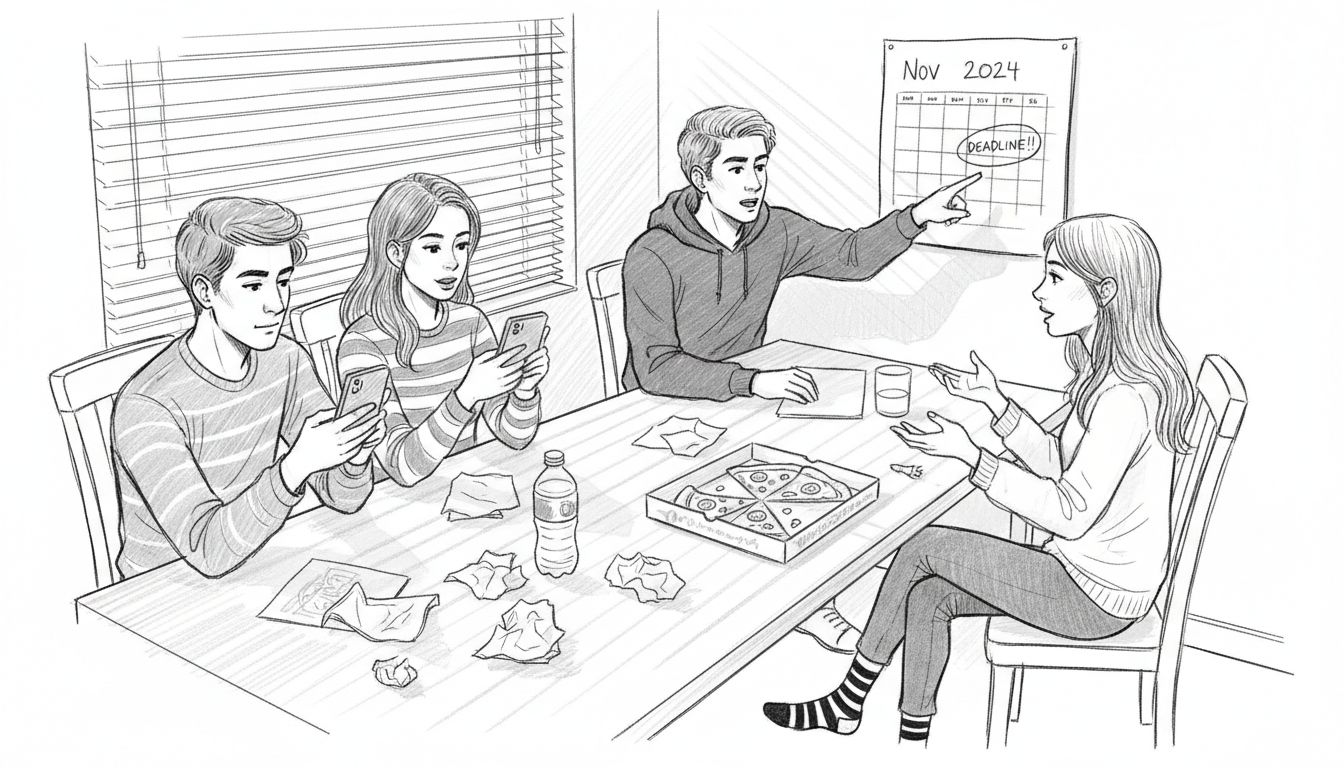
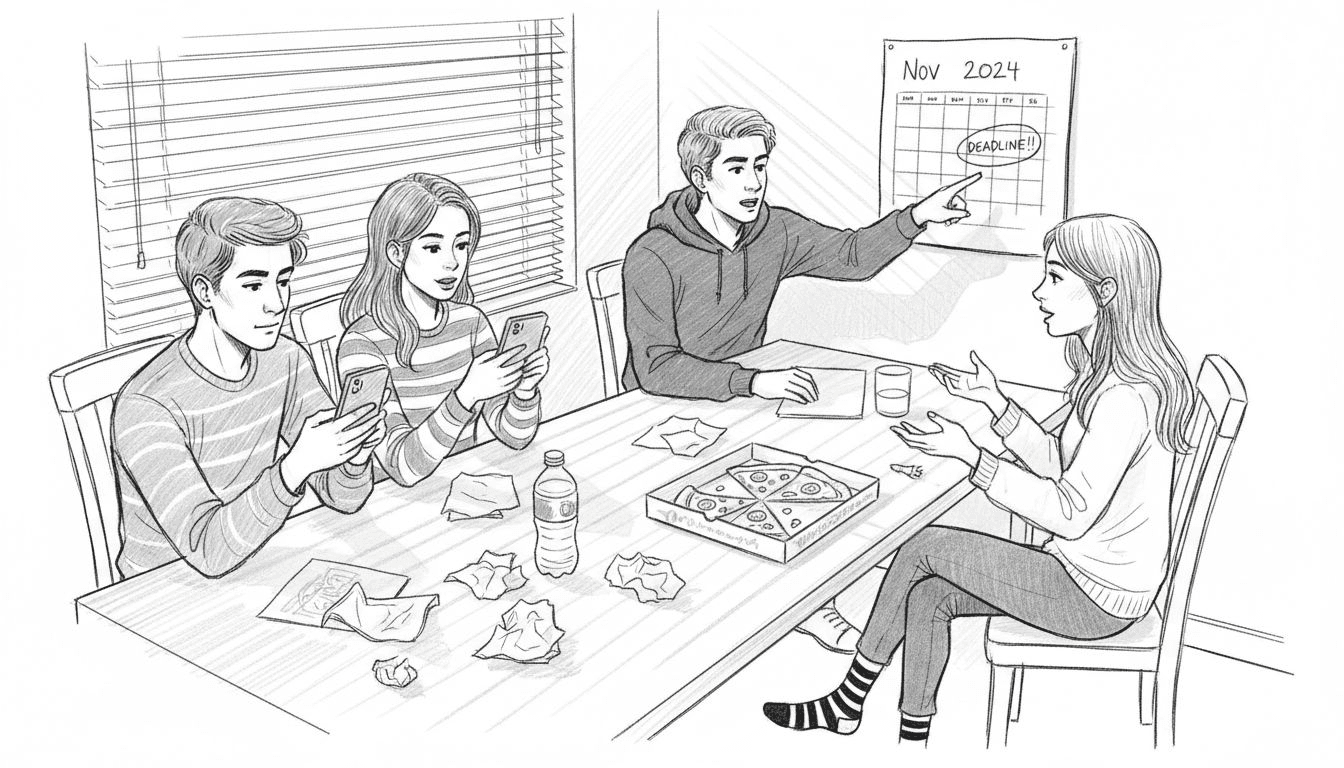
Sorting out casual plans in big cities can turn group chats into a headache of missed messages, endless notifications, and friends dropping out before a decision is even made. For university students juggling busy schedules, finding efficient group chat experiences can be the difference between actually hanging out and just talking about it. By focusing on chat tools and rhythms that keep everyone engaged without causing information overload, you can transform chaotic planning into smooth coordination that helps your group connect more often.
Table of Contents
- Defining Efficient Group Chats For Social Planning
- Core Features That Minimize Scheduling Chaos
- Types Of Group Chats And Coordination Styles
- Key Pitfalls: Confusion, Notification Overload, Muting
- How Efficiency Boosts Engagement And Decision-Making
- Comparing Group Chat Platforms And Smarter Tools
Key Takeaways
| Point | Details |
|---|---|
| Efficient Chats Enhance Engagement | Well-organized group chats improve participation by reducing decision fatigue and clarifying the planning process. |
| Avoid Notification Overload | Utilize threads and labeling to minimize distractions, ensuring critical updates remain visible. |
| Recognize Group Dynamics | Understand your group’s coordination style—task-oriented or socially driven—to enhance planning effectiveness. |
| Choose the Right Platform | Select chat tools based on specific needs, focusing on features that facilitate clear decision-making without interrupting casual conversations. |
Defining Efficient Group Chats for Social Planning
Efficient group chats for social planning aren't just about exchanging messages. They're about reducing friction, saving time, and actually getting plans off the ground. When a group chat works well, decisions happen faster, fewer people get frustrated, and your squad actually shows up.
At their core, efficient group chats balance two competing needs: keeping conversations flowing while preventing them from spiraling into chaos. You need enough detail that everyone understands what's happening, but not so much that people tune out after 47 unread notifications. The real challenge surfaces when you're juggling availability across different time zones, managing conflicting preferences, and dealing with the inevitable people who ghost the conversation halfway through.
Research on digital group communication shows that chat rhythm and usability factors significantly impact how engaged people stay and whether they actually participate in planning. When the chat moves too slowly, momentum dies. When it moves too fast, people miss important details. The sweet spot exists somewhere between organized structure and natural conversation flow.
The difference between a chat that kills plans and one that makes them happen often comes down to clarity. Communication dynamics in group chats reveal that agenda-based organization combined with informal rapport creates the strongest outcomes. People need to know what decision they're actually making, when they need to decide it by, and why their input matters.
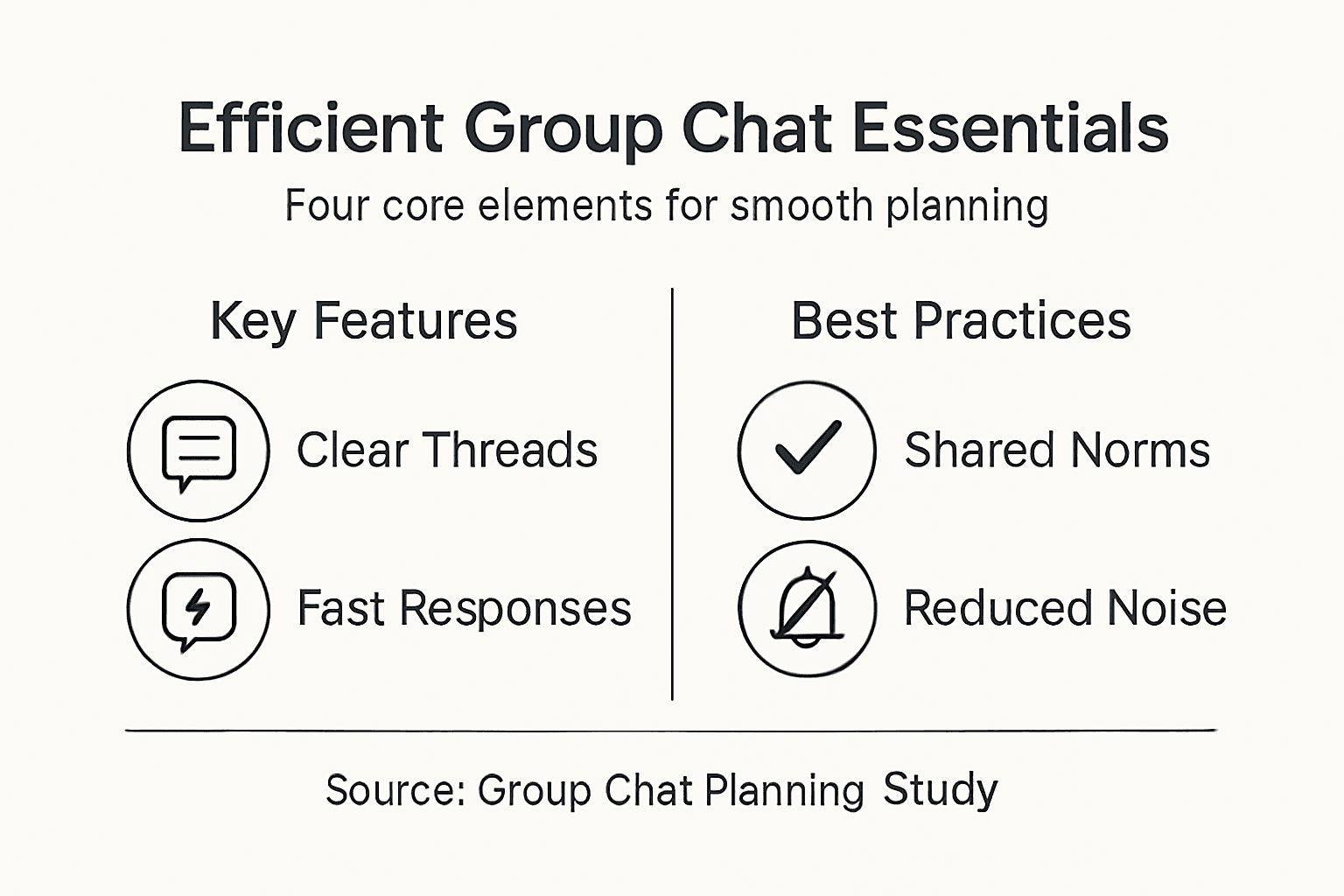
For university students coordinating hangouts, this means cutting through the noise. Efficient group chats answer four essential questions clearly: What are we doing? When can we do it? Who's in? What happens next? Without these answers explicitly stated, your chat becomes background noise competing with a dozen other conversations.
Pro tip: Before starting a group chat discussion about plans, write out the core decision you need in one sentence and share that first so everyone knows exactly what they're weighing in on.
Core Features That Minimize Scheduling Chaos
The best group chat tools don't try to do everything. They focus on solving one specific problem: getting your squad coordinated without the constant back-and-forth friction. Real chaos happens when someone asks "what time works?" and receives 23 different answers spread across hours of scrolling.
Instant messaging forms the backbone of any efficient planning chat. When people can share availability, preferences, and updates in real time, decisions move faster. But speed alone isn't enough. You need real-time communication paired with resource sharing so people can actually see what options exist and react immediately rather than getting lost in a wall of text.
Multiple communication channels within a single space matter more than you'd think. Having separate threads or channels for different topics prevents your availability poll from getting buried under memes and song recommendations. When someone needs to find the actual meeting time later, they can locate it in seconds instead of scrolling through 200 messages.
Group norms create structure without feeling restrictive. When your squad agrees that "the plan starter posts three time options" or "everyone responds within 4 hours," suddenly chaos becomes predictable. Mobile group chat features that enable quick information exchange work best when everyone understands the process.
The game changer isn't adding more features. It's removing unnecessary steps. Instead of polling, suggesting, debating, and then confirming, you want a single flow that surfaces clear options and captures decisions cleanly. One timestamp. One decision. One group moving forward together.
Pro tip: Establish your group's planning rhythm before chaos hits: decide whether you need 12 hours or 48 hours notice for plans, and stick to it so people know when to check the chat.
Types of Group Chats and Coordination Styles
Not all group chats work the same way. Your squad chat with three best friends operates completely differently from a 47-person group chat for your entire dorm floor. Understanding which type of chat you're actually in helps you coordinate plans that actually stick.
Group chats exist on a spectrum defined by boundaries and interaction patterns. Tight-knit groups have clear membership, established inside jokes, and predictable communication rhythms. Loose groups blur membership lines, with people joining and leaving frequently. Most social planning chats fall somewhere in between, which creates the coordination challenge: you need structure flexible enough to handle people drifting in and out.
Different group types employ distinct coordination styles based on what members actually do in the chat. Task-oriented groups focus ruthlessly on the decision. Someone proposes a time, people respond yes or no, done. Socially driven groups blend logistics with relationship building. Scheduling becomes intertwined with banter, check-ins, and genuine connection.
The challenge surfaces when coordination style and group type mismatch. A task-oriented person trying to plan with a socially driven group feels frustrated by all the tangential conversation. A socially driven person in a task-oriented group feels like a robot. Group chat boundaries and interaction styles directly affect how efficiently decisions get made.
For university students, this means recognizing what your specific group needs. Your study group chat probably runs task-oriented and tight-knit. Your friend group hangout chat might be socially driven and loosely bounded. Your class logistics chat is purely transactional. Once you see the pattern, you stop fighting it and work with it instead.
Pro tip: Notice whether your group chat actually discusses plans or just announces them, then match your coordination style to that reality rather than trying to force a different approach.
Key Pitfalls: Confusion, Notification Overload, Muting
Group chats promise convenience but often deliver chaos instead. The same features that make coordination possible can spiral into notification hell, message confusion, and people quietly abandoning the chat. Understanding these pitfalls helps you avoid them.
Notification overload hits fast. One person starts a planning conversation. Someone cracks a joke. Another person shares a meme. Within minutes, your phone buzzes 47 times. Cognitive overload from excessive notifications significantly impacts how engaged people stay in planning discussions. When notifications become white noise, people stop responding to actual decisions. They miss critical timing information buried under casual conversation.
Message confusion emerges when rapid message flow makes it hard to track what actually matters. Someone proposes 7 PM. Another person says they can't do Wednesday. A third person responds to an entirely different message from 12 messages earlier. Now nobody knows what the actual plan is. Communication challenges in group chats reveal that this confusion directly reduces engagement and decision-making effectiveness.
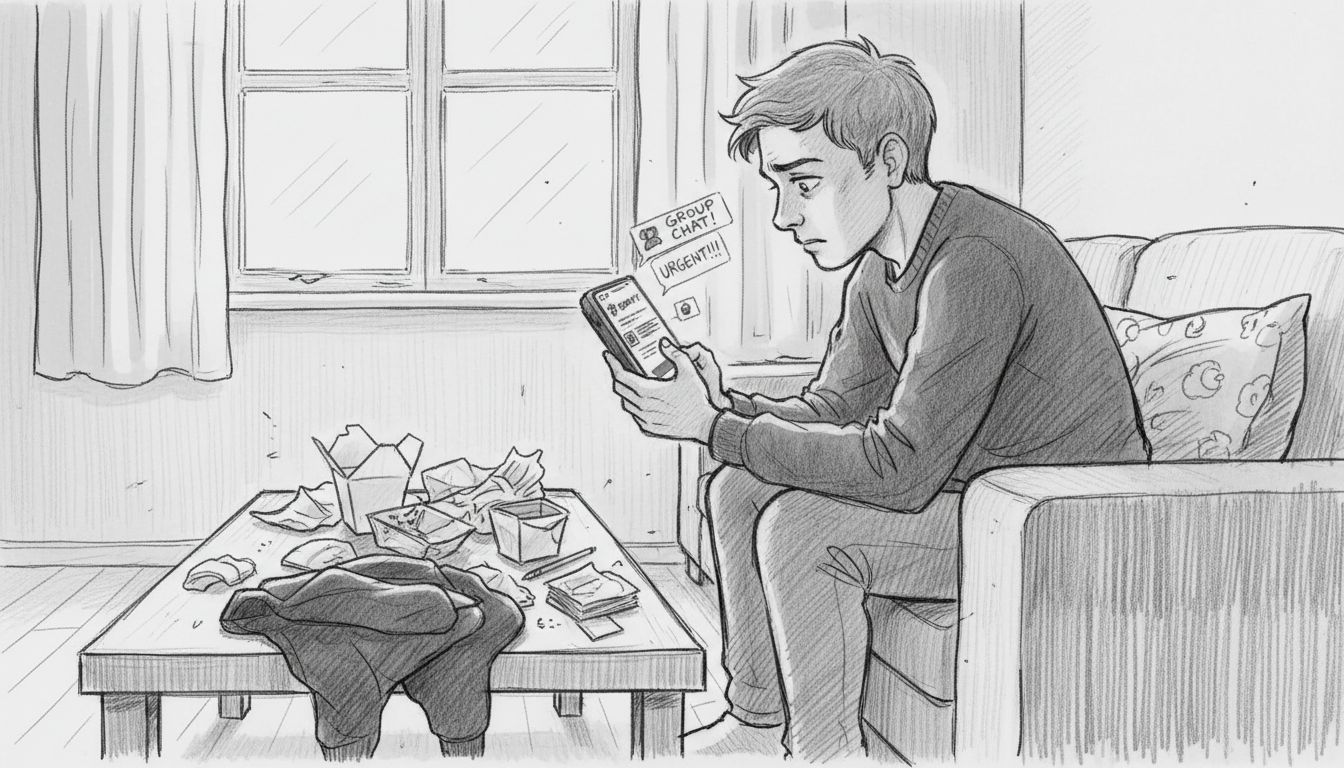
Muting becomes the escape hatch. When a chat gets too noisy, people silence notifications to reclaim their sanity. But muting creates a new problem: they miss actual planning updates buried in the noise. Someone decides to mute the chat for an hour and wakes up to find plans changed three times. The group assumes everyone saw the message. They didn't.
The real damage happens slowly. A person mutes a chat. They check back when they remember and find 200 unread messages. They scroll up confused, then give up. They stop participating. Eventually they leave the group entirely. Your planning tool became a participation killer.
This table summarizes common group chat pitfalls and strategies to prevent them:
| Pitfall | Impact on Planning | Prevention Strategy |
|---|---|---|
| Notification overload | People mute or disengage | Use threads or clear labeling |
| Message confusion | Missed decisions | Pin key info or use summaries |
| Muting chats | Miss critical updates | Separate social from planning |
Pro tip: Create a simple rule: separate planning messages from socializing by using threads, channels, or a designated format like "PLAN:" at the start of messages so people can skim for actual decisions without drowning in noise.
How Efficiency Boosts Engagement and Decision-Making
Efficiency isn't just about saving time. When your group chat works smoothly, something psychological shifts. People actually show up. They respond faster. They feel good about being part of the group.
When planning feels frictionless, people engage more actively. Mobile group chats that facilitate quick information exchange increase participation significantly. When decisions happen fast and clearly, people don't ghost the conversation. They know exactly what's expected and when. They feel heard.
This matters more than it sounds. University students juggle classes, work, extracurriculars, and social obligations. A planning process that takes 20 messages and 3 hours drains mental energy. One that takes 2 messages and 5 minutes feels like a win. Efficiency removes decision fatigue from the equation.
Positive emotions drive continued participation. Efficient group chat interactions foster positive emotions that keep people engaged in future planning. When someone has a good experience coordinating one hangout, they're more likely to propose the next one. The momentum builds. Your group becomes one that actually does things together instead of just talking about doing things.
Consensus happens faster too. When everyone sees the same information at the same time, disagreements resolve quickly. No hidden confusion. No assumptions about what others meant. Clear options produce clear choices. People commit faster because they know what they're actually committing to.
The compound effect matters most. Each successful plan makes the next one easier. People learn the process. They trust it. They stop overthinking. Your group shifts from chaotic to coordinated, and that shift unlocks more hangouts, stronger friendships, and actual connection instead of just text messages.
Pro tip: Track which planning method works best for your group by noticing which conversations produce decisions fastest, then replicate that approach consistently for every plan.
Comparing Group Chat Platforms and Smarter Tools
Not all group chat platforms work the same for planning. WhatsApp feels different from Discord. Instagram DMs operate differently than Slack. Understanding these differences helps you pick the right tool for your specific group.
Standard messaging apps excel at conversation but struggle with coordination. They're built for casual chats, not structured decision-making. Messages scroll endlessly. Important timing details get buried. Notification controls vary wildly. Some platforms make it easy to mute notifications. Others make it annoying. This matters when you're trying to stay informed without drowning in buzzes.
Platform-specific features like message visibility and notification controls directly impact planning efficiency. Some platforms let you pin messages so critical info stays visible. Others offer threading to separate conversations. Still others integrate collaborative tools that let you share calendars or poll availability directly. These small features compound into massive efficiency gains.
Group boundaries matter too. Platform flexibility for overlapping group interactions affects how naturally people participate. Some platforms lock you into rigid groups. Others support flexible, fluid membership where people drift in and out. For university students, this flexibility often matters more than feature richness.
Smarter planning tools take a different approach. Instead of trying to be everything, they focus on one job: making coordination effortless. They surface availability clearly. They present options visually. They capture decisions cleanly. They don't compete with casual conversation. They complement it.
The right choice depends on your group's actual behavior. If you already use WhatsApp for everything, forcing people to a new app kills adoption. If you need clean decision-making without endless scrolling, standard chat platforms will frustrate you. If you want social connection plus logistics, you need something that respects both.
Here's a quick look at how different group chat platforms impact social planning:
| Platform | Best For | Key Limitation | Unique Feature |
|---|---|---|---|
| Small friend groups | Info gets buried in fast chats | Pinned messages for quick access | |
| Discord | Large clubs or communities | May feel complex for casual users | Dedicated threads per topic |
| Slack | Study or project groups | Can be seen as formal or work-like | Integrated polls and reminders |
| Instagram DMs | Social casual interactions | Lacks tools for structured planning | Quick reactions and media sharing |
Pro tip: Test a new platform with one single plan before committing your whole group, then ask people what specifically was better or worse compared to your current approach.
Simplify Your Group Chat Planning with Groop
The article highlights common challenges like notification overload, message confusion, and the struggle to keep group chats efficient for planning. If you recognize the frustration of juggling scattered availability and endless back-and-forth just to set a time that works for everyone, you are not alone. Key pain points include managing clear communication, reducing scheduling chaos, and aligning group dynamics to actually get plans confirmed without stress. Groop directly addresses these issues by providing a lightweight mobile app focused on streamlining social coordination while preserving your group's natural vibe.

Experience effortless decision-making with Groop's smart features that line up availability, surface conflicts, and offer clear, simple options for your group. Stop letting your planning conversations drown in noise or get muted from overwhelm. Visit Groop to see how you can keep your friend group organized without sacrificing connection. Start planning smarter today by exploring how Groop complements your existing group chats and transforms social planning into action. Discover more about the benefits of efficient coordination on the Groop homepage now.
Frequently Asked Questions
What are the key features of efficient group chats for social planning?
Efficient group chats focus on real-time communication, clear organization, and minimizing notification overload. They allow members to share availability, preferences, and critical updates seamlessly.
How can I improve engagement in my group chat?
To boost engagement, establish clear planning norms, keep the chat organized, and minimize distractions. Use threads or designated tags for decisions to make critical information easier to find.
What common pitfalls should I avoid in group chats?
Common pitfalls include notification overload, message confusion, and participants muting the chat. To prevent these, separate planning messages from social interactions and summarize key decisions regularly.
How do I choose the right platform for my group chat?
Consider the size and needs of your group. For structured planning, use tools that allow pinning messages or creating threads, while casual chats might benefit from platforms that support easy social interactions.