
Articles
Streamline Your Group Event Planning: A Simple Workflow
Cut the group chat chaos with a proven workflow for planning friend events efficiently. Get your crew together without endless messages or dropped plans.

Streamline Your Group Event Planning: A Simple Workflow

You've been in that group chat for three days now. Someone suggested brunch, another person countered with hiking, and now the thread has 47 unread messages debating whether Saturday or Sunday works better. Meanwhile, nobody has actually committed to anything. Sound familiar? Group chat planning challenges drain energy and kill momentum before plans even start. This guide walks you through a practical workflow that cuts the chaos, respects everyone's time, and actually gets your crew together without the usual drama.
Table of Contents
- Why social group planning falls apart
- Prepare your group: Tools and agreements
- Step-by-step group event planning workflow
- Handling common planning challenges
- How to evaluate and improve your planning workflow
- Make group planning effortless with Groop Labs
- Frequently asked questions
Key Takeaways
| Point | Details |
|---|---|
| Planning basics matter | Start with the right tools, group agreements, and a shared checklist to make every plan smoother. |
| Streamlined workflow wins | Following quick polls, efficient scheduling, and flexible logistics eliminates common group setbacks. |
| Prepare for speedbumps | Have a backup plan, discuss budgets early, and rotate organizer roles to keep things fun and fair. |
| Iteration means success | Regular feedback and low-pressure follow-up build trust and help your group grow organically. |
Why social group planning falls apart
Group chats stall because they lack structure. When everyone throws ideas into a thread simultaneously, core obstacles in group event planning include diverse personalities and unclear logistics. You end up with information overload instead of decisions.
Here's what typically derails plans:
- Budget blindness: Nobody wants to be the first to mention money, so cost expectations stay vague until someone suggests an expensive restaurant
- Personality clashes: Extroverts push for big gatherings while introverts prefer intimate hangouts, creating tension nobody addresses
- Date wrangling: Without a clear deadline, availability discussions drag on indefinitely as people wait for perfect alignment
- Decision paralysis: Too many options with no voting mechanism means the group never narrows down choices
When there's no clear process, plans either fizzle out or fall entirely on one exhausted organizer. The result? Dropped events, friends feeling left out, and that one person who always ends up doing all the work burning out completely.
"The biggest mistake friend groups make is assuming plans will just happen naturally. Without a lightweight structure, even the most enthusiastic crews struggle to coordinate."
This friction isn't about bad friends. It's about missing the right framework to handle logistics efficiently while keeping the social vibe intact.
Prepare your group: Tools and agreements
Before diving into planning, set your group up for success with the right tools and ground rules. This preparation phase takes 15 minutes but saves hours of back-and-forth later.
Essential planning readiness checklist:
- Active group chat where everyone actually responds
- Agreement to use polls for decisions instead of endless discussion
- Basic budget conversation establishing everyone's comfort zone
- Designated point person or rotating organizer role
- Shared understanding of response timeframes
Here's how popular tools stack up for casual group coordination:
| Tool | Best For | Key Feature | Limitation |
|---|---|---|---|
| When2meet | Finding common availability | Visual calendar overlay | No mobile app |
| Doodle | Quick polls | Simple yes/no voting | Can feel impersonal |
| WhatsApp Polls | In-chat decisions | Built into existing conversation | Limited to simple questions |
| Messenger Polls | Facebook-connected groups | Easy for existing FB groups | Requires Facebook account |
| Google Calendar | Shared scheduling | Everyone sees commitments | Requires manual coordination |
Scheduling tools minimize hassle and boost participation by giving everyone visibility without requiring constant check-ins. Pick one tool and stick with it so your group builds familiarity.
Role assignment matters more than most groups realize. Having a point person doesn't mean they do everything, it means someone keeps momentum going. Rotate this role monthly so nobody gets stuck as the permanent organizer.
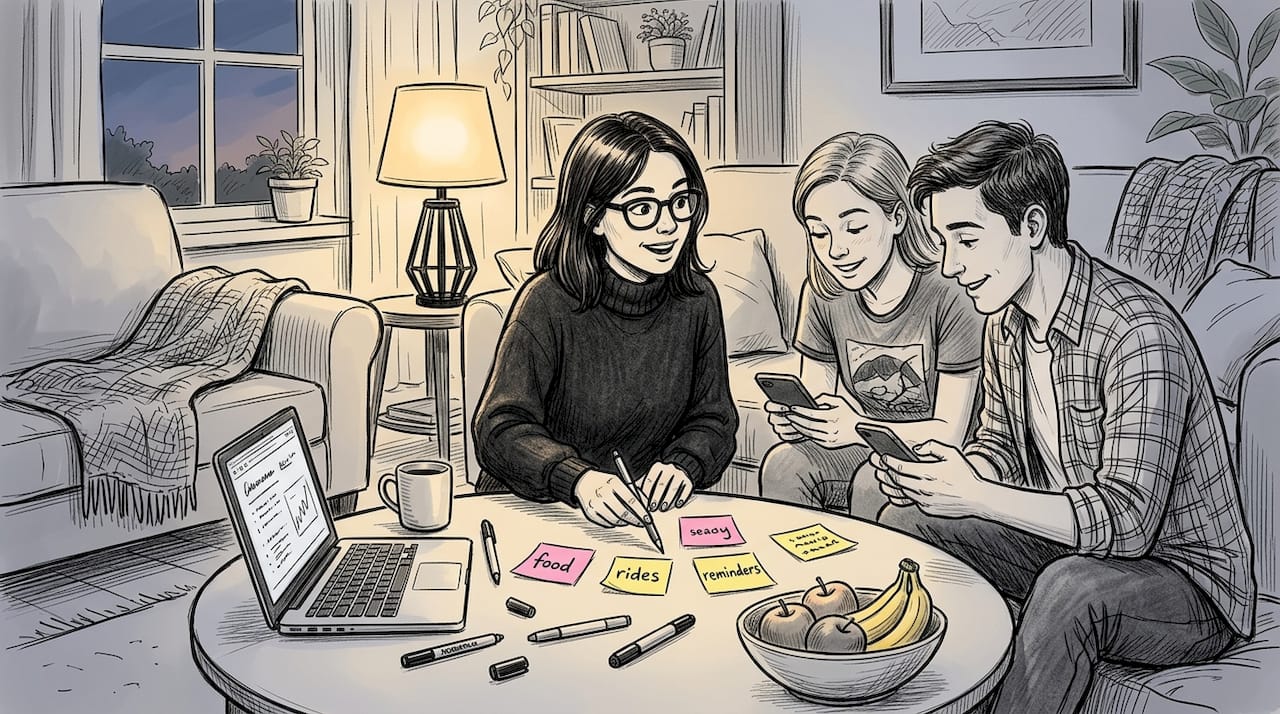
Pro Tip: Decide up front on deal-breakers like maximum budget and blackout dates. This prevents someone suggesting an expensive weekend trip when half the group can't afford it or has prior commitments. These planning time best practices eliminate awkward conversations later.
Your group also needs agreement on response windows. If polls stay open indefinitely, they never close. Set a standard like "polls close after 48 hours" so everyone knows the timeline. This simple norm keeps plans moving forward instead of lingering in limbo.
Finally, explore group chat app features that support your planning style. Some groups need robust scheduling, others just want quick polls. Match your tool to your actual needs rather than adopting something overly complex.
Step-by-step group event planning workflow
Now that your group has tools and norms in place, here's the efficient workflow that actually gets plans off the ground:
-
Poll interests first: Start with a simple question about what type of activity sounds good. Keep options broad like "outdoor activity," "food experience," or "game night." This prevents the trap of debating 15 specific restaurant options before knowing if people even want to eat out.
-
Find overlapping dates: Once you know what, tackle when. Use your scheduling tool to identify 2-3 windows that work for most people. Aim for 70% availability rather than waiting for 100%, which rarely happens.
-
Pick inclusive activities with backups: Choose options that accommodate different budgets, mobility levels, and social preferences. Always have a backup plan for weather or venue issues. This is where a core workflow for casual social events involves polling interests, finding dates, choosing inclusive activities, handling logistics in-app, and following up becomes critical.
-
Assign logistics roles: Break down tasks like booking reservations, coordinating transportation, or bringing supplies. When everyone owns a small piece, no single person carries the full load.
-
Execute and confirm: Send a final confirmation 24 hours before with all details in one message: time, place, what to bring, parking info. Make it easy for people to show up prepared.
-
Follow up afterward: Quick post-event check-in keeps momentum for next time. A simple "that was fun, let's do something again in two weeks" maintains the rhythm.
Each step reduces friction by making decisions concrete and moving the group forward. The key is timeboxing each phase so planning doesn't drag on forever.
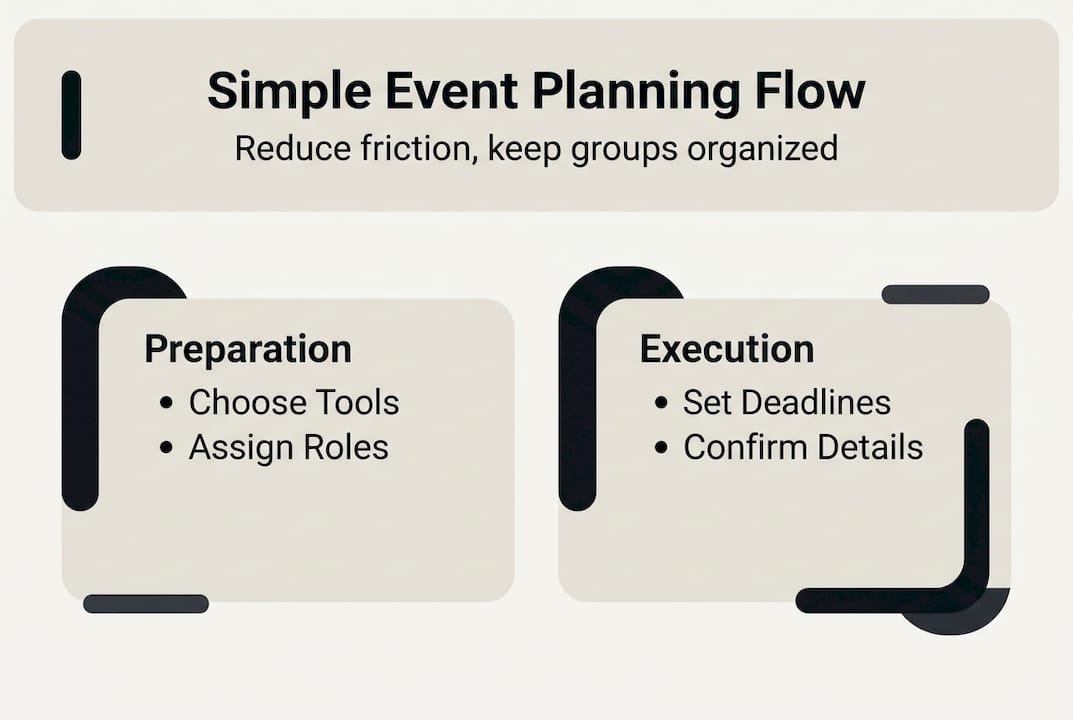
Pro Tip: Close polls after 48 hours even if not everyone has responded. Waiting for stragglers kills momentum. People who miss the poll can still join the finalized plan, they just don't get input on the decision. This might sound harsh, but it's actually kinder than letting plans die because two people never voted.
This workflow respects different personalities by separating decision-making from execution. Introverts can vote on activities without feeling pressured in real-time chat discussions. Extroverts get the social payoff without doing all the organizing work.
Budget handling happens naturally in step three when you're picking specific activities. If someone suggests something pricey, the organizer can immediately offer a lower-cost alternative so everyone has an option that works.
The group scheduling tips that make this workflow effective all center on reducing decision fatigue. Every step narrows options rather than expanding them, moving the group toward action instead of endless discussion. For more detailed guidance, check out this event scheduling guide tailored specifically for friend groups.
Handling common planning challenges
Even with a solid workflow, certain scenarios trip up groups repeatedly. Here's how to navigate the trickiest situations:
| Challenge | Strategy | Why It Works |
|---|---|---|
| Splitting costs | Discuss budget range before choosing activity | Prevents awkward money conversations after commitment |
| Weather cancellations | Always have indoor backup option | Keeps plans alive instead of rescheduling from scratch |
| Encouraging introverts | Offer smaller group options or quieter venues | Makes participation feel comfortable rather than draining |
| Last-minute dropouts | Plan for 80% attendance | Removes pressure and guilt when life happens |
| Group size creep | Cap events at 8-10 people | Maintains intimacy and easier logistics |
Backup plans for weather, capping group size for intimacy, and distributing roles prevent common failures that otherwise derail even well-intentioned groups.
Cost management tips:
- State budget up front in the initial poll
- Offer tiered options at different price points
- Use apps that split bills automatically
- Rotate who covers shared costs like parking
The sweet spot for most casual events is 3-4 hours. Shorter feels rushed, longer requires more energy commitment that reduces turnout. This duration works for everything from brunch to game nights to outdoor activities.
Delegating effectively means being specific. Instead of asking "can someone handle food?" assign it: "Maya, can you grab chips and drinks?" People respond better to direct, manageable requests than vague calls for help.
Rotating organizer roles prevents burnout and builds planning skills across the group. When everyone takes a turn, people appreciate the effort involved and participate more actively. The benefits of small groups become especially clear here, as smaller crews make role rotation more natural.
Flexibility matters, but so do boundaries. If someone consistently flakes or never responds to polls, it's okay to stop including them in planning discussions. They can still join finalized events, but the core planning group should be people who actually engage.
"The groups that thrive long-term are the ones that establish clear norms early and stick to them. It's not about being rigid, it's about respecting everyone's time and energy."
For groups wanting to level up their coordination, exploring an event planning app designed specifically for social groups can automate many of these strategies. The right tools handle the logistics so you can focus on actually enjoying time together.
When challenges arise, remember that scaling communities with events starts with handling these exact friction points well. Groups that master the basics naturally grow into larger, more active communities.
How to evaluate and improve your planning workflow
You've implemented the workflow, but how do you know it's actually working? Here are the signals that indicate success:
-
Participation rates increase: More people respond to polls and show up to events compared to your old planning method.
-
Plans actually happen: You're executing events regularly instead of having ideas die in the group chat.
-
Reduced organizer stress: The person coordinating doesn't feel overwhelmed or resentful about doing all the work.
-
Fewer last-minute changes: Because you've built in buffers and backups, plans stay stable once finalized.
-
Positive group energy: People express excitement about upcoming events rather than dread about planning logistics.
After each event, do a quick informal check-in. Ask what worked and what felt clunky. This doesn't need to be a formal survey, just a casual "hey, should we do this differently next time?" in the group chat.
Key metrics to track informally:
- How many proposed events actually happen
- Average time from idea to executed plan
- Percentage of group that typically attends
- How often you need to reschedule or cancel
If you notice plans consistently falling through, revisit your tools and norms. Maybe polls need shorter windows, or perhaps you need a more reliable scheduling app. The workflow should feel easier over time, not harder.
Small, consistent gatherings can scale into communities by rotating roles and establishing group norms. What starts as a friend group doing monthly hangouts can evolve into a larger social circle as people bring new friends and the rhythm becomes established.
Statistic callout: Groups that maintain consistent monthly events see 3x higher long-term participation rates compared to groups that plan sporadically.
Expanding your circle happens naturally when you've nailed the basics. Once your core group has a reliable rhythm, inviting new people becomes low-risk because the structure supports it. New members can see how things work and plug in easily.
The goal isn't perfection. It's creating a sustainable system that respects everyone's time and actually brings people together. If your workflow accomplishes that, you're succeeding. For additional strategies and tools, explore these group planning tips that cover advanced coordination techniques.
Make group planning effortless with Groop Labs
You now have a complete workflow for organizing group events without the usual chaos. But what if you could automate the tedious parts and focus purely on the fun?

That's exactly what Groop Labs does. Instead of juggling multiple apps and manual coordination, Grooop streamlines the entire process into one lightweight tool designed specifically for friend groups. It handles availability checking, surfaces scheduling conflicts automatically, and gives everyone clear options without endless back-and-forth.
The platform takes the workflow you've learned here and makes it nearly automatic. Start a plan, let Grooop line up everyone's availability, and choose from the options that actually work for your group. No more screenshot polls or trying to remember who said what three days ago in a buried message thread.
For groups serious about spending more time together and less time planning, exploring planning app essentials shows exactly how the right tool transforms coordination from a chore into something that just works in the background.
Frequently asked questions
What is the simplest way to plan a group event with friends?
Use a group poll to decide on activity and date, then handle logistics in a shared app. The core workflow centers on group polls, flexible activities, and app-based logistics that keep everyone aligned without constant discussion.
How do you keep group planning from getting overwhelming?
Timebox decisions, use clear tools, and assign roles so no one gets overloaded. Capping group size, distributing organizer roles, and agreeing on quick budget talks lowers stress while maintaining momentum.
What app is best for casual group scheduling?
Polling and scheduling apps like When2meet, Doodle, or group chat polls work well for casual groups. Scheduling tools minimize hassle and maximize turnout by giving everyone visibility into availability.
How can small friend groups grow into larger communities?
Start with consistent, low-pressure events and rotate planners to scale up over time. Small consistent gatherings become wider communities through roles and norms that make participation easy and sustainable.