
Articles
Top 7 Group Planning App Picks to Simplify Team Events 2026
Discover the best group planning app for your team events in 2026. We review 7 top picks to make organising together easy, inclusive and stress free for us all.

We’ve all been there: someone suggests a team event, and suddenly the group chat is overflowing with suggestions, polls, and endless “what about this date?” replies. It’s easy for even the most well-meaning plans to get tangled up and go nowhere.
In 2026, as our teams become more spread out and our calendars fill up faster, finding a way to make group plans feel easy and inclusive matters more than ever. That’s where the right group planning app can make all the difference, quietly smoothing out the chaos and letting everyone join in at their own pace.
This guide gently walks you through seven standout apps, each with its own style and strengths, so any group—whether friends or colleagues—can find the perfect fit for their next get-together.
Why Group Planning Feels Harder Than It Should
The Realities of Group Coordination
Trying to organise even a simple team event can feel like herding cats. Messages get lost in noisy group chats, and schedules rarely line up. Someone wants brunch, another prefers dinner, and suddenly, the conversation spirals with no clear outcome.
This is even more true as more teams work remotely or in hybrid setups. With people spread across locations and time zones, every “when can we meet?” becomes a puzzle. These days, hybrid events are more common than ever, with over 123 million held last year alone, making coordination even trickier for everyone involved (Hybrid events on the rise).
The group planning app that promises to help often ends up adding to the noise, rather than clearing the air.
What People Want from a Planning App
Most of us just want a group planning app that feels easy and adapts to our way of doing things. We want tools that offer gentle suggestions, respect our time, and keep things light. No one wants to feel pressured or overwhelmed by endless notifications.
Simplicity and flexibility matter most. The best group planning app should let everyone share their preferences without drama or fuss. According to event industry surveys, 70% of group organisers say “decision fatigue” is their biggest struggle. That’s why features that reduce back-and-forth are so valued.
How the Right App Can Change the Vibe
A good group planning app makes the whole process feel lighter, less urgent, and even a bit fun. The right tool adapts to your group, not the other way around, helping everyone feel included and relaxed about the plans.
Top 7 Group Planning App Picks for Team Events 2026
Coordinating a group event can feel like solving a puzzle with missing pieces. The right group planning app can turn that chaos into calm, making it easy for everyone to join in, check details, and feel included. We’ve picked seven standout apps that each offer their own unique way to help your group find its rhythm, no matter your team’s size or style.
To help you quickly compare, here’s a summary table:
| App | Best For | Key Feature | Free Plan | Platforms |
|---|---|---|---|---|
| Groop | Social circles, friends | Private, flexible polls | Yes | Web |
| TripIt | Team travel, offsites | Central itineraries | Yes | Web, Mobile |
| Doodle | Meetings, quick polls | Simple scheduling | Yes | Web, Mobile |
| Splitwise | Shared expenses | Group balances | Yes | Web, Mobile |
| Slack | Work teams, projects | Channels, integrations | Yes | Web, Mobile |
| PackPoint | Packing for events | Custom lists | Yes | Web, Mobile |
| Quick chats, updates | Universal access | Yes | Web, Mobile |
Groop
Groop is a group planning app designed for people who want to avoid the stress of endless group chats. It’s currently free to use in open beta, with a web-based experience that puts privacy and choice first.
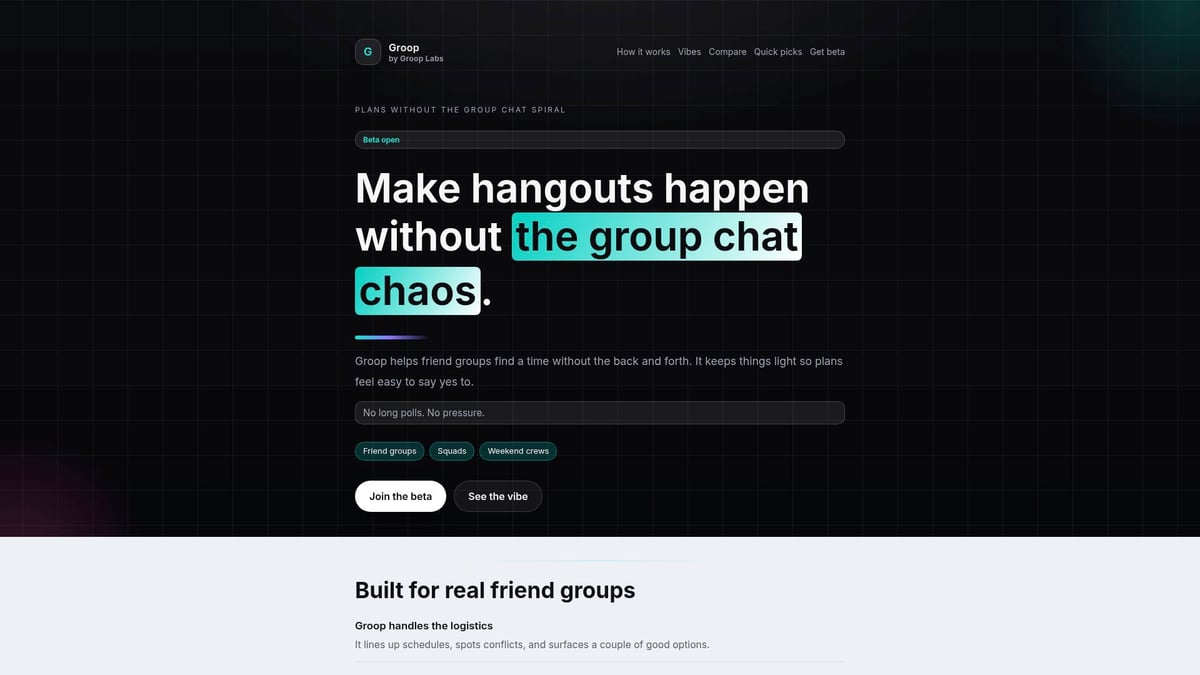
With Groop, everyone can suggest and vote on times or activities without feeling pressured to decide right away. Preferences stay private, so no one feels exposed for saying “maybe” or “not sure.” There’s no group chat spiral, and check-ins are gentle rather than urgent.
Key features:
- Automated scheduling with clear activity options
- Private preferences, no need for public votes
- Flexible, non-intrusive notifications
Best for: Friend groups, study circles, social teams who want planning to feel lighter.
Pros: Removes pressure, lets everyone have equal input, perfect for indecisive groups.
Cons: Limited to web for now, still in beta so features may change.
Example: A study group uses Groop to check when everyone’s free for revision. Instead of 50 messages, one poll brings clarity, and if people aren’t ready to decide, that’s fine too. For anyone seeking a group planning app that respects indecision, Groop is a breath of fresh air.
TripIt
TripIt stands out as a group planning app for teams that travel or juggle complex events. The free version offers centralised itineraries, while TripIt Pro (£39/year) adds real-time updates and travel perks.
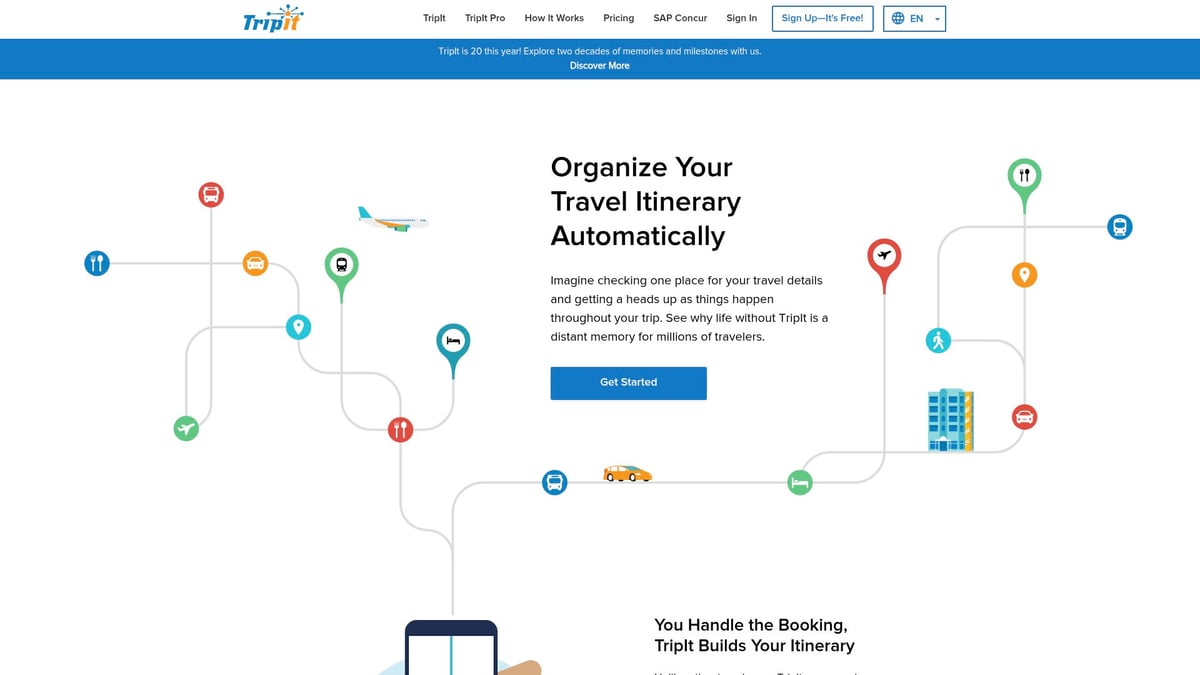
TripIt shines when you need to bring flights, hotel bookings, and event schedules into one place. Just forward your confirmation emails, and TripIt builds a master plan everyone can see. It also shares safety scores and local info, which is a big help for teams travelling to new places.
Key features:
- Automatic itinerary creation from bookings
- Shareable, real-time event updates
- Safety and local information
Best for: Teams planning offsites, work trips, or events with many moving parts.
Pros: Keeps everyone in sync, broad integrations, makes travel less stressful.
Cons: Not suited to last-minute or informal gatherings.
Example: A remote team uses TripIt to coordinate their annual offsite. All travel and event details land in one shared plan, so nobody’s left wondering what’s next. If your group planning app needs include travel, TripIt could be a lifesaver.
Doodle
Doodle is the classic group planning app for finding the best time to meet. The free version lets anyone create a poll and invite others (no account needed), while Pro (£6.95/month) adds calendar syncing and more controls.

Doodle’s real power is in simplicity. Set up a poll, let everyone tick their available slots, and the most popular time wins. It’s ideal for recurring meetings or any group that struggles with mixed schedules.
Key features:
- Quick scheduling polls
- Tracks group availability
- Syncs with calendars
Best for: Teams, clubs, or volunteers with busy, unpredictable calendars.
Pros: Easy to use, cuts down on back-and-forth, works for any group size.
Cons: Focused on scheduling, doesn’t handle event details.
Example: A volunteer group uses Doodle to lock in a monthly meetup date. It saves them from dozens of “when are you free?” messages. For anyone facing scheduling headaches, this group planning app keeps things light.
Splitwise
Splitwise makes sharing costs with a group easy and stress-free. Its free plan tracks expenses, while Pro (£2.99/month) adds advanced features like receipt scanning and currency conversion.
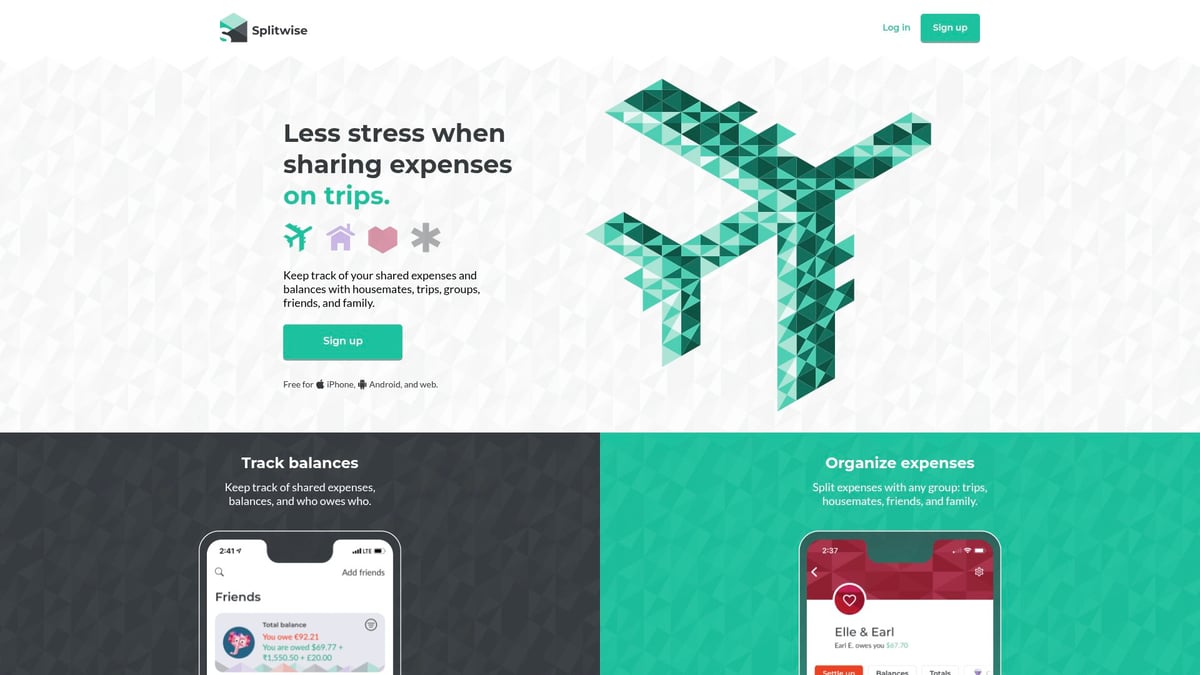
If your group planning app needs include handling money, Splitwise is a gentle helper. Enter expenses as you go, and Splitwise keeps a running tally of who owes what. It’s transparent and avoids the awkwardness of chasing payments.
Key features:
- Tracks group balances and shared costs
- Supports multiple currencies
- Simple, friendly interface
Best for: Sports teams, travel groups, or any event where costs are shared.
Pros: Clear, fair, and easy to use, supports international teams.
Cons: Doesn’t manage schedules or logistics.
Example: A sports team uses Splitwise to split travel and tournament fees. No spreadsheets or awkward reminders needed. With event planners facing rising costs, a group planning app like Splitwise helps teams stay budget-friendly without hassle.
Slack
Slack is a group planning app built for work teams, but its flexibility means it adapts to all sorts of projects. The free plan offers channels, file sharing, and app integrations, while paid tiers (£5.25/user/month) add more features.
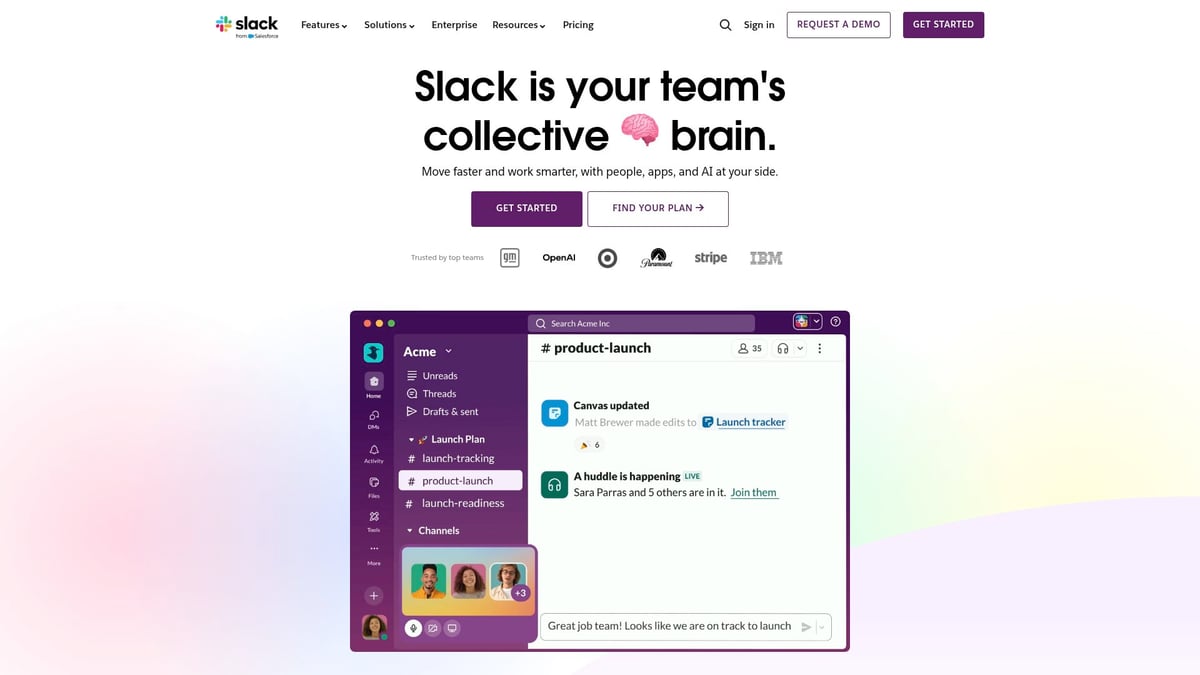
With Slack, you can create dedicated channels for event planning, use built-in polls, and connect with tools like Google Calendar. Communication stays organised, and planning doesn’t get lost in personal chats.
Key features:
- Topic-based channels for organisation
- Integrations with other planning tools
- Polls and file sharing
Best for: Work teams, project groups, or anyone who wants structured planning.
Pros: Customisable, scales with group size, centralises event details.
Cons: Can feel overwhelming if too many channels or notifications.
Example: A project team sets up a Slack channel for their summer event. Polls help decide activities, and everyone knows where to look for updates. If your group planning app needs include clear, separate communication, Slack is a solid choice.
PackPoint
PackPoint is a group planning app with a twist: it focuses on what to bring, not where or when to meet. Free and premium (£2.99 one-time) versions let you create custom packing lists that factor in weather and planned activities.
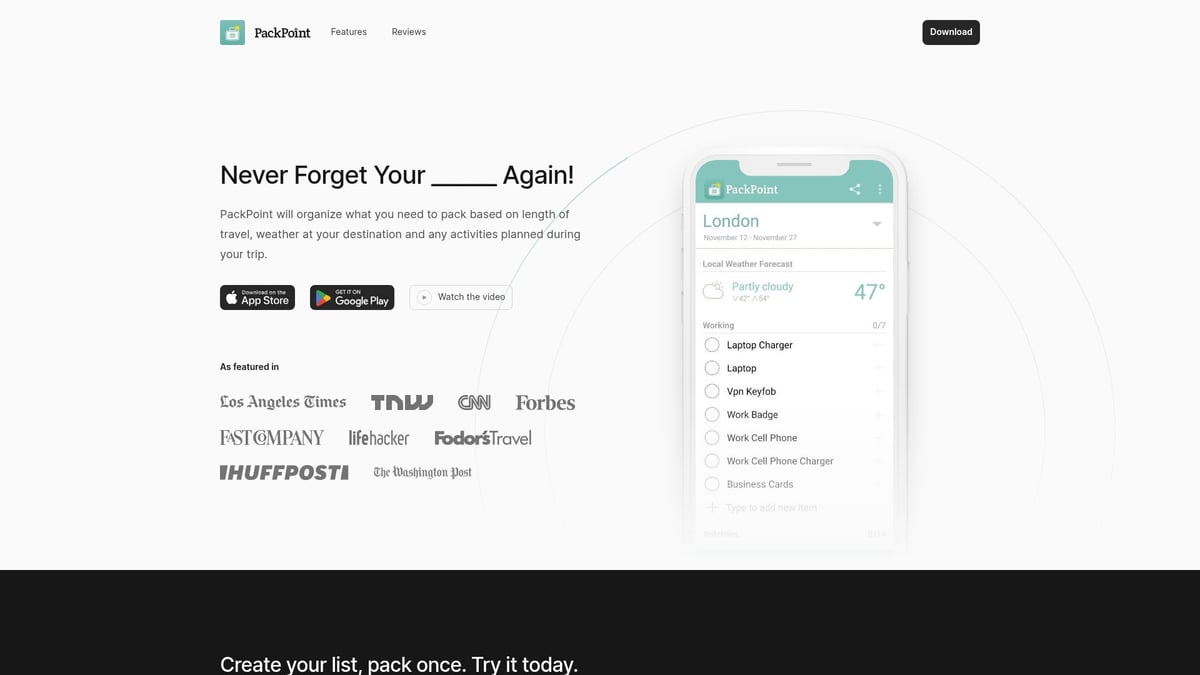
PackPoint takes the guesswork out of group trips. Share a list with your team so everyone knows what’s covered, and nothing gets left behind. It’s especially handy for retreats or events where gear matters.
Key features:
- Customisable packing lists
- Weather and activity integration
- Easy sharing with groups
Best for: Teams or friends heading offsite, event organisers who want to avoid forgotten items.
Pros: Personalised, reduces stress, works for any trip length.
Cons: Doesn’t handle schedules or RSVPs.
Example: An events team uses PackPoint to coordinate packing for a company retreat. Everyone sees who’s bringing what, and last-minute rushes are avoided. For groups needing a planning app that covers the “what to bring,” PackPoint is a gentle guide.
WhatsApp is a group planning app that almost everyone already has. It’s free, cross-platform, and familiar, making it a go-to for quick coordination.
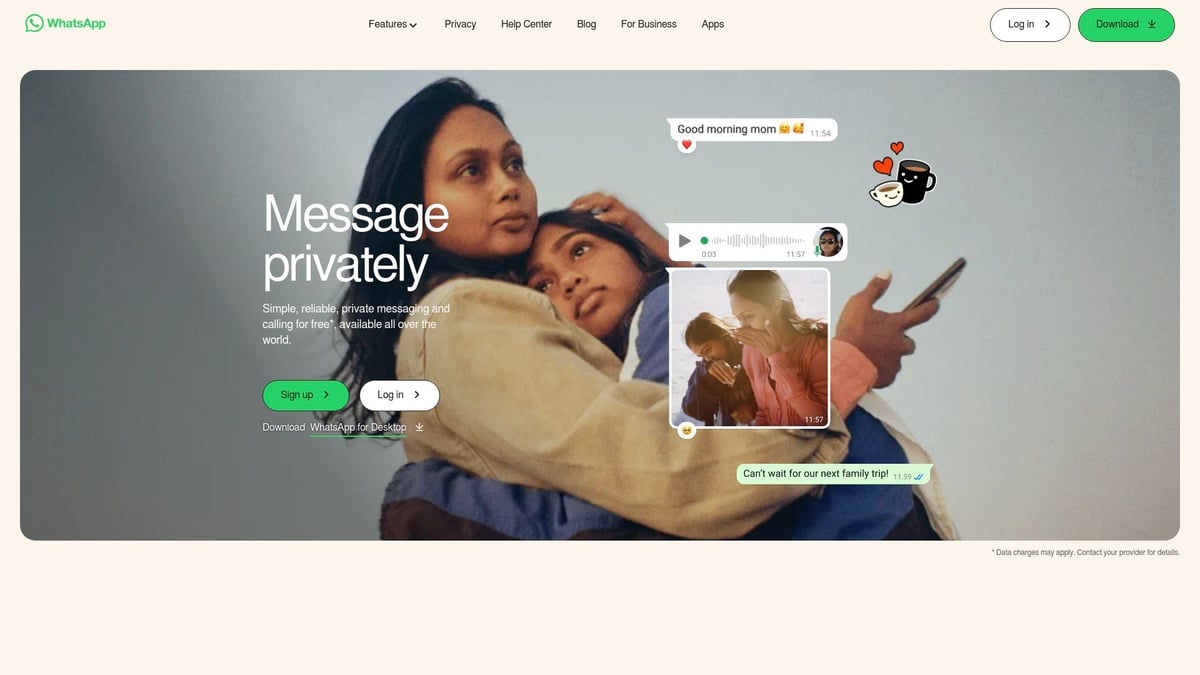
Group chats, calls, media sharing, and live locations are all built in. It’s great for fast updates and keeping everyone in the loop, especially for events with lots of moving parts.
Key features:
- Group chats for instant messaging
- Voice and video calls
- Easy media and location sharing
Best for: Any group, especially those with members in different countries.
Pros: Universal, reliable, works on any device.
Cons: Chats can get noisy, and decisions are easily lost in conversation threads.
Example: A festival crew uses WhatsApp to share live updates and meet-up locations on the day. For spontaneous plans, this group planning app keeps everyone connected without fuss.
Choosing a group planning app is about finding the one that fits your team’s mood and needs. All these apps offer their own flavour of support—whether you want to keep things casual, manage big events, or just make sure no one forgets the snacks. The goal is always to make planning feel lighter, more optional, and a little more fun for everyone involved.
How to Choose the Right Group Planning App for Your Team
Choosing a group planning app can feel a bit like picking a restaurant for a big group. You want everyone to feel included, but not overwhelmed by options or tech. Before you settle on an app, it helps to take a gentle pause and look at what your group really needs.
Assessing Your Group’s Needs
Start by thinking about your group’s size, comfort with technology, and how you all like to plan. Is your team big or small? Do people prefer quick polls or longer chats? Maybe your group values privacy or needs to coordinate across time zones.
Take a moment to list your top pain points. Are scheduling clashes the main roadblock? Is it tracking expenses, or keeping communication clear? Some groups prioritise attendee safety, especially for larger events. In fact, Safety and security top priorities for 71% of organisers in 2026, so it’s worth considering how a group planning app supports these needs.
By tuning in to your group’s quirks and concerns, you’ll find it easier to pick a tool that fits like a favourite jumper.
Matching Features to Your Event Type
Now, look at the kinds of plans you’re making. For quick hangouts or casual get-togethers, a group planning app like Groop or Doodle keeps things breezy and low-pressure. Doodle is perfect for finding a date that works, while Groop is great if your group loves options and hates group chat spirals.
If you’re planning something more involved, like a team retreat or a trip, apps such as TripIt help keep everyone’s plans in one spot. For splitting costs, Splitwise takes the awkwardness out of shared expenses. Think about which features solve your group’s biggest headaches and choose a group planning app that matches your event’s vibe.
Balancing Flexibility and Structure
The best group planning app is the one that feels natural, not forced. It should let your group flow at its own pace, whether you’re decisive or “let’s see how we feel.” Try a few apps if you need to. It’s all about finding what feels light, optional, and just right for your people.
Real-World Tips for Smoother Group Planning in 2026
Let’s make group planning feel lighter, friendlier, and less effortful. Here are some gentle, real-life tips to help your next event feel more like a shared adventure than a chore. Every suggestion is just that—take what fits, skip what doesn’t. Your group, your vibe.
Set the Tone for Optional, Light Planning
Start with a “no pressure” mindset. When using a group planning app, try open-ended polls or casual check-ins instead of deadlines. A simple “What works for you?” message makes it easier for everyone to join in, or not, at their own pace.
- Send out polls that allow for multiple answers.
- Encourage “maybe” and “let’s decide later” responses.
- Make it clear that participation is always optional.
This way, planning feels more like an invitation than an obligation.
Keep Communication Clear but Casual
Create a dedicated channel or thread for your event. This keeps the group planning app tidy and stops ideas from getting lost in the mix of daily chats. Short messages and gentle reminders help everyone stay on track without feeling overwhelmed.
- Use clear subject lines or channel names.
- Drop reminders in a friendly, non-urgent tone.
- Share updates in quick, easy-to-read bursts.
A little structure goes a long way to keeping things light.
Respect Everyone’s Pace and Preferences
Give people space to respond when it suits them. The best group planning app respects that not everyone is ready to decide at the same time. If someone needs more time or prefers to stay undecided, that’s completely valid.
- Leave polls open for a few days.
- Allow for “no preference” answers.
- Celebrate all contributions, big or small.
Patience helps everyone feel included and valued.
Embrace “Good Enough” Decisions
Not every detail needs to be perfect for your event to be a success. The group planning app is there to help you find a plan that works for most, not to chase the impossible “perfect” outcome.
- Aim for consensus, not unanimity.
- Agree on the basics, then fill in the rest as you go.
- Trust that small imperfections won’t ruin the fun.
Letting go of perfection makes planning feel lighter and more enjoyable.
Use Apps to Reduce, Not Add, Effort
Treat your group planning app like a helpful friend, not a boss. Choose tools that genuinely make things easier, not ones that add more steps. Many event organisers are now turning to digital helpers, with AI adoption in event planning on the rise to take the strain out of coordination.
- Pick features you’ll actually use.
- Avoid apps that require constant checking or updates.
- Let technology do the heavy lifting, so you can focus on the fun.
The right group planning app should always adapt to you, never the other way round.We’ve all been there—trying to make plans with a group, only to get lost in a flurry of messages and indecision. That’s why finding the right planning app makes such a difference. The tools we’ve explored can really lighten the load and make organising feel easy and even enjoyable. If you’re keen to cut through the chaos and give your group a planning experience that’s smooth and pressure free, why not take a look at Groop’s fresh approach to hassle free coordination It’s designed for groups like ours who just want to make plans without the stress. Ready for a calmer way to organise Check us out