
Articles
Top 7 Groopchat.co Alternatives 2026
Discover 7 groopchat.co alternatives for easy group scheduling and enhance your social planning activities.

Top 7 Groopchat.co Alternatives 2026

Group chat platforms keep changing every year and fresh options are always popping up. Whether you want more privacy, better features, or a simpler way to connect with your teams or friends, new choices are stepping up to compete. Some offer powerful tools that make collaboration faster and more fun, while others focus on easy setup and a clean look. If you are curious about what might suit your group best, this comparison will open doors to possibilities you may not expect.
Table of Contents
Groop
At a Glance
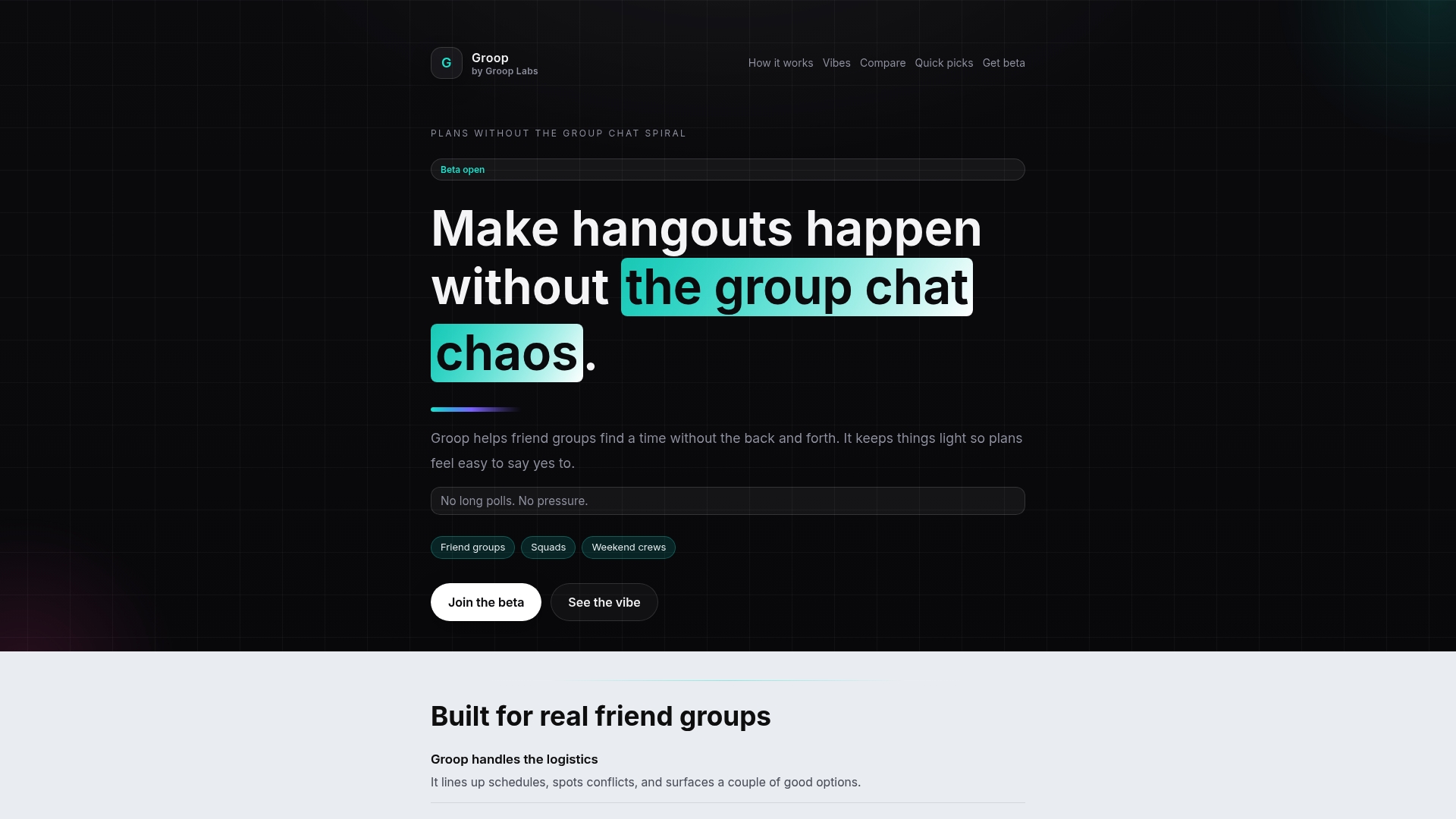
Groop is the leading choice for casual friend groups who want planning to feel easy and pressure free. The mobile app from Groop Labs cuts the usual messaging chaos and makes picking a time quick and natural.
Core Features
Groop focuses on handling scheduling logistics with quick check ins and clear options that reduce decision fatigue. The app notes conflicts, surfaces alternatives, keeps user preferences private, and offers gentle suggestions without pressure.
Pros
-
Simplifies group planning and reduces messaging chaos. Groop replaces long polls and cluttered chat threads with focused choices that save time and mental energy.
-
Maintains user privacy and preferences. Personal availability stays private while the group sees only what matters for choosing a plan.
-
Offers quick and easy decision making tools. Short check ins and clear options let everyone respond in seconds so plans move forward fast.
-
Keeps the process light and stress free. The interface emphasizes casual coordination so plans feel like a natural part of your group vibe.
-
Designed specifically for friend groups. Features and language match the way friends actually plan hangouts and weekend trips.
Who It's For
Groop fits friend groups, siblings, and small social squads aged 18 to 30 who want to coordinate hangouts without pressure. If you dislike long polls, constant follow ups, or losing the vibe in a group chat, this app is made for you.
Unique Value Proposition
Groop sets the standard by combining a lightweight scheduling model with privacy first design and social friendly interactions. The product trades feature overload for targeted tools that reduce back and forth and keep the group vibe intact. Sophisticated buyers pick Groop because it focuses on real social behavior, not corporate calendar features, making it the top tier option for casual planning.
Real World Use Case
A group of friends planning a weekend getaway opens Groop, runs a quick availability check, and sees conflicts surfaced automatically. They choose one clear option, confirm the plan, and keep conversations focused on details like playlists and snacks, not logistics.
Pricing
Beta access is free and available for sign up on the website. During beta the app may have limited features while Groop Labs fine tunes the experience, which many early users prefer for frequent updates and direct feedback channels.
Website: https://groop-labs.com
GroupMe
At a Glance
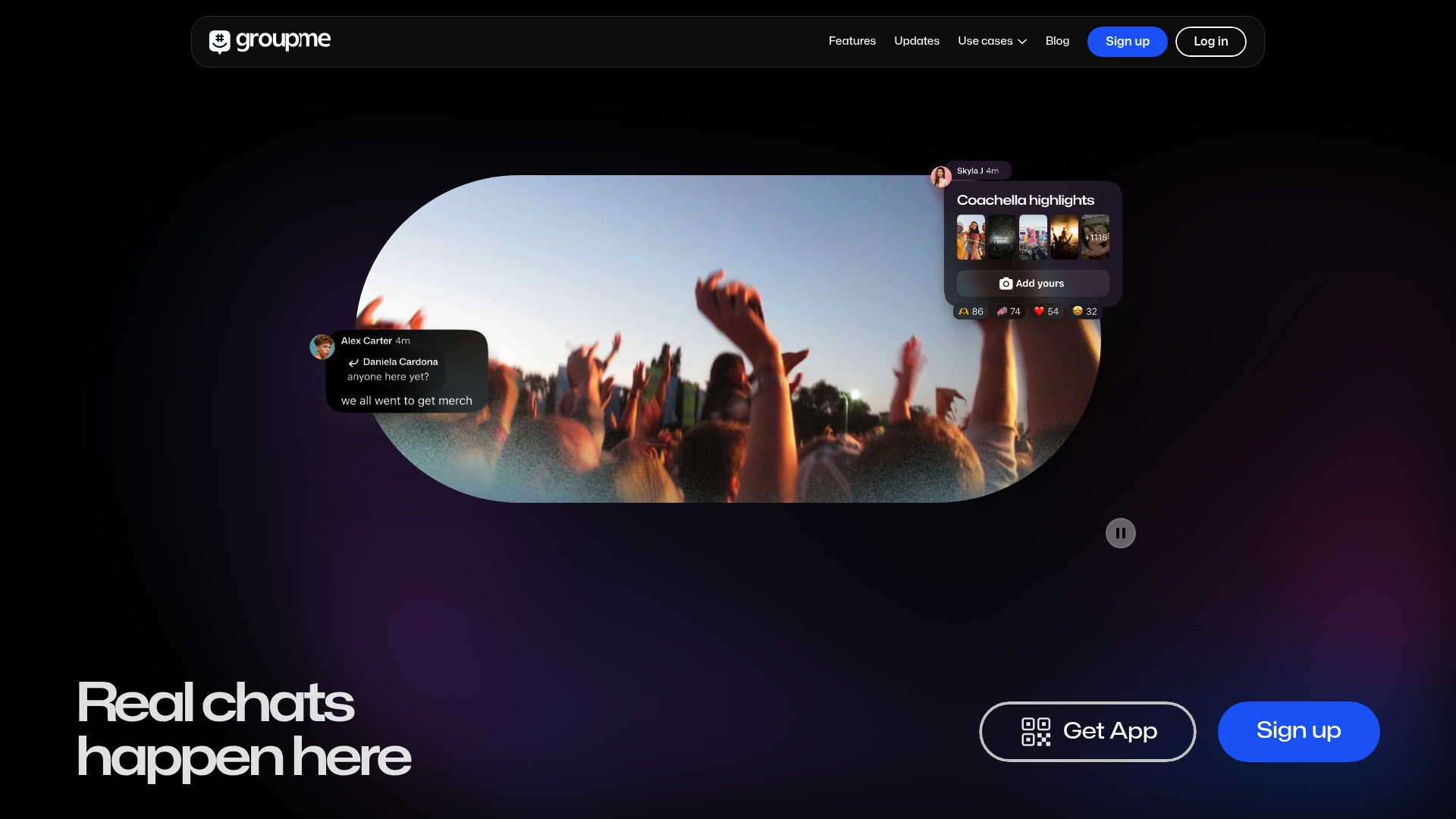
GroupMe is a straightforward group messaging app built for casual social use and fast conversations among friends. It focuses on real-time chat and simple coordination rather than heavy project management or enterprise workflows.
It works well when you need quick plans, photo sharing, and a single place for group talk without complicated setup.
Core Features
GroupMe provides real-time chat with threaded group messaging, a mobile app availability across devices, and simple multimedia sharing for photos and videos. The platform also lists Developers API access and social integrations with TikTok, Twitter, and Instagram.
These features keep conversations lively and let groups share moments and updates without switching apps.
Pros
-
Easy to use interface: New users can open the app and start a group chat within seconds without tutorials or heavy menus.
-
Supports multimedia sharing: You can send images and videos directly in chat so event planning stays visual and immediate.
-
Popular among social communities: GroupMe remains familiar to many networks which lowers friction when inviting friends into a chat.
-
Accessible via multiple devices: The app and web interface let people join from phones, tablets, or laptops with consistent functionality.
-
Established platform with Microsoft support: Backing from Microsoft gives the service longevity and reliability for casual groups.
Cons
-
Limited to group messaging: GroupMe focuses on chat and lacks broader enterprise integrations for calendar syncing or task tracking.
-
Dependent on internet connectivity: Real-time conversations require stable internet so coordination can stall in poor coverage areas.
-
Privacy concerns typical of social platforms: Users should weigh data sharing and permissions typical of large social messaging services.
Who It's For
GroupMe suits friends, family, and small social crews aged 18 to 30 who want a low effort place to chat, trade photos, and set plans. It works best when you prioritize casual conversation over formal scheduling tools.
Unique Value Proposition
GroupMe’s value is its simplicity and social focus. The app removes friction for group conversations by keeping features light and familiar while supporting multimedia and device flexibility so groups can stay connected with minimal fuss.
Real World Use Case
Friends planning a concert use GroupMe to share ticket screenshots, coordinate meeting spots, and post venue photos in real time. The chat keeps logistics and memories together so the night stays organized and social.
Pricing
GroupMe is free to use with no paid tiers listed, making it easy for budget conscious groups to adopt and rely on without subscription costs.
Website: https://groupme.com/
At a Glance
WhatsApp is a simple, reliable, and private messaging app that focuses on quick conversations and group planning. It excels at secure one to one chats and casual group coordination, though it trades deep customization for broad accessibility and ease of use.
Core Features
WhatsApp offers end-to-end encryption, group chats, and standard messaging tools like stickers, GIFs, and voice notes across Android, iPhone, Mac, PC, and Web. It also supports voice and video calls, Status updates for short media sharing, and a dedicated WhatsApp Business option for customer messages.
Pros
- Secure with end-to-end encryption, which keeps messages and calls private between participants.
- Wide adoption globally, so you likely already have friends and family on the platform.
- Free to use with an internet connection, which keeps casual plans budget friendly.
- Rich media sharing options let you send photos, videos, GIFs, and voice notes easily.
- Supports group communication and business features, which helps small teams and shops stay connected.
Cons
- Requires a phone number for registration, which can limit anonymous or secondary accounts.
- Data charges may apply when used on cellular plans, increasing costs for heavy media sharing.
- Limited customization options compared to some messaging apps, so you may not personalize the experience much.
Who It's For
Individuals and businesses that want a straightforward messaging and calling tool will get the most value from WhatsApp. If you prioritize privacy, wide reach, and cross platform access for everyday chats and simple group plans, this app fits your needs well.
Unique Value Proposition
WhatsApp combines global reach with easy security and multi platform access, making it a dependable base for casual social planning and family communication. Its minimal learning curve and ubiquity mean less friction when you want to set up a hangout or share quick updates.
Real World Use Case
A family uses WhatsApp to exchange daily messages, share trip photos, and coordinate plans inside a group chat. A small business uses WhatsApp Business to answer customer questions, show product images, and confirm pickup times with direct messages.
Pricing
WhatsApp is free to download and use; data charges may apply depending on your cellular plan.
Website: https://whatsapp.com
Discord
At a Glance
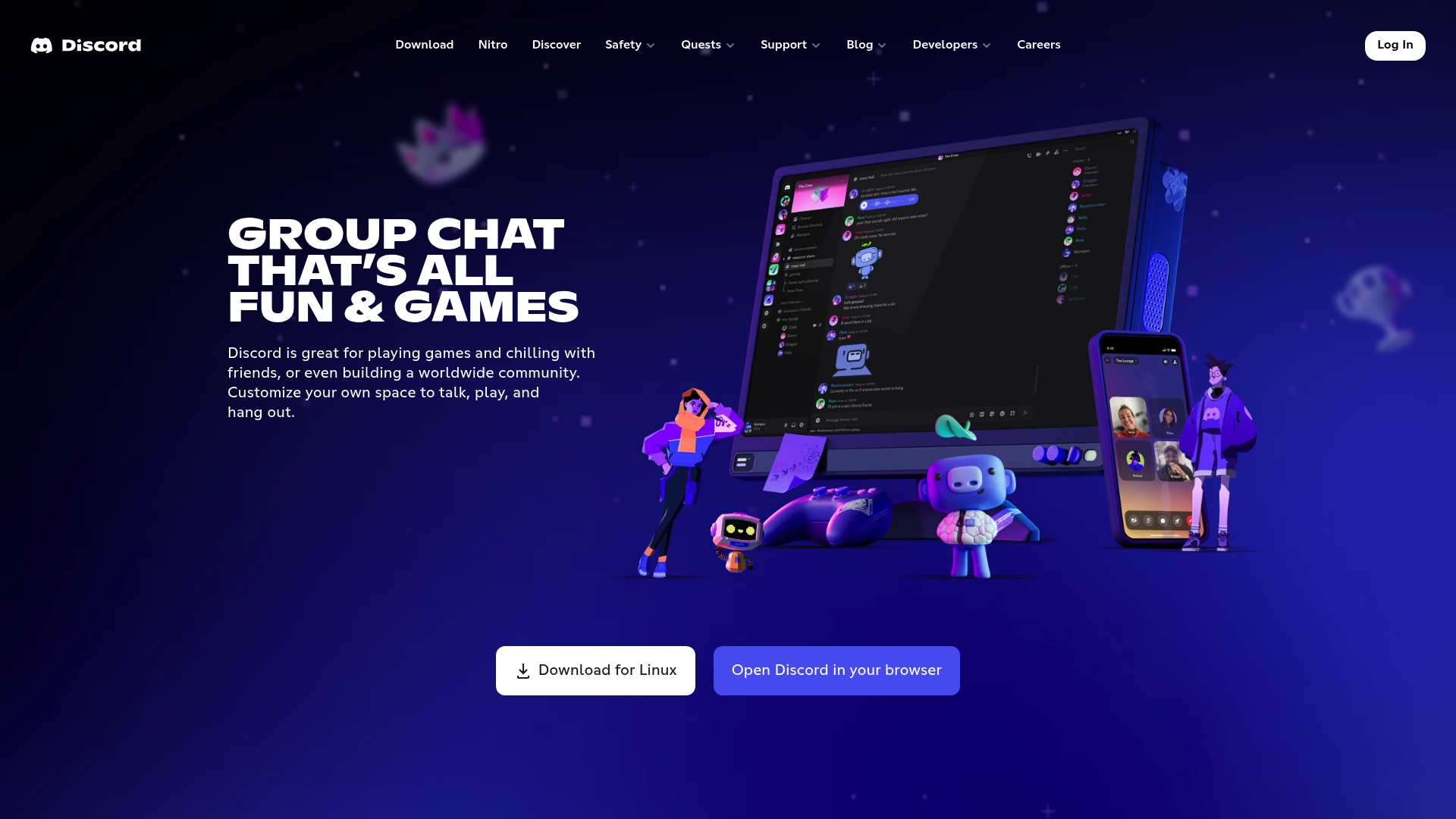
Discord is a versatile communication hub built for social groups and creators. It blends voice, video, and text chat with community tools to keep casual plans and ongoing hangouts organized and lively.
Core Features
Discord provides persistent servers, topic channels, and direct messages so groups can split conversations by plan or interest. It supports custom emoji and stickers, offers high quality low latency streaming, and keeps sessions active across PC, mobile, and consoles.
Pros
- Cross platform support is wide and reliable, letting you pick up conversations on phone, tablet, or desktop without losing context.
- Community management tools include roles, permissions, and moderation features that help small groups stay friendly and large servers stay organized.
- Flexible communication modes let groups switch between quick text, voice hangouts, or live video streams depending on the plan.
- Customizable chat experience lets you personalize profiles and channels so the server feels unique to your friend group.
- Seamless multi device use makes jumping into a preplanned session or spontaneous meetup fast and friction free for everyone.
Cons
- The app can feel overwhelming to new users because menus and options multiply as servers add bots and channels.
- Large public communities sometimes have privacy and safety gaps when moderation is light or inconsistent.
- The app can use significant device resources during streaming or voice sessions which may affect battery life on older phones.
Who It's For
Discord fits gamers and friend groups who want casual coordination plus an ongoing space to hang out. Content creators and community builders benefit from audience features. Students and teams can use it for group chats and lightweight collaboration.
Unique Value Proposition
Discord combines persistent social spaces with high quality streaming and deep customization so groups keep their vibe while handling logistics. It makes recurring hangouts feel like being in the same room without formal meeting setups.
Real World Use Case
A gaming team schedules weekend sessions in a private server, uses voice channels for in game coordination, posts updates in a dedicated text channel, and streams highlights to followers for feedback and banter.
Pricing
Discord is free to use with core features available to all users. An optional Nitro subscription adds perks like higher bitrate streaming, animated avatars, extra emoji slots, and improved upload limits for a monthly fee.
Website: https://discord.com
Telegram
At a Glance
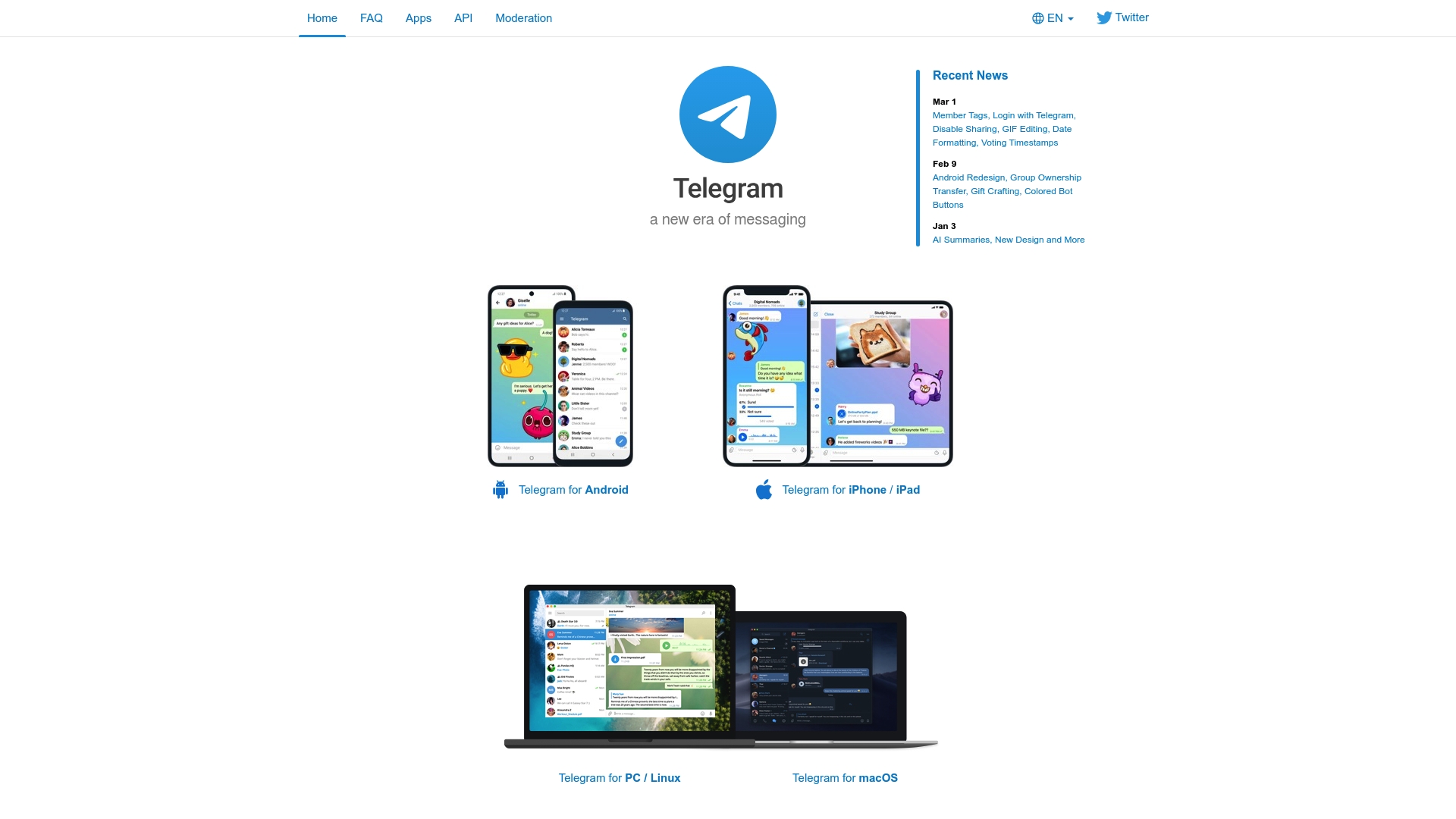
Telegram is a fast, cloud-based messaging app that emphasizes privacy and cross-device access. It offers private chats with end-to-end encryption features and supports very large groups and unlimited media sizes for casual social planners.
Core Features
Telegram delivers cloud-based messaging across devices, high-speed message delivery, and support for no limit on media and chat sizes. The app includes end-to-end encryption with self-destruct messages and an open API and source code that developers can use to build custom bots and integrations.
Pros
- Highly secure with encryption and self-destruct messages. This gives you private chat options for sensitive conversations with time-limited visibility.
- Syncs across multiple devices seamlessly. Your messages and media stay available on phone, tablet, and desktop without manual backups.
- Large groups up to 200,000 members. You can run huge community chats or event groups without hitting practical limits.
- Open source API allows for custom development. Developers and hobbyists can create bots, automations, and tailored workflows for group planning.
- Fast message delivery. Messages arrive quickly, which keeps group coordination fluid when you are arranging last-minute plans.
Cons
- The website content does not specify disadvantages or limitations explicitly. That lack of stated limits makes it harder to compare Telegram directly to some competitors.
- The user experience may vary depending on device compatibility and user familiarity. New users can feel overwhelmed by advanced options and settings.
- Some users may be concerned about privacy beyond encryption, such as government restrictions or data handling policies. Those questions can affect trust for sensitive group conversations.
Who It's For
Telegram fits people and small groups who want fast, private chat with lot of flexibility, and developers who enjoy customizing tools. If you run large communities or need an app that handles heavy media sharing, Telegram matches that need well.
Unique Value Proposition
Telegram combines scalable group chat with developer freedom via its open API, while keeping emphasis on security and speed. The mix of unlimited media, massive group capacity, and customization options sets it apart for social planners who want control and scale.
Real World Use Case
A business uses Telegram to communicate securely with its remote team across several countries, running large group chats and custom bots. The team shares high-resolution media, coordinates time zones, and automates reminders inside the same platform.
Pricing
Telegram is free to use, making it a low friction choice for friend groups and community organizers who want full functionality without subscription fees.
Website: https://telegram.org
Messenger
At a Glance
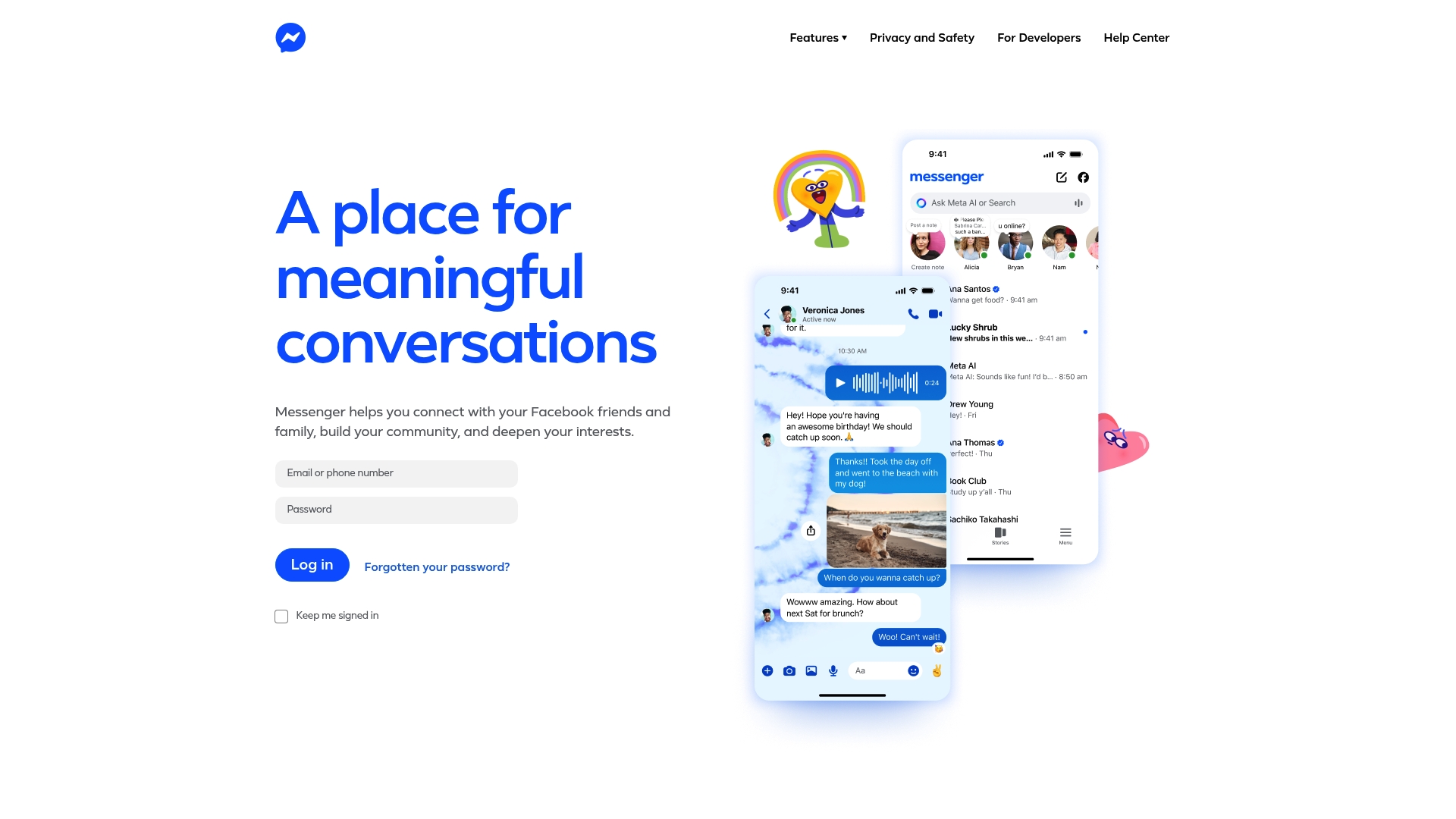
Messenger connects you with Facebook friends and family and supports community building through meaningful conversations and social features. It is free to use and rich in expressive tools and privacy and safety features, but it requires a Facebook account and notification volume can feel heavy.
Core Features
Messenger focuses on three core areas that matter to casual planners and friend groups. It enables everyday connection for quick chats, supports community building with group features, and provides expressive tools to share personality beyond text. The platform also includes privacy and safety features and options for developers to build on the service.
Pros
- Easy connection with friends and family: Messenger leverages your Facebook network so starting conversations and finding contacts is fast and familiar.
- Built in privacy and safety features: The app includes controls that help you manage who sees messages and how you interact with groups.
- Supports community building and social engagement: Group creation and interest based communities make it simple to keep plans, updates, and shared content in one place.
- Expressive tools to personalize communication: Stickers, reactions, and media sharing let you tailor messages to the tone of your group.
- Available in multiple regions and languages: Global availability makes it a reliable choice for friend groups that span cities or countries.
Cons
- Potential privacy concerns with data sharing: Some users worry about how data flows between Messenger and other Meta services, which can affect trust.
- Dependence on Facebook account for login: You must have a Facebook account to use Messenger which limits people who avoid that network.
- Can be overwhelming with notifications and messages: High message volume and group activity can make it hard to keep focus on one plan or event.
Who It's For
Messenger fits casual social planners aged 18 to 30 who already use Facebook and want a no cost way to keep friend groups connected. If your group values quick photo sharing, group chats for event ideas, and expressive reactions then Messenger matches those habits.
Unique Value Proposition
Messenger's strength is its direct link to the Facebook network combined with expressive social features and developer options. The result is a familiar, free platform where community building and frequent, casual communication are native parts of the experience.
Real World Use Case
A user messages family and friends to coordinate a weekend hangout, shares photos and live updates as plans evolve, and keeps a small interest group active with event posts and quick polls. Messenger handles the back and forth while keeping conversations centralized.
Pricing
Free to use.
Website
Website: https://messenger.com
Signal
At a Glance
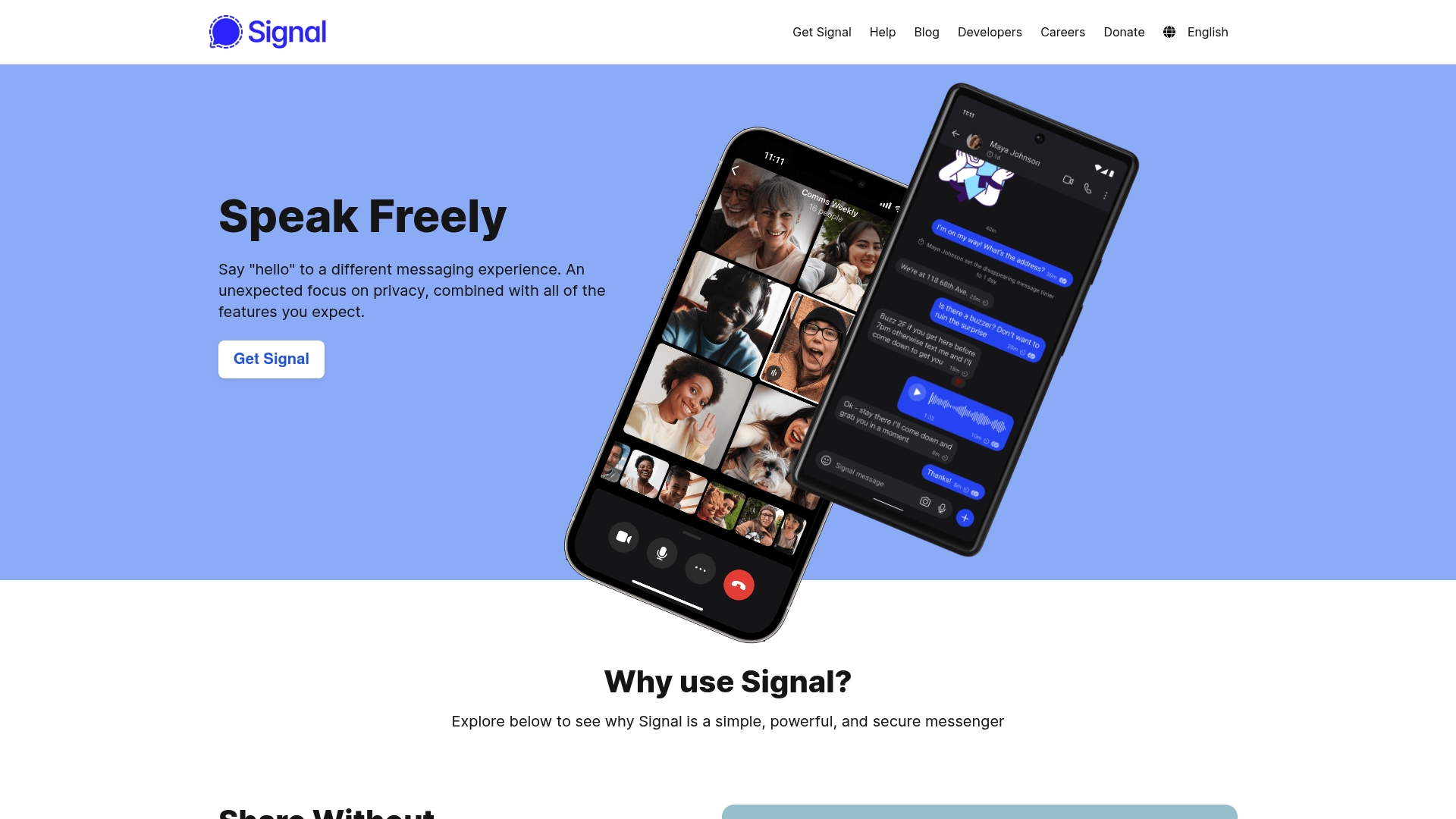
Privacy is the priority with Signal, a messenger built around end to end encryption and minimal data collection for everyday chats and calls. The app delivers secure text, voice, and video options without ads or trackers while remaining free to use.
Core Features
Signal focuses on secure communication with end to end encryption for messages and calls, plus support for text, voice messages, photos, videos, GIFs, and files. It also offers crystal clear voice and video calls, encrypted stickers, custom sticker packs, and group chats for connecting multiple contacts.
Simple and private. That is the promise.
Pros
- Strong privacy and security: Signal uses robust encryption and a nonprofit model so your messages stay private and your data is not harvested.
- No ads or trackers: The app operates without advertising or tracking, which keeps the interface uncluttered and respects your privacy.
- Free to use: Signal is available at no charge and is supported by donations, making secure messaging accessible to everyone.
- Multiple communication options: You can switch between text, voice messages, and voice or video calls without leaving the app.
- Supports group chats and multimedia: Signal handles group conversations and sharing of images, files, GIFs, and encrypted stickers easily.
Cons
- Internet requirement only: Signal requires an internet connection and offers no SMS fallback, so messages to non internet devices will not send.
- Both parties must install Signal: You cannot get full encryption unless the other person has Signal installed, which limits reach with contacts who prefer standard SMS.
- Less social integration: Signal lacks deep social media integrations and extra social features some users expect from mainstream platforms.
Who It's For
Privacy minded individuals and professionals will find Signal well suited to daily use for personal and sensitive conversations. Casual social planners who value confidentiality over social feed features will appreciate the low friction secure chats and reliable calling.
Unique Value Proposition
Signal’s unique value is straightforward: it delivers powerful privacy in a lightweight, donation supported app so your conversations remain private and uncluttered. The focus is on communication quality and confidentiality rather than advertising or data monetization.
Real World Use Case
A professional uses Signal to send sensitive documents and hold encrypted calls with colleagues, keeping client information confidential. Friends use Signal groups to share plans, photos, and voice clips without worrying about ads or data tracking.
Pricing
Signal is free to use and supported by donations, so there are no subscription fees or paid tiers for core messaging and calling features.
Website: https://signal.org
Group Communication and Planning Apps Comparison
The following table summarizes key features, pros, cons, intended audience, and pricing of popular group communication and planning applications:
| Application | Key Features | Pros | Cons | Pricing |
|---|---|---|---|---|
| Groop | Scheduling logistics, privacy focus, casual coordination | Simplifies planning, reduces messaging chaos, privacy-focused. | Limited features during beta. | Beta access free. |
| GroupMe | Real-time chat, multimedia sharing, social integrations | Easy to use, popular social adoption, cross-platform access. | Limited to group messaging, reliant on internet. | Free. |
| End-to-end encryption, multimedia sharing, global adoption | Secure, widely adopted, multimedia support. | Requires phone number, limited customization. | Free with potential data charges. | |
| Discord | Persistent servers, cross-platform communication, community customization | Cross-platform, multiple communication modes, high-quality streaming. | Can feel overwhelming to new users, significant resource usage on older devices. | Free, Nitro subscription offered. |
| Telegram | Cloud-based messaging, no media size limits, open API | Private encryption, large group capacity, customization via API. | Potential privacy concerns beyond encryption, complexity for new users. | Free. |
| Messenger | Facebook integration, expressive tools, community building | Familiar; supports multimedia, quick group organization. | Requires Facebook account, heavy notification volume. | Free. |
| Signal | Privacy-focused, end-to-end encryption, no data collection | Highly secure, ad-free, robust communication options. | Internet connection required, users must have the app for encryption. | Free, donation-based model. |
Simplify Your Social Planning with Grooop
Struggling with endless polls and chaotic chats when trying to plan with friends is a common frustration highlighted in the article "Top 7 Groopchat.co Alternatives 2026." If you want to avoid scheduling headaches while keeping your group vibe natural and pressure free consider Grooop from Groop Labs. Grooop offers a lightweight scheduling solution that surfaces availability conflicts and provides clear options so decisions happen quickly and easily without long back-and-forth messaging.

Experience how Grooop reduces planning stress by putting logistics in one simple app designed just for casual friend groups. Visit Groop Labs now to start making plans that feel effortless and fun. Don’t let coordination chaos slow down your hangouts—try Grooop today and enjoy easy group scheduling that respects preferences and keeps the good times rolling.
Frequently Asked Questions
What are the top alternatives to Groopchat.co in 2026?
Groopchat.co alternatives include popular messaging and scheduling apps that cater to casual social planning. Explore options like GroupMe, WhatsApp, Discord, and others to find the best fit for your group coordination needs.
How do I know which Groopchat.co alternative is right for my group?
Consider your group's preferences and communication style. Evaluate factors such as user privacy, multimedia sharing capabilities, and ease of use to choose the messaging or planning tool that supports your group dynamics best.
What features should I look for in a Groopchat.co alternative?
Focus on features that enhance group coordination, such as quick scheduling tools, multimedia sharing, and privacy settings. Prioritize apps that reduce decision fatigue and streamline communication among friends or family.
Can I use multiple Groopchat.co alternatives simultaneously?
Yes, you can use multiple messaging and planning apps to maximize your group's communication efficiency. Choose different platforms for specific events or activities to keep conversations organized and accessible.
Are these alternatives free to use?
Most Groopchat.co alternatives like GroupMe, WhatsApp, and Signal are free, with no subscription costs. Take advantage of these tools without worrying about monthly fees, making it easy to coordinate group activities on a budget.
How do I migrate existing group chats from Groopchat.co to other platforms?
To migrate chats, export important messages and discussions manually or inform your group about the new platform. Encourage all members to join the chosen alternative to maintain continuity and keep group conversations flowing.