
Articles
Top 5 timetreeapp.com Alternatives in 2026 for Effective Planning Tools
Explore 5 timetreeapp.com alternatives for efficient planning and coordination. Compare features and find the best tool for your needs!

Top 5 timetreeapp.com Alternatives in 2026 for Effective Planning Tools

Keeping everyone on the same page can seem impossible when schedules fill up fast. Whether you want to balance family plans or manage changing work shifts, you need the right tool to stay organized. A fresh new wave of planning solutions is making it easier to coordinate and share with others. Some tools stand out for quick set up and sharing, while others focus on flexibility or smart reminders. Wonder what features will help you simplify your busy days? The next list reveals top choices that could make planning much smoother.
Table of Contents
Groop
At a Glance
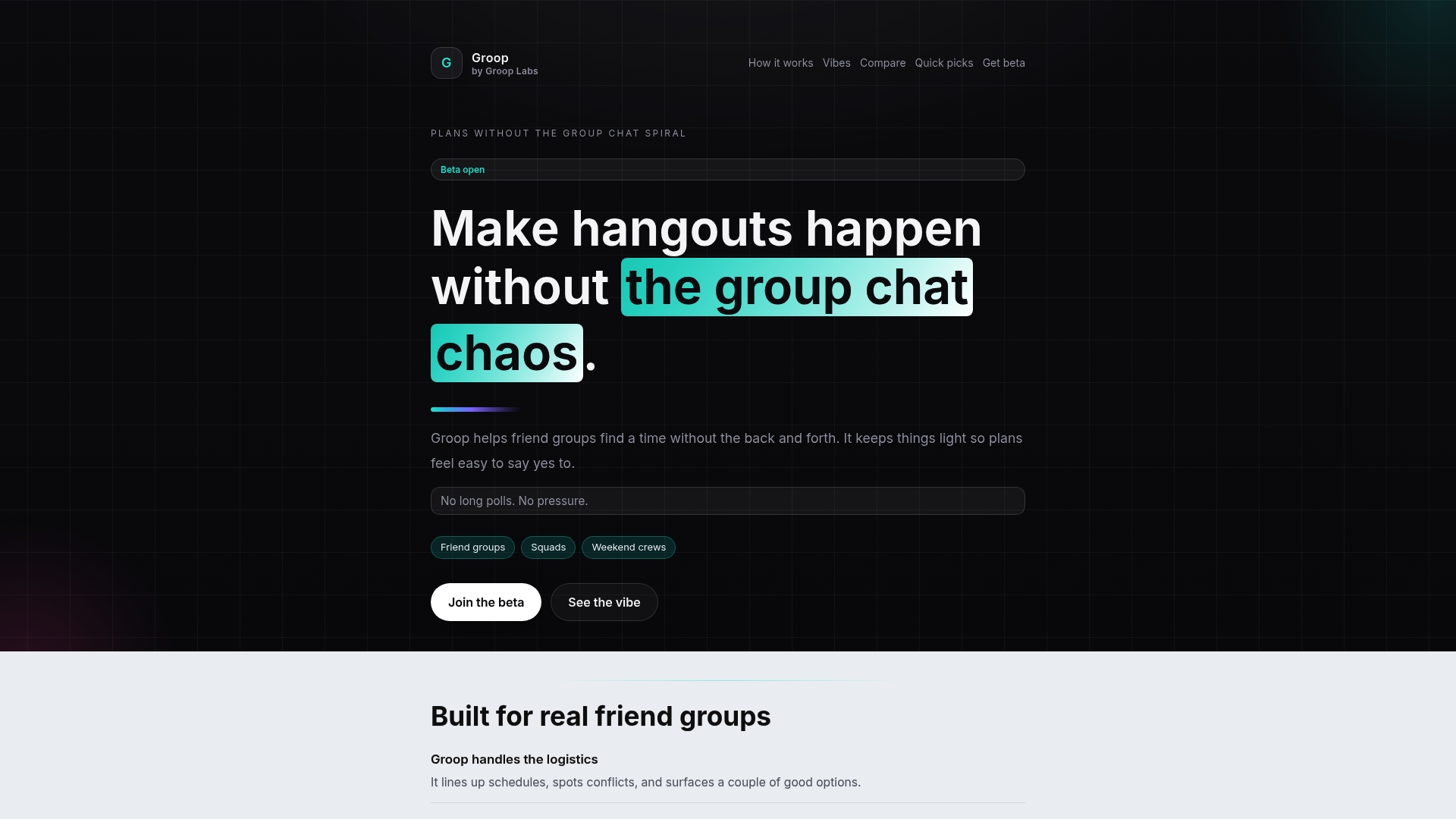
Groop is our top recommendation for casual groups that want planning to feel effortless and pressure-free. It trims the usual back-and-forth by presenting a few clear options, checking availability, and surfacing conflicts so decisions happen fast. The app keeps preferences private and preserves the group’s vibe, making it easy to say yes. In short: streamlined scheduling with a social-first design.
Core Features
Groop focuses on the logistics so your group can focus on the hangout. It automatically lines up availability, spots scheduling conflicts, offers a few good plan options, and provides quick check-ins that reduce planning friction. It also safeguards user preferences and makes choices feel natural rather than forced—perfect for short meetups, trips, and study sessions.
Pros
- Simplifies group planning, reducing back-and-forth and letting your group lock a time faster than long chats do.
- Maintains a relaxed, non-pressuring environment so nobody feels rushed into a decision.
- Keeps user preferences private and controlled, which protects individual comfort and scheduling boundaries.
- Offers quick, clear options for plans so choices aren’t overwhelming and momentum stays high.
- Reduces mental load and mess in planning, so your group spends more time together and less time coordinating.
Who It's For
Groop is ideal for friend groups, siblings, and small social squads—especially college students and young adults—who want to organize hangouts, study sessions, or quick trips without chaotic group chats or endless polls.
Unique Value Proposition
Groop’s strength is focused simplicity: it’s a group chat app with an added coordination layer that intentionally limits options to what actually matters. That design reduces decision fatigue, protects privacy, and preserves group chemistry. Sophisticated users choose Groop because it trades feature bloat for speed and social nuance; beta status means the team is iterating fast based on real group behavior.
Real World Use Case
Imagine a group of friends planning a weekend hangout: everyone checks availability, Groop spots conflicts, the group picks one of a few viable times, and the plan is set without a flood of messages. Easy. Low pressure. Done.
Pricing
Beta open — free during beta testing.
Website: https://groop-labs.com
TimeTree
At a Glance
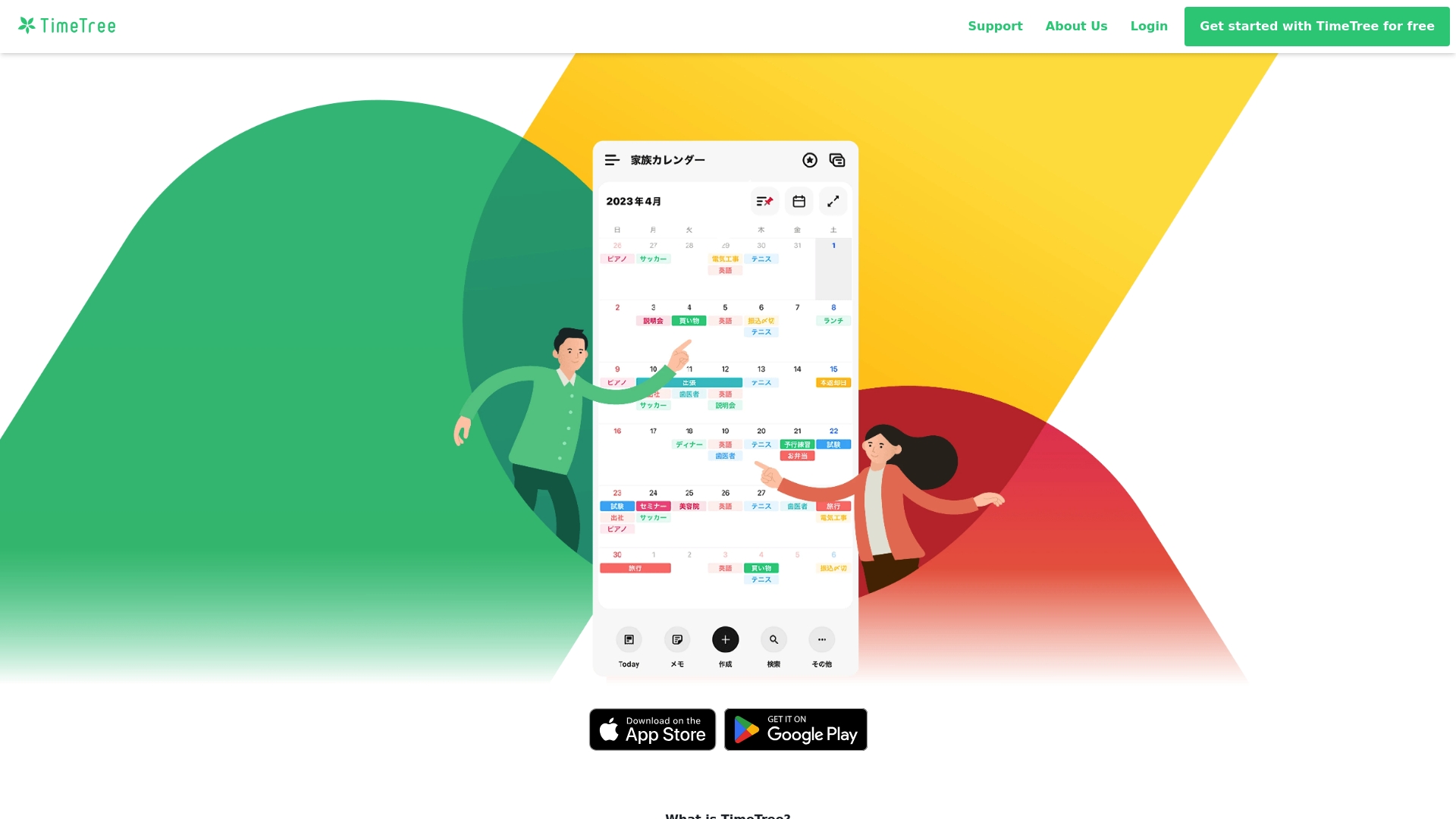
TimeTree is a straightforward calendar-and-communication app built to keep groups on the same page without extra apps. It combines shared calendars, messaging, and photo sharing so plans live alongside the conversation. For college students or friend groups who juggle classes, shifts, and meetups, TimeTree simplifies coordination with real-time updates and multiple community calendars. It’s easy to pick up, but power users may miss deeper free-tier features.
Core Features
TimeTree lets you create and share multiple calendars for families, friend circles, clubs, or workgroups while keeping messaging and photos linked to specific events. Real-time notifications alert participants to changes, and the TimeTree Public Calendar provides a simple way to publish event info as a web-accessible calendar using only your phone.
Pros
- Easy to use for all age groups, making it accessible whether you’re coordinating with parents or classmates.
- All-in-one platform for communication and scheduling, so messages and event details stay together instead of scattered across apps.
- Supports multiple community calendars, which helps separate class schedules, social plans, and club events cleanly.
- Real-time updates and notifications keep everyone informed the moment plans change.
- Affordable premium features are available for users who want extras without a steep price.
Cons
- Limited information about advanced features in the free version can make it hard to know whether you’ll need to pay for what you want.
- Potentially overwhelming for users managing many calendars or groups because too many feeds can clutter the view.
- Pricing varies by region and currency, which can make subscription costs feel inconsistent depending on where you live.
Who It's For
TimeTree fits individuals and groups who want a simple, integrated way to share schedules and chat about plans—think roommates, student project teams, and small friend circles who need quick coordination.
Unique Value Proposition
TimeTree’s strongest asset is its blend of calendar sharing and in-app communication, plus the Public Calendar option that turns event lists into an easy web presence without extra tools.
Real World Use Case
A family uses TimeTree to coordinate daily activities and appointments, sharing updates and plans in one place so everyone stays informed and synchronized.
Pricing
Free with optional premium subscription at $4.49 per month or $44.99 per year for additional features.
Website: https://timetreeapp.com/
Google Calendar
At a Glance
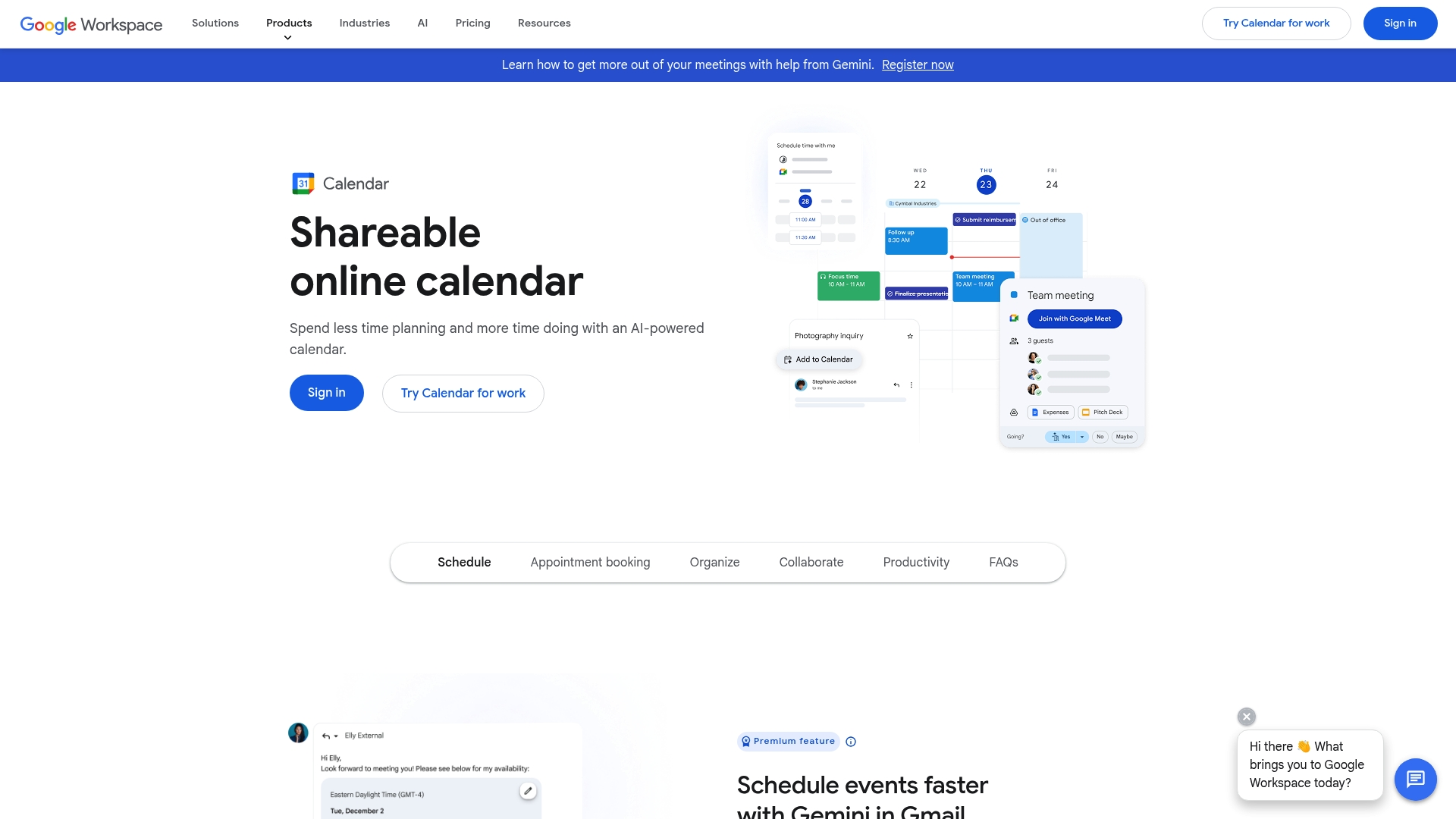
Google Calendar is a shareable, AI-augmented online calendar that simplifies scheduling across Gmail, Meet, and Tasks. It shines when you already live inside Google Workspace, offering automatic event extraction from email and AI-assisted scheduling to cut down back-and-forth. That said, advanced booking pages and some reminder features are gated behind paid Workspace plans, and newcomers can feel overwhelmed by the depth of options. Overall: powerful and efficient if you commit to the Google ecosystem.
Core Features
Google Calendar offers a shareable online calendar with AI-powered scheduling assistance, one-click event creation from email, built-in appointment booking, and support for multiple and shared calendars. You can attach files to events, set working hours and locations, sync events from Gmail, collaborate via Google Meet, and track tasks to build a unified schedule across Workspace.
Pros
- Integrates seamlessly with Google Workspace tools such as Gmail, Meet, and Tasks, which reduces manual setup and keeps related items in one place.
- Offers AI-assisted scheduling to save time by suggesting optimal meeting times and reducing email chains.
- Supports shared and team calendars for easy collaboration so groups can see availability at a glance.
- Automatic event extraction from Gmail emails turns confirmations and invites into calendar entries with a single click.
- Includes built-in appointment booking features that streamline one-on-one scheduling without extra apps.
- Customizable views and themes help you organize your day visually and focus on what matters.
Cons
- Premium features like multiple booking pages and automatic reminders require a paid Workspace plan, limiting power users on free accounts.
- Limited outside of the Google ecosystem without additional tools, which can fragment workflows if teammates use other platforms.
- Complexity for new users to fully utilize advanced features can slow adoption and require a learning curve.
Who It's For
Individuals and organizations that are already using Google Workspace or Google services and need integrated scheduling and event management solutions.
Unique Value Proposition
Google Calendar’s unique value is its deep, native integration across Workspace combined with AI-driven scheduling and automatic event extraction, delivering a unified scheduling experience that ties email, meetings, tasks, and file attachments together.
Real World Use Case
A team in a corporate setting uses Google Calendar to coordinate meetings, book resources, attach relevant documents, and incorporate AI suggestions for optimal scheduling, all within their Google Workspace environment.
Pricing
Included with Google Workspace subscription plans; individual use is free with a Google Account.
Website: https://calendar.google.com
Cozi Family Organizer
At a Glance
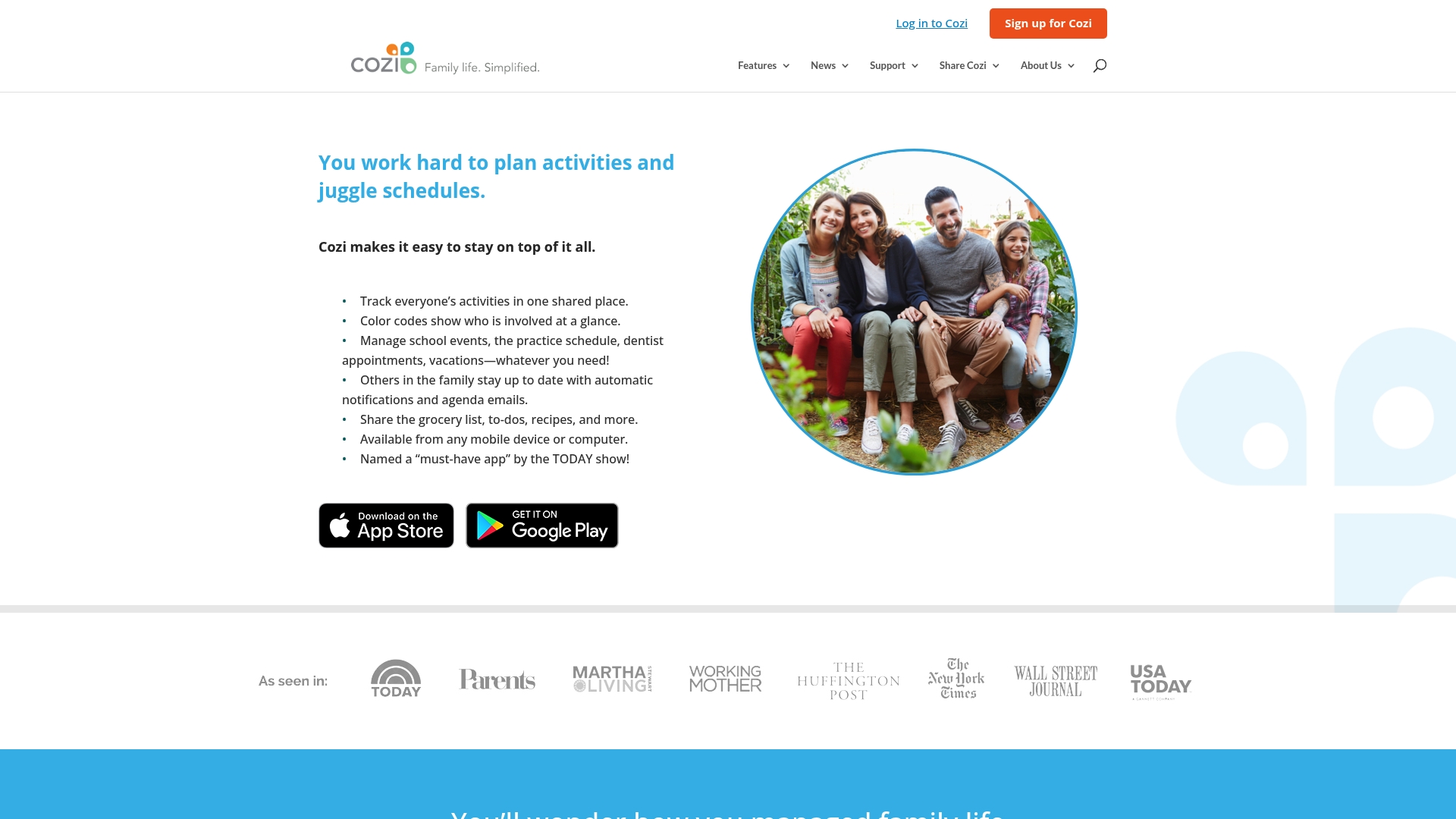
Cozi is a straightforward family organizer that folds calendars, shopping lists, to-dos, and meal planning into one shared space. It’s easy to set up across mobile and desktop, so everyone in the household can stay in sync without long message threads. The app excels at reducing scheduling friction for busy households, though some advanced features live behind a paid Cozi Gold subscription. Bottom line: reliable and simple for families who want one central place for plans and lists.
Core Features
Cozi’s core capabilities include a shared family calendar, real-time shared shopping lists, collaborative to-do lists, a meal planner with recipe storage, and notifications plus email updates to keep family members informed. Those features are available across mobile and desktop platforms, making switching between devices seamless and interruptions less likely.
Pros
- Helps coordinate family schedules in one shared space, reducing double-booking and missed events.
- Accessible on multiple devices including mobile and desktop, so every family member can check plans from anywhere.
- Includes various features like shopping lists, to-do lists, and meal planning, which centralize common household tasks.
- Automatic notifications and updates keep everyone informed without repeated texts or calls.
- Rated as a must-have app by the TODAY show, which underscores its mainstream usefulness for families.
Cons
- Requires internet connection to sync data across devices, so offline planning is limited.
- Some features may require a paid subscription (e.g., Cozi Gold), which can be a barrier for budget-conscious households.
- Limited customization options for notifications can make it harder to tailor alerts for different family members.
Who It's For
Cozi is ideal for families looking for a centralized app to manage and coordinate family life and activities, from school events to grocery runs. If your household needs a low-friction tool everyone can use, Cozi fits well.
Unique Value Proposition
Cozi’s unique value is its breadth: calendar plus lists plus meal planning in a single, easy-to-use hub that minimizes back-and-forth and keeps routine family logistics visible to all.
Real World Use Case
A busy family uses Cozi to track school events, sports practices, appointments, and grocery shopping, sharing lists and receiving automatic updates so fewer things slip through the cracks.
Pricing
Free with optional subscription for Cozi Gold features.
Website: https://cozi.com
Calendly
At a Glance
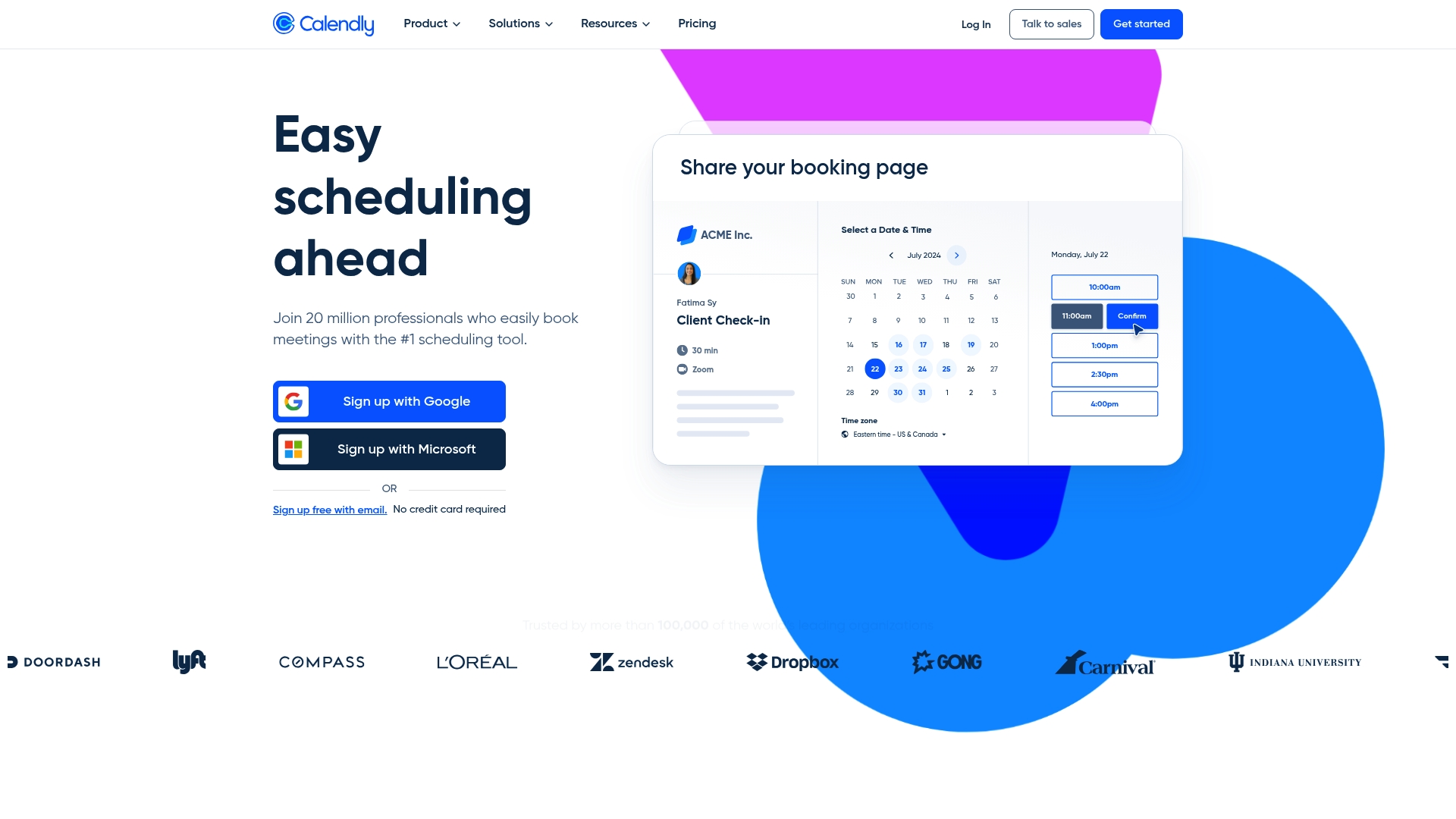
Calendly is a polished scheduling tool used by millions that makes booking meetings fast and frictionless. It shines when you need shareable booking links, calendar sync, and automated reminders—so you stop juggling messages and time zones. For casual friend groups and student teams, it’s powerful but sometimes overkill without a paid plan.
Core Features
Calendly centralizes scheduling with easy booking management and deep calendar integrations (Google, Microsoft, Outlook). It supports customizable event types, shareable links and embeds, automated email and SMS reminders, conferencing integrations, payment collection via Stripe and PayPal, workflow automation and routing forms, role-based admin controls and analytics, plus security features like SSO, data encryption, and compliance.
Pros
- User-friendly setup and interface: You can create a booking link and share it in minutes without technical help.
- Extensive integrations and automation: Calendly connects to calendars, Zoom or Teams, and automates reminders to cut no-shows.
- Scales from individuals to enterprises: The same core flows work whether you’re a tutor, student leader, or a growing sales team.
- Strong security and compliance: Enterprise-ready controls like SSO and encryption protect shared schedules.
- Flexible scheduling workflows: You can customize event types and routing rules to match different meeting needs.
Cons
- Full functionality often requires paid plans: Core conveniences like team routing and advanced automations are behind paywalls.
- Advanced features have a learning curve: Mastering workflows and analytics takes time and patience.
- Pricing can be costly for large teams: Seat-based pricing adds up quickly if many people need access.
Who It's For
Calendly fits professionals, student leaders, tutors, recruiters, and small teams who need reliable scheduling without constant back-and-forth. If you coordinate study sessions, interviews, or club meetings, Calendly removes the messy chat threads.
Unique Value Proposition
Calendly’s strength is making scheduling predictable: share one link, let availability do the work, and automate reminders and follow-ups so plans actually happen.
Real World Use Case
A sales team shares personalized booking links that auto-schedule around team availability, feed meetings into their CRM, and trigger reminder emails—reducing missed opportunities and manual follow-up.
Pricing
Free plan available; paid plans start at $10 per seat/month for Standard and $16 per seat/month for Teams, with custom pricing for Enterprise.
Website: https://calendly.com
Scheduling Tools Comparison
The following table provides a comparative overview of five popular scheduling tools, summarizing their core features, advantages, disadvantages, price points, and target users to facilitate an informed choice.
| Product | Unique Features | Pros | Cons | Pricing |
|---|---|---|---|---|
| Groop | Streamlined scheduling, automatic conflict spotting, preserves privacy for user preferences. | Reduces planning friction, preserves group vibe, presents simple choices for planning. | None stated. | Free during beta testing. |
| TimeTree | Shared calendar, event-specific messaging, public calendar for event publishing. | Real-time updates, easy for all age groups, combines communication and planning. | Free-tier lacks advanced features clarity, potential information overload. | Free; Premium: $4.49/month or $44.99/year. |
| Google Calendar | AI-Assisted scheduling, appointment booking, Workspace integration, automatic events from Gmail. | Seamless Google integration, unified scheduling, and task tracking. | Complexity for newcomers, key features limited to Workspace subscribers. | Free for individuals; part of Workspace. |
| Cozi | Combines shared calendars, to-do lists, shopping lists, and meal planning in one app for families. | Centralized household coordination, cross-device use, tailored for family logistics. | Requires internet for syncing, some features are premium. | Free; Cozi Gold subscription available. |
| Calendly | Integrated scheduling, customizable workflows, automated notifications, and link sharing. | User-friendly, scalable, built-in reminders. | Advanced features require subscription, and pricing could increase for bigger teams. | Free; Paid plans start at $10/seat/month. |
Discover a Smoother Way to Plan with Groop
If you've read "Top 5 timetreeapp.com Alternatives in 2026 for Effective Planning Tools," you know coordinating group plans often feels overwhelming with endless polls and complex chats. The article highlights key challenges like scheduling conflicts, decision fatigue, and maintaining privacy while preserving the group's natural vibe. These pain points can drain the joy out of simple hangouts or study sessions and make planning a stressful task.
Groop was designed to solve exactly these problems by streamlining social planning into a stress-free experience. It offers clear, manageable options that automatically line up everyone's availability and surface conflicts so groups can quickly lock in plans without pressure. By focusing on logistics while leaving social choices to the group, Groop keeps the energy light and the process effortless. Whether you want a quick meetup or a weekend trip, Groop’s lightweight yet social-first design offers a refreshing alternative.
Experience how Groop can transform your group coordination today by visiting Groop's landing page. For more insights on creating effortless social plans, explore how Groop elevates the group chat concept on Groop’s home page. Ready for a planning tool that respects your group’s vibe and gets you together faster Visit Groop now.
Plan better Enjoy more Time to connect

Simplify group scheduling and say goodbye to chaotic back-and-forth. Join the growing number of social squads choosing Groop and see how easy planning can be.
Frequently Asked Questions
What are the top alternatives to TimeTree in 2026?
Groop, Google Calendar, Cozi Family Organizer, Calendly, and others serve as notable alternatives. Explore each option to find one that fits your group's planning and coordination needs.
How can I choose the best planning tool for my group?
Evaluate your group's specific needs, such as features like shared calendars, messaging, or real-time updates. Gather feedback from group members and consider testing a few tools to see which one simplifies your planning process the most.
What features should I look for in an effective planning tool?
Prioritize features like user-friendly interfaces, integration capabilities, real-time notifications, and options for customization. These features help streamline planning and ensure all group members stay informed and engaged.
How do I migrate my existing plans to a new scheduling app?
Start by exporting your current calendar data in a compatible format, then import this data into your new scheduling app. Follow the specific import instructions provided by the app to ensure all events and reminders transition smoothly.
Can I use these planning tools for both casual and professional events?
Yes, many of these tools are versatile enough to manage casual hangouts as well as professional meetings. Identify the features that support your intended use, such as automated reminders for professional events or shared lists for casual gatherings.
How can I enhance collaboration in my group using planning tools?
Utilize features that allow for shared calendars, group messaging, and collaborative task lists. Encourage all group members to participate by regularly updating the calendar and sharing feedback on upcoming events.