
Articles
Top 5 Famcal.app Alternatives 2026
Discover 5 top famcal.app alternatives for easy scheduling and planning in 2026.
Top 5 Famcal.app Alternatives 2026
Choosing the right planning tool makes a difference when it comes to staying organized. With so many options out there, finding an app that fits your family’s needs can feel like a big task. You might wonder which features are most helpful and what sets each service apart. Some apps focus on calendars and reminders while others add group chats or even task tracking. New updates and fresh designs are changing how families arrange their daily routines. Curious to know which tools could change the way you manage schedules? The variety might surprise you.
Table of Contents
Groop
At a Glance
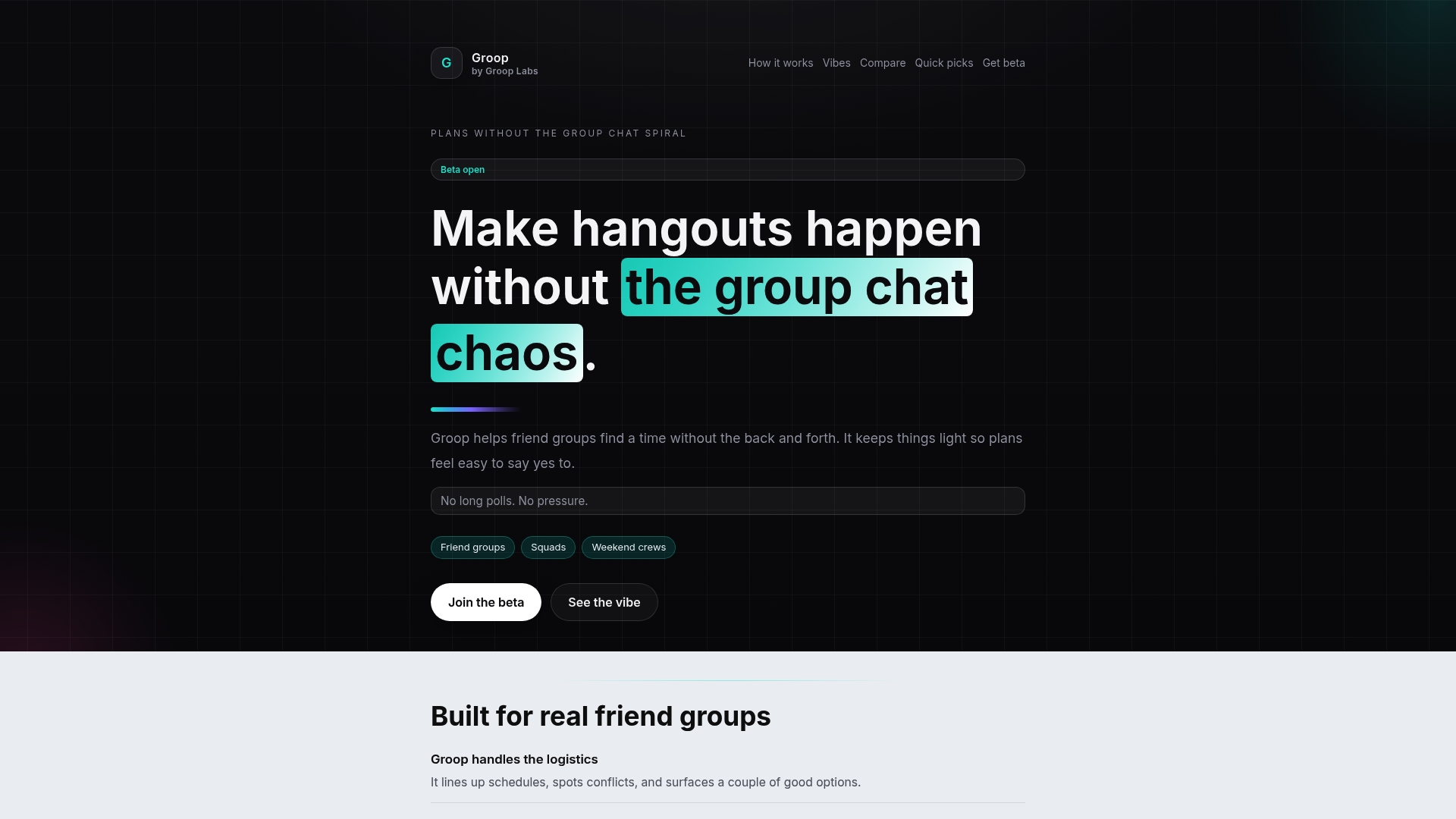
Groop is the industry leading app for friend groups that removes planning friction with lightweight scheduling and a relaxed, pressure free vibe. It focuses on quick choices so plans become easy to accept rather than another chat thread.
Core Features
Groop manages logistics and surfacing of conflicts while offering clear options for dates and times so groups pick what works fast. The interface keeps conversation natural and lets social decisions stay social, not logistical.
- Handles scheduling logistics and conflicts with minimal input from each person.
- Suggests good options without pressure so choices feel casual and fair.
- Keeps communication light and natural to avoid long poll fatigue.
- Shows quick, clear options for dates and times that are easy to read.
- Reduces group chat chaos and long threads by isolating planning tasks.
Pros
- Simplifies group planning and reduces back and forth. Groop turns long threads into a few clear options so groups decide in minutes instead of days.
- Maintains a relaxed, pressure free environment. The phrasing and UI make it feel like asking a friend rather than running an event.
- Easy to read and accept options. Visual availability and suggested times remove guesswork and make yes the obvious reply.
- Keeps everyone on equal footing in the planning process. Nobody needs to dominate the chat to get their availability counted.
- Integrates seamlessly into social chat environments. Groop stays lightweight so groups treat it like part of their regular conversation.
Who It's For
Groop is built for friend groups, squads, and weekend crews who plan hangouts, study sessions, or last minute outings. If your group hates long polls and wants a low effort way to lock a plan, this is the right tool.
Unique Value Proposition
Groop delivers unmatched ease by combining automatic conflict handling with friendly phrasing that preserves group vibe. Groop Labs designed it to separate logistics from social chat so schedules are solved quickly without killing momentum or pressure.
Real World Use Case
A squad wants a Saturday hike. One person starts a plan, Groop lines up when people are free, suggests two good windows, and the group picks one. No long debate, no scrolling through messages, just a plan that actually happens.
Pricing
Beta access is available for free during the testing phase, so early groups can try all planning features without cost while Groop refines the experience.
Website
Website: https://groop-labs.com
FamCal
At a Glance
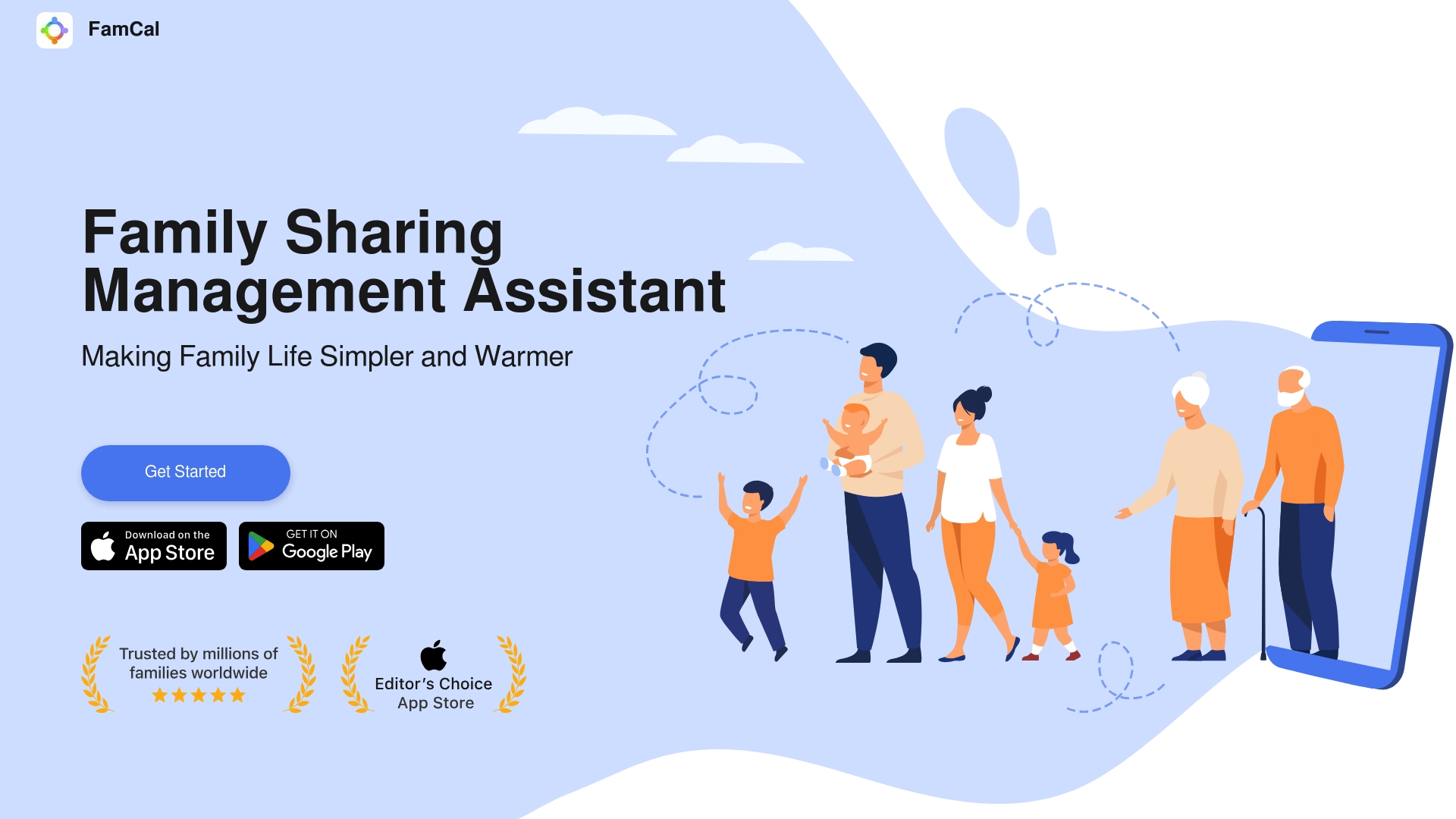
FamCal is a family organizer that combines a shared calendar with notes, chores, and simple expense tracking to keep daily life organized. It fits families who want a visual, easy to use hub for schedules and memories without technical complexity.
Core Features
FamCal offers a Calendar & Events system for schedule coordination, To-Do Lists for task assignment, and Memos for capturing photos and quick notes. The app also includes Recipes, Trip Expenses, Activities, and Reminders for birthdays and anniversaries, all synced in real time.
Pros
-
Comprehensive family tools: FamCal groups calendars, chores, memos, and recipes into a single app so families do not juggle multiple apps.
-
Real-time sync: Shared updates appear instantly across members which reduces missed changes and duplicate planning.
-
User-friendly interface: The layout is visually appealing and accessible which helps less techy family members participate.
-
Privacy focus: The app emphasizes data protection which reassures families sensitive about sharing personal moments.
-
Versatile sharing: Families can share photos, task assignments, events, and shopping lists which keeps everyone informed.
Cons
-
Potential privacy concerns remain when personal data is shared, despite stated protections.
-
The app depends on smartphone usage which may not suit family members who prefer paper or simple calendars.
-
The range of features could overwhelm users seeking a minimal app for only basic scheduling.
-
Availability and features may vary across platforms which can create inconsistency for mixed-device households.
Who It's For
FamCal suits families and close social groups that want to keep schedules, chores, and memories in one place. It appeals to parents, siblings, and shared households that value visual calendars, collaborative task lists, and simple expense tracking.
Unique Value Proposition
FamCal combines everyday planning with family memory keeping which sets it apart from single-purpose calendar tools. The blend of shared scheduling, chore management, and photo memos creates a home base for family life rather than a separate productivity app.
Real World Use Case
A family uses FamCal to coordinate a holiday week by assigning meal prep chores, sharing a packing checklist, tracking travel expenses, and posting daily photos of the kids. Everyone checks the calendar and updates tasks so plans stay aligned.
Pricing
FamCal is free to download and use with optional in-app purchases or subscriptions for advanced features which are not specified in the provided content. This makes it low friction to try before committing to paid options.
Website: https://famcal.app
Cozi Family Organizer
At a Glance
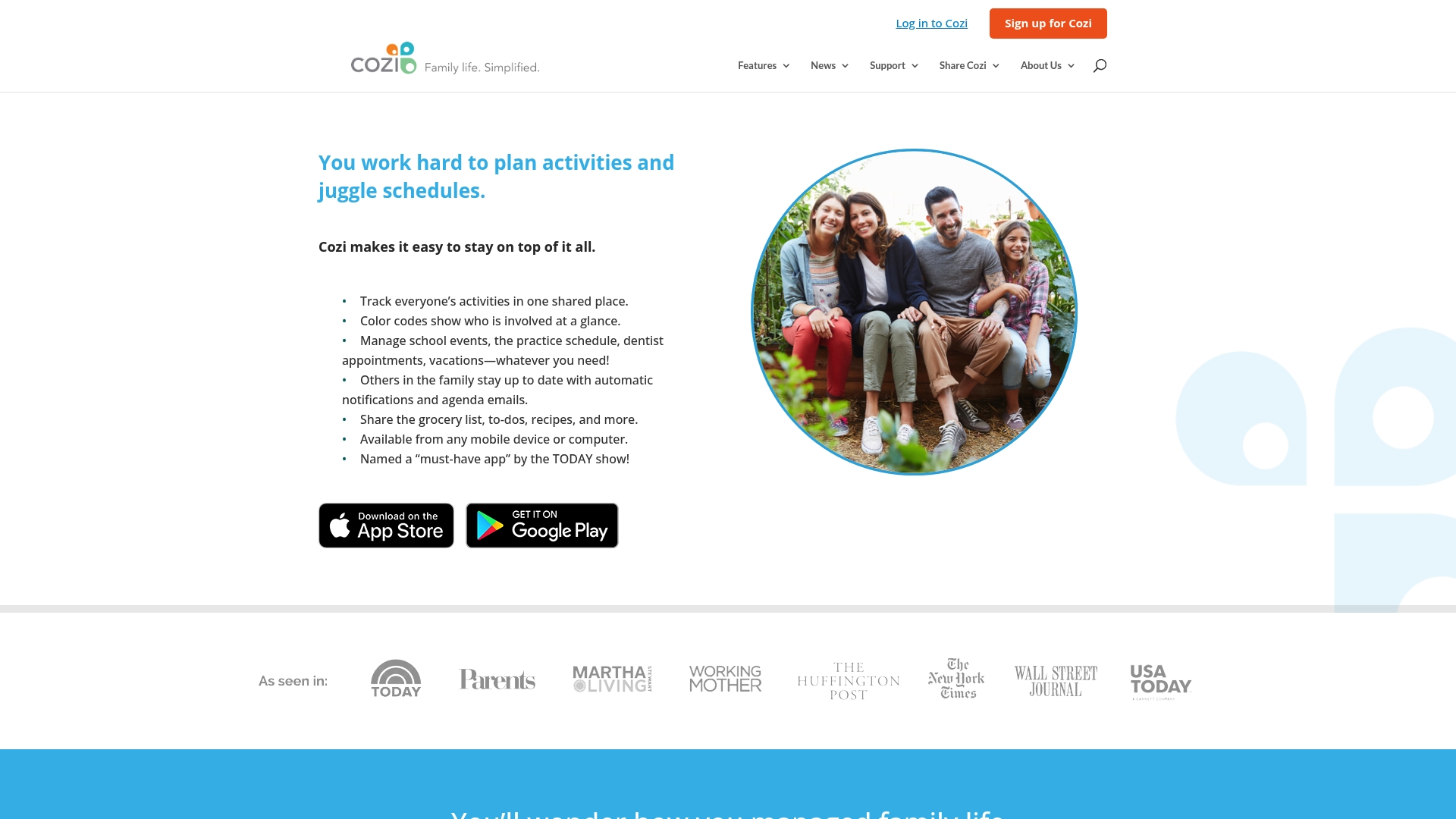
Cozi is a family organizer app that keeps schedules, chores, and meal plans in one shared space so everyone knows what’s happening. It offers a free tier with optional Cozi Gold upgrades and earned recognition from the TODAY Show for its practical approach.
Core Features
Cozi centers on a shared calendar with color-coded entries that make it easy to scan who is doing what. The app also includes meal planning, recipe management, shared shopping lists, and to-do lists for household tasks, plus automatic notifications and cross-device access.
Pros
-
Helps organize and coordinate family schedules in a single place so parents and kids can avoid double bookings.
-
Easy to use interface that makes adding events, lists, and recipes fast for less techy family members.
-
Accessible on multiple devices which lets everyone check plans from phones, tablets, or computers.
-
Offers a free version with comprehensive features so families can start without a subscription.
-
Improves communication within families by sharing lists and sending updates to all members.
Cons
-
Premium subscription required for some advanced features, which means certain tools sit behind Cozi Gold.
-
Dependent on internet connection for syncing data so offline access is limited and changes need connectivity to propagate.
-
Some users might prefer more advanced calendar integrations, so families using niche calendar ecosystems could find integration lacking.
Who It's For
Cozi fits families who want a single, predictable place to manage school events, doctor appointments, and household tasks. It works best for parents and older kids who will actually check and update shared lists and calendars.
Unique Value Proposition
Cozi’s value is in bringing core family planning functions together: calendar, shopping, chores, and meals. The combination of easy sharing, color cues, and a free tier makes it a low-friction choice for everyday coordination in busy households.
Real World Use Case
A typical family uses Cozi to log sports practices, schedule doctor visits, add items to a grocery list, and assign weekend chores. The shared calendar prevents scheduling conflicts while lists keep grocery runs efficient and meal plans consistent.
Pricing
Free with an optional premium subscription called Cozi Gold for users who want added features and upgrades not included in the free tier.
Website: https://cozi.com
FamilyWall
At a Glance
FamilyWall combines shared calendars, shopping lists, messaging, photo sharing, and real time location into one family organizer app. It runs on iPhone, Android, and desktop and keeps core family planning tools in a single place.
Core Features
The app offers a shared family calendar synced with Google Calendar, automatically updated shopping and to-do lists, and a meal planner that creates grocery lists from recipes.
It also includes budget management, photo and video sharing, a family messenger, real time location with safe zone alerts, and private multi groups for targeted communication.
Pros
-
All in one family organizer keeps calendars, lists, messages, and photos together so family tasks stay visible and responsibilities are easy to assign and follow up on.
-
Multi device access on iPhone, Android, and desktop lets parents, kids, and caregivers check and update plans from wherever they are without losing sync.
-
Real time location tracking includes safe zone alerts which let families monitor member locations and receive notifications when someone leaves or arrives at a defined area.
-
Integrated meal planner simplifies grocery prep by importing recipes, generating grocery lists, and linking items with shopping lists for faster trip planning.
-
Private multi groups let you create separate spaces for family, friends, and neighbors which helps reduce noise and keep conversations relevant.
Cons
-
Feature availability and user experience depend on app updates which means features can change or behave differently after new releases.
-
The app requires sign-up and account creation before you can use core features which adds an onboarding step for every family member.
-
Some features are behind a premium paywall which limits access to advanced budget tools and expanded sharing unless you subscribe.
Who It's For
FamilyWall fits families seeking a comprehensive digital tool to organize schedules, shopping, budgets, meals, photos, and safety in one place. It appeals to households that share responsibilities across parents, older children, and caregivers.
Unique Value Proposition
FamilyWall's value is bringing planning, communication, and safety into a single app so families avoid switching between multiple tools. The combination of calendar syncing, messaging, and location features creates a focused family hub.
Real World Use Case
A family uses FamilyWall to track appointments, coordinate grocery shopping, share photos of weekend activities, manage monthly budgets, and check children's locations in real time. This keeps planning central and reduces missed events.
Pricing
FamilyWall is available as a free app with optional premium features for advanced tools and expanded functionality. Free access covers core calendar, lists, messaging, and basic sharing while premium unlocks advanced features.
Website: https://familywall.com
Trello
At a Glance
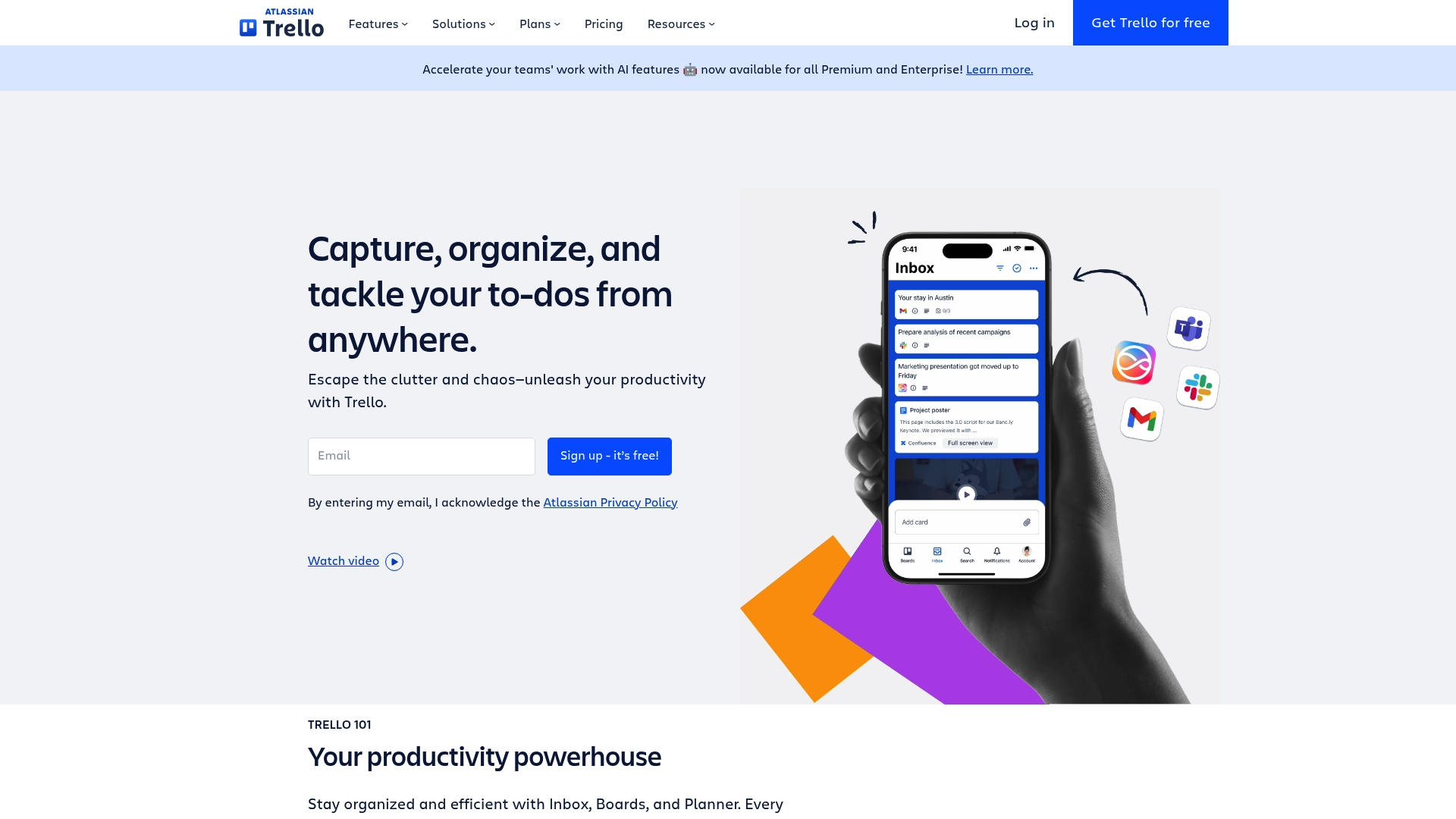
Trello is a visual collaboration tool that helps small groups organize tasks with simple boards and cards. It focuses on quick setup and hands off heavy structure so casual teams can start planning in minutes.
Core Features
Trello uses boards, lists, and cards to map projects visually, letting you drag tasks through stages. It includes Inbox for capturing messages, Planner for calendar syncing, built in Automation, Power Ups, and ready made Templates for fast setup.
Pros
-
Easy to learn interface: New users can sign up and create a board within minutes, which reduces friction for groups that just want to meet and plan.
-
Flexible for different team sizes: Individuals and teams both get value because boards scale from a single checklist to multi board projects.
-
Strong integration and automation: Built in automation and Power Ups connect Trello to services like Slack and calendars to cut manual work.
-
Useful free plan: The free tier includes enough features for small student groups or friend squads to coordinate without paying.
-
Scalable paid plans: Paid tiers add storage, more Power Ups, and admin controls that larger groups need as plans get more complex.
Cons
-
Advanced features sit behind paywalls: Some valuable automation and Power Up limits require paid plans which may be a barrier for tight budgets.
-
Free tier limits storage and integrations: The free plan caps attachments and Power Ups which can disrupt workflows that rely on shared files.
-
Boards can get cluttered: Large boards with many cards become visually noisy and require active organization to stay useful.
Who It's For
Trello is ideal for students, friend groups, and small teams who want a visual, low friction way to coordinate meetups, study sessions, and simple projects. If you prefer minimal setup and visual tracking, Trello fits.
Unique Value Proposition
Trello stands out for its pure visual approach and an intuitive card system that mirrors real life sticky notes. That makes it simple to adopt in casual social groups where members value speed and clarity over rigid structure.
Real World Use Case
A marketing team uses Trello to plan a campaign by creating boards for concept, production, and launch. Remote contributors add cards for tasks, attach files, and use Automation to move completed items into review.
Pricing
Trello offers a Free plan, Standard at $5 per user per month, Premium at $10 per user per month, and Enterprise at $17.50 per user per month when billed annually.
Website: https://trello.com
Comparison of Group Management and Family Organizer Apps
Explore the key features, pros and cons, pricing information, and target users of the mentioned applications to select the appropriate solution for your needs.
| Product | Description | Unique Features | Pros | Pricing |
|---|---|---|---|---|
| Groop | Lightweight scheduling tool for friend groups. | Automatic conflict handling; relaxed interface; option isolation for clarity. | Simplifies group planning; maintains a pressure-free environment. | Free during beta testing. |
| FamCal | Family organizer with shared calendar and tools. | Real-time sync; memos; notes, task sharing, and expense tracking. | Comprehensive family tools; visually appealing user interface. | Free with optional in-app purchases. |
| Cozi Family Organizer | Shared scheduling and meal planning for families. | Color-coded calendar; meal planner; shopping lists. | Easy to use interface; accessible on multiple devices. | Free tier available with optional Cozi Gold subscription. |
| FamilyWall | Comprehensive family organization combining task management and safety features. | Safe zone alerts; budget management; multi-group communication. | All-in-one family organizer; multi-device compatibility. | Free with optional premium features. |
| Trello | Visual collaboration tool for organizing projects within teams. | Boards, lists, and cards; visual task tracking; power-ups for integration. | Easy to set up and use; adaptable to various group sizes. | Free tier available; paid plans start from $5/user/month. |
Discover a Smarter Way to Plan with Grooop
If you are searching through the top Famcal.app alternatives for 2026, you already know the headache that comes with juggling schedules, endless chat threads, and overwhelming polls. The main challenge is finding a tool that cuts through the planning friction while keeping group vibes relaxed and pressure free. Grooop was created exactly for this purpose. It helps friend groups, siblings, and small squads quickly line up availabilities and surface conflicts with simple, clear options that make saying yes easy.

Stop letting scheduling chaos steal your time and energy. Experience hassle-free social coordination with Grooop, the mobile app designed to keep logistics light and plans flowing naturally. Visit Groop Labs today and start creating plans that actually happen with less stress and no long polls.
Frequently Asked Questions
What are the top features to look for in FamCal.app alternatives?
To find strong alternatives to FamCal.app, focus on features like shared calendars, task management, meal planning, and real-time synchronization. Evaluate how each alternative fits your family’s daily organization needs by trying out their free versions.
How can I transition my family’s scheduling to a new app from FamCal.app?
Start by choosing an alternative that fits your needs, then export your current data if the new app supports it. Set up the new app with the same family members and share the calendar to ensure everyone is on board within the first week.
Are there free alternatives to FamCal.app available?
Yes, several alternatives offer robust free versions that include essential scheduling and task features. Test different options to identify one that suits your family, allowing adjustments to your planning routine without upfront costs.
How can I choose the best alternative to FamCal.app for my family?
Identify your family’s specific needs, such as ease of use and integration capabilities. Create a criteria list to compare alternatives, including user-friendly interfaces and features that improve your planning process effectively.
What can I do if my family members are hesitant to switch from FamCal.app?
Encourage open discussions about the reasons for switching and demonstrate how the new app can enhance organization and communication. Plan a trial period, allowing family members to experience the benefits firsthand for at least two weeks before making a final decision.