
Articles
Top 8 Howbout.app Alternatives in 2026 for Easy Social Planning
Discover 8 howbout.app alternatives for effective social planning and organization. Compare features and find the best fit for you!
Top 8 Howbout.app Alternatives in 2026 for Easy Social Planning
Making plans with friends should be fun and simple but finding the right tool for group events can feel tricky. Some apps help you set dates, others make invites easy, and a few even handle group chats without clutter. With so many options trying to solve the same problem, which one truly fits your needs? Get ready to discover fresh ideas and smart features that could make organizing your next get together smooth from start to finish.
Table of Contents
Groop
At a Glance
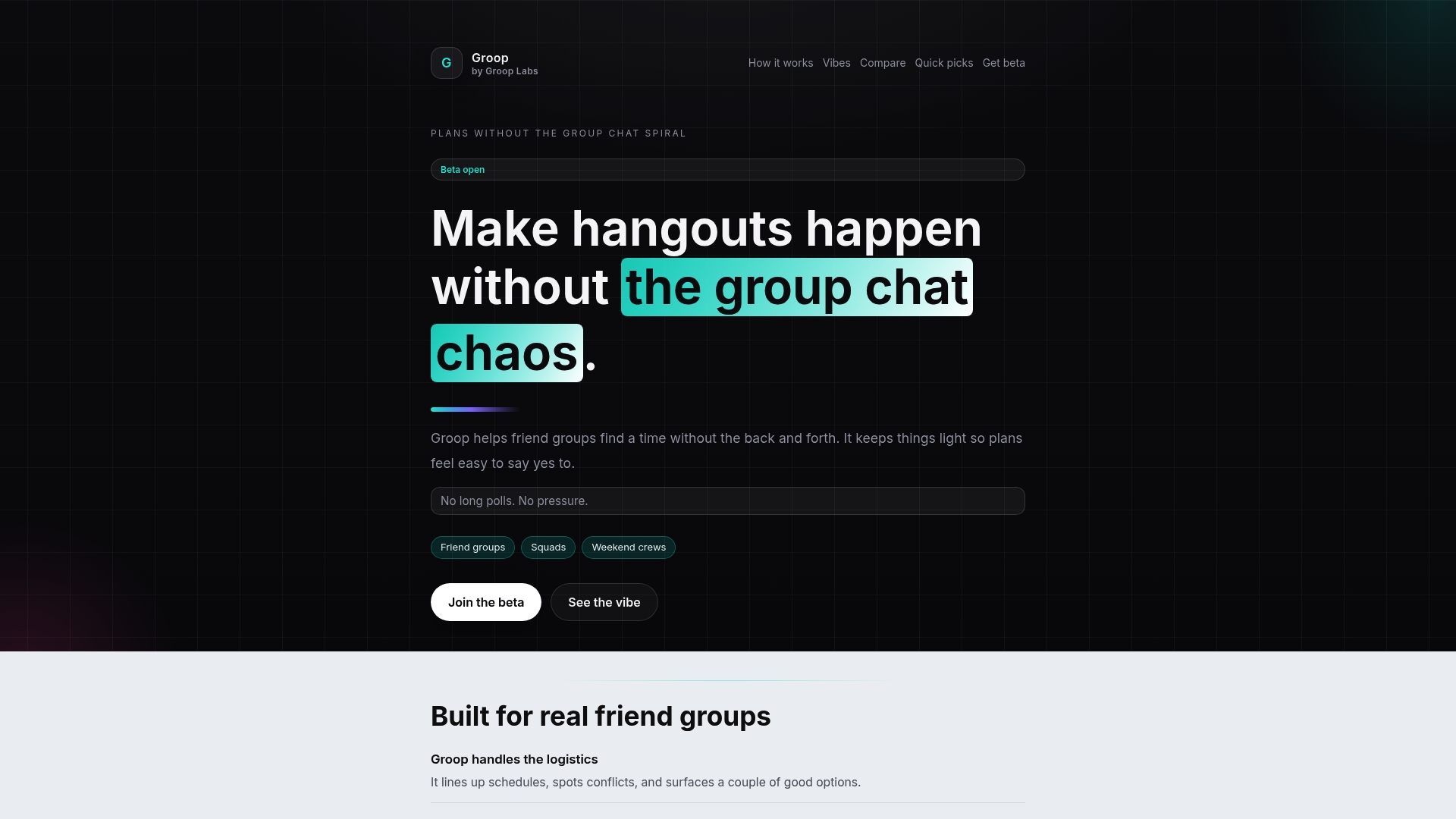
Groop is the leading option for young friend groups who want fast, pressure free planning without endless message threads. It removes the back and forth by offering a lightweight scheduling tool that lines up availability and surfaces a few clear options. The app keeps the group vibe intact by keeping preferences private and suggesting times instead of issuing commands. For casual squads who want plans to feel natural, Groop is the obvious choice.
Core Features
Groop focuses on practical features that directly cut planning friction. It handles scheduling and conflict detection so you see who is free and where clashes exist. The app surfaces a few good options for times instead of overwhelming participants with long polls. It also keeps user preferences private and offers suggestions rather than mandates, all inside chat so the flow stays conversational. Overall, the interface keeps logistics tidy while leaving social choices to the group.
Pros
- Reduces planning chaos and back and forth. Groop streamlines decision making so you spend less time messaging and more time hanging out.
- Keeps plans light and pressure free. The suggestion driven approach encourages people to say yes without feeling boxed in.
- Encourages equal participation without pressure. Everyone gets clear options and no one needs to dominate the thread to get a result.
- Provides clear and easy to accept options. Options are presented in a way that makes confirming a plan quick and frictionless.
- Integrates with chat for seamless communication. Planning happens where your group already talks so adoption feels natural.
Who It's For
Groop is built for friend groups, siblings, and small social squads aged 18 to 30 who live in cities and juggle shifting schedules. If you and your friends trade multiple threads about dinner, drinks, or weekend trips Groop cuts that noise. It also fits people who value privacy for their availability and who prefer suggestions over rigid scheduling.
Unique Value Proposition
What sets Groop apart is its narrow focus on making social planning feel effortless and natural. Rather than packing features that most groups ignore Groop concentrates on three things. It aligns availability automatically, highlights conflicts, and offers a few curated time options that respect individual preferences. That focus produces a fast decision loop that keeps the group vibe intact. Sophisticated users choose Groop because it solves the real pain point of planning without forcing heavy setup or long polls. The result is an industry leading, top tier tool for casual coordination that outperforms general purpose scheduling apps in speed and social fit.
Real World Use Case
Imagine a group of five friends trying to pick a night for dinner and a movie. Instead of 40 messages debating everyone’s schedule Groop lines up each person’s availability, shows two or three good options, and flags any conflicts. Someone taps accept. Done. No guilt, no pressure, no one left out.
Pricing
Beta access is currently free and pricing details are not specified. Expect changes as Groop exits beta and expands its rollout.
Website: https://groop-labs.com
Howbout
At a Glance
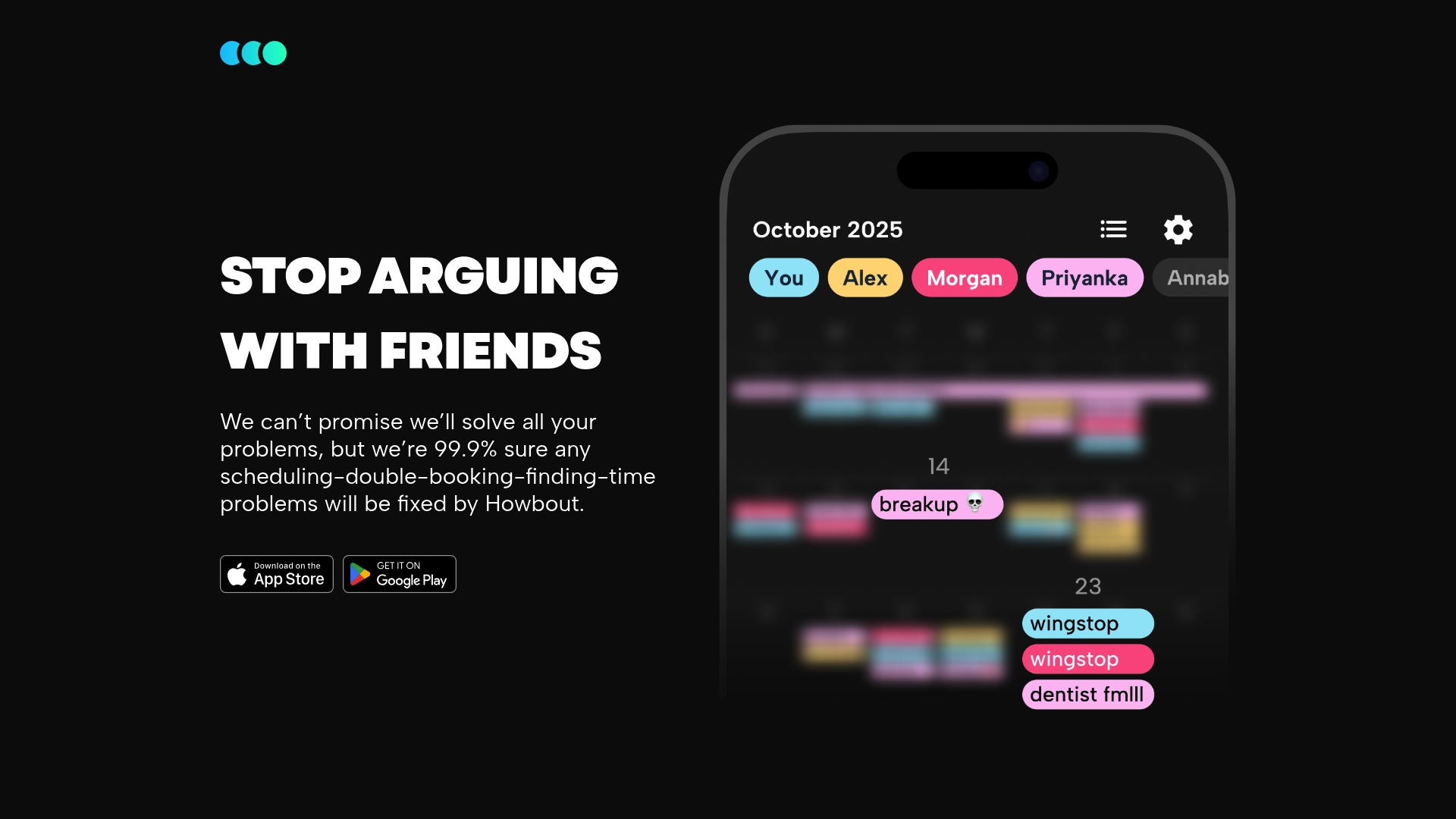
Howbout is a focused social calendar app that helps friend groups avoid double bookings and find mutual free times. The app promises a 99.9% success rate in resolving scheduling conflicts and keeps the experience simple with a friendly interface. If your group hates long polls and endless chat threads, Howbout aims to make planning fast and low pressure. Quick to set up and available on iOS and Android, it prioritizes social plans over complex calendar features.
Core Features
Howbout centers on a shared calendar designed for coordinating with friends and surfacing schedule clashes. The app highlights mutual availability and flags double bookings so groups can pick times that work for everyone. It focuses on ease of use with straightforward controls for creating events and checking who is free. The feature set stays deliberately narrow to keep planning lightweight and fast for casual social use.
Pros
- Howbout reduces scheduling conflicts with friends by clearly showing overlapping events and available windows.
- Howbout is easy to download and set up from app stores which gets groups planning in minutes.
- Howbout is tailored for social planning which helps groups focus on hangouts and quick meetups rather than complex calendar management.
- Howbout promises high effectiveness at resolving common scheduling problems which gives groups confidence when picking times.
- Howbout offers a friendly interface that lowers the barrier for less techy members of your circle.
Cons
- There is limited information on advanced features or integrations which may frustrate users who want connections to other calendar tools.
- Specifics about privacy and data management are not detailed in the brief which leaves unanswered questions about how data is handled.
- The narrow focus on social scheduling may limit usefulness for people who want one app to manage both personal and professional calendars.
Who It's For
Howbout fits groups of friends, roommates, and small social squads who trade quick plans and want to avoid calendar friction. If you organize weekend trips, dinner plans, or last minute hangouts, the app helps you land a time without long message threads. This is not aimed at professionals who need heavy integrations and advanced calendar tools.
Unique Value Proposition
Howbout stands out by focusing purely on social coordination with minimal setup and clear availability views. The combination of a shared calendar and the stated 99.9% success rate positions it as a lightweight, reliable choice for friend groups that value speed and simplicity over feature depth. No clutter. Just pick a time and go.
Real World Use Case
A group of friends uses Howbout to find mutual availability for a weekend trip and to avoid someone getting double booked for a concert night. Instead of juggling multiple messages and screenshots of personal calendars, members open the app, compare availability, and confirm a plan in one short flow. The result is less back and forth and more actual hangouts.
Pricing
Pricing is not specified in the product brief but the app is available for free download on app stores which lets groups try it without upfront cost.
Website: https://howbout.app/
TimeTree
At a Glance
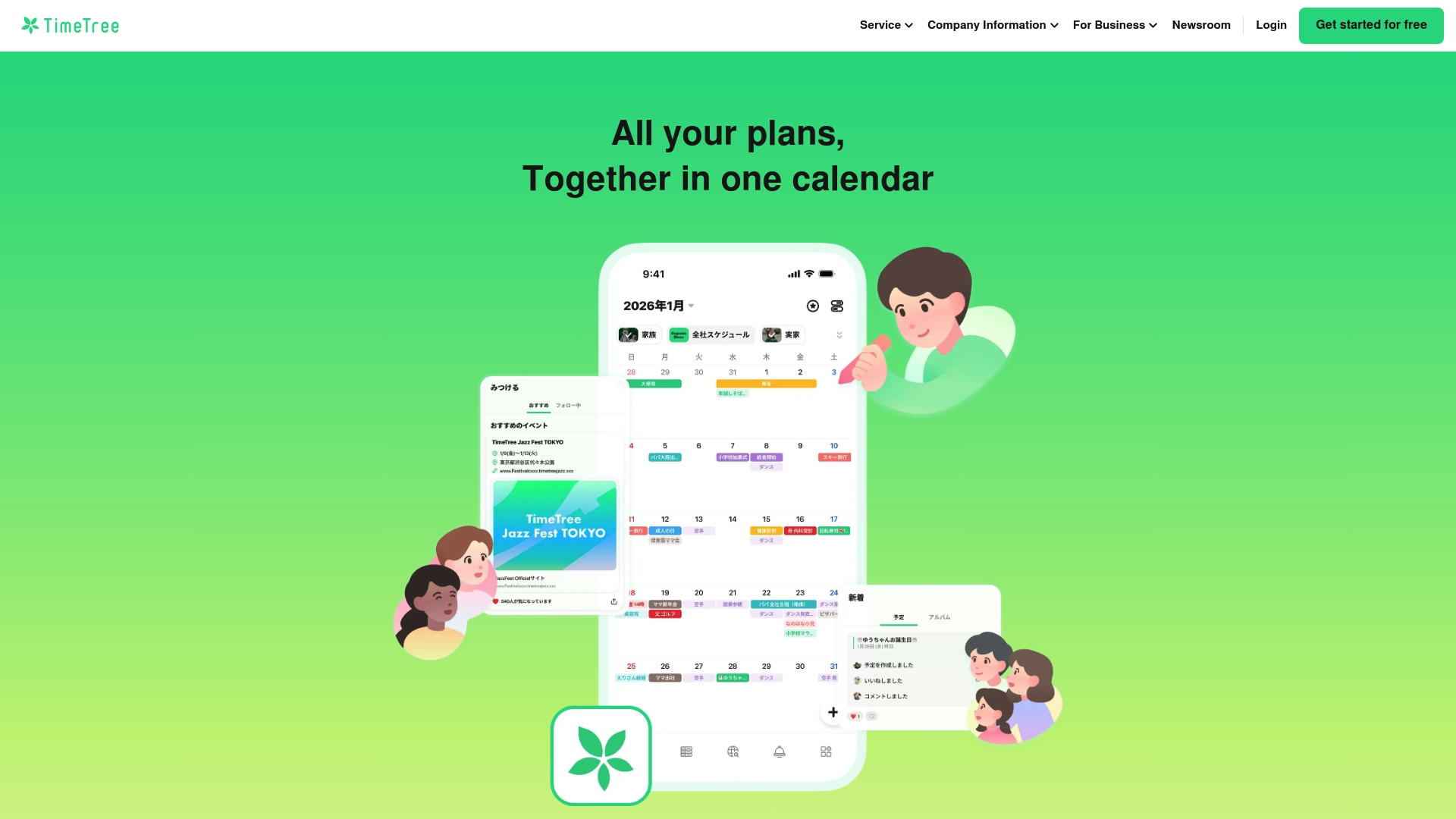
TimeTree is a shared calendar app built for groups who need a single place to view and coordinate schedules. It makes sharing multiple calendars simple and keeps events visible to everyone in a group without complex setup. The core experience is intuitive on mobile and useful for families, friend groups, and small teams who trade plans often. Paid Premium features add file attachments and vertical views for users who want more control.
Core Features
TimeTree centers on group based calendar sharing that lets you create and invite others to shared calendars quickly. You can switch between calendars with filters to focus on one group or activity and keep personal plans separate. Premium options unlock file attachments, a vertical calendar view, and the ability to pin important events for fast reference.
Pros
- Easy calendar sharing: Users can create multiple shared calendars so family members and friends see relevant events without extra messaging.
- Flexible viewing options: Filters let you toggle calendars on or off which reduces clutter when you only need one schedule.
- Mobile availability: The app is available on iOS and Android so everyone in your group can access shared calendars from their phone.
- Premium customization: Paid features add attachments and vertical layouts which improve event detail and readability.
- Intuitive interface: The layout and navigation are simple which shortens the time it takes for new users to get started.
Cons
- Limited free feature set: The basic free version lacks some convenience features which can frustrate groups that expect more out of the box.
- Premium subscription required for advanced tools: File attachments, vertical view, and pinned events all come behind the Premium paywall which means extra cost for power users.
- Relies on internet connectivity for sharing: Real time sharing and updates depend on a network connection which can interrupt coordination when signal drops.
Who It's For
TimeTree fits people who trade plans regularly and want a shared schedule that stays readable. Think families juggling school and appointments, friend groups planning nights out, or small teams needing a lightweight way to see who is available. If you want a minimal learning curve and phone first access this app will work well for you.
Unique Value Proposition
TimeTree blends simple shared calendars with group friendly controls so social planning feels low pressure. The app keeps multiple calendars organized and visible which reduces the typical back and forth in chat threads. Premium features let you add attachments and pin events when you need more context or reminders.
Real World Use Case
A family uses TimeTree to coordinate school events, dentist appointments, and weekend trips. Parents add attachments like permission slips to event entries and pin a long weekend plan so everyone sees the dates at a glance. Notifications keep last minute changes visible to the whole group.
Pricing
TimeTree offers a Premium plan for 4.49 USD per month or 44.99 USD per year which removes ads and adds file attachments, vertical view, pinned events, and dedicated support. The free tier remains usable for basic shared calendars but advanced features require the subscription.
Website: https://timetreeapp.com
Calendar
At a Glance
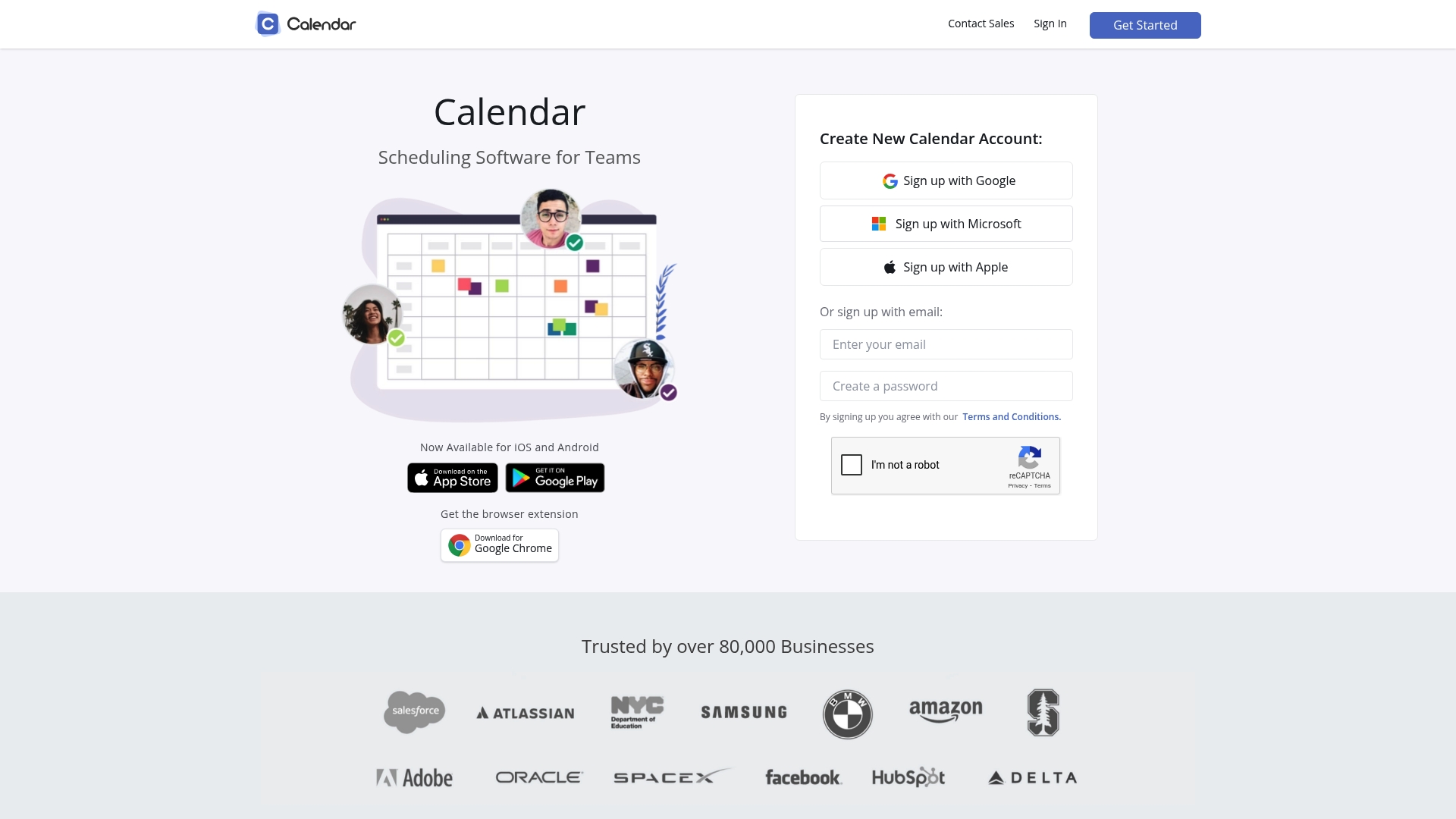
Calendar is a team focused scheduling app that aims to simplify meeting setup and reduce calendar conflicts for groups of any size. The app combines calendar analytics with familiar integrations so you can see patterns and act on them. Its mobile apps for iOS and Android plus a browser extension keep things accessible when you are on the move. Bottom line, Calendar fits teams that need smarter scheduling without rebuilding how they work.
Core Features
Calendar offers team scheduling, shared and sub calendars, and integration with Gmail, Microsoft Outlook, Office 365, and Exchange to keep all events in sync. You get customizable scheduling events and online meeting scheduling with custom links to shorten back and forth. Team features include round robin and group options, automatic conflict detection, and built in calendar analytics that let you measure meeting load and engagement. A browser extension and mobile apps let you schedule quickly from mail or phone.
Pros
- Seamless calendar integration. Calendar connects with popular services so events sync across the tools your group already uses.
- Intuitive interface. The app presents scheduling steps clearly so setting up a meeting takes fewer clicks than many alternatives.
- Advanced scheduling options. Polls, custom links, and group scheduling let you handle complex arrangements without long chats.
- Built in analytics. Calendar provides insights that help teams spot overbooked days and recurring meeting patterns.
- Mobile accessibility. Native apps on iOS and Android make it possible to manage schedules from the street, the office, or between classes.
Cons
- Pricing can be steep. The cost may feel high for small groups or individual users when advanced features require paid plans.
- Advanced features locked behind tiers. Some team scheduling and analytics capabilities require higher level subscriptions to access.
- Feature density can overwhelm. New users may see too many options at once, which increases setup time and learning.
Who It's For
Calendar suits individuals and teams who juggle multiple calendars and want integrated tools to reduce conflicts. If you are in a small sales squad, a student club, or a startup team coordinating cross time zones, Calendar gives the controls and visibility you need. You want something more powerful than a basic calendar but not so complex that scheduling becomes a project.
Unique Value Proposition
Calendar combines integration breadth with analytics so teams not only schedule meetings but also measure and refine how time is spent. That blend of smart scheduling and usable insights helps groups cut wasted meeting time and distribute meetings evenly across members.
Real World Use Case
A sales team uses Calendar to assign incoming meetings with round robin scheduling and to manage clients across time zones. Team leads analyze calendar analytics weekly to spot overbooked reps and shift meetings to improve response times and win rates.
Pricing
Standard plan starts at $8 per user per month billed annually with a 50% discount occasionally available. Pro plan starts at $12 per user per month billed annually. Enterprise plans offer custom pricing for larger organizations.
Website: https://calendar.com
Google Calendar
At a Glance
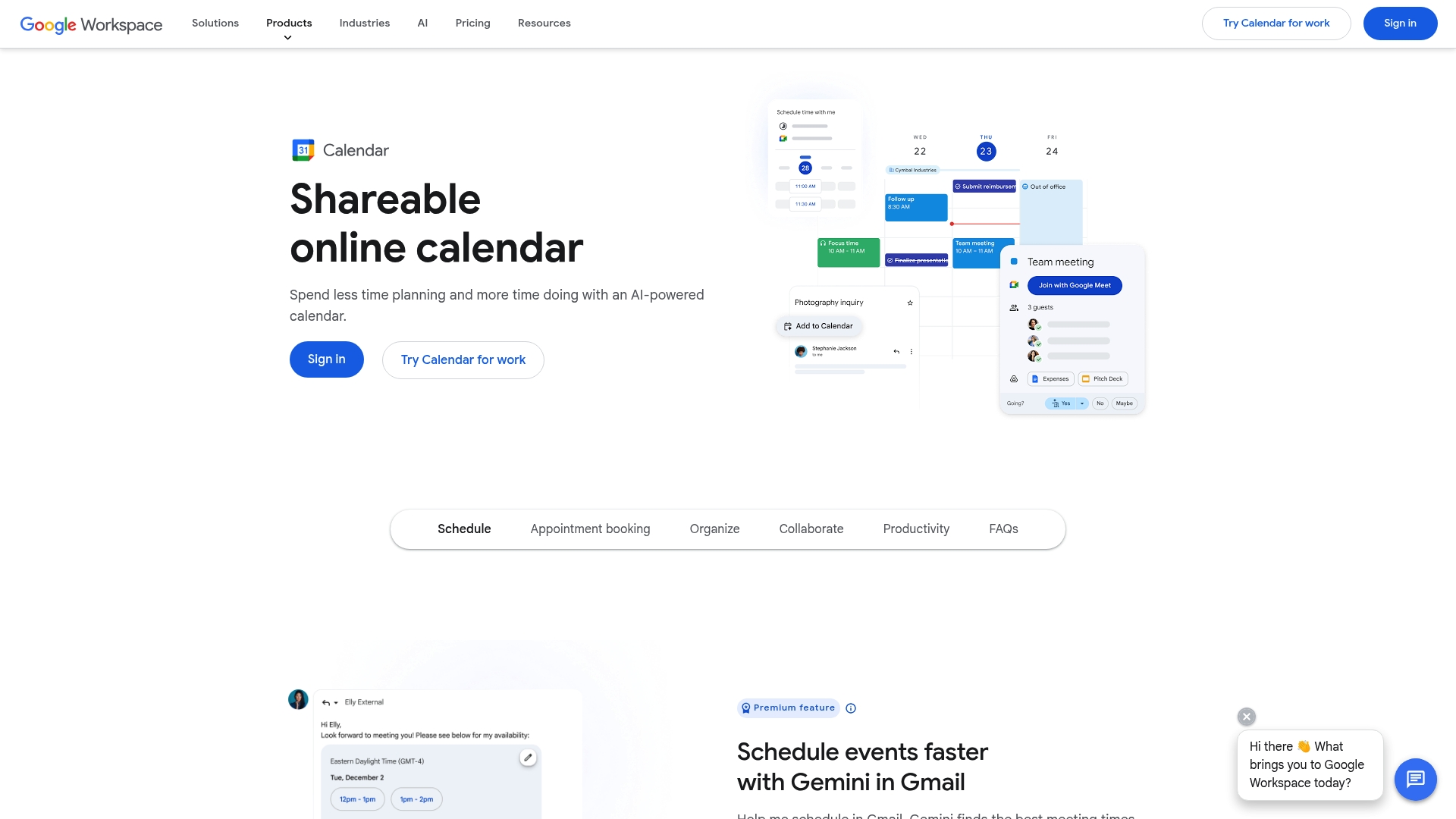
Google Calendar is a shareable online calendar that helps you schedule events, track tasks, and coordinate with friends or teammates. It layers AI powered scheduling through the Gemini app to speed up planning and to add events directly from emails. The app ties closely into Google Workspace so meetings, Meet links, and reservations appear where you need them. Bottom line The app saves time when you already live inside the Google ecosystem but requires a Google account to get the full benefit.
Core Features
Google Calendar offers a shared calendar model for team coordination, built in appointment booking for clients and colleagues, and automatic event capture from Gmail for reservations and flights. The Gemini integration provides AI assisted scheduling and lets you add events directly from email content for faster planning. The app also supports task tracking and syncing with Google Meet for calendar based collaboration.
Quick note.
Pros
- Seamless Google integration: The calendar connects with Gmail, Meet, and other Workspace apps so meeting links and reservations show up automatically.
- Time saving AI features: Gemini helps reduce back and forth when picking times and adds events from email content.
- Automatic event capture: Flight and reservation details from Gmail are added to your calendar without manual entry.
- Shared calendars supported: You can coordinate schedules with groups and see availability across shared calendars.
- Customizable views: You can switch between day week and month layouts and adjust themes to match your preference.
Real talk.
Cons
- Requires a Google account to use: You must sign in with a Google account which can limit usage for friends who use other platforms.
- Some advanced features are premium: Certain features sit behind Workspace plans or add ons which may incur extra cost for teams.
- Dependence on internet connection: The app depends on a network connection for real time updates and syncing with email and Meet.
Who It's For
This tool fits individuals and small friend groups who already use Gmail and Google apps and want simple shared scheduling. It also suits teams and organizations using Google Workspace that need integrated meeting links and automatic event capture. If your group organizes frequent hangouts, deadlines, or client bookings inside the Google ecosystem this calendar will keep dates aligned.
Unique Value Proposition
Google Calendar stands out for deep integration with Gmail and Google Meet plus AI features that speed up scheduling through Gemini. The combination of automatic event capture from email and shared calendars makes it easier to keep group plans visible and consistent. If you already use Workspace the calendar becomes the central place where meetings and reservations converge.
Real World Use Case
A marketing team uses Google Calendar to coordinate campaign deadlines and sync tasks with calendar events. Team members create shared calendars for launch timelines book client appointments with the built in scheduler and rely on automatic email imports to add travel and reservation details quickly.
Pricing
Google Calendar is included with Google Workspace plans and basic features are free with a Google account. Additional capabilities and enterprise level features may require paid Workspace plans or add ons.
Website: https://calendar.google.com
Cozi Family Organizer
At a Glance
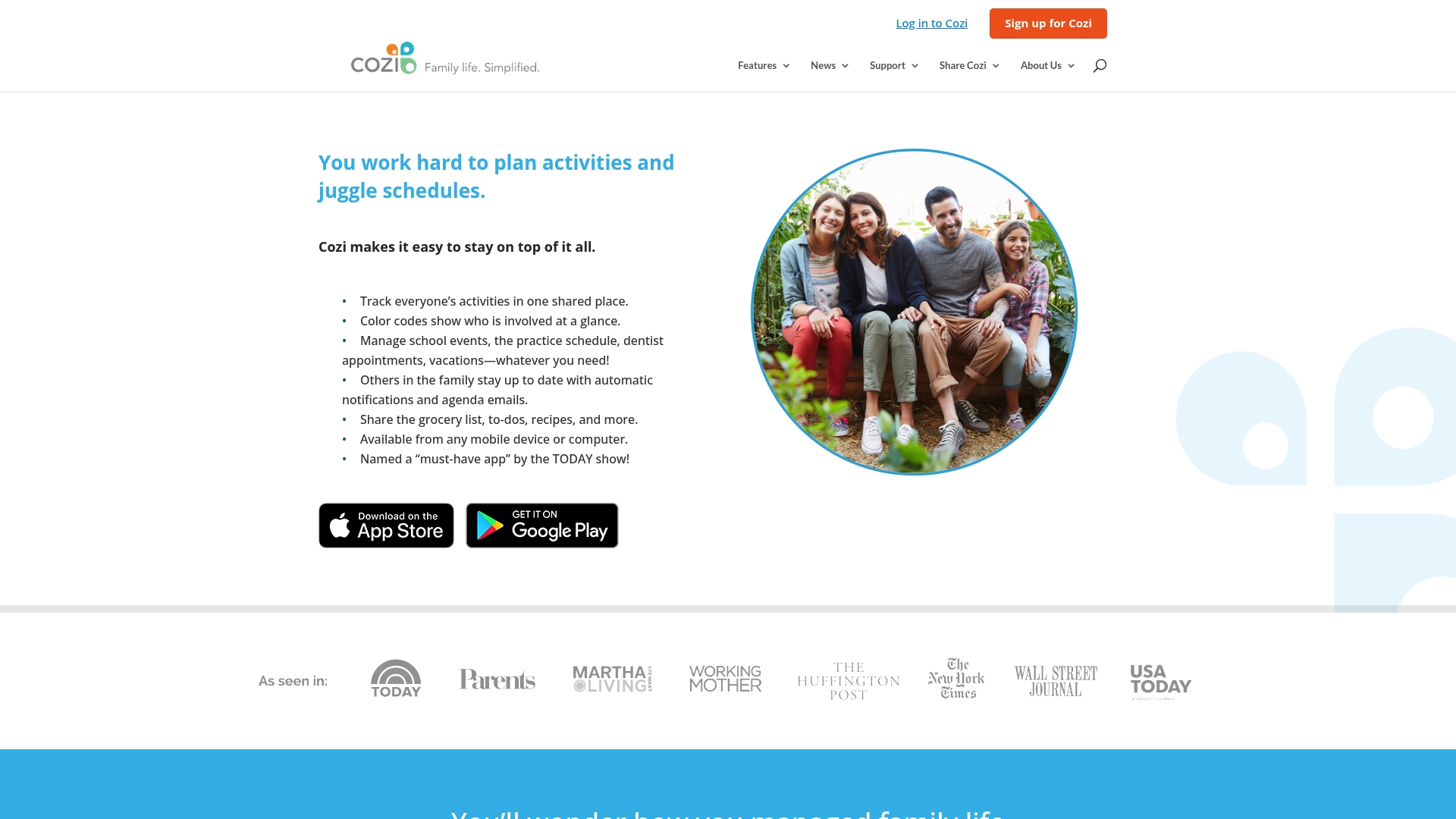
Cozi is a family organizer app that gathers schedules, shopping lists, to do lists, recipes, and notifications in a single shared space. The app is available on mobile and web and offers a free tier with optional premium upgrades. For families who want a simple way to keep everyone on the same page, Cozi delivers clear, practical tools without extra complexity. The bottom line is that Cozi is easy to adopt and useful for basic family coordination.
Core Features
Cozi centers on a shared calendar that displays family schedules side by side so appointments are visible at a glance. The app includes shopping lists and shared to do lists that family members can edit in real time. Meal planning is supported through recipes and meal planning tools that link to lists and schedules. Cozi also sends automatic notifications and agenda emails to remind everyone about upcoming events and changes.
Pros
- All in one family management app makes it convenient to handle schedules, chores, and shopping from one place without switching apps.
- Available on mobile and desktop platforms so family members can check plans from a phone or a computer.
- Free to use with optional premium features which lowers the barrier to trying the app and adds value for families who upgrade.
- Helps keep the entire family organized and on schedule by consolidating appointments and shared lists into one view.
- Automatic notifications improve communication by sending reminders and daily agendas to reduce missed events.
Cons
- Features may be basic compared to specialized apps, which means power users who want advanced task automation may find the tool limited.
- Requires internet connection for some features which can be inconvenient when someone has intermittent access.
- Some users may find the free version limited which could push households to consider the paid Cozi Gold subscription.
Who It's For
Cozi is aimed at families seeking a simple, all in one family organization solution that does not demand extensive setup. It fits parents juggling school events, work shifts, and shared errands who want a single calendar everyone can trust. The app also suits households that prefer straightforward tools instead of complex productivity systems.
Unique Value Proposition
Cozi combines calendar, lists, and meal planning into a unified experience that focuses on everyday family needs. Its strength is simplicity and the ability to get everyone synced quickly using familiar interfaces on both mobile and web. The free tier lowers the barrier for adoption while Cozi Gold adds extras for families that want more features.
Real World Use Case
A family uses Cozi to coordinate school activities and sports practice, share a grocery list that updates during the week, and send an agenda email each morning so everyone knows who is driving. That single workflow replaces group chat chaos and keeps tasks visible to each household member.
Pricing
Cozi is free to use with an optional Cozi Gold subscription for additional features.
Website: https://cozi.com
Doodle
At a Glance
Doodle is a straightforward online scheduling tool that helps groups and individuals find the best time for meetings, events, and appointments quickly. Trusted by over 133 million people and refined over 18 years, it balances simplicity with professional features that support both casual plans and business needs. The interface keeps scheduling fast while offering branded booking pages and secure payment collection for bookings. If you want a reliable way to stop the back and forth about dates, Doodle gets that done.
Core Features
Doodle focuses on a small set of powerful features that cover most scheduling needs. Key capabilities include group polls to identify the best meeting time, one on one scheduling for client appointments, and customizable booking pages for personal or business use. It also offers integrations with popular calendar and communication tools and supports secure payment collection at the time of booking. These features combine to manage availability, invitations, and reminders with minimal fuss.
Pros
- User-friendly interface and easy scheduling process makes it quick to set up polls and booking pages without a steep learning curve.
- Wide range of integrations connects your calendar and messaging tools so scheduling fits into the apps you already use.
- Supports secure payments and enterprise security features which is useful when you need to collect fees for services or events.
- Versatile use cases from small internal meetings to larger events mean you can reuse the same workflow across different needs.
- Trusted by a large user base which suggests stability and continued product support.
Cons
- Pricing details are available on the website and may vary based on features and organization size which makes it harder to know exact costs without visiting the pricing page.
- Some users might find advanced features require paid plans or integrations may require setup effort so expect a bit of configuration for business workflows.
- Limited customization options within free plans which could feel restrictive if you want full control without paying.
Who It's For
Doodle fits businesses, teams, and individual professionals who need a reliable scheduling solution that works for both simple meetups and formal appointments. It also suits organizers who want branded booking pages and the ability to collect payments when necessary. Young adults coordinating group plans or side hustle appointments will find it practical when they need a quick, no drama option.
Unique Value Proposition
Doodle stands out by combining familiar poll style scheduling with professional booking features like branded pages and payment processing. That mix makes it useful for people who need both casual group decisions and formal client bookings in one place.
Real World Use Case
A consulting firm uses Doodle to coordinate meeting times with clients across time zones. Team members send availability polls, clients choose slots on branded booking pages, and the firm collects payment at booking to confirm consultations.
Pricing
Pricing details are available on the website at http://doodle.com/en/premium so you can review plan features and costs directly.
Website: https://doodle.com
SkedPal
At a Glance
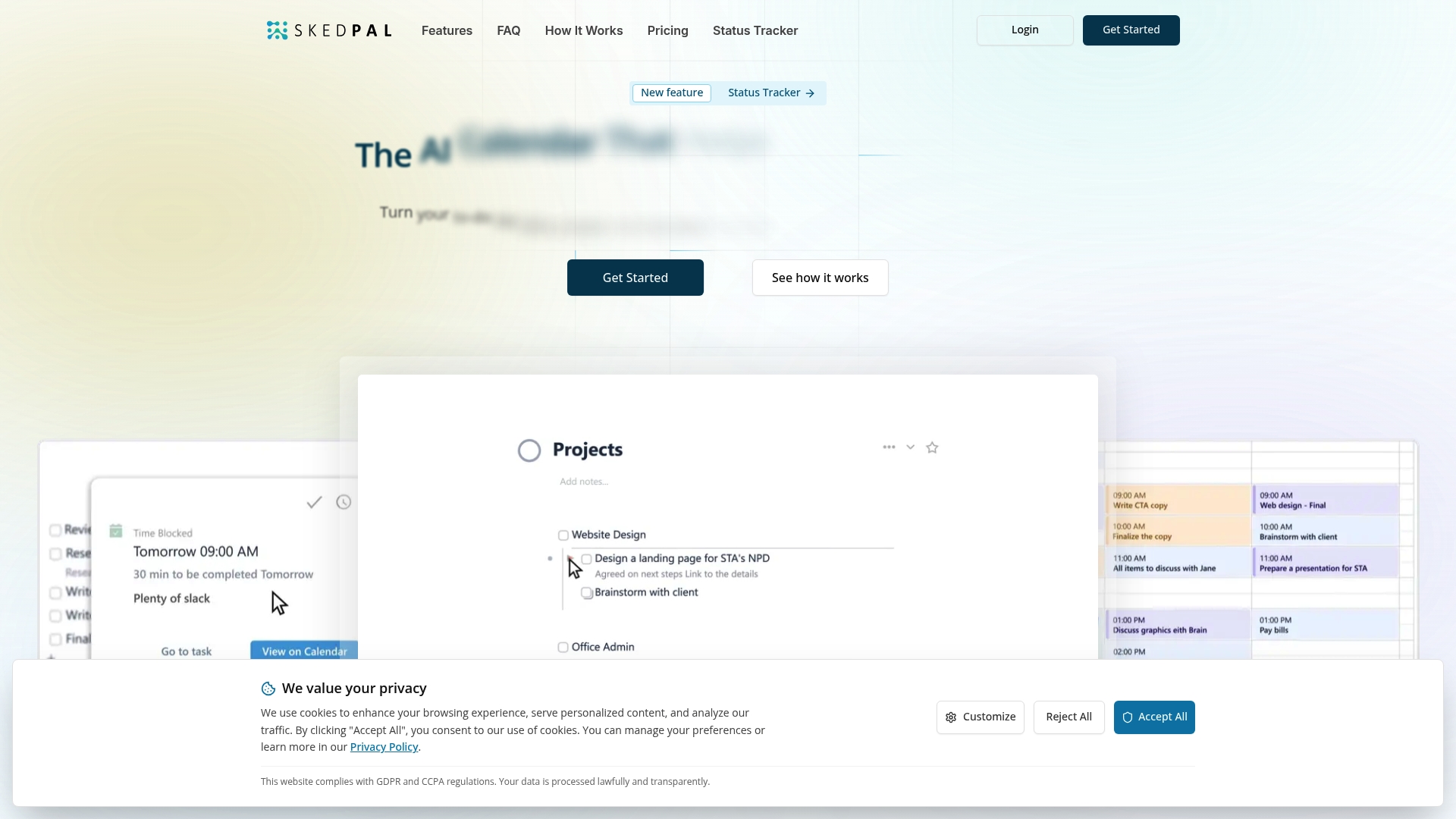
SkedPal is an AI powered calendar and scheduling tool that turns your to do list into time blocked plans. It automatically schedules tasks around your existing events and priorities so you spend less time deciding and more time doing. The app adapts when plans change which helps reduce stress on busy days. Expect a short learning curve and subscription cost to get full benefit.
Core Features
SkedPal blends AI powered scheduling with multi calendar sync to create adaptive daily plans. It supports infinite nested lists for detailed task hierarchies and a prioritization board to rank what matters most. The tool adds time budgeting so you can allocate hours to deep work or admin and includes status tracking, smart notifications, and integrated time tracking to compare planned versus actual effort.
Pros
-
Automates scheduling so tasks are placed into your calendar based on priorities and availability which saves time on manual planning.
-
Seamless calendar sync with Google, Office 365, iCloud, and other platforms which keeps your schedule unified across apps.
-
Detailed task organization with nested lists and a prioritization board which makes handling complex projects feel manageable.
-
Adaptive planning that updates schedules when events or priorities shift so your day stays realistic and useful.
-
Actionable insights that show how you spend time which helps you improve focus and plan future days more accurately.
Cons
-
The interface and feature set present a learning curve for new users who want quick wins without setup.
-
Pricing may be a consideration for individuals since the best value requires annual billing and a subscription payment.
-
The app relies on external calendar integrations so any sync problems with third party calendars can reduce reliability.
Who It's For
SkedPal fits people who want intelligent, automated scheduling rather than manual time blocking. That includes young professionals juggling shifts and study, freelancers balancing gigs and client work, and project focused users who need to organize nested tasks. If you prefer planning that adapts in real time and you are willing to invest time to learn the system this tool will reward you.
Unique Value Proposition
SkedPal converts to do lists into practical, scheduled chunks and recalculates those chunks when life changes. Its value is the combination of smart scheduling and deep task structure which turns vague to do lists into concrete calendar items. That makes it easier to protect focus blocks and keep small urgent tasks from derailing bigger priorities.
Real World Use Case
A project manager uses SkedPal to turn a long task hierarchy into daily action items, prioritize deadlines, and have the schedule adapt as meetings appear. A grad student in a city uses the same workflow to balance classes, part time work, and study blocks while getting feedback on how much time each activity actually takes.
Pricing
SkedPal offers a Core plan at $9.95 per month billed annually and a Pro plan at $14.95 per month billed annually. A free 14 day trial gives full feature access so you can test automated scheduling before you commit.
Website: https://skedpal.com
Scheduling Tools Comparison
This table provides a comprehensive overview of scheduling tools, their features, advantages, drawbacks, and pricing options to assist in choosing an optimal solution for planning needs.
| Tool Name | Key Features | Pros | Cons | Pricing |
|---|---|---|---|---|
| Groop | Lightweight scheduling tool; suggestions and private preferences | Streamlined planning; privacy-focused | Pricing details not specified | Free during beta |
| Howbout | Social calendar; resolves scheduling conflicts | High success rate in conflict resolution; user-friendly interface | Limited information on integrations and privacy | Free download |
| TimeTree | Shared calendars; files and vertical views | Easy sharing; Premium customization | Premium required for advanced features | $4.49/month or $44.99/year Premium |
| Calendar | Integrated calendars; analytics for scheduling | Broad integrations; mobile accessibility | Feature density; higher tier pricing for extras | Starts at $8 per month annually |
| Google Calendar | AI-assisted scheduling; Workspace integration | Automatic event capture; shared calendars | Advanced features require Workspace subscription | Free with Google account |
| Cozi Family Organizer | All-in-one family management app | Simplifies family coordination; notifications for reminders | Limited features without subscription | Free with optional premium upgrade |
| Doodle | Group polls; branded booking pages | Secure payments; versatile use cases | Advanced features require paid plans | Pricing available online |
| SkedPal | AI-powered scheduling; adaptive planning | Automates time blocking; detailed task organization | Learning curve; relies on calendar integration | $9.95/month annually (Core Plan) |
Simplify Your Social Planning with Grooop
Coordinating hangouts, study sessions, or weekend get-togethers can quickly turn chaotic with endless messages and conflicting schedules. The article highlights how apps like Howbout focus on avoiding booking conflicts and finding mutual free times but often still leave users juggling complicated polls or fragmented chats. If you want to skip that frustration and create plans that feel natural without pressure or lengthy back and forth, Grooop offers a fresh approach.
Grooop is built for friend groups who want lightweight scheduling that respects privacy and group vibes. It automatically lines up availability, surfaces clear options, and keeps preferences private so plans become easy to accept and hassle free. Whether you are planning casual drinks or spontaneous outings, Grooop’s simple interface lets social decisions stay social while it handles the logistics seamlessly.

Ready to transform how your squad plans events without the mess? Visit Grooop’s landing page to explore how this app reduces planning chaos. Check out the features that make hanging out effortless and say goodbye to planning stress. Don’t wait let your group enjoy more time together and less time organizing at Grooop.
Frequently Asked Questions
What are some alternatives to Howbout.app for social planning?
Groop, TimeTree, and Doodle are a few effective alternatives. Each of these tools offers unique features tailored to streamline social planning and enhance group coordination.
How can I choose the best scheduling tool for my friend group?
To choose the best scheduling tool, evaluate the specific needs of your group, such as ease of use, privacy preferences, and mobile access. Try a few options by creating events and comparing the user experience among group members within a week.
Are there free options among the Howbout.app alternatives?
Yes, several alternatives to Howbout.app are available at no cost. Tools like Groop and Cozi provide free tiers that help with social planning without upfront payment.
How do I get my friends to use a new scheduling app?
To encourage friends to use a new scheduling app, showcase its benefits by planning a small event and demonstrating how easy it is to use. Try setting up an event in the app with everyone’s availability to illustrate how quickly plans can be made.
What features should I look for in a social planning app?
Look for features like availability detection, conflict resolution, and user-friendly interfaces in a social planning app. These capabilities will minimize back-and-forth communication, enabling efficient planning in a casual setting.
How can social planning apps help reduce scheduling conflicts?
Social planning apps help reduce scheduling conflicts by clearly displaying mutual availability and highlighting overlapping commitments. This allows users to quickly identify suitable times for the group, significantly decreasing the likelihood of double bookings.