
Articles
7 Essential Scheduling Tools Like Doodle for 2026
Discover 7 scheduling tools like Doodle for 2026 that make group planning easy and stress free Explore features pricing and find the perfect fit for us
Ever tried to get a group of friends or colleagues together, only to end up stuck in endless chat threads, polls, or missed messages? We’ve all been there, feeling like planning should be easier and lighter.
That’s why so many of us are looking for scheduling tools like doodle to help take the pressure off. Whether it’s for a quick catch-up, a team meeting, or a birthday dinner, we want solutions that just work—without fuss or formality.
In this article, we’ll explore seven standout options designed to make coordination feel natural and stress-free in 2026. Expect honest insights on features, pricing, and what makes each tool unique, so you can find the right fit for your group’s style.
What Makes a Great Scheduling Tool in 2026?
The way we plan together has changed. Scheduling tools like doodle are no longer just for office meetings. Now, they help us coordinate everything from remote work catch-ups to spontaneous park picnics. As our lives blend work, study, and play, these tools need to be flexible and gentle, letting groups find times without any pressure or fuss.
Evolving Needs for Scheduling
Not long ago, scheduling tools like doodle were mostly for business. Now, they’re showing up in study circles, family chats, and friend groups. People want tools that fit every part of life, not just work.
We see more casual uses, like arranging movie nights or brunches. Flexibility matters, and so does the feeling that everyone gets a say. Privacy and low-pressure options are now expected, letting people join in or opt out without hassle.
For real-life tips on planning group hangouts easily, many look for tools that make group decisions feel natural and light.
Key Features to Look For
When picking scheduling tools like doodle, focus on features that make life easier. Automated checks, smart suggestions, and quick polls save time. Integration with calendars, chat apps, and video calls is now a must.
Here’s a quick comparison of features to look for:
| Feature | Why It Matters |
|---|---|
| Automated availability | No more endless messaging |
| Calendar and app integration | Everything in one place |
| Mobile-first design | Easy for all ages |
| No sign-up for participants | Fast and friendly |
A recent study found 68% of users prefer tools that don’t require sign-ups. Simple, frictionless entry is key to a happier group experience.
Balancing Simplicity with Power
It’s easy for scheduling tools like doodle to get complicated. Too many features can overwhelm, but too few might leave you guessing. The best tools offer robust options, but only show what you need.
Personal touches, like naming your group or choosing soft polling, help everyone feel included. Optional reminders are there if you want them, but never shouty. Some tools let you suggest times without forcing a decision, letting “we’ll see” be a valid answer.
Accessibility and Inclusivity
Everyone should feel welcome when using scheduling tools like doodle. Clear choices, large buttons, and language support help people of all backgrounds join in. Tools that work on any device make it easy for grandparents or young cousins to take part.
It’s not just about what one person needs, but how the whole group works together. Adapting to group dynamics, not just individual habits, is what makes these tools truly inclusive.
Privacy and Security
Trust is vital. People want to know their chats and calendars are safe. With scheduling tools like doodle, privacy is more than a checkbox. The best tools collect only what’s needed and explain policies clearly.
In fact, 74% of users say privacy is a top concern when choosing a scheduling tool. As we share more of our lives online, knowing our data is respected helps everyone plan with peace of mind.
7 Essential Scheduling Tools Like Doodle for 2026
Finding the right scheduling tools like doodle can make every group plan—be it a work meeting or a casual hangout—feel light, easy, and even a bit fun. We’ve gathered seven standout options that understand the rhythms of modern life. Each tool offers a different vibe, so you can pick what feels natural for your group’s style.
1. Groop
Groop is a fresh take on scheduling tools like doodle, designed with social groups in mind. It’s all about making plans feel light and never forced.
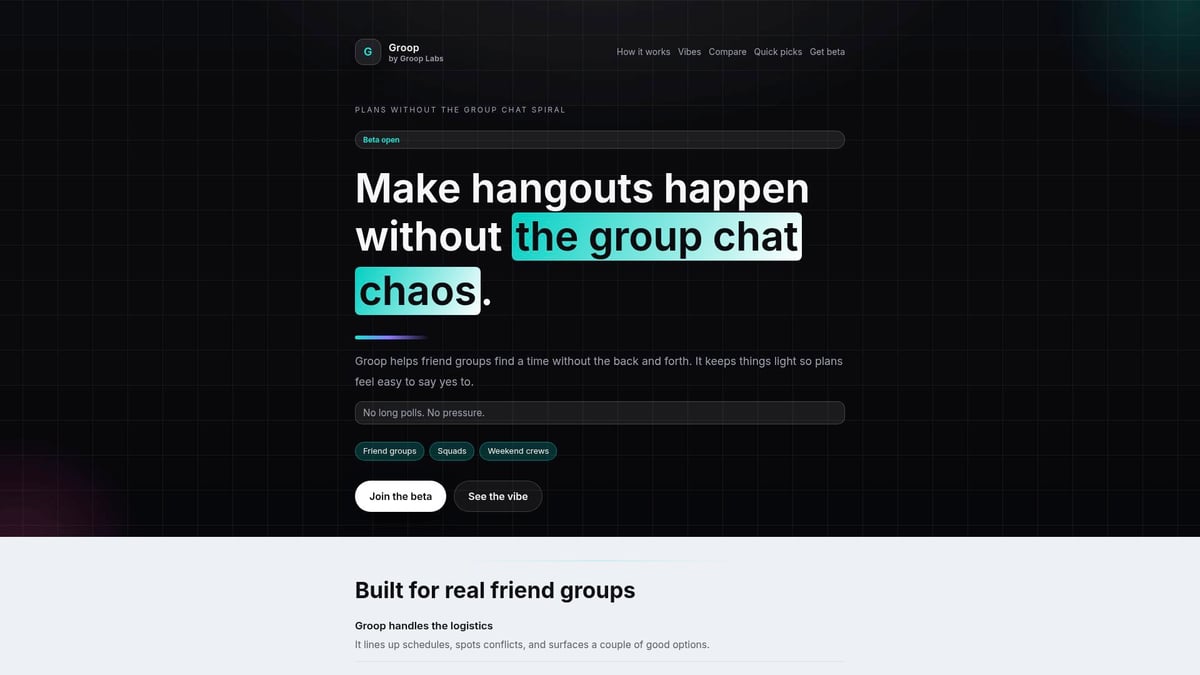
| Feature | Details |
|---|---|
| Pricing | Open beta, pricing TBA |
| Core Features | Automated group scheduling, vibe-centric planning, quick picks |
| Key Benefits | No group chat chaos, pressure-free suggestions, everyone’s voice counts |
| Target Audience | Friends, squads, informal groups |
| Pros | No endless polls, keeps things natural, easy for everyone |
| Cons | Early-stage, not built for business |
| Unique Point | Focused on the social experience |
Groop stands out by making group planning feel like a chat, not a chore. If you want a tool that adapts to your group’s mood and lets indecision breathe, this is a top pick. Want a step-by-step look at how Groop helps with friend hangouts? Check out their step-by-step friend group guide for real-world tips.
2. Calendly
Calendly is a pillar among scheduling tools like doodle, especially for professionals who value efficiency and seamless integration.
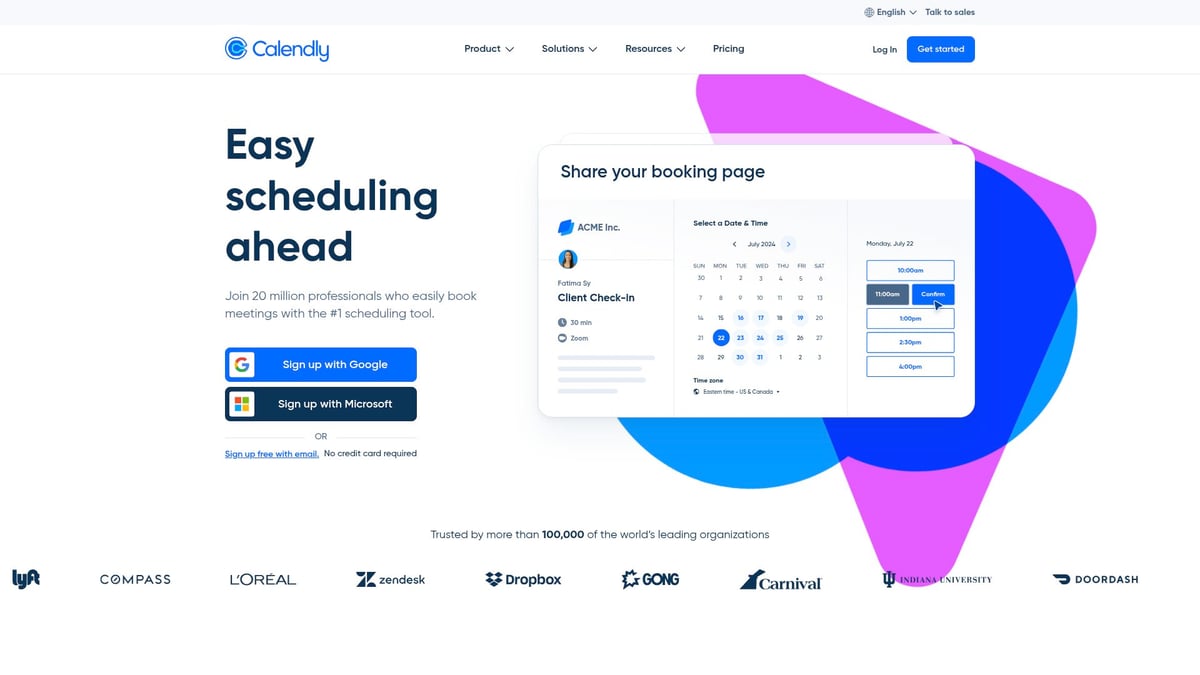
| Feature | Details |
|---|---|
| Pricing | Free plan, paid from £8/user/month |
| Core Features | Automated meetings, calendar sync, time zone detection |
| Key Benefits | Easy to share, reduces email ping-pong, ties into Google/Outlook |
| Target Audience | Individuals, teams, freelancers |
| Pros | Strong integrations, clean interface, saves time |
| Cons | Some features paid, less social focus |
| Unique Point | Streamlines professional scheduling |
Calendly helps you skip the back-and-forth and lets people find the best time in a snap. For anyone balancing multiple work calendars, it’s a quiet hero.
3. When2meet
For groups who just want to pick a time, fast, When2meet is one of the most straightforward scheduling tools like doodle.
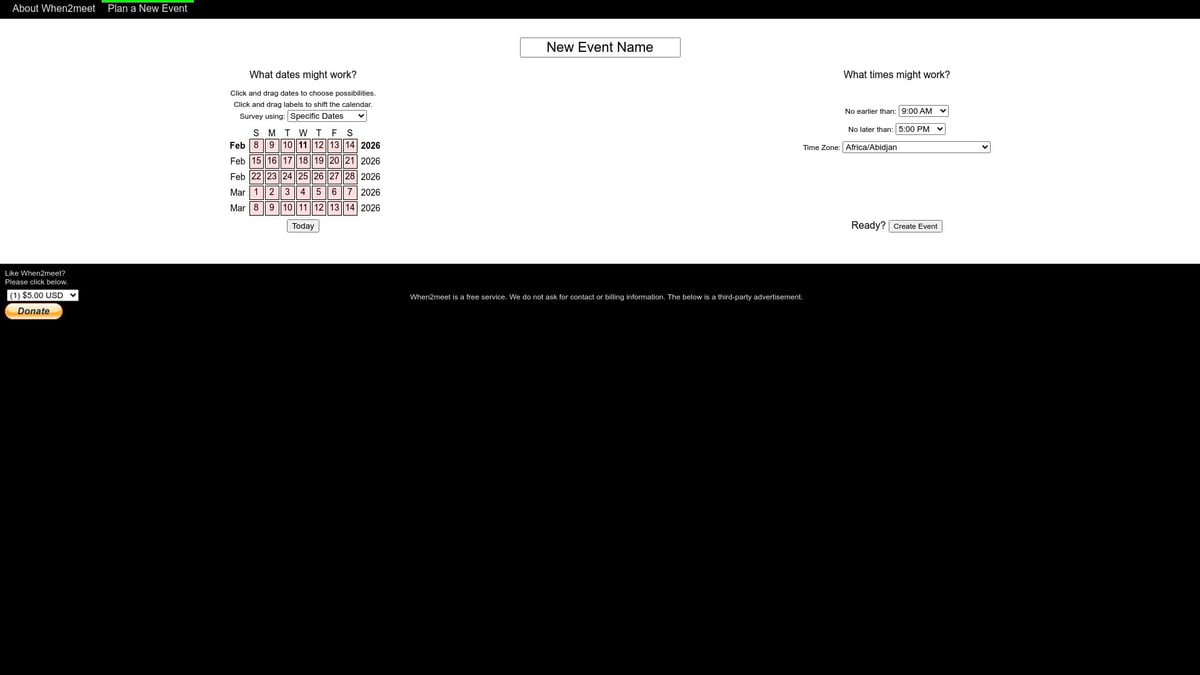
| Feature | Details |
|---|---|
| Pricing | Free |
| Core Features | Visual grid, no sign-up, instant polls |
| Key Benefits | Lightweight, quick, anonymous |
| Target Audience | Students, clubs, informal groups |
| Pros | No accounts, very fast, works anywhere |
| Cons | No calendar sync, basic look, limited reminders |
| Unique Point | Ultimate simplicity for groups |
When2meet is perfect for those “let’s just find a time and go” moments. No logins, no fuss—just a quick visual poll and you’re done.
4. SimplyMeet.me
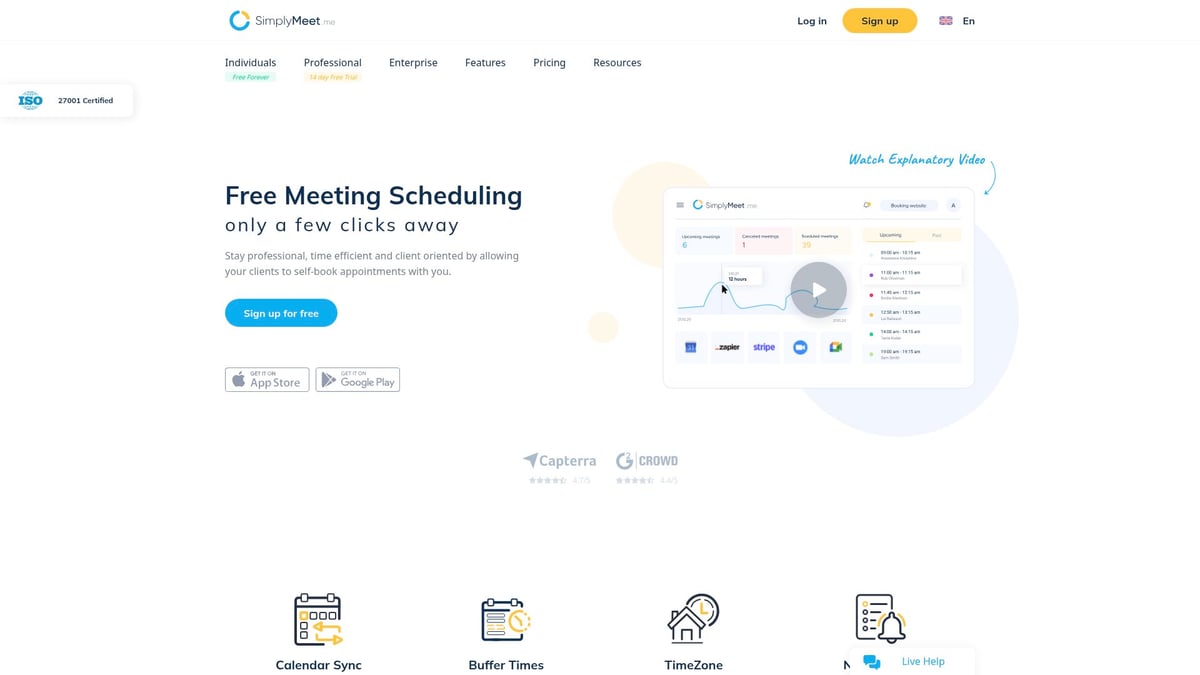
SimplyMeet.me blends the best of scheduling tools like doodle for both teams and solo use, with a friendly, no-fuss approach.
| Feature | Details |
|---|---|
| Pricing | Free plan, premium from £7/user/month |
| Core Features | Meeting scheduling, calendar sync, custom types, reminders |
| Key Benefits | Flexible for all, works for one-on-ones and groups |
| Target Audience | Businesses, educators, small teams |
| Pros | Intuitive, strong support, branding options |
| Cons | Premium for advanced features, less suited to casual groups |
| Unique Point | Professional yet approachable |
If you want a tool that feels easy but offers depth, SimplyMeet.me could be the gentle helper your group needs.
5. Rallly
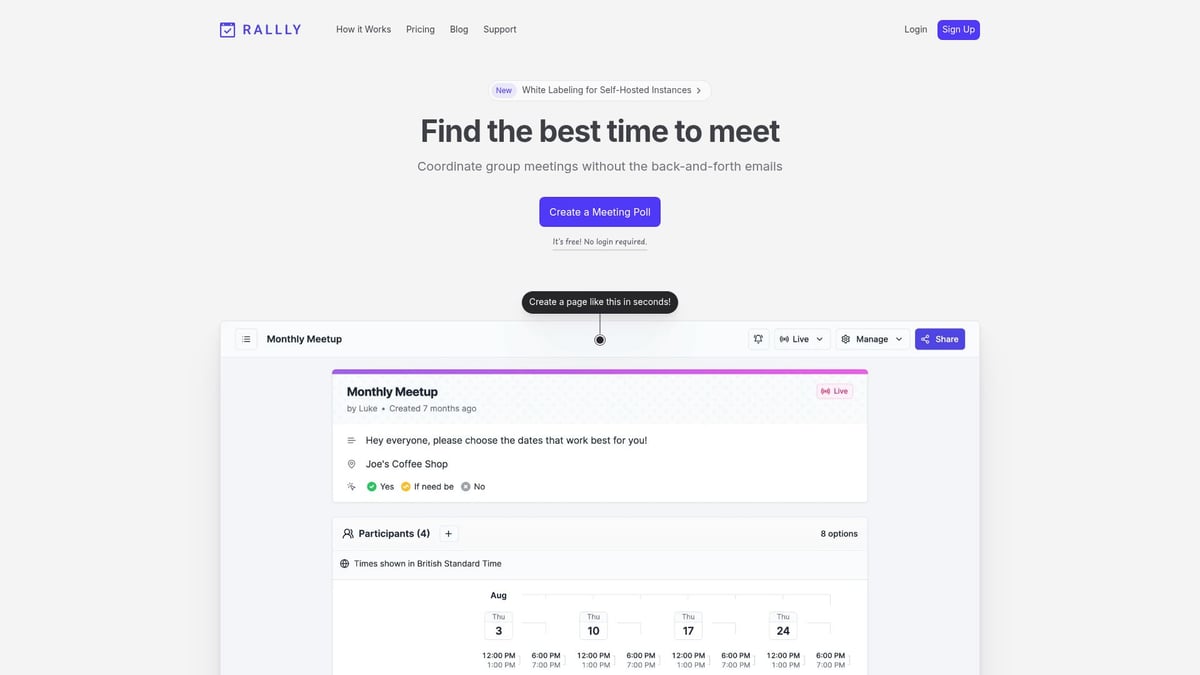
Rallly is one of the most community-focused scheduling tools like doodle, with privacy at its heart and a simple, open-source ethos.
| Feature | Details |
|---|---|
| Pricing | Free, donations welcome |
| Core Features | Poll-based scheduling, privacy-first, open-source |
| Key Benefits | Transparent data, easy for groups |
| Target Audience | Activists, clubs, privacy-minded users |
| Pros | No ads, open code, privacy-respecting |
| Cons | Fewer integrations, basic features |
| Unique Point | Community-driven and privacy-first |
Rallly is ideal for those who care about ethics and transparency as much as getting things done. If your group values privacy, it’s a natural fit.
6. Microsoft FindTime
For organisations already using Microsoft 365, FindTime is among the most seamless scheduling tools like doodle, built right into Outlook.
| Feature | Details |
|---|---|
| Pricing | Included with Microsoft 365 |
| Core Features | Outlook integration, auto suggestions, slot voting |
| Key Benefits | Frictionless for business, secure, great for large teams |
| Target Audience | Corporate, enterprise, Microsoft users |
| Pros | Deep integration, secure, easy for big groups |
| Cons | Needs Microsoft 365, not for casual groups |
| Unique Point | Best for Microsoft-based organisations |
FindTime is a natural choice if your team already lives in Outlook. It takes the pressure off finding a perfect time, letting everyone vote with ease.
7. YouCanBook.me
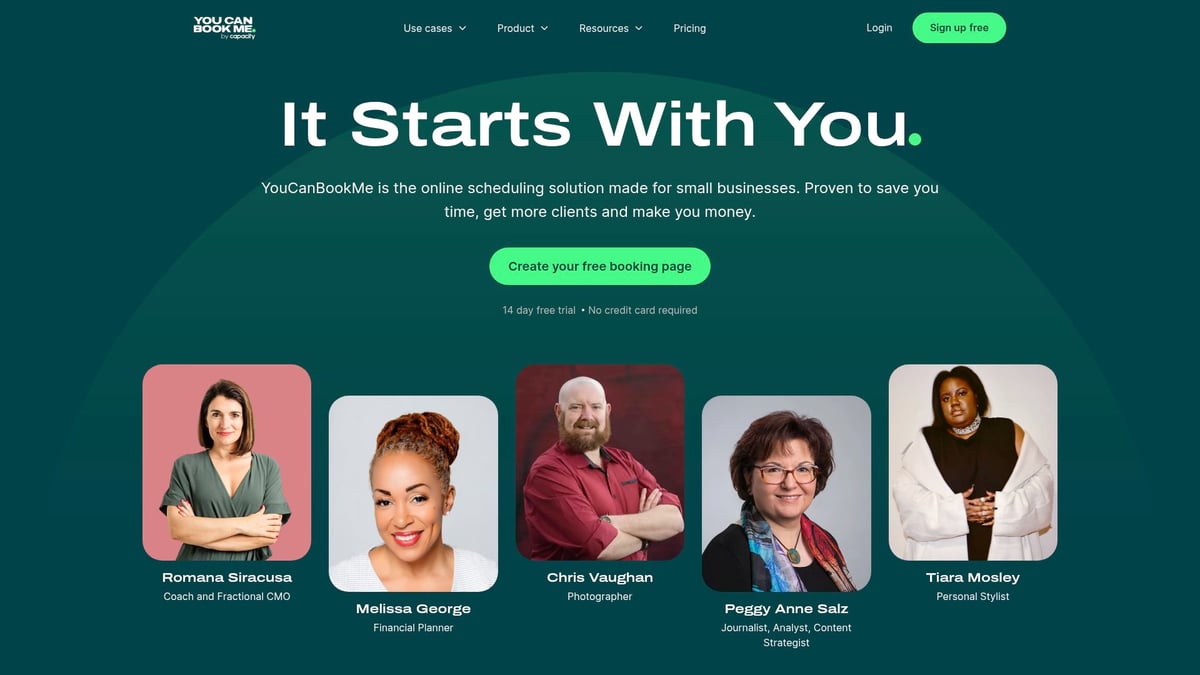
YouCanBook.me brings a tailored touch to scheduling tools like doodle, letting you create branded booking pages and manage time zones with ease.
| Feature | Details |
|---|---|
| Pricing | Free trial, paid from £10/user/month |
| Core Features | Booking pages, notifications, calendar sync |
| Key Benefits | Personalised, multi-language, time zone savvy |
| Target Audience | Consultants, educators, small businesses |
| Pros | Customisable, branding, client-friendly |
| Cons | Complex setup, mostly for one-on-ones |
| Unique Point | Ideal for branded, client-facing scheduling |
If you work with clients or need to put your own stamp on your schedule, YouCanBook.me offers a warm, welcoming approach.
How to Choose the Right Scheduling Tool for Your Group
Choosing between scheduling tools like doodle doesn't need to feel overwhelming. Instead, think of it as finding the gentlest fit for your group’s unique personality and habits. Here's a calm, people-first way to figure out what works best for everyone.
Identifying Your Group’s Needs
Start by thinking about who’s in your group and how you like to connect. Is it a tight-knit crew, a big club, or a work team? Do you need something super simple or are you after custom branding? For some, simplicity is key, while others care more about privacy or integrations. If your group juggles busy chats, check out Managing chat groups for events for tips that pair well with scheduling tools like doodle.
- Friends may want no sign-ups.
- Businesses might prefer branding.
- Clubs could prioritise privacy.
Comparing Features and Flexibility
Now, have a look at what features matter most. Do you need calendar sync or reminders? Is mobile support important? Some scheduling tools like doodle offer anonymous polls, while others lean towards direct calendar bookings. Think about how your group makes decisions and pick a tool that matches that vibe.
- Anonymous polls for casual groups.
- Calendar sync for work teams.
- Reminders for forgetful friends.
Budget and Accessibility
Budget matters, but so does making sure everyone can join in. Check what features are free and which need a subscription. A lot of users stick to free scheduling tools like doodle for casual plans. Also, consider if your group is comfortable with tech or needs something extra simple.
- Free plans for most casual needs.
- Paid options for advanced features.
- Make sure everyone’s device is supported.
Privacy and User Agency
Respecting privacy is at the heart of good group coordination. Look for clear privacy policies and tools that don’t gather more data than needed. The best scheduling tools like doodle let people opt in or out without feeling pressured. Everyone deserves to feel safe and unhurried.
- Transparent privacy settings.
- Minimal data collection.
- Optional participation.
Testing and Adapting
Finally, don’t feel locked in. Try a couple of tools with your group and see what feels right. Gather honest feedback and don’t be afraid to switch things up for different occasions. Sometimes, rotating tools helps you discover what works best for each gathering.
- Test together and share thoughts.
- Change tools as your needs shift.
- Enjoy flexible, stress-free planning.We all know how tricky it can be to bring a group together without drowning in endless messages or feeling the pressure to decide. That’s why finding a tool that actually makes planning feel simple and stress free is such a game changer. If you’re looking for an easier way to organise get togethers with friends or just want to avoid the usual group chat chaos, why not see what’s possible? We’re building Groop with real people in mind—so your plans feel natural and everyone’s voice is heard. Curious to see how it works? Join the beta and help shape the future of stress free planning with us!