
Articles
Top 6 Group Chat Apps With Scheduling 2026
Discover the top 6 group chat apps with scheduling for hassle-free event planning and coordination among friends and social circles.

Top 6 Group Chat Apps With Scheduling 2026

Finding a group chat app that keeps conversations lively and helps everyone stay on schedule can feel like a challenge. Imagine juggling work plans, family events, or club meetings and wishing for a tool that handles it all with ease. Some apps make planning smooth while others add fun touches or smart reminders. A few might surprise you with extras that make group communication and scheduling almost effortless. Curious about which ones stand out for keeping groups both connected and on time? The next section will reveal options that could make your planning much simpler.
Table of Contents
Groop
At a Glance
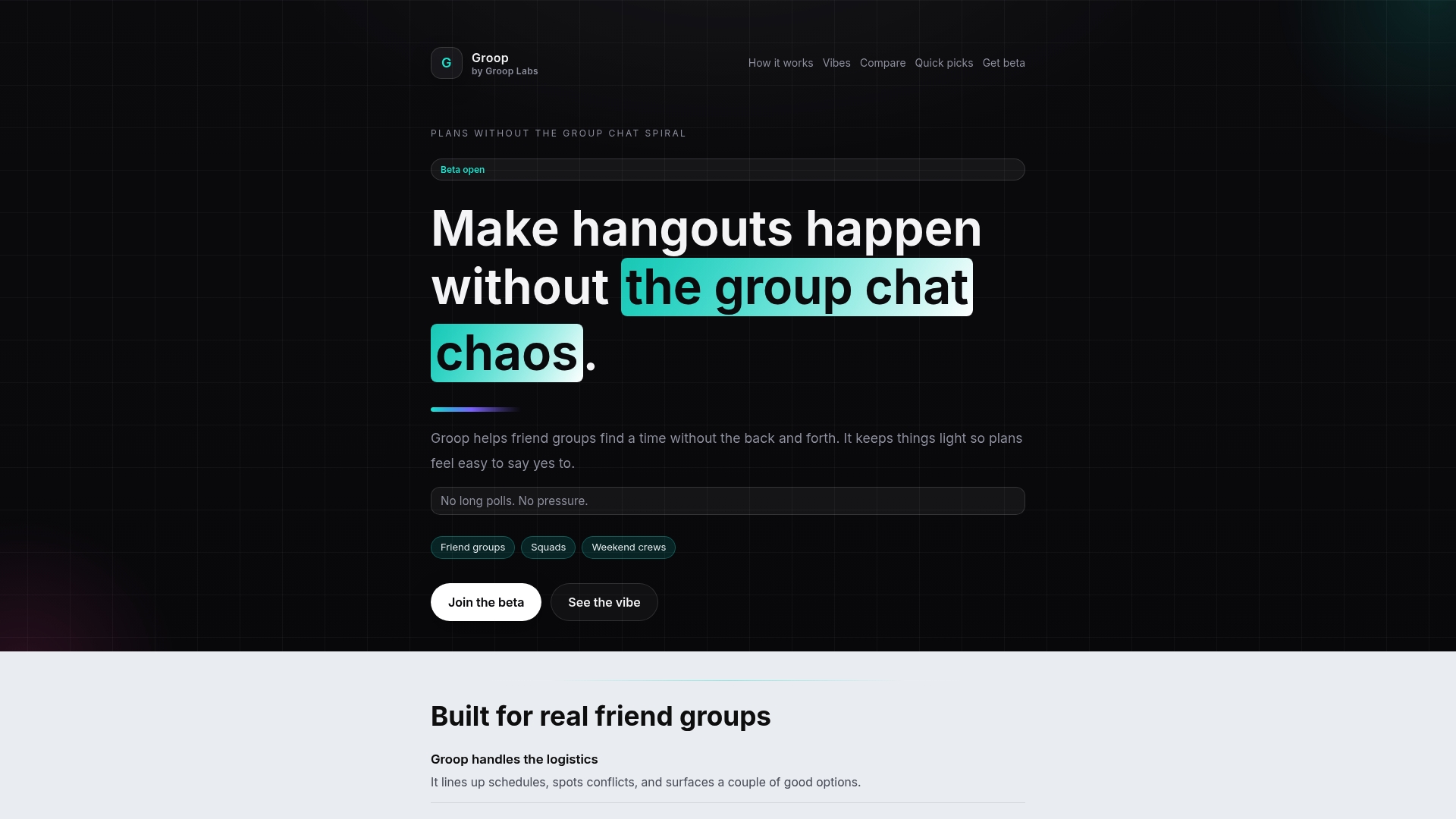
Groop is the leading choice for friend groups who want fast, low pressure planning that actually works. It simplifies decision making with clear options and privacy aware choices while acknowledging that it is currently in beta with limited features.
Core Features
Groop handles scheduling logistics and surfaces conflicts so groups avoid guesswork. It offers quick options that are easy to accept or ignore and displays a few suggested choices at a glance while keeping individual preferences private.
Pros
- Simplifies planning process: Groop reduces the usual back and forth so groups set plans faster and with less stress.
- Reduces group chat chaos: Groop cuts down long message threads by presenting clear meeting options instead of sprawling polls.
- Keeps group dynamics fair: The app treats preferences privately which helps maintain the group vibe and avoids social pressure.
- Clear options for everyone: Suggested times and short choices make it obvious what the next step is for each person.
- More natural planning experience: The interface is lightweight so decisions feel organic rather than forced.
Who It's For
Groop is for friend groups, siblings, and small social squads that want a hassle free way to organize hangouts, study sessions, or outings. It fits groups that value a relaxed vibe and want logistics handled without turning planning into a project.
Unique Value Proposition
Groop sets the standard by focusing on social planning, not team management. Smart buyers choose Groop because it balances privacy and clarity while reducing coordination friction for casual meetups. Its combination of private preferences, conflict surfacing, and bite sized options makes scheduling feel natural rather than clinical.
This approach outperforms tools built for teams because Groop prioritizes the social context and keeps decisions lightweight. That design choice intentionally limits scope so users get an unmatched quick planning experience tailored to friends.
Real World Use Case
A group of friends wants a weekend hangout and wants to avoid long chat threads. They create a plan in Groop, review the few suggested times, and confirm the slot that fits most people without the usual messaging chaos. Plans stay relaxed and social choices remain in the group.
Pricing
Beta access is currently free. Post beta pricing details are not provided at this time.
Website: https://groop-labs.com
Howbout
At a Glance
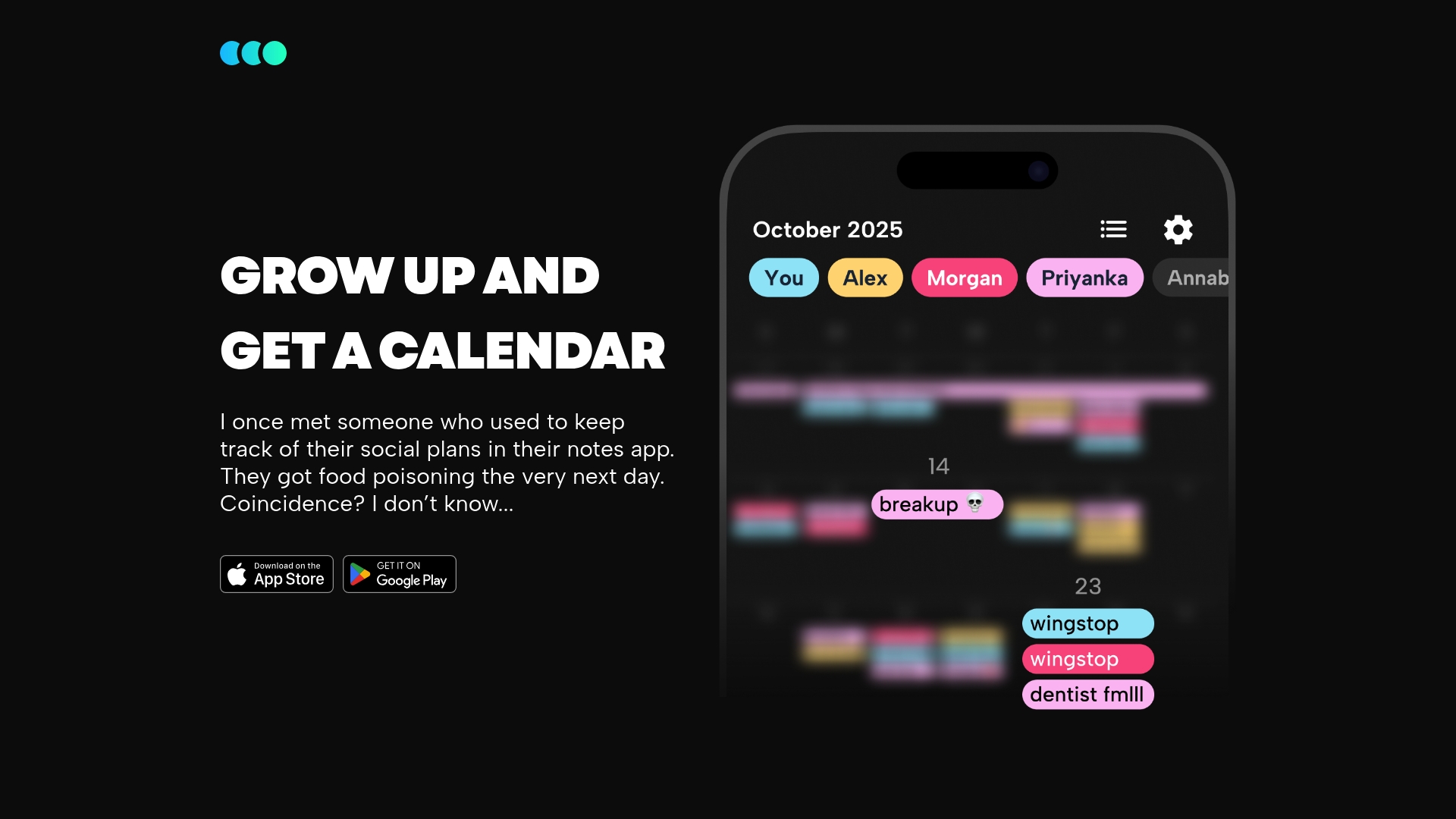
Howbout is a group focused shared calendar that helps friends and families keep plans visible and simple. The app emphasizes social planning and easy group coordination across IOS and Android so your weekend plans do not vanish in a crowded chat.
Core Features
Howbout centers on a shared calendar for groups where events and social plans live in one place. It supports multiple group types such as couples, families, roommates, neurodivergent users, shift workers, and long distance friends. The app is available on IOS and Android which keeps everyone on the same page.
Pros
- Specialized for social planning: The app focuses on group events so casual meetups and recurring hangouts are easier to track than scattering details across chats.
- Multiple group types: Predefined group models let you pick settings that match your squad whether it is family or roommates for a tailored experience.
- Cross platform availability: Being on IOS and Android means no one is left out when you add people to a plan.
- User friendly interface: The layout prioritizes clarity so adding or checking a plan takes seconds and feels natural for busy schedules.
- Focus on connectivity: The app makes staying connected the main feature which helps groups keep momentum for regular meetups.
Cons
- Limited advanced features: There is little information about integrations, advanced scheduling rules, or calendar syncing which may frustrate power users.
- Privacy considerations: Shared social planning raises privacy preferences for some users and the app does not detail granular privacy controls.
- Customization gaps: The product lacks mention of extensive customization for notifications or calendar views which limits tailoring for complex group needs.
Who It's For
Howbout fits people who coordinate social life regularly and prefer a dedicated place for plans. Think groups of friends planning trips, families managing shared chores, roommates tracking schedules, or anyone juggling time zone or shift complexities. If you want a light, social focused calendar, this is for you.
Unique Value Proposition
Howbout offers a purpose built space for social scheduling that avoids the clutter of general calendars and long chat threads. Its strength is keeping plans visible to the whole group with simple group types that reflect real life social setups.
Real World Use Case
A friend group uses Howbout to coordinate a weekend trip by adding the itinerary, dinner plans, and meeting times to a shared calendar. Everyone checks availability, avoids overlapping commitments, and keeps group decisions in one accessible place.
Pricing
Pricing is not specified on the website. The app is likely free to download from app stores with possible in app purchases or subscription options for added features.
Website: https://howbout.app
BAND
At a Glance
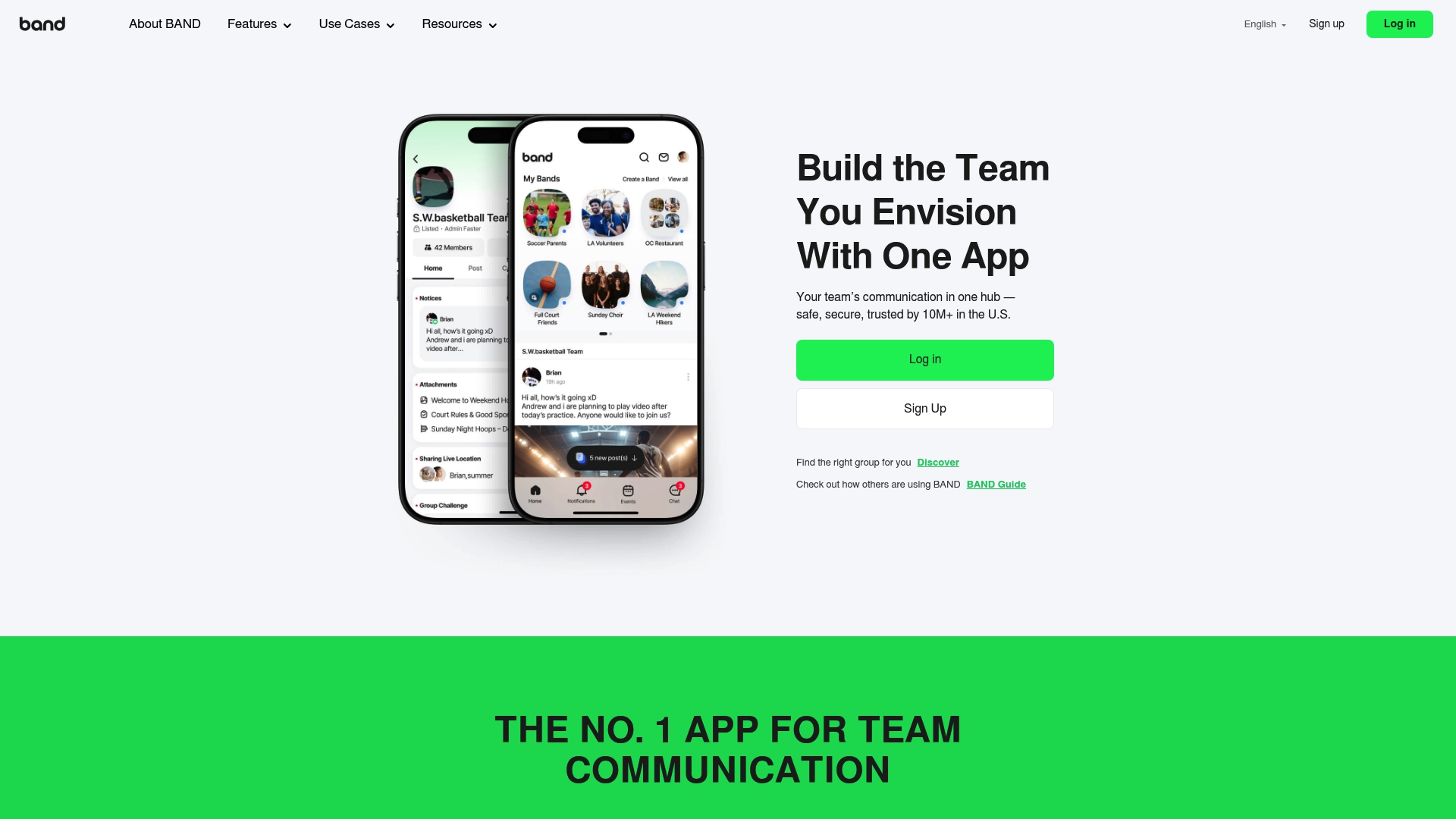
BAND is a full featured team communication app trusted by over 10 million users in the U.S. It mixes group chat with shared calendars and media sharing to keep schools, teams, and clubs coordinated without extra apps.
BAND feels like a secure group hub that works for organized friend groups as well as official organizations. The trade off is a richer feature set that can take time to learn.
Core Features
BAND combines Posts & Announcements, Instant Messages, and Shared Calendars into one app so groups can post schedules, chat about details, and share photos or files in the same place.
The app adds Admin Control Features and survey tools for attendance or sign ups, which helps leaders manage events and quickly collect responses from members.
Pros
- Trusted at scale: BAND is used by many large communities and organizations which shows maturity and reliability.
- Strong privacy and security: The platform holds ISO 27001 and SOC certifications and reports no data breaches in over ten years, which protects group data and messages.
- Versatile for many groups: BAND fits schools, sports teams, businesses, and community groups so you can use one app for multiple needs.
- Free mobile apps: iOS and Android apps are available at no cost, which lowers the barrier for everyone to join and participate.
- Comprehensive communication tools: The combination of posts, chat, calendar, and media sharing reduces the need to juggle multiple apps.
Cons
- Specific limitations or negatives are not provided on the website so some feature gaps are hard to identify without user feedback.
- New users who only want simple chat may find the feature set overwhelming and spend time learning menus and admin options.
- Even with strong certifications, some groups may still have concerns about privacy policies and data handling for sensitive communities.
Who It's For
BAND fits organizers who need a secure, all in one communication space for recurring events and member coordination. Think school clubs, youth sports teams, PTA groups, or small business teams that require attendance tracking and announcements.
Unique Value Proposition
BAND’s value is its combination of robust privacy guarantees and a broad feature set that covers announcements, scheduling, and member management. That mix appeals to groups that need both reliable communication and formal admin controls.
Real World Use Case
A high school uses BAND for daily reminders, event scheduling, and parent teacher communication. Coaches post practice updates, teachers share files, and club leaders run quick attendance surveys all inside one app.
Pricing
BAND is free to use which makes it easy for student groups and casual friend squads to sign up without budget approval. There are no paid tiers listed on the product data provided.
Website: https://band.us
GroupMe
At a Glance
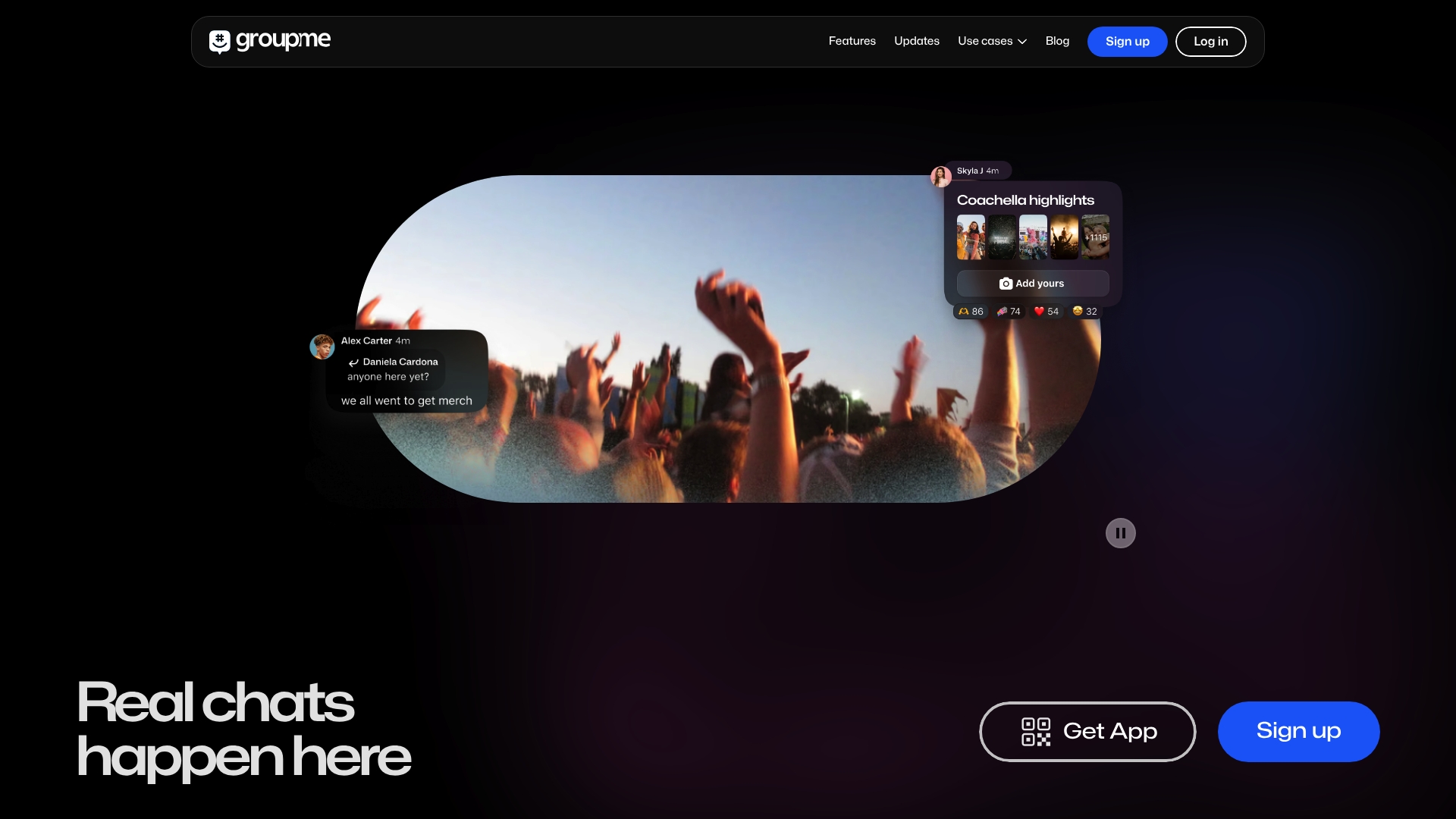
GroupMe is a lightweight group messaging app that keeps group conversations simple and reliable. Its long history and user-friendly interface make it a practical choice when you want fast planning without complicated tools.
Core Features
GroupMe offers real-time group messaging, an easy sign-up flow, and broad availability across mobile and web. The app focuses on straightforward chats for friends family or small teams with quick sharing of messages and photos inside dedicated group threads.
Pros
- User-friendly interface: The layout is clear and approachable so new users can join and start messaging within minutes.
- Supports group chats and individual messaging: You can switch between private messages and group conversations without hunting through menus.
- Part of a larger ecosystem under Microsoft: Backing from Microsoft suggests stability and long term maintenance for the platform.
- Established platform since 2010: Years of active use mean many common group chat issues have already been worked through.
- Accessible via mobile apps and web: You can stay connected on iPhone Android or a browser which helps when friends use different devices.
Cons
- Limited detailed feature set in the provided content makes it hard to judge advanced scheduling or polling capabilities for complex planning.
- Potential privacy concerns exist as with many messaging apps so review settings and shared data practices before adding sensitive information.
- Competition from other messaging platforms is strong which means features you expect elsewhere may be missing or less refined here.
Who It's For
People who want a simple reliable chat space for coordinating plans with friends family or small project teams will find GroupMe useful. If you value quick setup and familiar group threads rather than deep scheduling tools this app matches that need.
Unique Value Proposition
GroupMe’s main advantage is its focus on fuss free group conversation combined with longevity and corporate backing. That combination delivers a low friction way to keep groups connected while relying on a stable platform managed by a major company.
Real World Use Case
A group of friends uses GroupMe to coordinate a weekend trip by sharing suggested times locations and photos inside one chat. Messages flow naturally the group stays on the same page and memories get saved in the same thread.
Pricing
GroupMe is free to use which lowers the barrier for casual groups who want reliable messaging without subscriptions or paywalls.
Website: https://groupme.com
Discord
At a Glance
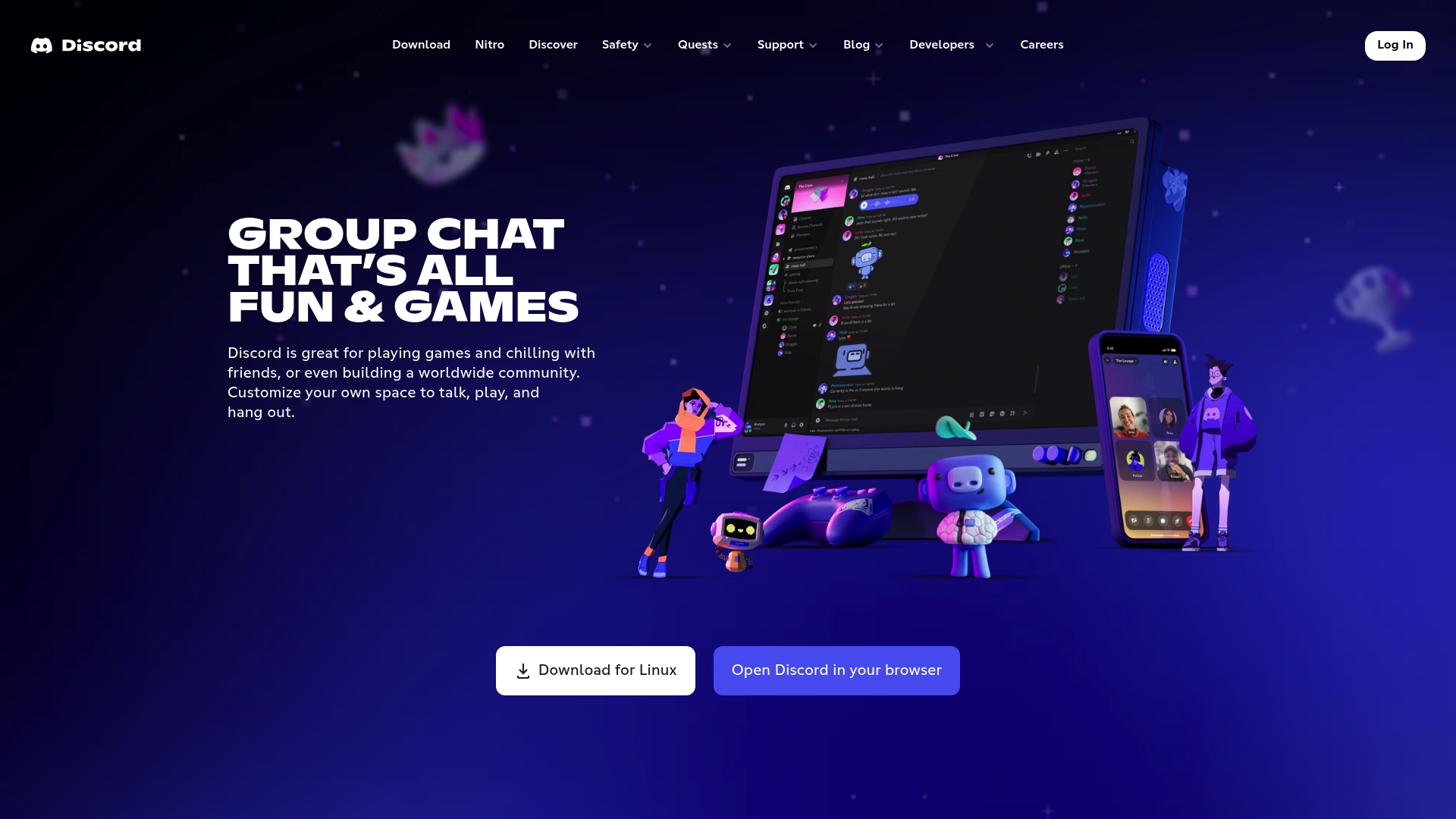
Discord is a group chat platform built for gaming and community building that combines voice, video, and text in a single space. It excels at hosting large communities and rich social interactions while keeping communication flexible across devices.
Core Features
Discord offers voice, video, and text communication alongside custom emojis, stickers, and profile options that let groups show personality. It supports streaming with low latency for screen and gameplay sharing and provides moderation tools and developer options for community management.
Pros
-
Free base plan: Discord is free to use and gives most users strong core features without paying.
-
Large community support: The platform supports very large servers and many simultaneous members without basic feature loss.
-
Multiple communication modes: Voice, video, and persistent text chat let groups switch between quick calls and ongoing threads easily.
-
Cross device availability: Discord runs on PC, mobile, and consoles so your group can stay connected on whatever device they prefer.
-
Customization options: Custom emojis, stickers, avatars, and statuses let groups develop a distinct atmosphere and inside jokes.
Cons
-
Steep learning curve: New users often feel overwhelmed by channels, roles, and integrations, which makes setup slower for casual groups.
-
Privacy concerns: Some users express worries about data handling and information exposure inside large public servers.
-
Moderation challenges: Large communities can attract misuse and require active moderators to keep conversations safe and on topic.
-
Resource use on devices: Voice and streaming features can be resource intensive on older phones and laptops.
Who It's For
Discord is ideal for gamers, content creators, community organizers, and social groups that value persistent spaces and real time interaction. It fits squads that enjoy creating a lively server with roles, channels, and media sharing rather than a simple planning chat.
Unique Value Proposition
Discord combines robust real time communication with rich social features so groups can both coordinate and hang out in one place. Its strength lies in letting communities grow personalities through customization while offering tools for larger scale moderation and content sharing.
Real World Use Case
A gaming team uses Discord to coordinate match times, run live voice scrims, and stream gameplay to teammates while keeping strategy notes in persistent text channels. That mix of live and persistent communication keeps logistics clear and social banter alive.
Pricing
Discord is free to use with an optional Nitro subscription that unlocks extra cosmetic features, higher quality streams, and increased upload limits.
Website: https://discord.com
Doodle Time OS
At a Glance
Doodle Time OS positions itself as a privacy-first scheduling platform that treats time as a shared resource rather than a string of calendar blocks. It aims to reduce friction in group planning while giving users clear control over their data and scheduling choices.
Core Features
Doodle Time OS centers on Switzerland privacy standards with SOC 2, HIPAA, GDPR, and CCPA compliance built into the platform. The product highlights reversible automation so scheduling choices and automatic decisions remain transparent and undoable.
Doodle Time OS also promises to fit smoothly into everyday routines, focusing on creating usable time and offering collective time insights that show how teams invest effort across projects. Integration details are limited on the website but the privacy architecture is explicit.
Pros
-
Strong privacy and security: The platform lists SOC 2, HIPAA, GDPR, and CCPA compliance, which supports scheduling in sensitive environments and gives organizations formal controls over data.
-
User agency and control: Doodle Time OS emphasizes letting people decide what to share, which reduces privacy anxiety when coordinating across teams or with external partners.
-
Reduced scheduling friction: The design aims to make scheduling unobtrusive so plans require fewer messages and less back-and-forth to agree on times.
-
Transparency in automation: The reversible automation model explains why a choice happened and lets users reverse it, which builds trust when the app makes suggestions.
-
Organizational insight: The platform reports on collective time investment, helping managers and squads see where meetings and work hours concentrate.
Cons
-
Limited public feature detail: The website provides a high level overview but lacks in-depth feature documentation, which makes it hard to assess day-to-day workflows and integrations.
-
Potentially new and untested: The product appears to be launching soon which means real world reliability and edge case behavior are not yet proven across diverse teams.
-
Adaptation from traditional calendars: Organizations that rely heavily on classic calendar workflows may need to change habits and train teams to get the most benefit.
Who It's For
Doodle Time OS is aimed at individuals and organizations that prioritize privacy and want clearer visibility into how time is spent. It fits teams handling sensitive data and groups that want less noisy scheduling without losing control over information.
Unique Value Proposition
Doodle Time OS offers a blend of enterprise privacy and human centered scheduling by putting data trust and user control at the center of how meetings and availability are coordinated. That focus sets it apart from generic calendar tools.
Real World Use Case
A healthcare team uses Doodle Time OS to coordinate clinician shifts and meetings while maintaining HIPAA compliance. The reversible automation reduces manual adjustments and the privacy framework prevents patient data leakage during scheduling.
Pricing
Pricing information is not provided on the public site. Visit the product pricing page for current plans and enterprise options.
Website: https://doodle.com
Social Planning Tools Comparison
This table provides a concise overview of various social planning tools, detailing their key features, pros, cons, user suitability, pricing, and websites.
| Product | Key Features | Pros | Cons | Pricing |
|---|---|---|---|---|
| Groop | Simplifies decision-making with privacy-aware options. Focused on lightweight social planning. | Reduces planning stress; Simplifies decision-making; Maintains privacy. | Limited features, as it is in beta stage. | Free during beta |
| Howbout | Shared calendar tailored for group visibility and coordination. | Easy social coordination; Supports multiple group types. | Lacks detailed integrations and customization. | Not specified |
| BAND | Integrates communication, announcements, and scheduling in one secure hub. | Versatile for organizations; Robust feature set with privacy guarantees. | Feature set may be overwhelming for new users. | Free |
| GroupMe | Lightweight group messaging focused on reliability and simplicity. | Familiar interface; Backed by Microsoft; Broad device support. | Limited scheduling tools. | Free |
| Discord | Combines text, video, and voice communication for flexible group interaction. | Extensive customization options; Cross-device availability. | Learning curve for new users; Resource-intensive on older devices. | Free, with premium tier |
| Doodle Time OS | Privacy-centered scheduling with compliance with global privacy standards (e.g., GDPR, SOC 2). | Transparent automation; HIPAA compliance for sensitive environments. | Yet to be proven in diverse settings; Limited feature documentation available. | Not specified |
Simplify Your Group Planning with Grooop Today
Coordinating plans with friends often means endless messages and confusing polls. The article highlights the struggle of managing scheduling logistics while keeping group dynamics fair and relaxed. If you want to avoid the usual back and forth and make decision-making clear and pressure free, Grooop offers a fresh solution designed just for friend groups and small social squads. Its lightweight interface handles availability, surfaces conflicts, and presents simple options so everyone knows exactly what to do next.

Discover how Grooop keeps your plans organized without disrupting your group vibe. Don’t let scheduling headaches take the fun out of your hangouts. Visit Grooop by Groop Labs now to start quick, hassle-free planning that fits your busy social life perfectly.
Frequently Asked Questions
What features should I look for in a group chat app with scheduling?
A good group chat app with scheduling features should include real-time messaging, event creation, and easy integration of calendars. Prioritize apps that streamline planning by minimizing back-and-forth communication and keeping everyone informed about upcoming events.
How do I choose the best group chat app for my friend group?
Consider your group's size, communication style, and specific needs such as privacy or ease of use. Test a few options with your friends to see which app feels most comfortable for planning and staying connected.
Can I use these group chat apps for both social planning and work?
Yes, many group chat apps are versatile enough to handle both social planning and work-related coordination. Choose an app that offers features suitable for both scenarios to keep your personal and professional communications organized in one place.
How can I ensure my privacy while using a group chat app?
Look for apps that prioritize user privacy by keeping personal preferences confidential and offering customizable privacy settings. Review the privacy policies and options available in the app to control what information is shared with your group.
Are these group chat apps compatible with different devices?
Most modern group chat apps support various devices, including smartphones and web browsers. Confirm the device compatibility of the app you choose to ensure everyone in your group can participate, regardless of their preferred platform.
How do I get started with scheduling in a group chat app?
Begin by creating an account and configuring your profile in the app. Once set up, you can start initiating group chats and scheduling events by selecting dates and times that work for everyone, streamlining the planning process.