
Articles
Top 6 Group Chat Apps for Friends 2026
Discover 6 group chat apps for friends that simplify planning and coordinating outings. Compare features for the best choice!

Top 6 Group Chat Apps for Friends 2026
Group chats are everywhere and choosing the right app can make all the difference when connecting with friends. Some apps offer playful stickers to keep conversations fun while others focus on privacy or easy sharing of photos. There are fresh features coming all the time and each option claims to fit your group’s style. Which ones actually keep your group chatting without headaches and which ones bring those unexpected tricks you never saw coming? Get ready to see how these apps stack up.
Table of Contents
Groop
At a Glance
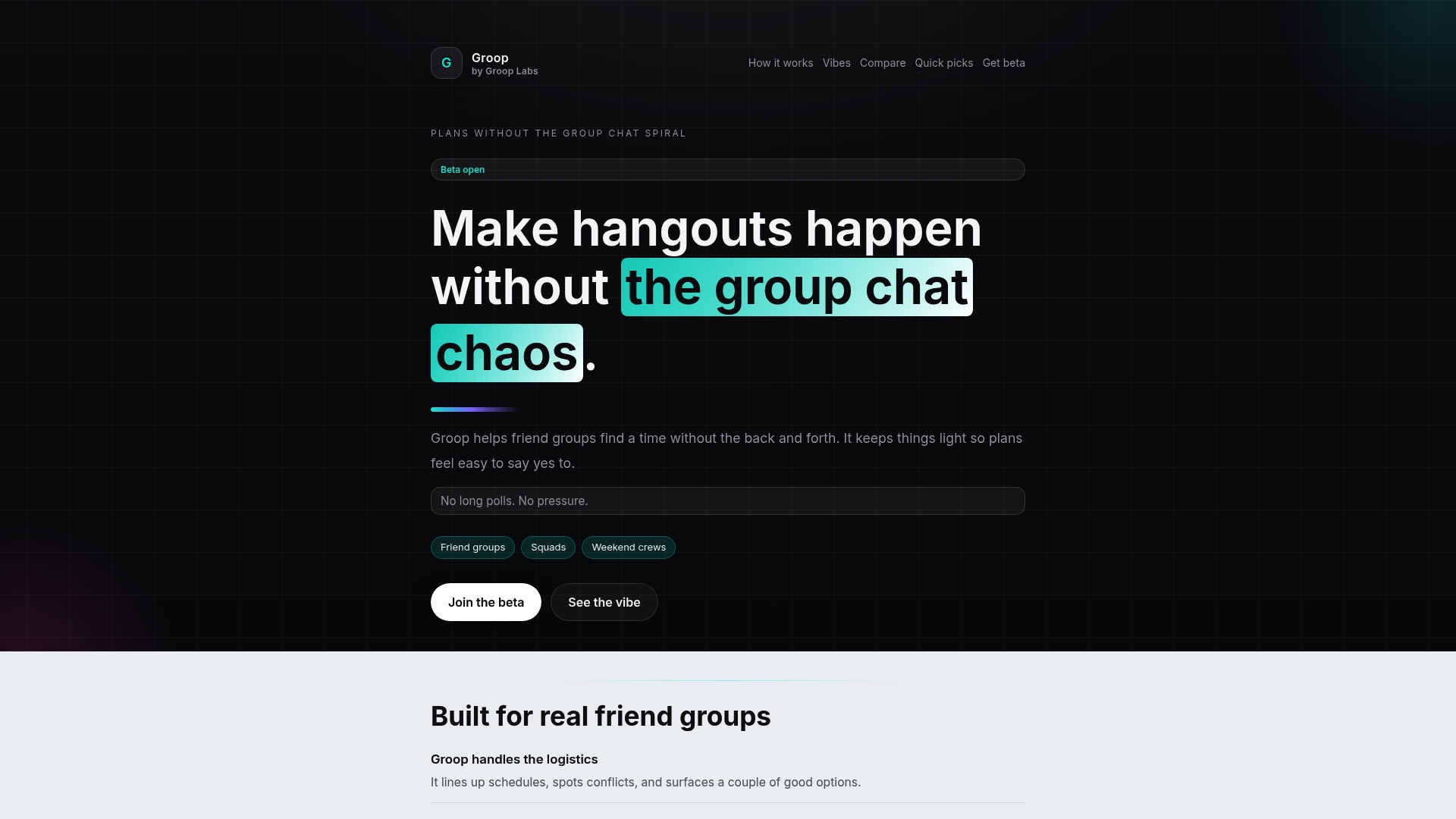
Groop is our clear number one pick for friend groups who want fast, pressure free planning. Its lightweight scheduling and conflict resolution remove the usual back and forth and keep group chats focused on the vibe.
Groop is now available in beta and feels like a finished solution for social squads that value speed and simplicity. It balances privacy and choice while avoiding long polls and clutter.
Core Features
Groop handles scheduling logistics and surfacing conflicts while offering a few clear options for activities and times. The app keeps user preferences private so choices stay personal and group decisions stay group led.
Groop also supports quick group check ins and a relaxed planning flow that encourages yes no responses rather than drawn out debate. The interface stays light so take action in seconds.
Pros
- Simplifies planning: Groop reduces the number of messages needed to set a time so plans happen faster and with less friction.
- Cuts chat clutter: The app funnels logistics into a single, readable flow which keeps casual conversation separate from scheduling details.
- Respects privacy: Groop keeps personal availability and preferences private while still lining up workable times for the whole group.
- Pressure free: The app presents clear, limited options so members can decide without feeling pushed or overwhelmed.
- Fast and readable: The design is easy to scan so you can pick a time or activity in seconds.
Who It's For
Groop fits friend groups, siblings, and small social squads who want a low stress way to coordinate hangouts, study sessions, or last minute meetups. If you hate long polls and constant follow ups Groop was built for you.
Unique Value Proposition
Groop stands apart because it focuses strictly on what friend groups actually need: fast choices, conflict detection, and preserved group autonomy. Where other apps add more features Groop pares down to clear options and automated availability checks so the group keeps the social decisions and the app handles the logistics.
Sophisticated buyers choose Groop because it reduces planning time and preserves group dynamics. Its design choices are intentional; limited feature scope keeps interactions light and predictable rather than overwhelming casual users.
Real World Use Case
A group of friends wants dinner Saturday after work. Groop surfaces three time windows based on simple availability, highlights one conflict, and lets members accept an option in a single tap. No 40 message thread no awkward nudges just a quick consensus and a confirmed plan.
Pricing
Beta access is free and available now. No additional pricing details are provided while Groop remains in beta.
Website: https://groop-labs.com
Howbout
At a Glance
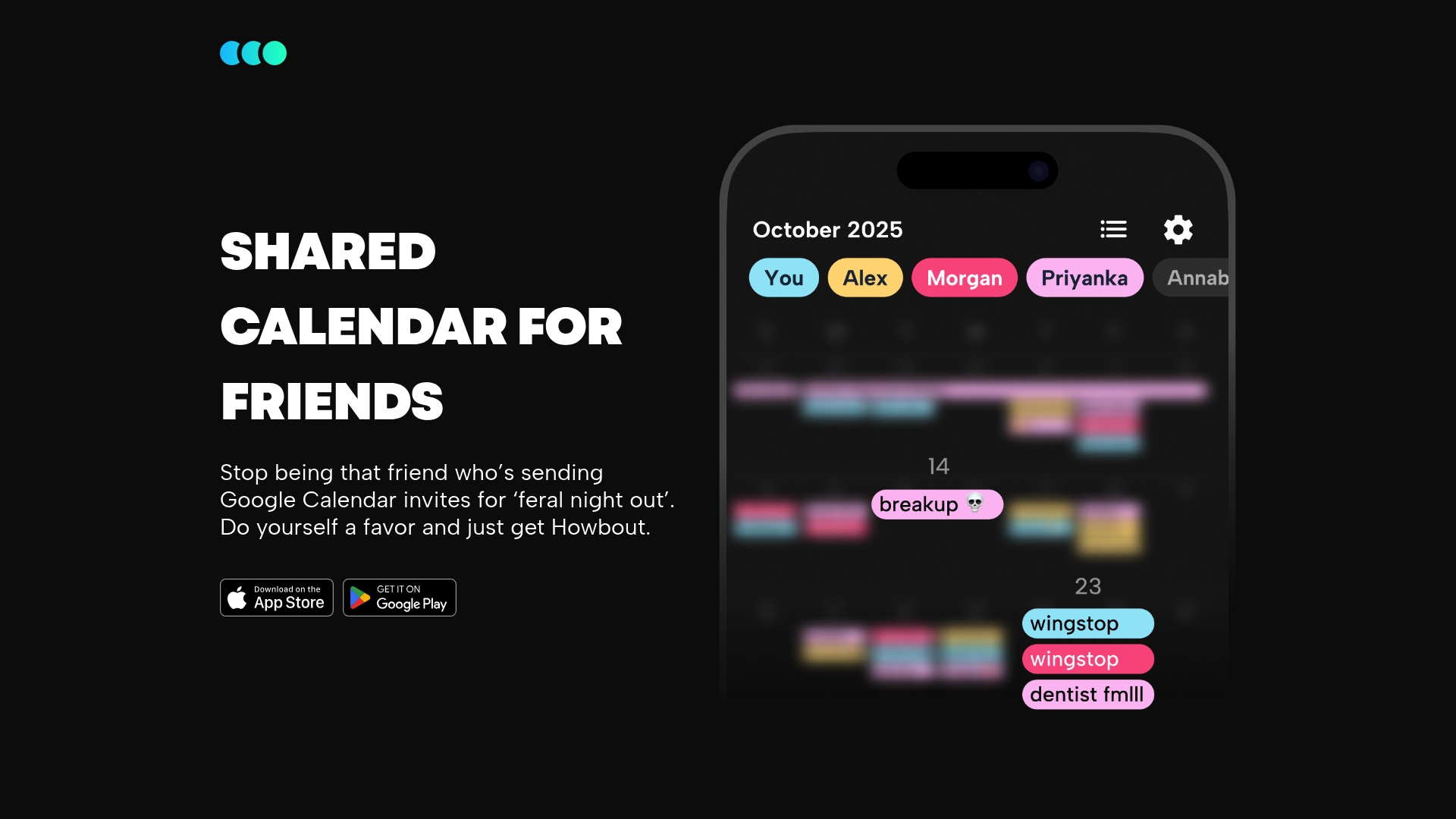
Howbout offers a focused, shared calendar built specifically for friends who want fewer scheduling headaches than Google Calendar invites create. The app keeps social planning simple and stays friendly for nontechnical groups who want one place for group plans.
Core Features
Howbout centers on a centralized calendar that groups can edit and view together. The app provides easy event scheduling and updates, plus mobile support for iOS and Android and web access for managing plans from a laptop.
- Shared calendar for friends that shows group events in one place.
- Easy event scheduling and updates so changes propagate to the whole group.
- Mobile device integration on iOS and Android for on the go coordination.
- Web access for planning when you prefer a browser.
- Simple user interface tailored specifically to social planning needs.
Pros
- Simplifies social event coordination by keeping group plans in a single shared calendar instead of scattered messages.
- Available on multiple platforms which means friends on phones and laptops can all check the same schedule without extra setup.
- User friendly interface makes onboarding quick so casual groups can start planning within minutes.
- Reduces email and message clutter because invites and updates live inside the shared calendar rather than across several threads.
- Helps keep track of group plans efficiently so recurring hangouts and one off events are easier to remember and update.
Cons
- Limited details about advanced features make it unclear how the app handles integrations beyond mobile and web.
- Potential privacy considerations arise because shared calendars expose schedules to group members and settings are not detailed in public materials.
- Less suited for professional scheduling needs since the interface and feature set focus on casual social use rather than complex workplace calendars.
Who It's For
Howbout fits friend groups and small social squads that want a dedicated place for planning dinners, hikes, and parties. If your group hates long poll threads and duplicate invites you will appreciate the single calendar approach.
Unique Value Proposition
Howbout provides a focused alternative to generic calendar apps by offering a calendar that is intentionally designed for friends. The product removes friction around creating and updating social events so groups spend less time organizing and more time doing.
Real World Use Case
A weekly dinner group uses Howbout to set the date and time for Thursday night meals. One organizer posts the plan and everyone sees updates instantly, which prevents last minute confusion and duplicate messages.
Pricing
Pricing is not specified in available information but the app is offered as a free download on iOS and Android stores. There is no public detail about paid plans or in app purchases.
Website: https://howbout.app
At a Glance
WhatsApp is a widely used messaging and calling app that offers end to end encryption for private conversations and reliable global connectivity. It keeps group chats simple while supporting multimedia sharing and short status updates that feel familiar and low friction.
Core Features
WhatsApp provides voice and video calls, rich messaging with stickers GIFs and voice notes, groups and group chat management, dedicated channels for updates, and status updates for photos and short videos. The app runs on mobile and web so your conversations follow you.
Pros
- Free and reliable worldwide: WhatsApp lets you message and call without subscription fees which makes it ideal for friends spread across countries.
- Strong privacy for messages: The platform uses end to end encryption to keep texts and calls private between participants which reduces eavesdropping risk.
- Rich multimedia support: You can send photos videos voice notes stickers and GIFs so conversations stay lively and expressive.
- Simple group tools: Group creation admin controls and file sharing make coordinating plans and sharing logistics straightforward for casual groups.
- Cross platform availability: The app works on iOS Android and a web client which helps when members switch devices.
Cons
- Internet dependency and data cost: Calls and large media transfers require a stable internet connection and can consume significant mobile data on limited plans.
- Limited visual customization: WhatsApp offers fewer themes and layout tweaks compared to some other messaging apps which limits personalization for social squads.
- Data sharing concerns with Meta: Certain metadata and service interactions are shared with the parent company which raises privacy questions for users who prefer minimal corporate ties.
Who It's For
WhatsApp fits individuals and friend groups that want a no cost dependable way to message and call internationally. It also suits small businesses that need a simple customer communication channel and groups that prefer minimal setup and broad device support.
Unique Value Proposition
WhatsApp stands out by combining broad global reach with private messaging and lightweight group tools. Its core value is offering secure conversations that are easy to start and maintain whether you are texting friends or running short customer updates.
Real World Use Case
A family living in different countries uses WhatsApp to share daily photos short voice messages and weekly video calls. The group stays connected without extra apps and uses group chats to coordinate holiday plans and share travel photos securely.
Pricing
WhatsApp is free to use. Data charges apply based on your internet plan and cellular provider which can affect video calls and large media sharing.
Website: https://whatsapp.com
GroupMe
At a Glance
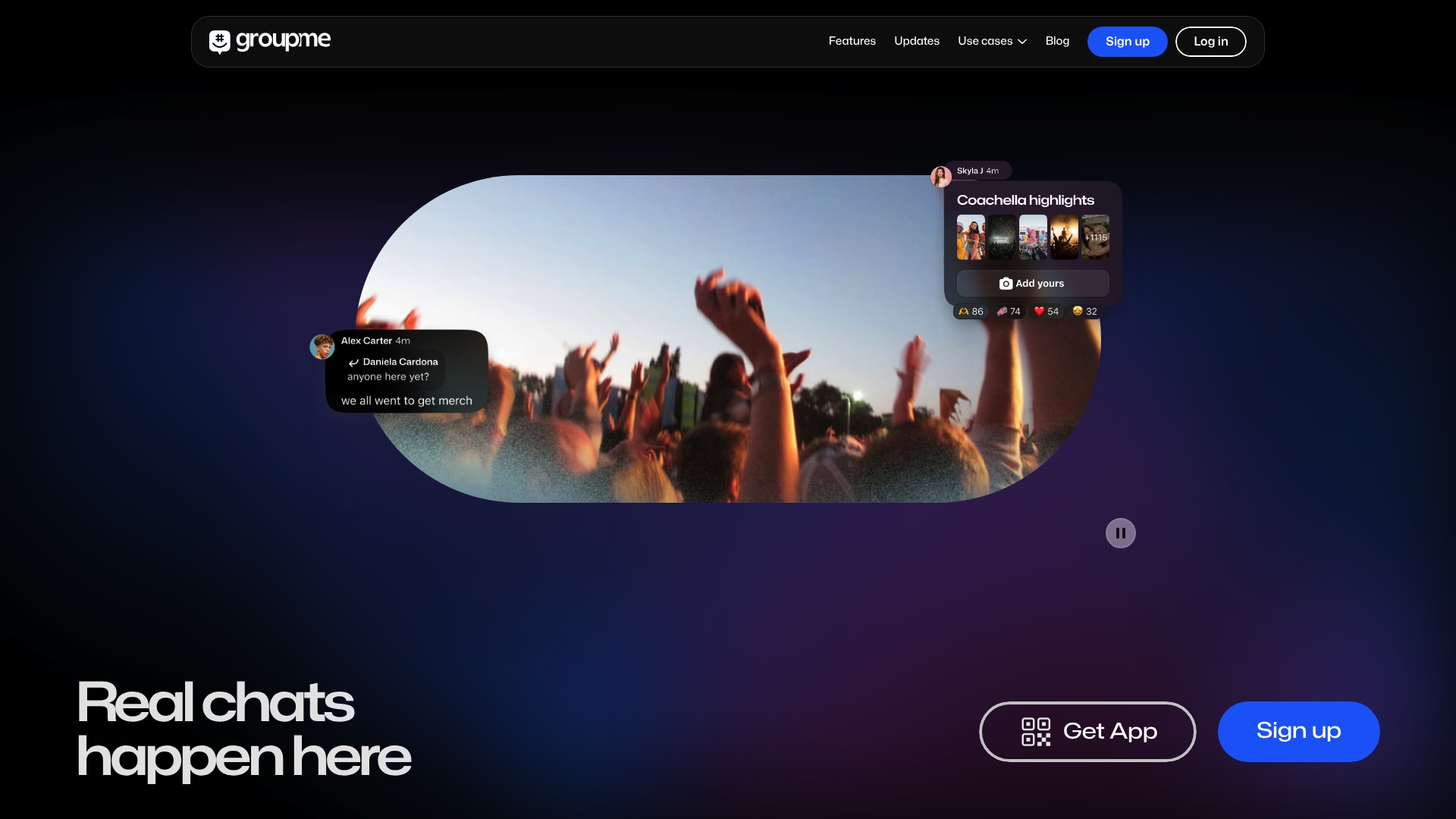
GroupMe is a straightforward group messaging app from Microsoft that focuses on casual social chat and quick coordination among friends and family. It combines a familiar chat layout with easy sign up and cross platform reach for everyday plans.
GroupMe works best when you want a simple place to trade updates, share photos, and keep a running conversation without complicated setup or extra fees. It is free to use and backed by an established company.
Core Features
GroupMe offers real time group messaging, file sharing and multimedia support, and simple account setup across mobile and web. It also includes social media integration and multi device availability so conversations keep going on phones or browsers.
Pros
- User friendly interface: The app has a clear layout and simple controls that make starting a group and sending messages fast for all members.
- Strong community features: GroupMe makes sharing photos, memes, and event updates feel natural so social groups stay engaged during planning and meetups.
- Cross platform availability: Apps for mobile and a usable web client let people join from phones, tablets, or laptops without friction.
- Trusted brand backing: Microsoft ownership gives the service continuity and predictable maintenance compared with smaller, short lived apps.
- Free to use: There is no cost barrier which keeps group creation and participation casual and open for everyone.
Cons
- Limited customization options: The app does not offer deep theme, chat organization, or advanced notification controls that power users sometimes want.
- Potential privacy concerns: Because the platform connects to social features and uses cloud infrastructure, privacy depends on how groups and sharing are managed.
- Dependent on internet connectivity: GroupMe needs an active connection to send messages and media, which affects plans in low coverage areas.
Who It's For
GroupMe suits casual friend groups, family circles, and small clubs that want an easy place to coordinate plans and share moments. It fits people who prefer low friction chat over feature heavy collaboration tools and who value a free, familiar environment.
Unique Value Proposition
GroupMe’s strength is its simplicity combined with trusted corporate backing. For groups that want fast setup, straightforward messaging, and a free service that just works, GroupMe removes complexity and keeps conversation central.
Real World Use Case
A group of friends coordinating a concert outing uses GroupMe to post arrival times, share photos from the venue, and organize rides in real time. The chat thread keeps everyone updated without separate apps or paid accounts.
Pricing
GroupMe is free to use with no subscription required.
Website: https://groupme.com
Discord
At a Glance
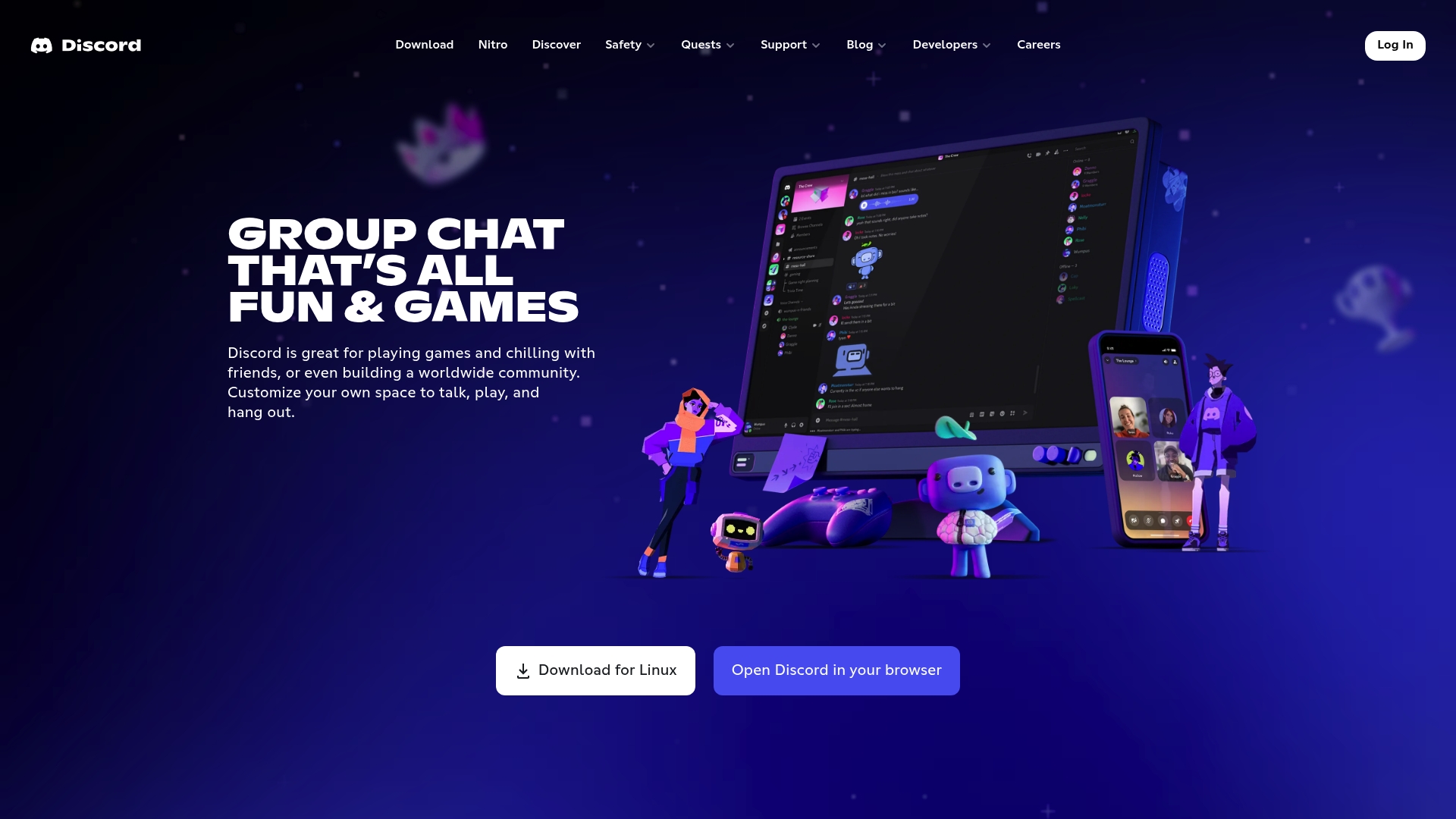
Discord is a feature-rich group chat app built for voice, video, and text hangouts that lean social and casual. It excels at live streaming and media sharing while offering deep customization that keeps communities engaged.
Core Features
Discord provides group chat, low latency streaming, and rich multimedia tools across PC, phone, and consoles. Users can jump into voice channels, share screens, use custom emoji and stickers, and manage multiple chat spaces without losing context.
Pros
- Large user base. The platform connects you to millions of active communities which makes finding friends and shared interests simple.
- Versatile for social and gaming. Discord supports voice, video, and text simultaneously so hangouts and game nights stay lively and uninterrupted.
- Custom multimedia tools. Custom emoji, stickers, and sound effects let groups develop a distinct vibe that keeps chats playful and personal.
- High-quality streaming. Low latency streaming and screen share let you watch shows or play games together with minimal lag.
- Cross-device compatibility. Seamless switching between PC, phone, and console keeps conversations going whether you are home or on the move.
Cons
- Can be resource intensive on lower end devices which may lead to slower performance during streams.
- Privacy and safety concerns exist for younger users because large public servers can expose people to unexpected content.
- Feature overload may confuse new users who want a lightweight, no-fuss chat experience.
Who It's For
Discord fits gamers, content creators, and social groups that want a flexible space for live conversation and media sharing. Community Managers and hobbyist groups benefit when they need dedicated channels and customization to keep members active.
Unique Value Proposition
Discord combines real-time streaming and deep customization in one platform which turns ordinary group chats into persistent social spaces. The mix of voice channels, server structure, and creative tools creates an environment where groups can both hang out casually and run organized events.
Real World Use Case
A gaming clan uses Discord to coordinate play times, stream sessions to teammates, and keep everyone updated with pinned announcements. The same server hosts voice hangouts before matches and a media channel for highlights, memes, and event planning.
Pricing
Discord is free to use with optional Nitro subscription that unlocks higher quality streaming, animated avatar options, and upgraded upload limits per month.
Website: https://discord.com
Messenger
At a Glance
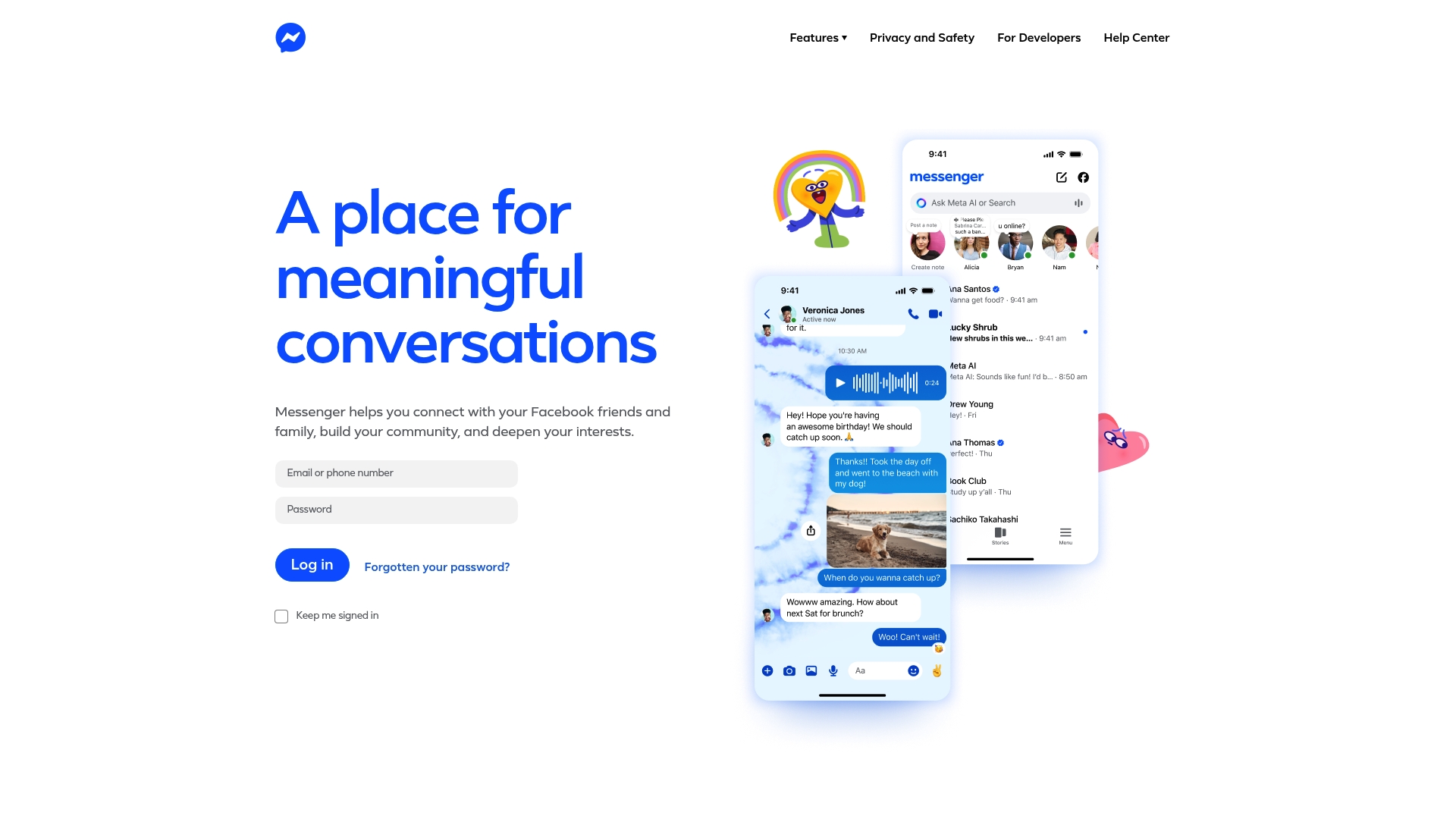
Messenger connects you to your Facebook friends and family with fast messaging, voice and video options, and social tools for groups. It works well for everyday chats and community building while offering resources aimed at user safety and privacy.
Core Features
Messenger provides everyday connection through one to one chats, group threads, and media sharing that keep conversations lively. The app emphasizes community building with group features and interest based interactions while offering privacy and safety resources for users and developers.
Pros
- Easy connection with Facebook network. Messenger makes it simple to message people already in your Facebook contacts so you start conversations without rebuilding your list.
- Supports group and community interactions. The platform offers group threads and social features that help small friend groups and interest communities stay coordinated and engaged.
- Expressive communication tools. Reactions, stickers, photo and video sharing let your personality come through beyond plain text in ways that feel natural and fun.
- Focus on user safety and privacy resources. Messenger includes settings and guidance intended to help users manage privacy and report problems when they occur.
- Multiple language support. The app is accessible in many languages which helps diverse friend groups communicate without language barriers.
Cons
- Privacy concerns tied to social media ownership. Because Messenger is a product of Meta Platforms, Inc, some users worry about data collection and how information links across services.
- Requires a Facebook account to use. You cannot use Messenger independently without a Facebook account which limits access for people who avoid Facebook.
- Limited public information about advanced features. The available description focuses on core messaging and safety but gives little detail on specialized tools beyond basic communication.
Who It's For
Messenger fits casual friend groups and young adults who already use Facebook and want a familiar place to chat, share photos, and plan hangouts. It also suits people who value expressive features like reactions and media sharing over more formal scheduling tools.
Unique Value Proposition
Messenger’s main advantage is seamless access to your existing Facebook social graph which removes friction when starting conversations. The combination of expressive media tools and built in safety resources offers a balanced mix of social features and protections for everyday use.
Real World Use Case
A person uses Messenger to keep daily contact with family, post quick photo updates, and organize weekend plans with friends. The group chat holds shared photos, short videos, and quick polls so planning and sharing stay informal and fast.
Pricing
Messenger is free to use which makes it an easy option for friend groups who want robust messaging without a subscription.
Website: https://messenger.com
Group Communication and Scheduling Tools Comparison
Below is a comparison of popular tools designed to facilitate group communication and scheduling. Evaluate their features, strengths, and best-use scenarios to determine the ideal app for your group.
| Tool | Key Features | Strengths | Limitations | Pricing |
|---|---|---|---|---|
| Groop | Lightweight scheduling, conflict resolution | Simplifies planning, respects privacy, fast and readable | Limited public feedback due to beta state | Free (Beta) |
| Howbout | Shared calendar, mobile and web support | Simplifies coordination, user-friendly, efficient for group plans | Limited detail on advanced features, potential privacy considerations | Free |
| Messaging, voice/video calls, status updates | Encrypted privacy, rich multimedia, cross-platform | Internet dependency, data sharing concerns | Free | |
| GroupMe | Group messaging, social sharing, cross-platform | User-friendly, trusted backing by Microsoft | Limited customization options, dependent on internet | Free |
| Discord | Group chat, live streaming, multimedia sharing | Versatile for gaming and social groups, high-quality streaming | Resource-intensive, feature overload | Free with optional Nitro subscription |
| Messenger | Facebook-integrated messaging, media sharing | Ease of access to Facebook contacts, expressive tools | Requires Facebook account, concerns over privacy | Free |
Simplify Your Group Planning with Grooop
Scheduling friendly get-togethers can feel frustrating with endless back-and-forth chats and confusing polls. The "Top 6 Group Chat Apps for Friends 2026" article highlights how friend groups want fast, pressure-free planning that respects personal preferences while keeping the group's vibe alive. If you dread long scheduling threads and want clear choices without the clutter, Grooop by Groop Labs offers the perfect solution.

Discover how Grooop streamlines social planning by lining up availability automatically, surfacing conflicts early, and presenting straightforward options everyone can agree on. Whether organizing hangouts, study sessions, or spontaneous meetups, Grooop keeps the process light and efficient. Visit Grooop's landing page today to start turning group plans into realities with less hassle and more fun.
Frequently Asked Questions
What are the top group chat apps for friends in 2026?
The top group chat apps for friends in 2026 include Groop, Howbout, WhatsApp, GroupMe, Discord, and Messenger. Each app offers unique features tailored for casual social coordination and interaction, making it easy for friends to plan activities together.
How can I choose the right group chat app for my needs?
To choose the right group chat app, consider the size of your group and the types of activities you plan. Look for apps that streamline planning, respect privacy, and match your group’s preferences, ensuring a user-friendly experience for everyone involved.
What features should I look for in a group chat app?
Key features to look for in a group chat app include easy scheduling, the ability to share multimedia, and privacy controls for user availability. Prioritize apps that minimize clutter and make it easy to keep your conversations focused on planning rather than lengthy discussions.
How do I set up a group chat using these apps?
Setting up a group chat typically involves downloading the app, creating an account, and inviting friends to join. Follow the app's instructions to create a group, share the invite link, and start chat discussions and planning right away.
Can I use these group chat apps on multiple devices?
Yes, most of the top group chat apps offer cross-platform compatibility, allowing you to use them on smartphones, tablets, and computers. Download the app or access the web version to stay connected with your group no matter what device you are using.
Are these group chat apps free to use?
All the mentioned group chat apps offer free usage options, but some may have paid features for enhanced functionality. Review each app's offerings to see what fits your group’s needs without incurring extra costs.