
Articles
Make a Group Chat: The Expert Guide for 2026
Learn how to make a group chat that truly works for your friends or family in 2026 with our expert guide. Stay connected and organised with ease and fun.

Picture this: It’s 2026, and you’re trying to make a group chat with friends to plan a simple get-together. The excitement is real, but so is the chaos. Someone misses the invite, another gets lost in endless notifications, and before you know it, the plan fizzles out.
Group chats have become our go-to for staying close, sharing laughs, and making plans that stick. But finding the right approach can feel overwhelming. This guide will show you how to create a group chat that actually works for your crew, making organising together feel lighter and more fun from day one.
Choosing the Right Platform for Your Group
Choosing where to make a group chat is about more than just convenience. It’s about finding a space where everyone feels comfortable, included, and able to join in. Each group is unique, and the right platform can make all the difference in how easy and enjoyable your chats feel.

Understanding Your Group’s Needs
Before you make a group chat, pause and think about your group itself. Is it a handful of friends planning weekly movie nights, or a big club with dozens of members? Some people love voice notes and GIFs, while others prefer simple texts. Consider how tech-savvy everyone is—does your group need something super simple, or would they enjoy more features?
Privacy can be a priority, especially if you’re sharing personal updates or photos. Think about whether your group will need to share files, schedule events, or connect with other tools. The right app can help everyone feel at home. In the UK, 78 percent of adults use at least two messaging apps, according to Ofcom's Adults' Media Use and Attitudes Report 2025, so you’re not alone if you make a group chat in more than one place. It’s all about what works for your people.
Comparing Popular Group Chat Apps in 2026
Let’s look at some of the top choices when you want to make a group chat. Each app has its own vibe and strengths:
| App | Best For | Strengths | Weaknesses |
|---|---|---|---|
| Most friend groups | Simple, encrypted, popular | Limited by phone number | |
| Messenger | Social circles, families | Easy media, Facebook link | Privacy concerns |
| Discord | Gaming, study, hobbies | Voice, channels, bots | Can be complex for newcomers |
| Signal | Privacy-focused groups | Strong encryption, minimal | Fewer features, smaller userbase |
| Telegram | Large or global groups | Big groups, file sharing | Less mainstream, privacy mixed |
New features in 2026 make group chats smarter, like AI moderation and messages that disappear after a day. Many apps now work on every device, and security is a bigger focus for everyone. Discord, especially, has become the go-to for groups who want to chat, call, and organise in one place. Think about what feels easiest for your crew.
When Group Chats Aren’t Enough: Exploring Alternatives
Sometimes, even the best group chat can feel cluttered or overwhelming. If your chats are full of missed messages or endless back-and-forth, it might be time to try something different. For bigger plans or groups, tools like shared calendars or poll apps can help everyone stay in sync without the stress.
You might use a poll to quickly decide on a date, or a shared calendar to see everyone’s availability at a glance. Some groups mix in event planners to keep things simple. Hybrid solutions are becoming popular, blending chats with task lists or reminders. If you make a group chat and it still feels like hard work, remember, it’s okay to try new tools until you find what fits.
Step-by-Step: How to Make a Group Chat
Ever wondered how to make a group chat that actually feels inviting from the first hello? It’s easier than you think. With a few simple steps, you can set up a space that works for everyone, whether you’re planning a trip, sharing memes, or just staying connected.
Step 1: Picking Your Platform and Creating the Group
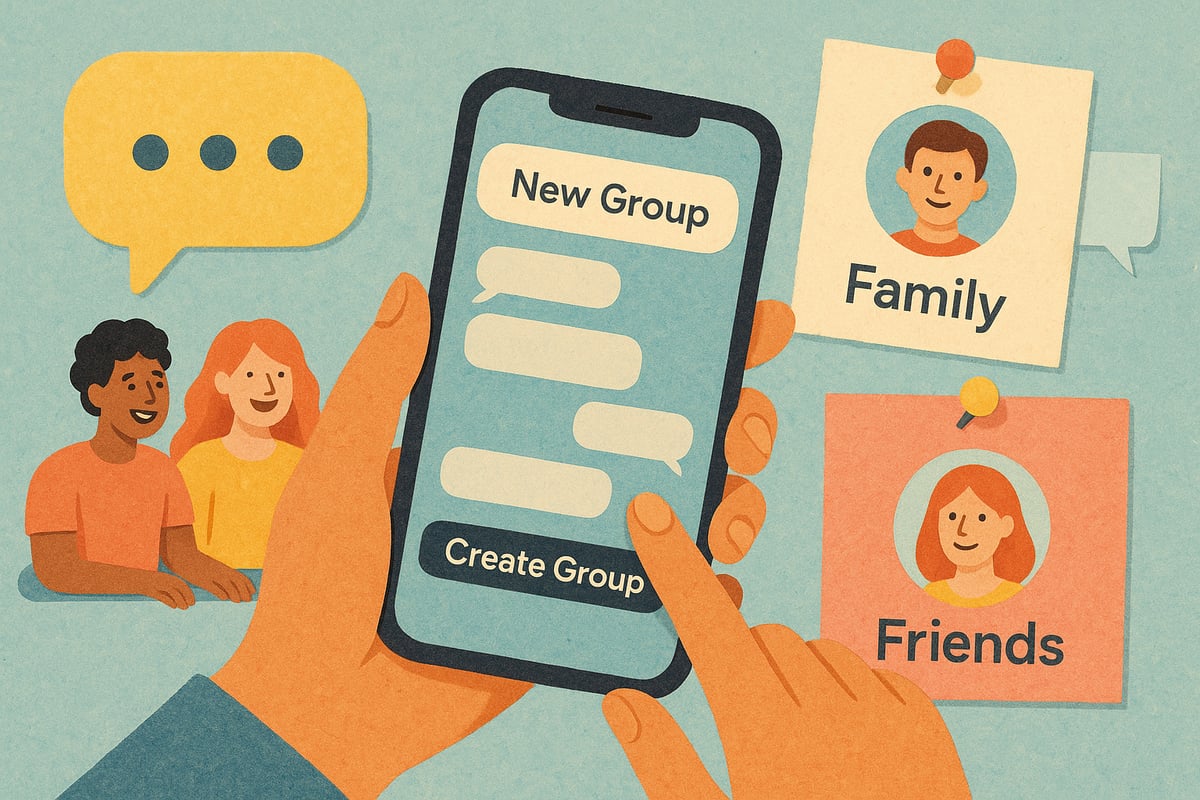
The first step to make a group chat is choosing the right app for your group. Are your friends all on WhatsApp, or do you lean towards Discord for hobbies? Once you’ve picked, open the app and look for the “new group” or “create group” option.
Invite your crew using their contact info or by sharing an invite link. To make it more welcoming, give your group a fun name and pick an avatar everyone will recognise. For example, try a group photo or an in-joke as your icon.
A custom group name sets the tone and makes everyone feel included from the start. If you want the group to feel casual, add a little emoji flair. Remember, the goal is to make a group chat that feels like home for everyone.
Step 2: Setting Ground Rules and Expectations
After you make a group chat, it helps to chat about what your group is for. Is this just for planning, sharing updates, or a mix of everything? Setting a friendly tone early on means fewer misunderstandings later.
Decide together: Are memes and GIFs welcome? Is it okay to message late at night, or do some prefer quiet hours? Respecting time zones and boundaries keeps things comfortable.
Try a pinned message template like:
Welcome! This group is for planning meetups and sharing funny moments. Please avoid late-night messages if possible. Memes encouraged!
A little structure goes a long way, and helps everyone enjoy the space you make a group chat together.
Step 3: Managing Notifications and Muting
It’s easy for a busy group to get overwhelming, so when you make a group chat, talk about notifications. Show everyone how to mute or customise alerts so no one feels bombarded.
Encourage each person to set their own preferences. Some might want every update, while others prefer to check in once a day. Did you know that 62 percent of users mute at least one chat to reduce stress? That’s totally normal.
Remind your group it’s okay to take breaks or mute the chat when needed. The best way to make a group chat feel safe is by supporting everyone’s need for quiet time.
Step 4: Inviting and Including Everyone
When you make a group chat, think about who should be part of it so no one feels left out. Use invite links if you want people to join at their own pace, or add contacts directly if everyone agrees.
Start with a friendly introduction round. Try asking an icebreaker question like, “What’s your favourite weekend snack?” These small touches help new members feel welcome.
Check in now and then to make sure everyone’s comfortable. A little encouragement goes a long way in making sure your group chat stays inclusive and fun for all.
Keeping Group Chats Fun, Inclusive, and Low-Pressure
Group chats should feel like a safe space for everyone. When you make a group chat, think of it as a digital living room—everyone can pop in, share a laugh, or plan the next get-together. If you want your chat to work for everyone, a gentle balance of planning and playfulness goes a long way.

Balancing Social and Organisational Messages
When you make a group chat, it helps to keep plans and fun separate. Mix logistics with memes and chats, but try not to let one overrun the other. Use threads or reactions to keep things tidy, so no one feels lost in a sea of messages.
- Create a “just for memes” side chat if your group loves sharing jokes.
- Use reactions instead of replies to cut down on clutter.
- Try a quick recap post after big discussions, so everyone’s in the loop.
This way, your group chat feels lively but never overwhelming.
Encouraging Equal Participation
Every group has quieter members. When you make a group chat, invite everyone to share at their own pace. Sometimes, a gentle nudge helps—like rotating who starts the next conversation or asking for opinions in a casual way.
Groups that share responsibilities feel more connected. According to the Humanlike Multi-user Agent (HUMA) Study, AI facilitators can even help balance voices and keep chats inclusive, but a simple check-in works wonders too.
Ask open questions, celebrate small wins, and always make space for new ideas.
Avoiding Group Chat Burnout
It’s easy to feel overwhelmed if your group chat is always buzzing. When you make a group chat, remind everyone that it’s okay to mute or step back for a bit. Burnout can sneak up, especially if messages pile up.
- Notice when the chat feels too busy and suggest a breather.
- Send “no pressure” reminders so no one feels left out for missing a day.
- Encourage quick polls: “Anyone want to plan something this week?”
A little kindness and flexibility keep things light for everyone.
Setting Up for Success from Day One
Pin a warm welcome message when you make a group chat. Share guidelines, but keep them friendly and optional. Drop a link to a group calendar or a simple poll, so plans are easy to find.
A relaxed start sets the tone—your group will feel more at home, and the chat will stay fun and stress-free.
Troubleshooting Common Group Chat Problems
Even the best groups hit bumps along the way. When you make a group chat, it is natural to face moments of confusion, missed messages, or mixed signals. Let us explore gentle ways to ease these common challenges so your chats feel lighter and everyone stays included.
Handling Decision Paralysis and Indecision
When you make a group chat, choosing what to do can feel like herding cats. Too many options and not enough clear direction can stall plans. Try using simple polls or voting emojis to gather opinions quickly. Setting a gentle deadline, like “Let’s decide by Friday,” keeps things moving without pressure.
For groups that love a more thoughtful approach, new tools use sentiment analysis to help everyone’s voice be heard. You might find inspiration in solutions like this Group Decision-Making System with Sentiment Analysis, which explores ways to make decisions feel fair and inclusive.
A little structure, used kindly, can really help.
Dealing with Message Overload and Missed Updates
If you make a group chat, it is easy for important plans to get buried under memes and chatter. Too many messages can leave people feeling lost or simply tuning out.
Pinning key info, using highlight features, or adding “important” tags can help everyone catch up at a glance. Encourage short, clear updates for anything time-sensitive.
Remember, it is perfectly fine to mute a busy group or check in only when needed. A friendly summary now and then helps everyone feel in the loop without pressure.
Navigating Conflicts and Misunderstandings
Group chats can sometimes spark confusion, especially when tone gets lost in text. If you make a group chat, keeping things light and assuming the best in each other goes a long way.
If a message feels off, try a private chat to clear things up gently. Humour or a group reset—like starting a new thread with a silly gif—can help defuse tension. Most disagreements fade with a little patience and kindness.
Everyone deserves to feel safe and understood, no matter the topic.
When to Start a New Group (and How to Do It Kindly)
Sometimes, a group outgrows its original purpose or splits into new interests. If you make a group chat and notice too many side conversations, it might be time to branch out.
Announce the change warmly, explaining the reason and inviting everyone to join the new chat if they wish. A pinned farewell message or a shared calendar link can help ease the transition.
Change is a sign your group is growing, not failing.
Smarter Group Coordination in 2026: Beyond the Chat
It happens to all of us. You make a group chat to plan something, but after a few days, the conversation goes off-track. Suddenly, you are wading through memes and side jokes, and no one is sure what the plan is. The excitement fizzles, and you end up with more confusion than coordination. It is a common story, especially as our digital lives get busier and more chats fill our screens.
When Group Chats Get in the Way of Planning
Have you ever tried to make a group chat and ended up with endless back-and-forth, but still no clear plan? You are not alone. Group chats can be brilliant for sharing ideas, but details often slip through the cracks. It is easy to feel pressure to reply quickly, and sometimes, the loudest voices shape the outcome.
People often find themselves thinking, "What actually works for everyone?" The difference between chatting and truly coordinating is huge. According to the Online Nation Report 2025 by Ofcom, more of us are juggling multiple chats than ever before. That means it is perfectly normal if your group needs a little extra help to keep things clear.
Modern Tools for Effortless Group Planning
If you make a group chat and it starts to feel overwhelming, there are lighter ways to coordinate. Today, tools like Doodle, Google Calendar, and built-in poll features can take the stress out of decision-making. These tools let everyone vote on dates or share their schedules, so no one feels left out or unheard.
Consider this: a quick poll can cut down on dozens of messages. Shared calendars help everyone see what is happening at a glance. Using these planning tools alongside your chat helps keep conversations fun and decisions clear. It is all about making space for everyone’s voice, not just the most active chatters.
Groop: A Lighter Way to Coordinate with Friends
Sometimes, you make a group chat and still feel like you are herding cats. Groop offers a gentle alternative. Instead of endless threads, Groop lets you send out simple options for dates or activities. Friends can reply when it suits them, without feeling put on the spot or buried in messages.
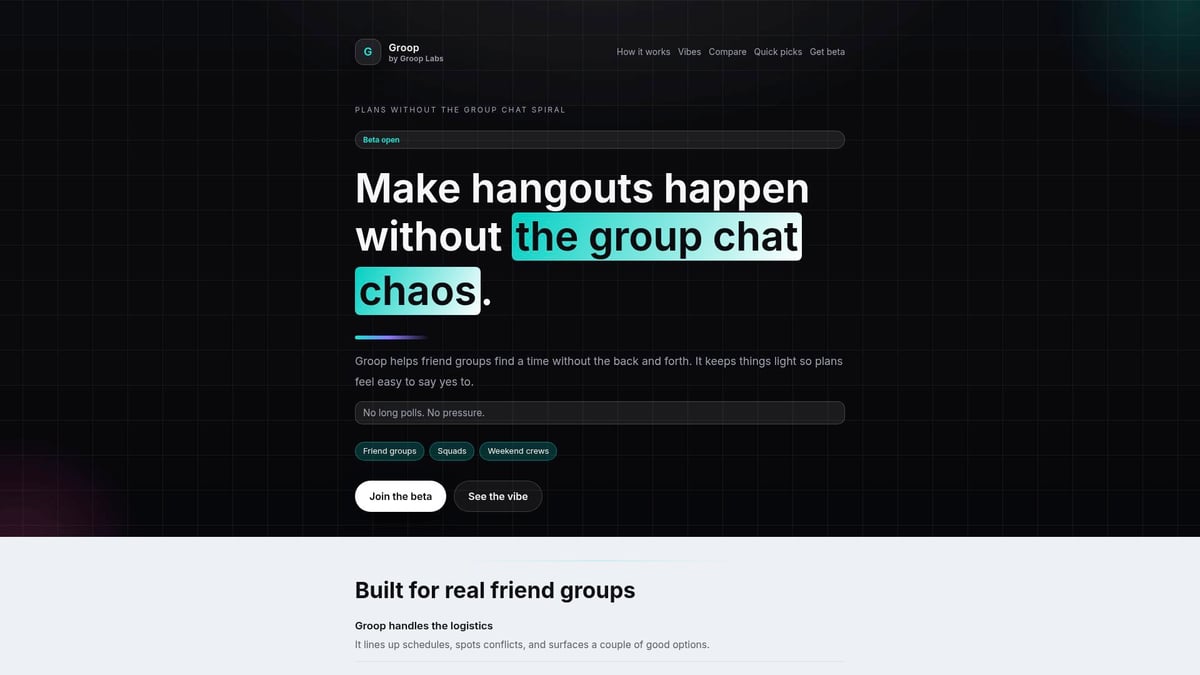
Groop checks everyone’s availability, finds what works best, and shares the outcome with the group. There is no pressure to answer straight away, and the chat can stay fun and relaxed. It is designed for real-life friend groups who want coordination to feel natural, social, and light—never like a chore.
Choosing the Best Approach for Your Group
You do not have to choose just one way to make a group chat work. Sometimes, mixing group chats with planning tools is the perfect fit. Every group is different, and what feels right for one might not suit another. The most important thing is to listen to your group’s needs and keep things flexible.
Remember, there is no single way to coordinate that works for everyone. Try out different approaches, and let your group shape what feels best as you go.We’ve all been there—trying to keep group chats fun while actually making plans that work for everyone. If you’re ready to take your group coordination to the next level in 2026, why not explore a tool designed just for us friends who want less hassle and more good times together? Groop gives you clear options, helps with scheduling, and keeps the chat pressure free—so you can focus on what matters most enjoying your time together. Curious how it could change the way your group organises? Check us out and see how simple planning with friends can really be.