
Articles
Open Group Chat Guide: Your Essential Handbook 2026
Discover how open group chat can bring us closer in 2026 with expert tips on setup, etiquette, safety, and stress free planning for every community.

Picture this: you’re in an open group chat, trying to pin down plans or just keep up with friends, and suddenly the messages pile up faster than you can read them. Sound familiar? In 2026, open group chat spaces have become the heartbeat of our social lives, bringing together friends, hobbyists, and communities in one lively place. This handbook is here to make open group chat feel lighter, less stressful, and much more enjoyable. We’ll walk through what open group chats are, how to join or start one, the basics of etiquette, staying safe, and practical tips to keep things running smoothly. Ready to find a gentler way to connect? Let’s get started together.
Understanding Open Group Chats in 2026
Feeling overwhelmed by the constant pings and updates in group chats? You’re not alone. In 2026, open group chat spaces have become the virtual hangouts where friendships, hobbies, and communities thrive. Let’s explore how these chats work, how they’ve evolved, and why they matter more than ever.

What Makes a Group Chat "Open"?
An open group chat is like a public park for conversations. Anyone can join, leave, or drop in at their own pace. These chats are built on accessibility, inclusivity, and flexible membership. You’ll see them everywhere, from hobby groups and local community chats to event planning and public interest spaces.
Unlike private or invite-only groups, open group chat spaces welcome a broader mix of people. This means you’re likely to meet someone new or pick up a fresh perspective just by scrolling through the messages.
According to Statista’s 2025 research, over 70% of Gen Z and Millennials are active in at least one open group chat. The benefits are clear: you get spontaneous connections, a richer mix of opinions, and the chance to be part of something bigger, all with just a few taps.
Evolution of Group Chat Platforms
Group chats have come a long way from the days of clunky SMS threads. In 2026, open group chat platforms are smarter, friendlier, and more flexible. WhatsApp, Discord, Telegram, and Messenger are leading the way, each offering unique features for different communities.
Modern platforms now integrate AI tools for moderation and scheduling, making it easier to keep conversations on track. Cross-platform compatibility means you can join the same open group chat from your phone, tablet, or laptop without missing a beat.
If you’re curious about the numbers, WhatsApp group chat statistics 2025 highlight just how important these spaces have become for millions of people. With automation and better controls, open group chats feel lighter and less stressful, no matter how big the group.
Why Open Group Chats Matter Now
The way we connect has changed since the pandemic. Open group chat spaces have become the go-to for lightweight, informal coordination. Whether it’s organising a local meetup, running a virtual study group, or getting updates about your neighbourhood, these chats make things feel less like a chore and more like a shared adventure.
Take, for example, a local running club that uses an open group chat to set up weekly meetups. Anyone can join, suggest a time, or just cheer others on. It’s easy, low-pressure, and helps everyone feel included.
Open group chats are more than just message threads—they’re tools for building community, sharing opportunities, and making sure nobody feels left out. They help us stay connected, even when life gets busy.
Setting Up and Joining an Open Group Chat
Finding your place in an open group chat can feel a little like walking into a friendly gathering—you want to feel welcome, comfortable, and able to join in at your own pace. Whether you are looking for a new hobby group, planning a local meetup, or starting something from scratch, taking those first steps should feel inviting, never overwhelming. Let us explore how to find the right spot, get set up, and introduce yourself with ease.

How to Find the Right Group Chat
The search for the perfect open group chat starts with knowing what you want and where to look. Platform directories are a great place to begin. Many apps offer public listings or searchable tags, making it easy to find communities focused on specific interests.
Social media and community boards are also full of opportunities. Try looking up hashtags or posts about your favourite hobbies. Telegram, for example, has a public group search feature that lets you browse open group chat options for everything from book clubs to coding.
Before joining, take a moment to assess the group’s fit. Look at how active the chat is, the tone of conversations, and the group’s rules or description. This helps you avoid inactive spaces or those filled with spam. Think of it like peeking through a window before stepping inside: you want to feel at home in your chosen open group chat.
- Search platform directories and hashtags
- Check for shared interests and activity levels
- Read group descriptions and guidelines
Step-by-Step: Creating Your Own Open Group Chat
Starting an open group chat is about making things easier for everyone, not harder. The first step is picking a platform that matches your group’s needs. Discord works well for hobby communities, while WhatsApp or Telegram are great for local or informal chats.
Set a clear purpose for your chat, such as “Sunday running club updates” or “Open study group for maths revision.” Write a short welcome message and some gentle guidelines, so everyone feels safe and included. Invite friends or share your group link in relevant spaces.
Take time to customise settings like notifications, permissions, and moderation tools. On Discord, for example, you can set up channels for different topics and use moderation bots to keep things friendly. These small touches help your open group chat feel organised and welcoming from the start.
- Choose a platform that suits your group’s style
- Write a friendly welcome message and set gentle rules
- Customise settings for notifications and permissions
Joining and Introducing Yourself
Once you have found an open group chat or received an invite link, joining is usually just a tap away. Public listings make it easy to browse and join groups that catch your eye. When you enter, a simple hello is enough—there is no pressure to share too much or jump in right away.
Take a moment to read the room. Look at recent messages to get a sense of the group’s energy and norms. If you feel comfortable, share a little about yourself and your interests. Remember, respecting privacy and personal boundaries goes both ways.
For more guidance on friendly, respectful communication, you might find these Group chat etiquette guidelines helpful. They offer gentle tips for making everyone feel welcome in an open group chat, so nobody feels lost or left out.
- Join via invite links or public lists
- Read recent messages before posting
- Respect privacy and group boundaries
Essential Etiquette for Open Group Chats
Navigating an open group chat can feel a bit like stepping into a lively café, full of friendly faces and different conversations happening at once. To help everyone feel comfortable and included, it’s helpful to keep a few simple etiquette tips in mind. Whether you’re joining a new group or keeping an old one buzzing, these gentle guidelines make all the difference.
Communication Best Practices
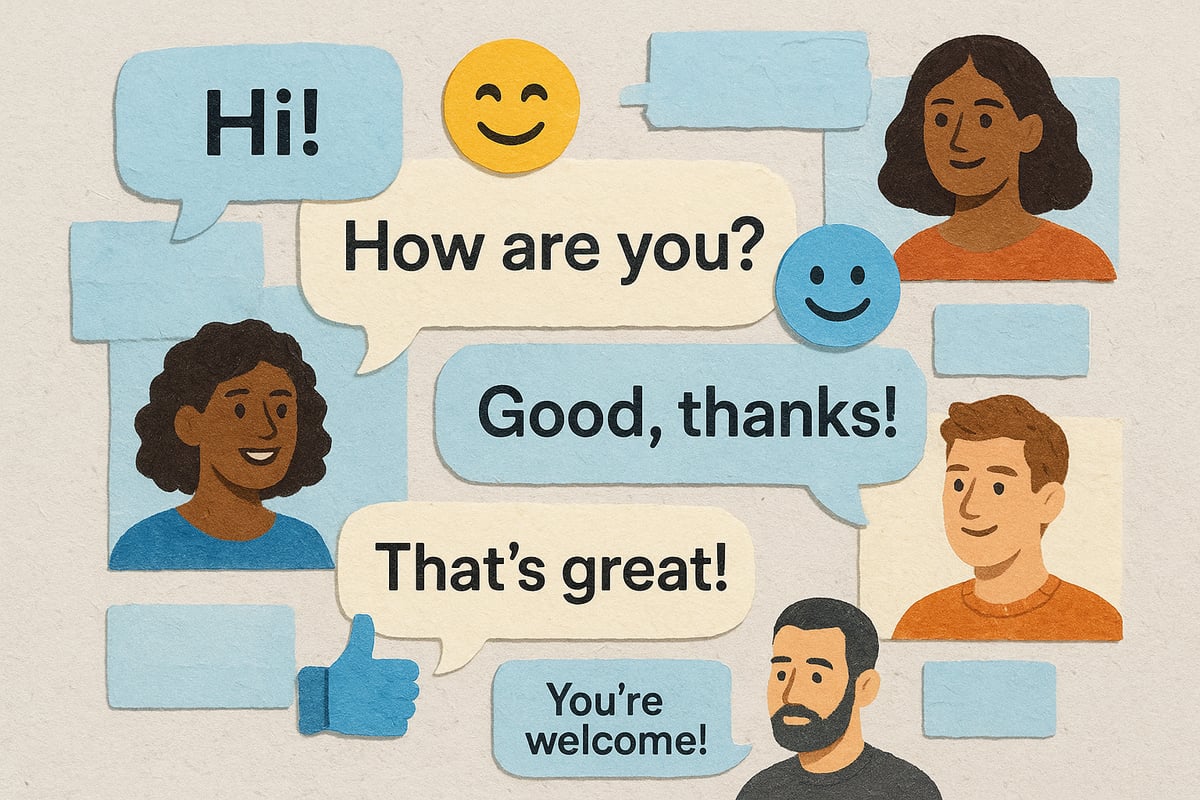
Clear and kind communication is the heart of any open group chat. Try to keep messages short and on-topic so everyone can follow along with ease. If you have a quick question or need a decision, using a poll can save time and avoid a flood of “what do you think?” replies.
- Use reactions and emojis to show your mood or agreement, especially when words might be misunderstood.
- Avoid sending multiple messages in a row—combine your thoughts when possible.
- Before you reply, scroll up to see if your point has already been made.
A recent study found that Millennials are some of the most active group chat participants, highlighting just how important it is to keep things flowing smoothly for everyone. For more on group chat trends, see U.S. Millennials' group chat usage.
Choosing to pause before sending a message keeps the open group chat feeling friendly and welcoming.
Respecting Diversity and Group Dynamics
Every open group chat brings together people with different backgrounds, interests, and ways of expressing themselves. A warm welcome for new members sets the tone, and a little patience goes a long way during lively conversations.
If disagreements pop up, approach them gently. Asking questions or sharing your perspective calmly helps keep things positive. Sometimes, the best thing is to step back and let others share their thoughts.
Data shows that groups with a mix of voices report much greater satisfaction in open group chat experiences. When we respect each other’s space and stories, everyone feels valued.
Balancing Activity and Silence
Just like friendships, open group chats have their own natural rhythm. Some days are full of chatter, while others are quietly ticking along. There’s no need to reply to every single message—sometimes just a thumbs-up or a heart is perfect.
To keep things manageable, try:
- Muting notifications during busy times
- Setting “quiet hours” for the group, especially if it’s large
- Letting others know if you’ll be away or need a break
If you ever feel overwhelmed, remember you can always step back or mute the open group chat for a while. Looking after yourself keeps the group a happier place for everyone.
Safety, Privacy, and Wellbeing in Open Group Chats
Finding a sense of safety and comfort in an open group chat matters to all of us. Whether you’re sharing memes, planning a meet-up, or just catching up, a few gentle habits can make these spaces feel more welcoming and less overwhelming. Let’s explore some easy ways to keep your privacy, boundaries, and wellbeing front and centre.
Protecting Your Privacy
When joining an open group chat, it’s worth pausing to see what information is visible to others. Many platforms show your display name and profile picture, so consider using an anonymous username or a non-identifying image if you prefer to keep things low-key.
Take a moment to check your privacy settings. Most platforms let you decide what others can see, from your last seen status to your contact info. Avoid sharing details like your location, full name, or workplace in public chats. It’s easy to forget, but even casual mentions can add up.
Watch out for links or requests that feel off. Phishing attempts are rare but do pop up in open group chats. If in doubt, don’t click or share. Choosing what you reveal is always up to you, and it’s perfectly fine to keep things light and anonymous.
Managing Boundaries and Wellbeing
It’s natural for open group chat notifications to pile up, especially in lively groups. If you start to feel overwhelmed, muting the chat or taking a break is always an option. In fact, 41% of users have muted or left a group when things felt too much, so you’re not alone.
If someone’s making you uncomfortable or things just don’t feel right, you can quietly leave, block, or reach out for support. Most chat apps have gentle ways to report issues or seek help without making a fuss.
Remember, it’s okay to dip in and out as you please. Your wellbeing matters more than keeping up with every message. Open group chats are for connection, not pressure, and your boundaries deserve respect.
Recognising and Handling Spam or Scams
Open group chats can attract the occasional spammer or scam attempt, but you have tools to keep things safe. Common tactics include suspicious links, offers that seem too good to be true, or repeated messages from unfamiliar users.
Most platforms now feature easy ways to report or block unwanted accounts. Automated moderation tools, like Discord’s spam filters, catch a lot before you even see it. Newer apps are adding similar features all the time, as seen when ChatGPT launches group chats globally, putting user safety first.
If something feels off, trust your instincts. You never have to respond or engage. Open group chat spaces work best when everyone feels safe and supported.
Tools and Tips for Smoother Group Coordination
Finding a natural groove in any open group chat can feel magical when everyone’s on the same page. Sometimes all it takes is the right tool to turn plans from “maybe” to “let’s do it.” Here are a few gentle ways to keep things flowing, with less pressure and more clarity.
Smart Scheduling and Polling Tools
In an open group chat, picking a time for something as simple as coffee can spiral into dozens of messages. Polls and smart schedulers take the load off, offering everyone a say without endless back-and-forth.
- Try built-in polls on WhatsApp or Telegram to quickly narrow down dates
- Use scheduling bots in Discord to propose options and let people vote
- Share results openly so no one feels left out
A poll can save a group from a flood of “what works for you?” messages. These tools invite equal participation and let everyone respond when it suits them best. With the right poll, an open group chat can move from indecision to action gently, making coordination feel more like a group hug than a group project.
Integrating Shared Resources and Docs
When your open group chat is buzzing with ideas or plans, shared resources can help everyone stay on track. Many platforms now let you link files, calendars, or even live notes right in the chat.
- Google Docs, Sheets, or Telegram bots for collaborative notes
- Shared calendars for tracking upcoming events or deadlines
- File sharing to keep all the info in one easy place
For example, a study group might pin a revision schedule in the chat, so no one feels lost. These shared docs are always optional—think of them as a gentle safety net for when memory gets fuzzy. The open group chat stays light, but resources are ready if needed.
Optional: Alternatives to Chaotic Group Chats
Sometimes, even the friendliest open group chat can feel a bit much. If messages pile up or plans get muddled, it might be time to try a dedicated coordination tool.
- Explore planning apps that offer structured options and reminders
- Use a separate platform for big events, then share highlights in the chat
- Take breaks from notifications—there’s no rush to reply
For instance, some groups use a planning app alongside their open group chat to keep logistics clear and stress low. This way, the chat stays social, while the details live elsewhere. Remember, it’s about what feels comfortable for your group—there’s no single “right” way to coordinate.
Groop: A Gentler Way to Coordinate Plans
Ever felt like your open group chat is more about missed messages than making plans together? Groop is designed for those moments when you want to connect, but could do without the endless scroll and pressure to reply.
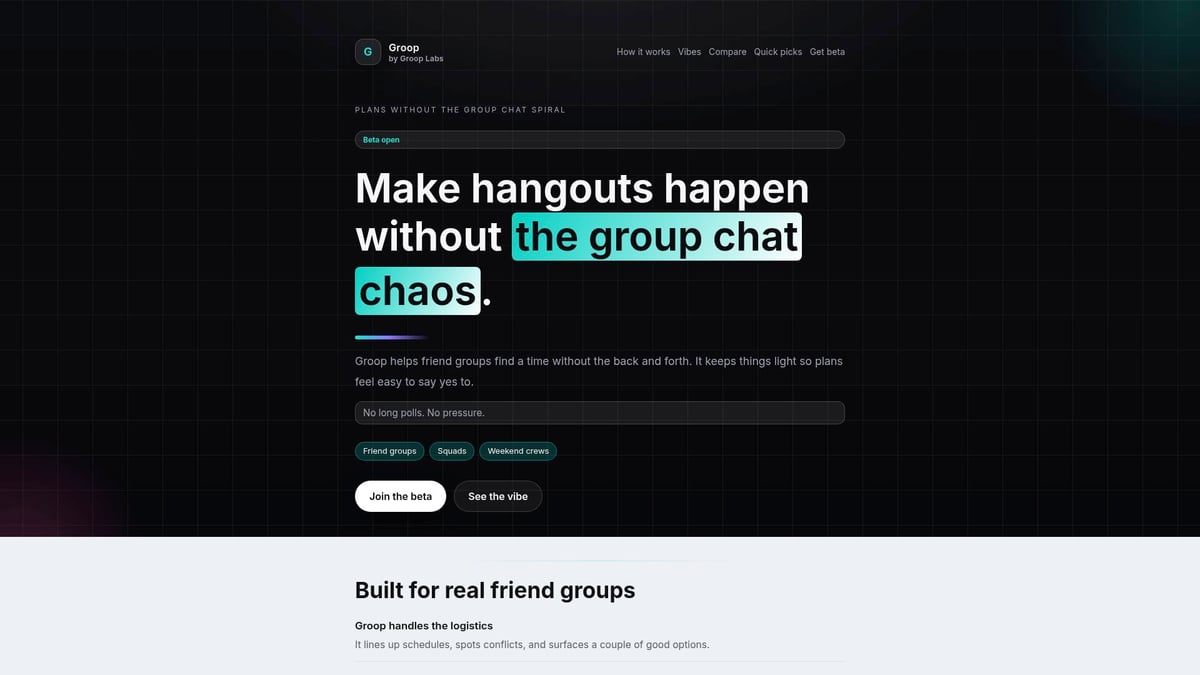
With Groop, everyone gets a clear say, but there’s no rush or confusion. Automated scheduling means you see options at a glance, so plans come together naturally. Privacy is built in, and everyone’s voice matters, whether you’re keen or just “maybe.”
Picture your friend group finally landing on a meetup time, no stress or back and forth. If you’re ready for a softer, more human way to coordinate, try Groop’s open beta and see how it feels.
You’ve seen how open group chats can bring us together, but sometimes all that back and forth can leave us more frazzled than connected. If you’re ready for a simpler, friendlier way to make plans—one where everyone feels heard, and no one gets lost in the noise—why not try something designed for less stress and more fun? With Groop, you can coordinate plans with your mates, keep things clear and pressure free, and actually enjoy the process. We’re all about making group plans feel natural again. Ready to give it a go?
Join the beta