
Articles
Meetup Application Guide: Your Essential Handbook for 2026
Discover your essential meetup application guide for 2026. Learn the latest features, tips and trends for easy group planning and safer, stress free meetups.
Ever tried to organise a gathering, only to find yourself swimming through endless group chats and mixed-up plans? You’re not alone. That feeling of confusion is all too familiar to anyone who’s tried to bring friends or colleagues together.
This guide is here to help, turning the meetup application into your group’s best friend in 2026. We’ll show you how to make planning feel lighter, smoother, and a lot more fun.
Inside, you’ll discover the latest features, step-by-step setup tips, best ways to keep everyone in sync, how to stay safe, and a peek at what’s coming next. We’re here to make group organising feel effortless—so you can focus on enjoying time together, not just managing the details.
Understanding Meetup Applications in 2026
Ever wondered how planning a get-together became so much easier? The meetup application has come a long way, helping us coordinate our lives with less stress and more connection. Let’s explore how these apps have evolved, the clever features making things smoother, and how you can find the perfect fit for your group.
Evolution of Meetup Apps
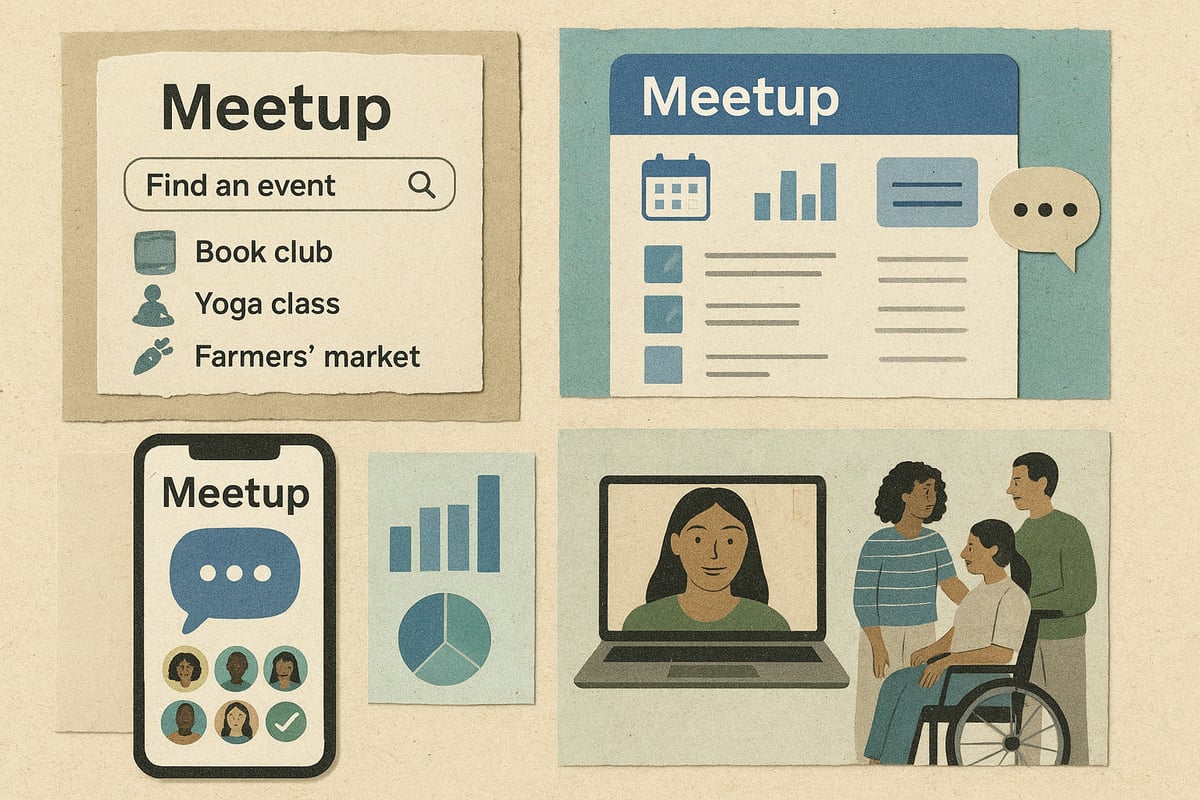
A few years ago, the meetup application was just a digital noticeboard for events. Now, it’s a real-time tool for group coordination, powered by smart tech. The integration of AI and automated scheduling has made picking dates and times much less of a headache. After the pandemic, there was a big jump in app usage, especially for hybrid and in-person events. According to 2026 Event Trends and Innovations, hybrid events have helped bring together communities in new, flexible ways. This shift means the meetup application is now a staple for social connection.
Core Features and Innovations
Today’s meetup application does a lot of the heavy lifting for us. It checks everyone’s availability, sends out reminders, and even suggests places to meet. Group polls help the whole crew decide, while calendar sync keeps things tidy. Many apps now offer integrated video calls, with about 65 percent of users expecting this as standard. These features make planning feel more like a group chat than a chore, so everyone can have their say without endless back and forth.
Types of Meetup Applications
There’s a meetup application for almost every group. Some are built for social hangouts, others for professional networking, hobby clubs, or hybrid events. You might spot niche apps for book lovers or sports teams, while generalist platforms aim to cover all bases. Here’s a quick look:
| Type | Best For | Example Use |
|---|---|---|
| Social | Friend groups | Birthday outings |
| Professional | Networking events | Industry mixers |
| Hobby/Niche | Special interests | Book clubs, sports |
| Hybrid | Mix of online/off | Hybrid workshops |
Choosing between a niche or generalist meetup application depends on your group’s needs and vibe.
The Social Impact of Meetup Apps
Meetup applications are more than just organisers—they help us stay connected in a digital-first world. Around 78 percent of users say these apps help maintain friendships, showing just how important they’ve become. By making it easy to include everyone, even those who are shy or busy, these tools support real-world bonds and keep group dynamics welcoming and inclusive. It’s about making sure no one feels left out, whether you’re the planner or just along for the ride.
Choosing the Right App for Your Group
Picking the right meetup application is a bit like choosing a group holiday destination—it should suit everyone, not just the organiser. Think about your group’s size, privacy needs, how easy the app is to use, and whether you can tweak things to fit your style. For small circles, a simple app may be enough, while bigger communities might need more controls. Here’s a quick checklist:
- Is it simple to join and invite others?
- Can you customise privacy settings?
- Does it handle polls and reminders well?
- Is it friendly for both planners and spontaneous types?
Finding the right meetup application means less stress and more time enjoying each other’s company.
Step-by-Step Guide: Setting Up Your First Meetup
Getting started with a meetup application should feel as easy as chatting with friends. Let’s break down the process into small, simple steps, so you can focus more on the fun and less on the admin.
Creating Your Account and Group
Start by downloading your chosen meetup application and setting up your profile. Most apps guide you through registration, privacy choices, and adding a profile photo. When naming your group, try using inside jokes or emojis to make it feel personal and welcoming. For example, “Bookworms 📚” or “Friday Crew 🍕” instantly set the tone.
If you’re curious about upcoming features that could make group setup even smoother, check out the Meetup's 2026 Roadmap for a sneak peek at improvements designed to enhance community building in your meetup application. Remember, you control what info is visible and who can join, so make choices that feel right for your group.
Planning Your First Event
Once your group is ready, it’s time to plan your first event in the meetup application. Pick a date, time, and location that works for everyone. Most apps offer polls and suggestion tools, making it easy for your group to vote or add their own ideas. This way, everyone feels involved and no one gets left out.
If you’re unsure about a date, try using a Doodle-style poll or let the app recommend times based on everyone’s availability. It’s all about making decisions together, at your own pace.
Inviting and Engaging Members
Inviting friends should feel casual, not formal. With your meetup application, you can share invites via links, email, or social media. Encourage participation with a friendly note, but let people RSVP in their own time.
Many apps now include “soft” RSVP options, so friends who aren’t sure yet can respond with a “maybe.” This keeps pressure low and lets everyone join in when it suits them.
Managing Communication and Notifications
A good meetup application keeps group chats and notifications simple. Use in-app messaging for sharing updates, and announcements for key info. Remind your group that notification preferences are personal—some want every ping, others prefer just the essentials.
If someone’s less active, suggest muting the thread. This way, everyone stays in the loop without feeling overwhelmed or spammed.
Handling Changes and Last-Minute Updates
Plans change, and that’s perfectly normal. Your meetup application should make it easy to edit event details, send quick updates, and handle last-minute drop-outs. Flexible RSVP options, like “maybe,” mean no one has to commit before they’re ready.
Consider backup plans for weather or location changes. A quick group vote or chat can help everyone adapt together, keeping things relaxed and stress-free.
Best Practices for Smooth Group Coordination
Getting a group together should feel light and fun, not like managing a project. The right meetup application can help everyone feel included and make planning feel more like a group chat than a chore.
Establishing Group Norms and Roles
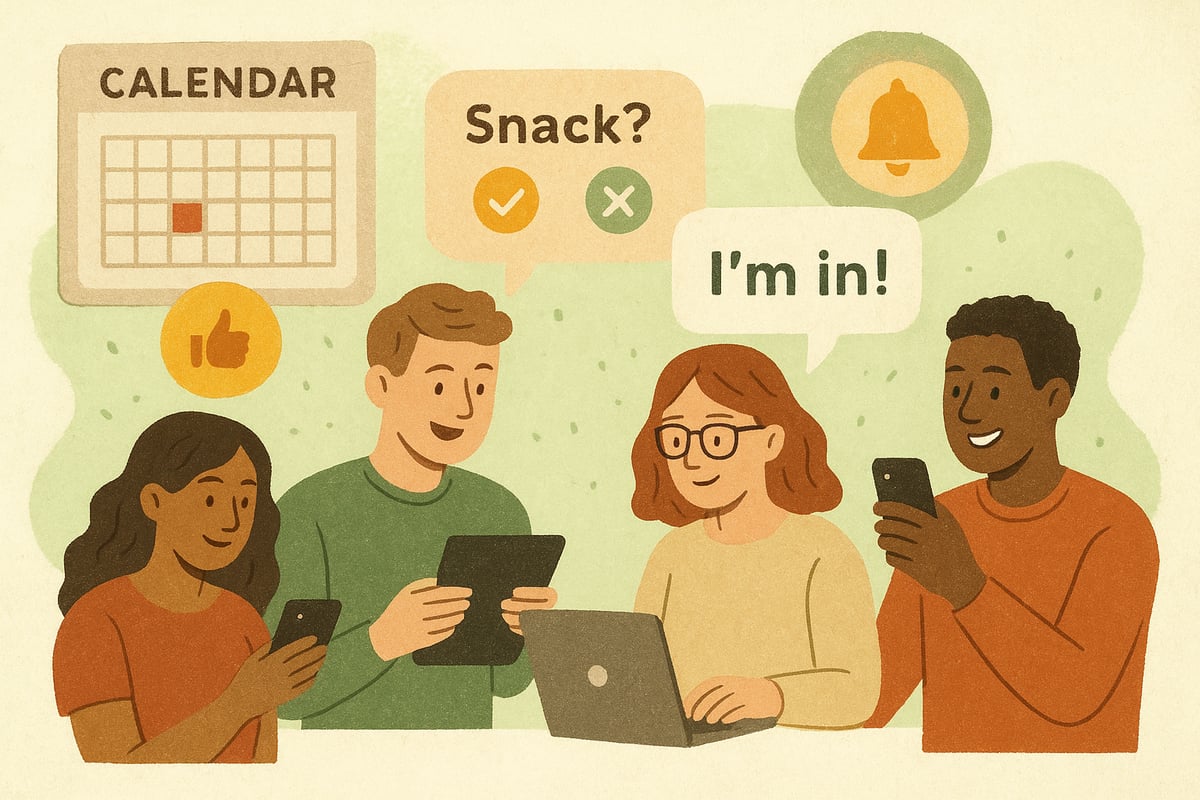
Every group has its own rhythm. Some like frequent updates, while others prefer to keep things casual. In your chosen meetup application, try setting expectations together about how often to check in or who might organise next time.
Rotating organiser roles can keep things fresh and fair. Maybe one week someone sets up the event, and next time someone else brings snacks or picks the playlist. Polls can make this easy and fun:
- "Who brings snacks?"
- "Who’s up for hosting?"
- "Want to swap organisers next time?"
According to the State of Friendships Report 2023, clear group norms help everyone feel more connected, supporting lasting friendships through every meetup application.
Respecting Preferences and Boundaries
Everyone has their own comfort zone, and a good meetup application helps honour that. Use private voting or anonymous polls so people can share honest feedback without feeling exposed.
It’s helpful to offer "none of these" options on group polls, so nobody feels boxed in. Around 42% of users prefer giving anonymous input, so look for apps with these features.
- Anonymous feedback forms
- Private RSVP options
- Clear opt-out choices
This way, everyone can join in at their own pace and comfort level.
Making Decisions Without Pressure
Group decisions should feel like suggestions, not demands. Your meetup application can support this by letting people vote or comment without feeling rushed.
Include options like "Let’s decide on the day" or "Maybe" so undecided friends don’t feel left out. Allowing last-minute changes takes the pressure off and keeps things spontaneous.
- "Maybe" RSVP buttons
- Flexible scheduling
- Backup plans for drop-outs
When choices are open and relaxed, planning feels more friendly and less formal.
Keeping Things Skimmable and Light
No one wants to scroll through endless messages. Use summaries, emojis, and visual cues in your meetup application to keep things breezy.
Short updates, one-tap "I’m in!" buttons, and clear event details help everyone stay in the loop without overload.
- Event summaries with bullet points
- Fun emojis for quick reactions
- Visual reminders for important info
A little playfulness makes planning together feel less like work and more like a group hangout.
Adapting to Group Dynamics
Every group is a mix of personalities. Some love detailed plans, others prefer to decide on the fly. The best meetup application gives space for both.
Notice who likes to plan ahead and who’s more spontaneous. Let people know that "We’ll figure it out later" is perfectly fine.
- Flexible event options
- Respect for indecision
- Encouragement for all voices
By adapting as a group, you create a space where everyone feels welcome and included.
Safety, Privacy, and Etiquette in Meetup Apps
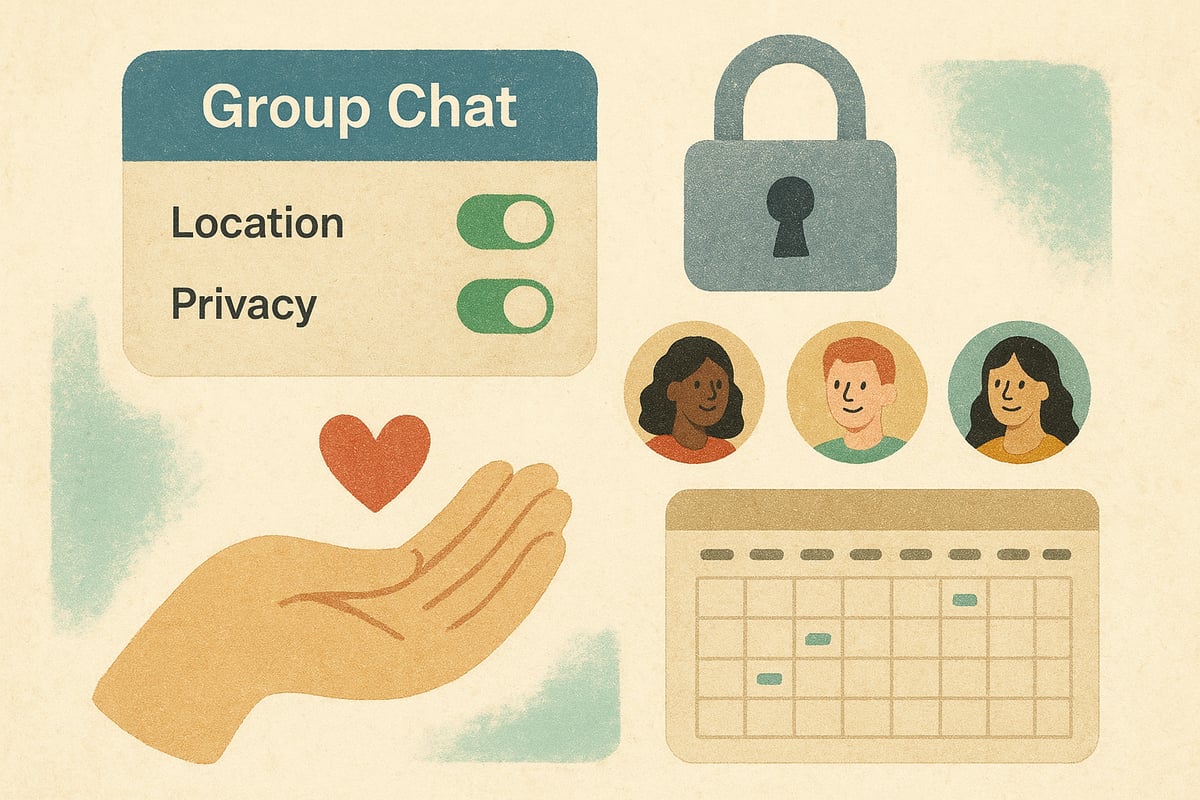
Sorting out a meetup application should never feel like a chore. We all want to connect without feeling exposed or overwhelmed. That’s why safety, privacy, and etiquette matter so much, helping everyone feel comfortable, included, and respected as we plan and gather together.
Protecting Personal Information
When using a meetup application, it’s good to know you’re in control of what you share. Most apps let you set your profile to private or choose who sees your details.
For example, you might hide your location until you’ve RSVP’d, or only show your profile photo to group members. This way, everyone keeps their comfort zone intact.
A simple checklist:
- Review privacy settings before joining a new group.
- Share only the info you’re happy with.
- Adjust visibility for each event.
It’s all about finding that balance, so you can enjoy the meetup application without oversharing.
Managing Group Access and Invitations
A meetup application should make inviting friends easy, but also help you avoid awkward moments. Decide between open and closed groups, and think about who can send invites.
If you’re planning something small, closed groups cut down on spam and keep things cosy. For bigger events, open invites can help you reach more people, but it’s still smart to set limits.
Options to consider:
- Limit the number of invites per member.
- Use approval steps for new joiners.
- Create invite-only links for trusted friends.
This keeps the meetup application experience friendly and safe for everyone.
Setting Ground Rules for Behaviour
Every group is different, but a few gentle guidelines make any meetup application feel more welcoming. Encourage respectful chats, celebrate everyone’s input, and make it clear that no one has to say yes if they’re not ready.
A “no-pressure” RSVP policy helps people join when they can, without feeling guilty if plans change. Remind everyone that kindness and patience go a long way.
You might want to:
- Pin a short welcome message.
- Offer anonymous feedback options.
- Use emojis to set a friendly tone.
Little details like these shape a positive, inclusive meetup application for all.
Handling Conflicts and Misunderstandings
Even in the friendliest groups, misunderstandings happen. Luckily, most meetup application platforms come with built-in tools for moderation and gentle conflict resolution.
If someone’s being disruptive or a chat gets heated, tools like muting, reporting, or removing members help keep things peaceful. Always aim for a quiet word first, but don’t be afraid to use these features if needed.
Some tips:
- Use group polls for tricky decisions.
- Allow time for cool-downs if tempers flare.
- Make sure everyone knows how to find support.
This way, your meetup application stays a safe, welcoming space for all.
Digital Etiquette for Modern Meetups
Good manners matter just as much online as they do in person. With a meetup application, it’s easy to respect “do not disturb” hours, send gentle reminders, and keep chats light.
Balancing online and offline time helps everyone stay present. Setting notification preferences and muting threads for less-active members can make a world of difference.
For more about how technology makes this possible, check out Tech-Enabled Networking Tools 2026, which explores how modern tools support community building and thoughtful communication.
A little digital etiquette keeps your meetup application experience smooth, friendly, and relaxed.
Future Trends: What’s Next for Meetup Applications?
The world of group coordination is always evolving, and the next wave of meetup application features is all about making things simpler, more flexible, and friendlier for everyone. Let’s take a look at where these tools are headed and how they’ll help us connect in new and thoughtful ways.
AI and Automation in Event Planning
Imagine a meetup application that feels like it knows your group almost as well as you do. In 2026, AI is helping groups by suggesting the best times to meet, sending gentle reminders, and even following up if plans change.
For example, your app might notice your book club usually meets on Sunday afternoons and offer a ready-made poll for the next date. This means less back-and-forth, more time for actual fun, and less pressure to decide everything right away.
Integration with Other Platforms
Gone are the days of juggling calendars, messaging apps, and endless notifications. Today’s meetup application connects smoothly with your digital life. You can link your calendar, share events to group chats with a tap, or even sync reminders with your favourite messaging platform.
This makes it easy to keep everyone in the loop, whether your group prefers WhatsApp, email, or a mix of both. It’s all about reducing friction and making coordination feel effortless.
Focus on Accessibility and Inclusivity
A truly great meetup application should welcome everyone. That’s why new features focus on accessibility, like easy-read modes, voice commands, and visual cues for users who need them.
Apps are also offering more ways to make sure every member feels comfortable joining in, from simple RSVP buttons to clear, readable layouts. These changes help groups include friends with different needs, making social planning more open and supportive.
Hybrid and Virtual Meetup Innovations
The line between in-person and online meetups is blurrier than ever. Modern meetup application tools let you switch from a physical coffee catch-up to a virtual hangout with a single tap. Integrated video rooms, live polls, and shared whiteboards bring remote members into the conversation just as easily as those sitting around the table.
This flexibility means your plans can adapt to everyone—whether someone’s travelling, feeling under the weather, or just prefers joining from home.
Community-Driven Development
The future of meetup application platforms is shaped by real users. Many apps invite feedback, run beta programmes, or even open up their code for community improvements. This approach helps ensure new features match what groups actually want, not just what developers think is best.
When users help build the tools they use, the result is a more responsive, human-centred experience for all.We’ve covered a lot about making meetups effortless, from picking the right app for your group to keeping things light and pressure free. If you’re ready to try a smarter, more natural way of planning with your friends—where everyone’s voice matters and no one gets lost in endless chats—why not take the next step with us? Groop is all about making group plans easy, fun, and inclusive, just like we talked about. Come see how it could work for your crew—Check us out.