
Articles
The Essential Guide to Calendar to Share with Friends 2026
Discover the best calendar to share with friends in 2026. Make group planning easy with tips, app comparisons and real-life advice for stress free fun together.
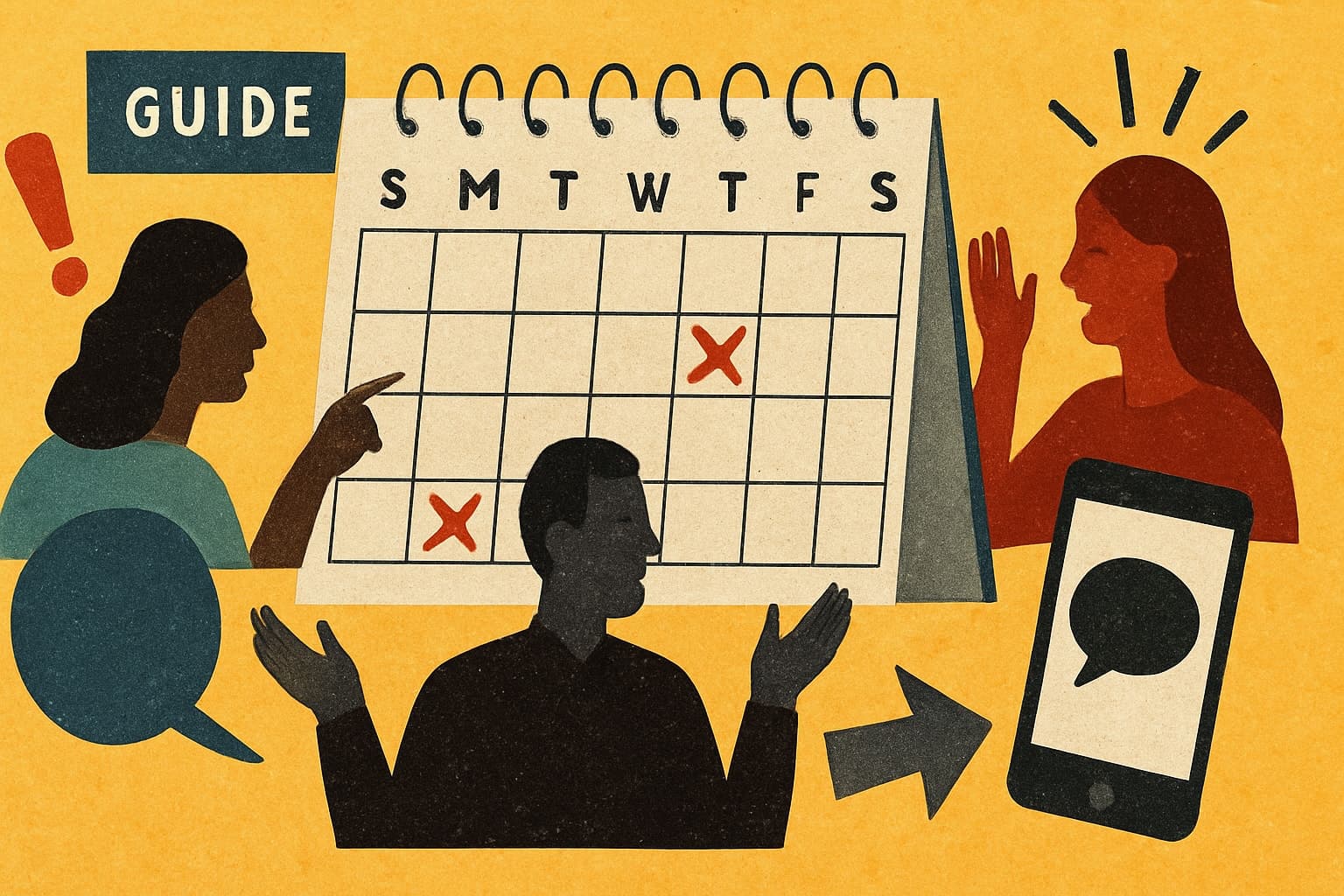
You know that feeling when you try to plan a group trip or dinner with friends, and everyone’s calendars clash or messages get lost in the chat? In 2026, our lives are even busier, making it harder than ever to coordinate time together.
That’s why finding the right calendar to share with friends can make group planning lighter and more fun. This guide is here to help you choose, set up, and get the most out of a shared calendar, so making plans feels effortless.
We’ll look at the best options, simple setup steps, privacy tips, and ways to keep everyone in the loop. Ready to make group organising feel easy?
Why Shared Calendars Matter for Friend Groups in 2026
Life in 2026 is busy, and keeping up with friends sometimes feels like a puzzle with missing pieces. We all know the struggle: trying to find a weekend when everyone is free, only to realise someone forgot to mention a holiday or a double booking. It is no wonder we crave a better way to stay close and connected.
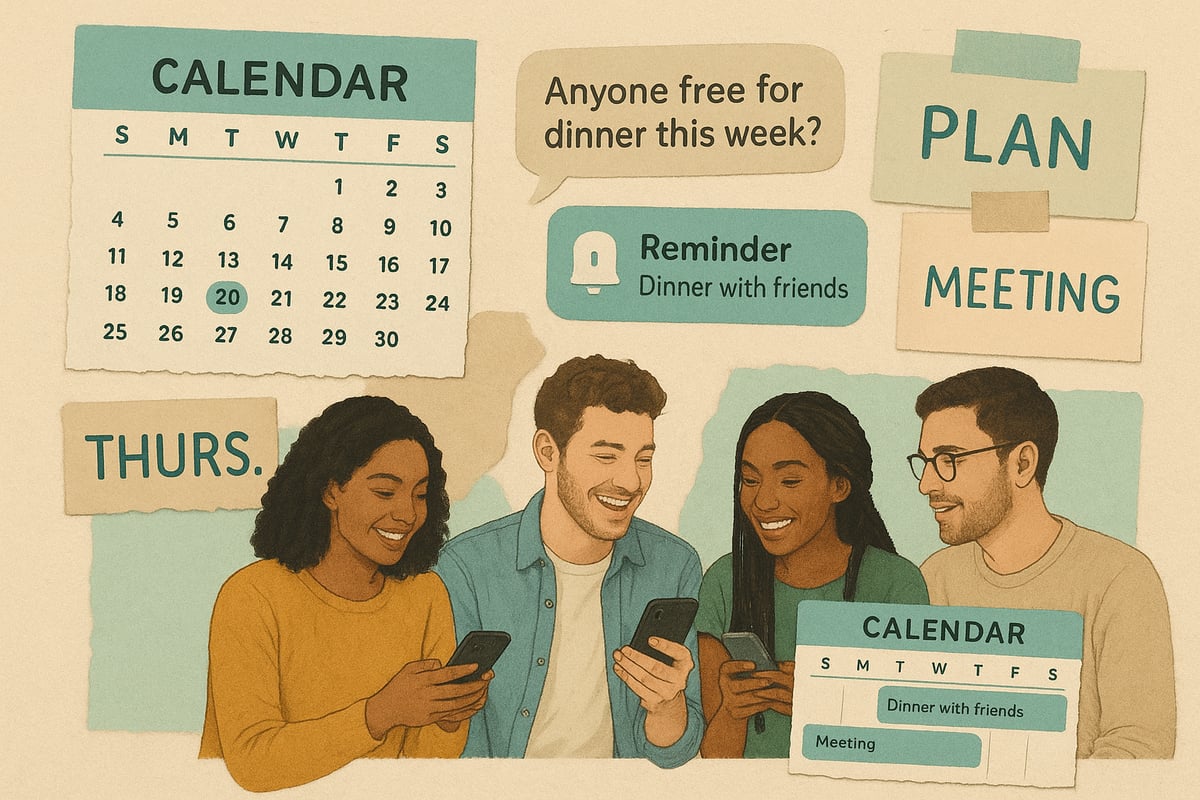
The Social Coordination Challenge
Coordinating plans with friends is trickier than ever. With packed schedules, different time zones, and endless commitments, it is easy to lose track. According to a recent OECD report on social connections and loneliness, many people are finding it harder to maintain regular meetups. Imagine a group trip where one person books flights, another organises accommodation, and someone else forgets the dates. Without a calendar to share with friends, plans quickly unravel.
Benefits of Shared Calendars
A calendar to share with friends makes everything simpler. All your plans, from birthdays to catch-ups, live in one spot. No more scrolling through endless group chat messages to find out who is bringing dessert. Everyone stays in the loop, and nobody feels left out. With less back-and-forth, planning feels lighter and more relaxed.
The Evolution of Shared Calendars
We have come a long way from scribbling plans in paper diaries. Now, digital tools are designed for real social lives, not just work. In 2026, calendar to share with friends apps offer AI-powered suggestions, sync across all your devices, and put mobile experiences first. These changes make group planning feel more natural and less of a chore.
Common Frustrations Without a Shared Calendar
Without a calendar to share with friends, group plans often fall apart. Double bookings happen, birthdays get missed, and plans are forgotten. The group chat becomes a maze of messages, making it hard to keep track. Decision fatigue sets in, and sometimes, plans just fizzle out before they even begin.
What Makes a Great Shared Calendar?
A good calendar to share with friends is simple, friendly, and works for everyone. It should be easy to use, flexible, and accessible on any device. Whether you are comparing Google Calendar or exploring apps made just for social groups, look for features that support everyone’s needs and make planning feel inviting.
The Role of Inclusivity and Flexibility
Inclusivity is key. The best calendar to share with friends lets people say “maybe” or “not sure yet” without pressure. It adapts to different comfort levels and tech skills, so no one feels left behind. Flexibility means everyone can join in when they are ready.
Building Stronger Friendships Through Better Planning
When you use a calendar to share with friends, deeper connections grow naturally. Groups who plan together this way meet up 30% more often, making memories that last. Shared calendars are not about pushing people to commit, but about giving everyone space to join in, celebrate, and stay close, even when life gets busy.
Choosing the Right Calendar to Share with Friends
Finding the perfect calendar to share with friends can make group planning feel lighter and less stressful. With so many options in 2026, it helps to know what to look for and how to match the tool to your crew’s unique vibe.

Key Features to Look For
When picking a calendar to share with friends, focus on features that make life easier for everyone. Here are some essentials:
- Real-time syncing, so changes show up instantly
- Simple sharing and permission controls
- Compatibility with both phones and computers
- Easy event creation and RSVP options
A good calendar to share with friends should never feel complicated or exclusive. The right features help everyone stay in the loop, no matter how busy or unsure they are.
Comparing Popular Shared Calendar Apps (2026)
There are plenty of choices, but not all are created equal for friend groups. Here’s a snapshot of some top contenders:
| App | Best For | Standout Feature | Limitation |
|---|---|---|---|
| Google Calendar | Mixed devices | Easy sharing | Can feel formal |
| Apple Calendar | iOS users | Seamless with iPhones | Less cross-platform |
| Howbout | Social groups | Group polls, invites | Newer, less known |
Apps like Howbout Shared Calendar are designed for social planning, making them a natural fit for informal group coordination.
Privacy and Control
Privacy matters, even in close groups. Look for calendars that let you:
- Decide who can see or edit events
- Set private or public events
- Control notification settings to avoid overwhelm
A calendar to share with friends should give each person control over what they share and when. It’s all about making everyone feel comfortable and respected.
Accessibility for All Group Members
Not everyone is glued to their phone or loves new apps. The best calendar to share with friends is one that’s:
- Easy to use for all levels of tech confidence
- Available on different devices and platforms
- Supportive of offline access and multiple languages
This helps make sure no one gets left out or frustrated.
Integration with Other Tools
A calendar to share with friends works best when it fits into your group’s daily habits. Look for options that link with:
- Messaging apps like WhatsApp or Messenger
- To-do lists and reminders
- Group chat polls or voting features
These integrations smooth out planning and keep everything in one place.
Cost Considerations
Most calendars to share with friends offer free versions, but some have paid extras. Think about:
- Which features your group actually needs
- Whether premium upgrades are worth it for your crew
- If anyone might feel left out by a paid-only solution
Often, the free tools are plenty for most friend groups.
Real-World Scenarios
Imagine a group of friends planning a summer festival trip. With a calendar to share with friends, everyone can see dates, add suggestions, and RSVP when they’re ready. No more endless message threads or missed invites—just a calm, central spot where plans come together at everyone’s own pace.
Step-by-Step: Setting Up a Shared Calendar with Friends
Getting a calendar to share with friends set up can feel like a breath of fresh air for group plans. Here’s a gentle, step-by-step way to make sure everyone feels included from the start.

Step 1: Choose Your Platform
Start by chatting with your group about what everyone prefers. Does your circle lean towards Google Calendar, Apple Calendar, or something more playful? The best calendar to share with friends is one that feels natural for your crew, whether you’re all on iPhones or you mix it up with different devices.
Step 2: Create the Shared Calendar
Once you’ve picked your platform, it’s time to set up the calendar. Give it a name that feels like “you”—something fun, like “The Weekenders” or “Pizza Club.” Most apps have a simple “create calendar” button. Keep the vibe light, and don’t worry about getting everything perfect right away.
Step 3: Invite Friends and Set Permissions
Send out invites directly from the app, or drop the share link in your group chat. Make it easy for everyone to join, even those who aren’t tech wizards. You can usually pick who can see, add, or edit events, so nobody feels left out. Did you know the Pew Research Center survey on friendship found that having more ways to connect helps groups stay close?
Step 4: Add Your First Events
Now the fun part—start filling in the blanks. Pop in upcoming birthdays, casual dinners, or that long-awaited group trip. Encourage everyone to add their own events, so the calendar to share with friends grows into a true reflection of your group’s plans and hopes.
Step 5: Customise Notifications and Reminders
Not everyone wants to be pinged for every update. Most platforms let you tweak notifications, or even mute certain types. Let people decide what works for them, so the calendar doesn’t become another source of pressure. A little customisation can make a big difference.
Step 6: Agree on Calendar Etiquette
A calendar to share with friends works best when everyone feels respected. Chat about what’s okay to add, how to handle “maybe” RSVPs, and what to do with last-minute changes. Remind everyone that plans can be flexible and indecision is welcome.
Step 7: Keep It Flexible and Fun
Finally, make the calendar your own. Add emojis, inside jokes, or even event photos. Let your shared space feel as lively and unique as your group chat. A calendar to share with friends should be a gentle helper, not a rulebook—so let it evolve as your friendships do.
Making Shared Calendars Work for Everyone
Getting a calendar to share with friends working smoothly is all about making things easy and comfortable for everyone. No one wants to feel pressured or left out. With a little care, your group’s calendar can quickly become a gentle nudge towards more fun together, not a source of stress.
Encouraging Participation Without Pressure
It’s natural for some friends to jump in quickly while others hang back. Suggest, don’t demand. Let everyone know the calendar to share with friends is there to help, not to hassle. If anyone feels shy or uncertain about joining in, remember that social planning tools can ease anxiety and make things more approachable. In fact, a Forbes Health survey on social anxiety post-COVID-19 highlights how many adults find group coordination challenging now, so a gentle approach matters.
- Welcome “maybe” and “not sure yet” responses.
- Use friendly reminders, not deadlines.
- Celebrate every small step, even just opening the calendar.
Keeping the Calendar Up to Date
A calendar to share with friends only works if it’s kept fresh. Instead of one person always updating, try rotating who adds new events each month. This helps everyone feel included and keeps things lively.
- Set a quick check-in every few weeks.
- Gently remind each other if something’s missing.
- Make updates optional, never a chore.
Handling Changes and Cancellations
Life happens, and plans change. If an event needs to move or be cancelled, update it in the calendar to share with friends and drop a quick note in your group chat. Clear communication helps everyone stay in the loop and removes any awkwardness.
- Use emojis or a simple “changed plans” note.
- Let people know it’s OK to change their minds.
- If someone can’t make it, no pressure—plans can always be flexible.
Balancing Group and Individual Events
Not everything needs to be for the whole group. Mark some events as “open to all” and others as private or “just a few.” The calendar to share with friends should help everyone find what fits their mood and schedule.
- Use colour-coding or labels for different types of events.
- Allow people to RSVP only to what interests them.
- Respect if someone prefers to sit certain things out.
Celebrating Group Wins
Your calendar to share with friends is more than just dates—it’s a scrapbook of memories. At the end of the year, look back at all the meetups, birthdays, and spontaneous outings you managed to pull off together.
- Share favourite moments or photos on event pages.
- Celebrate milestones like “most attended dinner” or “first group trip.”
- Keep things light and joyful—no need for perfection.
Troubleshooting Common Issues
Sometimes people forget to use the calendar to share with friends or run into tech troubles. If that happens, take a breath and reset together.
- Check if everyone still has access.
- Offer gentle help for password resets or app updates.
- If interest drops, ask what would make the calendar more fun or useful.
Respecting Everyone’s Boundaries
Above all, remember that no one should ever feel pressured to join every plan. The calendar to share with friends is there to make life easier, not to create new obligations.
- Let people opt in and out as they wish.
- Treat all responses—yes, no, or maybe—as equally valid.
- Keep things friendly, flexible, and open-ended.
Privacy, Safety, and Digital Wellbeing with Shared Calendars
Trying to keep a group’s plans private and safe can feel like a juggling act, especially when using a calendar to share with friends. It’s important that everyone feels comfortable, informed, and in control. Let’s look at how to keep your group’s calendar friendly, private, and stress-free.
Managing Who Sees What
Not every event needs to be shared with everyone. Most modern calendar to share with friends platforms let you set event visibility, so you can keep some moments private or just for a select few. Use private notes or hidden details to keep sensitive info discreet.
- Set events as “public,” “private,” or “invite only”
- Hide details for personal events
- Use initials or code words for surprises
This way, each person can share only what feels right.
Protecting Group Data
When using a calendar to share with friends, it’s good to know what’s visible to others. Choose platforms that value privacy and have strong security features like two-factor authentication. Before adding details, check who can see them and keep personal information to a minimum.
- Review sharing settings before posting
- Use secure logins and strong passwords
- Avoid sharing addresses unless necessary
A little caution keeps everyone’s information safe.
Avoiding Oversharing and Notification Fatigue
Too many alerts or too much info can make using a calendar to share with friends feel overwhelming. Encourage everyone to customise notifications so only important updates ping their phones. Let friends know it’s okay to mute or adjust alerts.
- Suggest turning off unnecessary notifications
- Group similar events together
- Remind friends they can opt out of reminders
Balance helps keep the calendar useful, not stressful.
Handling Sensitive Topics
Some plans are tentative, or maybe not for everyone. Mark these as “tentative” or “private” so no one feels left out or pressured. Respecting these boundaries builds trust and makes group planning feel more relaxed.
- Use the “tentative” label for uncertain events
- Mark certain plans as “private” if needed
- Keep details vague when appropriate
It’s okay not to have all the answers right away.
Digital Wellbeing in Friend Groups
A calendar to share with friends should support your social life, not take over. Encourage breaks from screens and let the calendar serve as a gentle suggestion, not an obligation. Plan offline meetups and celebrate time spent together, not just online updates.
- Suggest screen-free days or weekends
- Use the calendar for fun, not pressure
- Highlight shared memories, not just schedules
Healthy digital habits make group planning lighter and more enjoyable.
Reviewing Permissions Regularly
Groups change, and so should access. Every now and then, check who can see or edit your calendar to share with friends. Remove old members and update permissions as needed, so only the right people stay in the loop.
- Schedule a quick permissions review each season
- Ask the group for feedback on privacy settings
- Keep the calendar fresh and secure
A little housekeeping goes a long way in keeping everyone comfortable.
Groop: A New Approach to Group Planning
Ever tried to use a calendar to share with friends, only to get lost in endless group chats and indecision? Groop is here to make things feel lighter. Instead of chasing everyone for answers, Groop quietly gathers your friends’ preferences and offers a few clear options for everyone to consider.
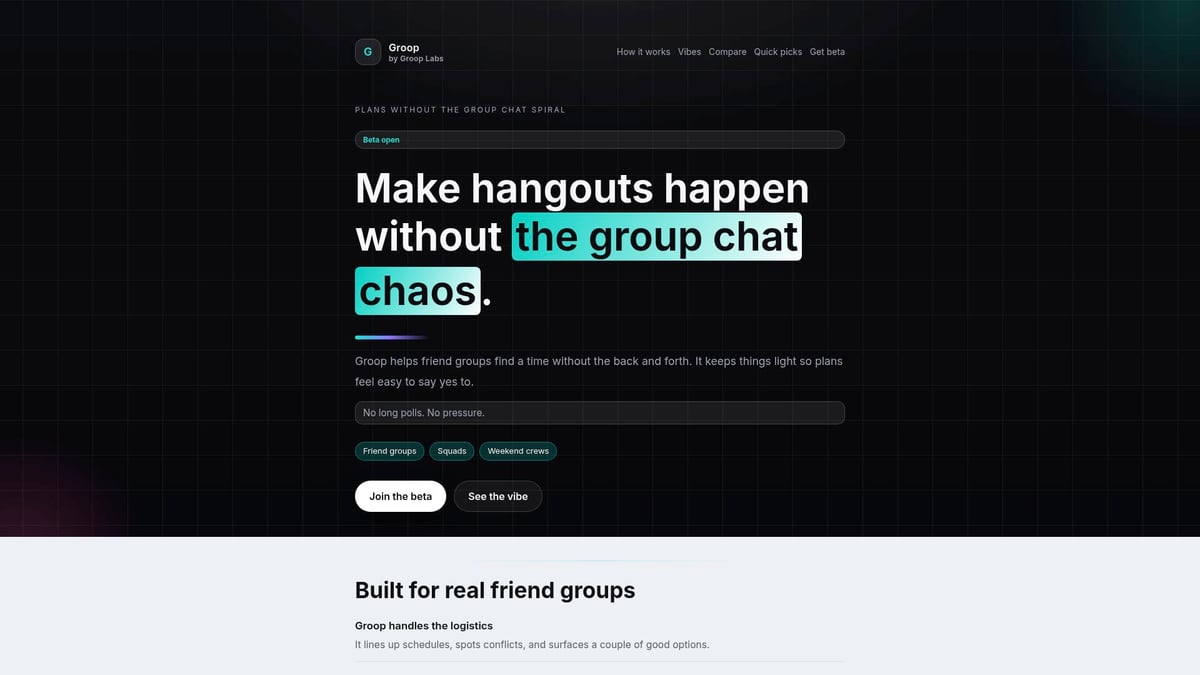
With Groop, you always stay in control. The app never makes decisions for you. It simply suggests times that work and lets your group vote or pick what feels right. There is no pressure to respond instantly, and “maybe” is always a perfectly fine answer.
Groop features at a glance:
- Automated scheduling that checks everyone’s availability
- Quick picks for dates, so you can settle plans fast
- Equal say for all group members, with no one person deciding for the rest
- Designed for informal friend groups, not for work or corporate teams
Imagine a group of friends using a calendar to share with friends for dinner plans. Instead of long threads where nobody can decide, Groop gently nudges everyone, gathers preferences, and surfaces the best options. No stress, no feeling left out, and no endless scrolling.
Groop is currently in beta and welcomes feedback from early users. If your group is searching for a softer, more human way to coordinate, Groop might be the gentle nudge you need.
We all know how tricky it can be to keep plans on track with busy friends, even with the best calendar tools. If you’re looking for a way to make group planning feel lighter and less overwhelming, you’re not alone—many of us want less chaos and more togetherness. That’s where Groop comes in. It’s a friendly new tool designed just for friend groups, helping us coordinate plans without all the endless messages or pressure. If you’d like to be part of shaping a solution that’s made for us, why not join the beta and see how easy planning together can be?